Hosting a website means putting its files on a computer that is always online and pointing a domain name at it. How you do that depends almost entirely on what you have: a single HTML file, a folder of pages, a JavaScript app that needs a build step, or a WordPress site. This guide gives the cheapest working route for each, step by step, plus how to connect your own domain.
Prices and limits below come from each provider’s own pricing and documentation pages, checked on November 11, 2026.
The Short Answer
| What you have | Easiest route | Cost |
|---|---|---|
| One HTML file, or a folder of HTML, CSS and images | Static host with drag and drop: Netlify Drop, Cloudflare Pages, Static.app | Free to about $5/mo |
| Code in a Git repository | GitHub Pages, Cloudflare Pages or Netlify, deploying on every push | Free |
| A React, Vue, Svelte or Next.js app | Vercel, Netlify or Cloudflare | Free for hobby projects, about $20/mo for business |
| WordPress or another PHP site | Shared or managed WordPress hosting | About $2–11/mo shared, $35/mo managed |
| Anything, with full control | A VPS you manage yourself | About $4–7/mo plus your time |
If you just want a site online today and it is plain HTML, use Option 1. Most people with a portfolio, landing page or small business site never need more.
What Hosting Actually Is
Four pieces work together every time someone opens your site:
- Files. Your pages: HTML, CSS, JavaScript and images. A static site is only files. WordPress also needs PHP and a database to build pages on request.
- Server. A computer that stores the files and sends them to visitors over HTTPS. A host runs the server for you, or you rent one and run it yourself.
- Domain. The name people type, such as
example.com. You rent it yearly from a registrar. - DNS. The records that tell browsers which server answers for your domain. You set them at your registrar or DNS provider.
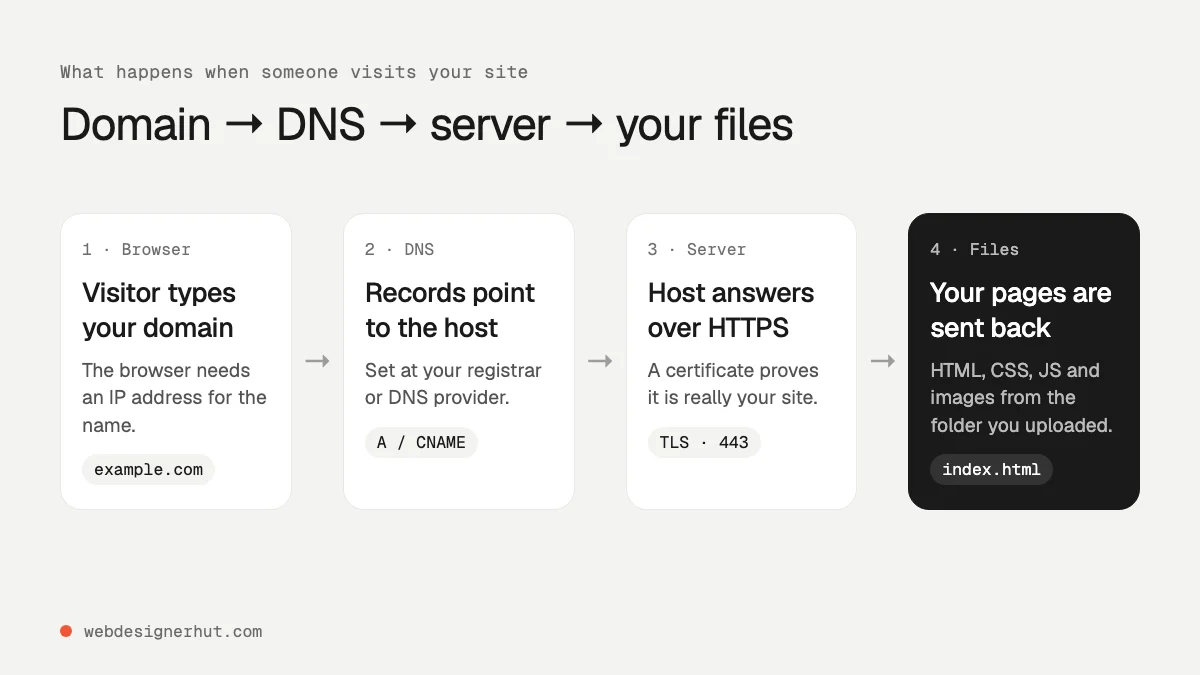
Not sure whether your site counts as static? If you can open index.html on your computer and the site works, it is static. Our guide to the basics of HTML explains how those files fit together.
Option 1: A Static Host (Upload a Folder or ZIP)
Static hosts serve your files from a global network, add HTTPS automatically, and have nothing for you to update or patch. This is the cheapest and fastest option for any site made of HTML, CSS and JavaScript, including sites exported from Figma or written by an AI tool.
Fastest: Netlify Drop (no account needed)
- Put your site in one folder with
index.htmlat the top level. - Open app.netlify.com/drop and drag the folder, a ZIP or a single HTML file onto the page.
- You get a live
netlify.applink in seconds. Without an account the site is protected by a temporary password; sign up or log in to claim it and make it public.
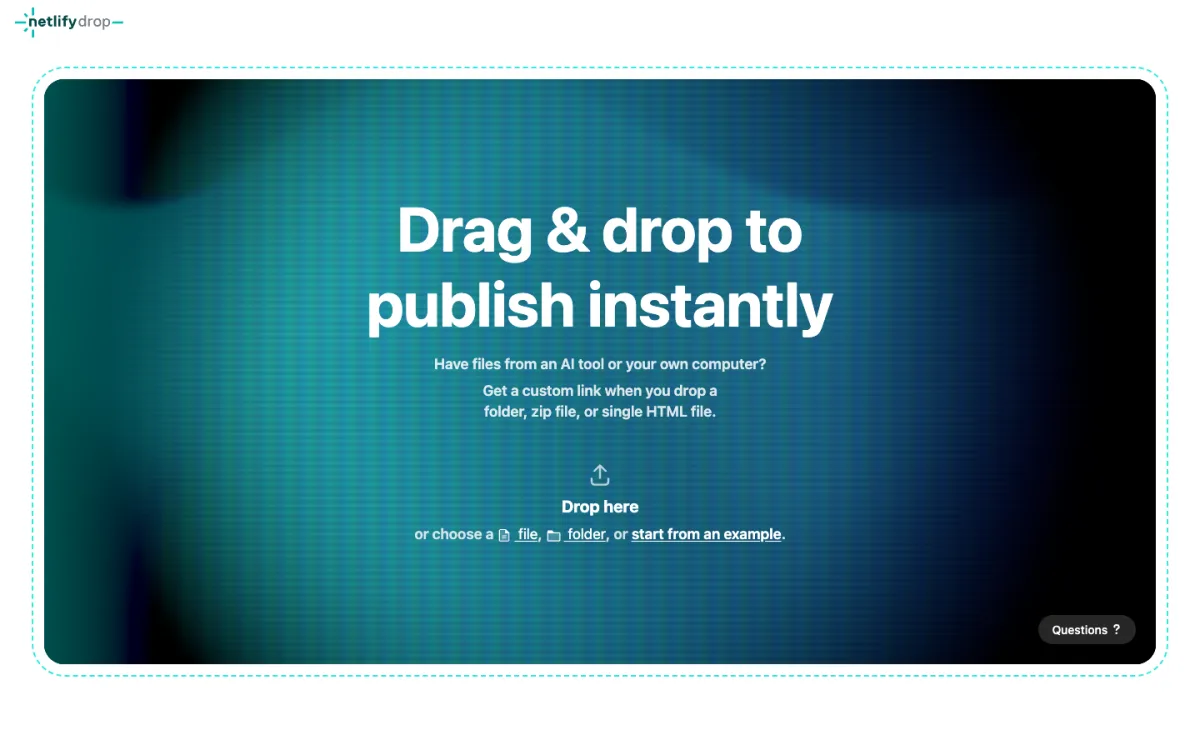
Netlify’s free plan gives 300 credits a month. A production deploy costs 15 credits and bandwidth 20 credits per GB, so it suits small sites. If you run out, your projects pause until the next month. Pro costs $20 a month for the whole team.
Free with generous limits: Cloudflare Pages
- Create a free Cloudflare account and open Workers & Pages in the dashboard.
- Create a Pages project and choose direct upload.
- Drag in your folder or ZIP. Uploads in the dashboard can hold up to 1,000 files of up to 25 MiB each; larger sites deploy with the Wrangler command-line tool (up to 20,000 files) or from Git.
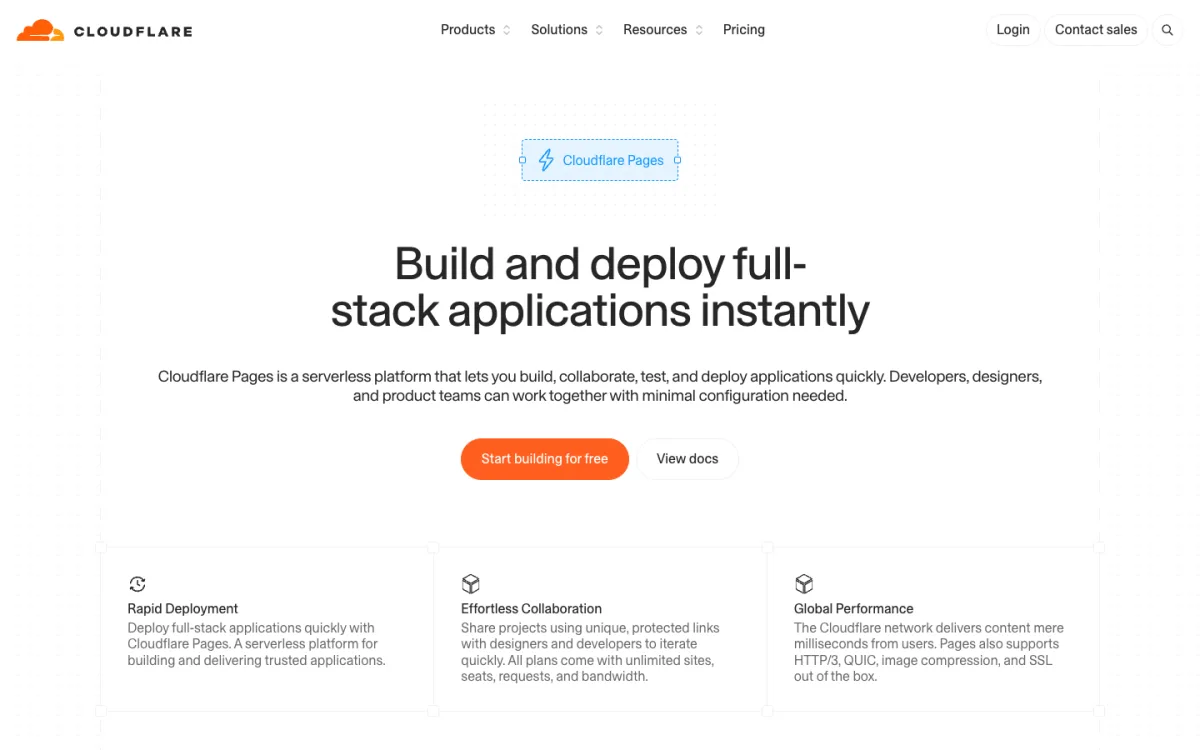
Requests for static files are free and unlimited, and the free plan includes 500 builds a month. Cloudflare now recommends Workers for new full-stack projects, but Pages is still the simplest way to put a folder of files online.
Free from a repository: GitHub Pages
- Push your files to a GitHub repository.
- In the repository’s Settings, open Pages and choose the branch and folder to publish.
- Your site appears at
username.github.io/repository, and every push updates it.
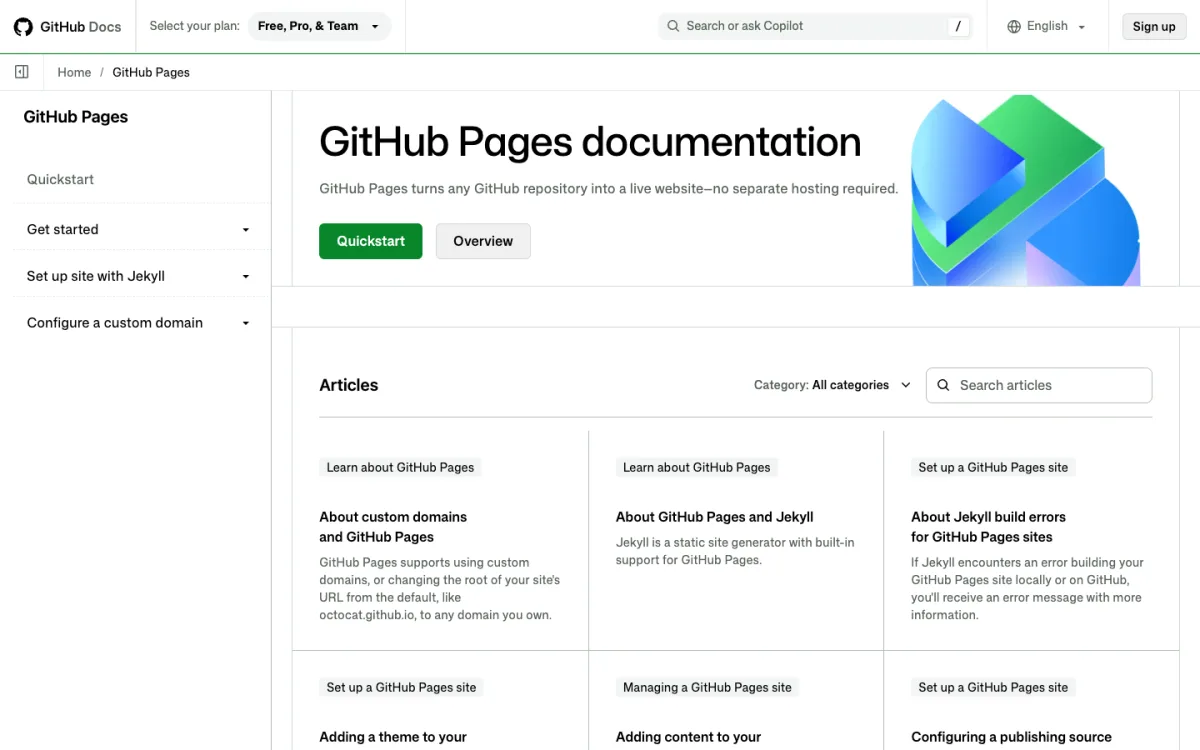
Sites can be up to 1 GB with a soft limit of 100 GB of bandwidth a month. GitHub does not allow Pages to be used to run an online business, e-commerce site or SaaS, so it is best for portfolios, docs and personal projects.
Paid, with no Git or command line: Static.app
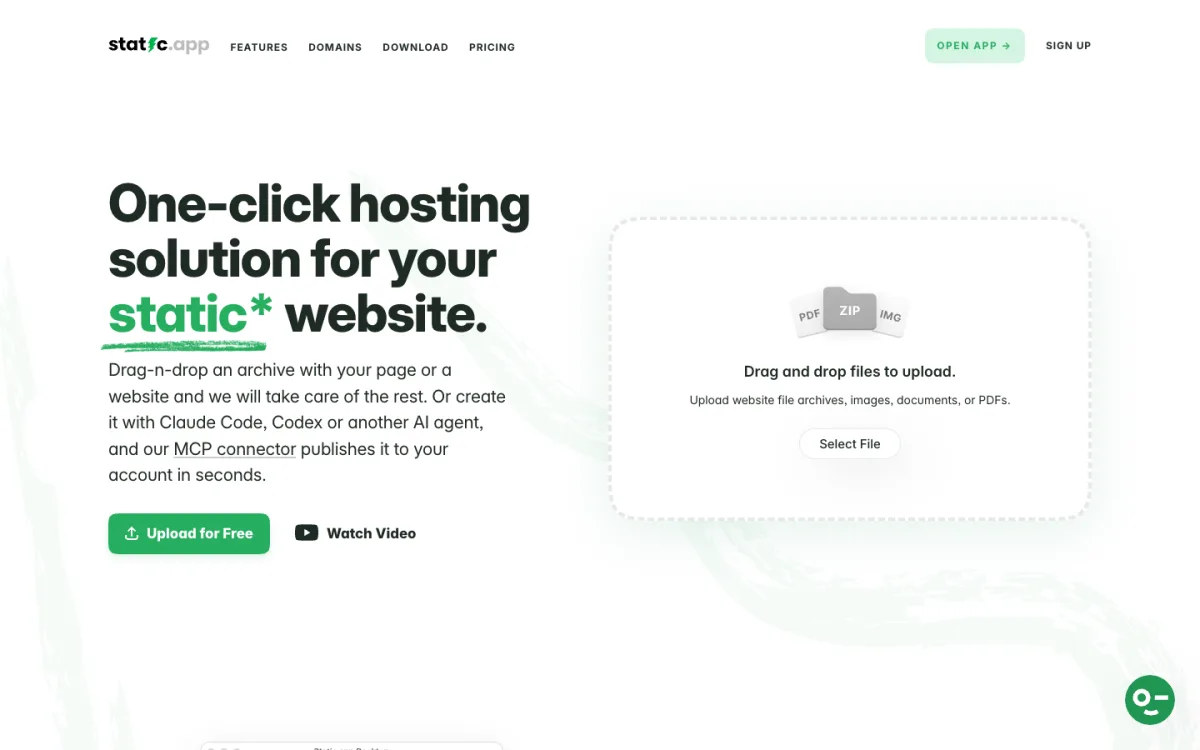
Static.app is built for people who just want to upload a ZIP and get a site. You drag in an archive, connect a domain, and replace files from the dashboard or a desktop app that publishes a local folder on every save. Plans start at $5 a month on the pricing page, after a 7-day trial with no card required. There is no ongoing free plan. Our guide to publishing a Claude-generated website walks through it.
For a side-by-side comparison of these and other hosts, see our guide to the best static hosting for HTML websites.
Option 2: A Platform for Front-End Apps
If your project needs a build step (React, Vue, Svelte, Astro or Next.js), use a host that builds it for you. Connect the Git repository, set the build command (for example npm run build) and the output folder (dist or build), and every push deploys a new version, with a preview link for each branch.
- Vercel: the natural home for Next.js. The Hobby plan is free for personal, non-commercial use. Commercial projects need Pro at $20 per developer seat a month. You can also deploy any folder by running
vercelin it. - Netlify and Cloudflare: both build and deploy front-end frameworks from Git on the free plans above.
If an AI tool built your app, our guide on where to host Claude apps covers the same choice for generated projects.
Option 3: Shared or Managed Hosting for WordPress and PHP
WordPress, and anything else written in PHP, needs a server that runs code and a database. Static hosts cannot do that.
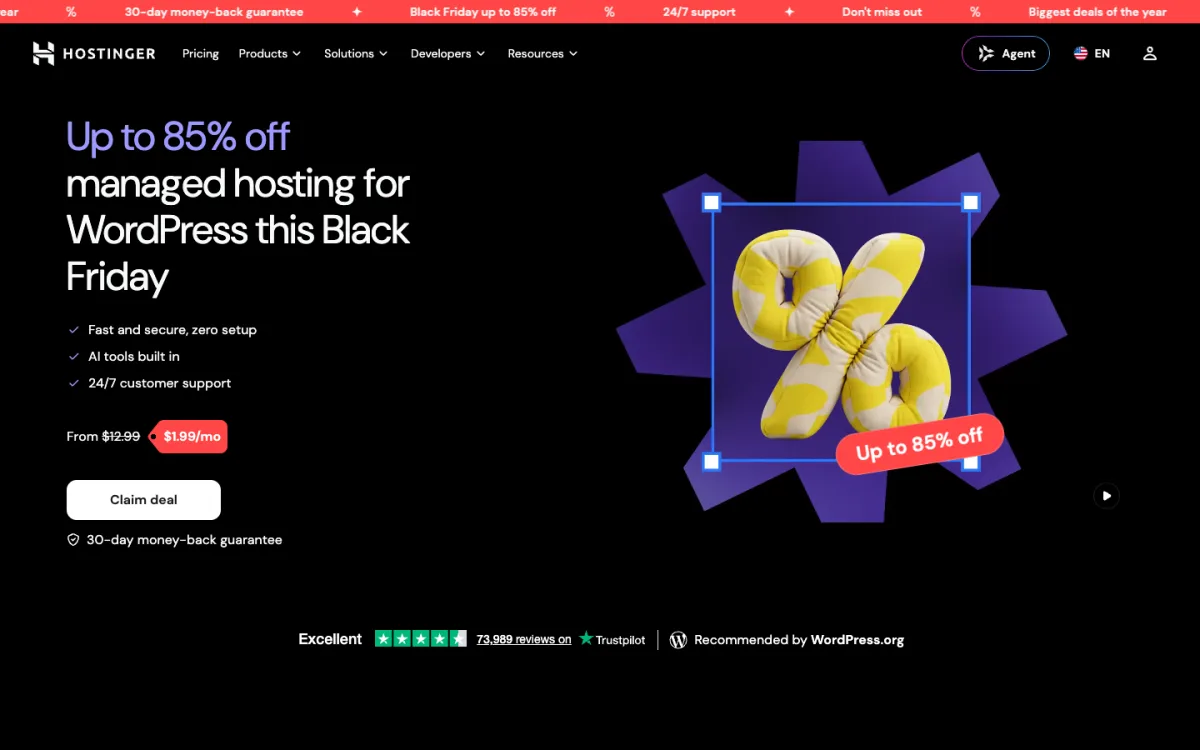
- Shared hosting puts many sites on one server and is the cheapest way to run WordPress. Hostinger’s Premium plan, for example, is $1.99 a month, but only on a 48-month term paid upfront ($95.52), and it renews at $10.99 a month. Always compare the renewal price, not the first-term price.
- Managed WordPress hosting handles updates, backups, caching and security for you. Entry plans at Kinsta and WP Engine cost about $35 a month for one site.
Setup is similar everywhere: buy the plan, use the one-click WordPress installer in the control panel, then point your domain at the host. If your WordPress site has become mostly static content, you can also export it to HTML and move to Option 1, which is what this site did.
Option 4: Self-Hosting on a VPS
A virtual private server (VPS) is a small Linux machine you rent by the month. You install a web server such as nginx or Caddy, upload your files, and you are responsible for updates, security and backups. In return you get full control and very low prices.
- DigitalOcean Droplets start at $4 a month for 1 vCPU, 512 MiB of RAM and 10 GiB of storage.
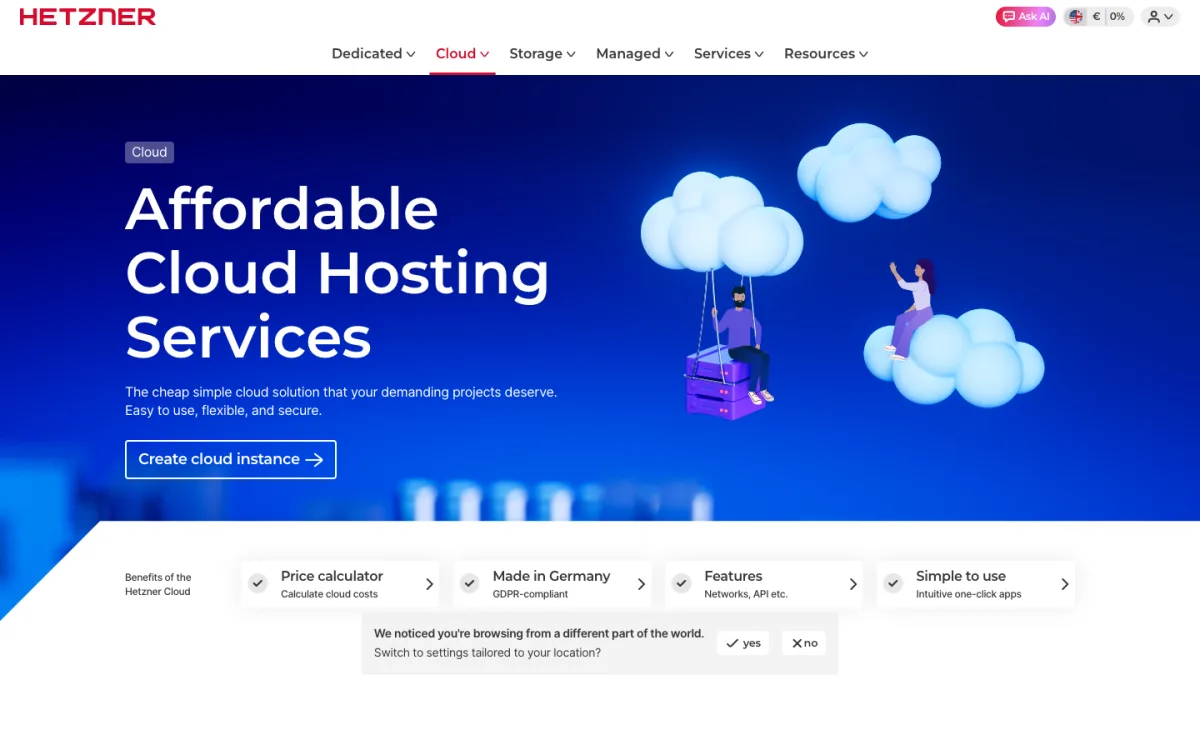
- Hetzner Cloud starts at about €5.49 a month (excluding VAT) for 1 vCPU, 1 GB of RAM, 20 GB of storage and 20 TB of traffic in its EU locations.
How This Site Deploys to Its Own Server
Web Designer Hut is a static site on a server we manage. The pages live in a Git repository. When a change is merged into the main branch, a CI job copies the files to the server with rsync over SSH, so the live site always matches the repository. The whole pipeline is a few lines:
deploy:
  image: alpine:3.20
  rules:
    - if: $CI_COMMIT_BRANCH == "master"
  before_script:
    - apk add --no-cache openssh-client rsync
    # SSH key and known_hosts come from protected CI variables
  script:
    - rsync -rlz --delete src/ "$DEPLOY_USER@$DEPLOY_HOST:$DEPLOY_PATH"
--delete removes files on the server that no longer exist in the repository, and the SSH key is stored as a protected CI variable rather than in the code. The same idea works with GitHub Actions and any VPS. If you would rather not run a server, Options 1 to 3 do all of this for you.
Connecting Your Domain
Every host gives you a free address such as yoursite.netlify.app. To use your own name:
- Buy the domain. A .com usually costs around $10–20 a year. Cloudflare Registrar sells domains at the registry price with no markup; other registrars often discount the first year and charge more on renewal.
- Add the domain in your host’s dashboard. The host tells you which DNS records to create.
- Create the DNS records at your registrar or DNS provider. For example:
- GitHub Pages: four A records for the root domain pointing to
185.199.108.153,185.199.109.153,185.199.110.153and185.199.111.153, and a CNAME forwwwpointing tousername.github.io. - Netlify: an ALIAS, ANAME or flattened CNAME for the root domain pointing to
apex-loadbalancer.netlify.com(or an A record to75.2.60.5if your DNS provider cannot do that), and a CNAME forwwwpointing to yournetlify.appaddress.
- GitHub Pages: four A records for the root domain pointing to
- Wait for DNS and HTTPS. Changes usually show up within minutes to a few hours. The host then issues a free SSL certificate automatically.
Most hosts get their certificates from Let’s Encrypt, a nonprofit certificate authority. Its certificates are valid for 90 days today, moving to 64 days in February 2027 and 45 days in February 2028, so let your host renew them automatically rather than doing it by hand. On a VPS, tools like Certbot or Caddy handle renewal for you.
Once your site is live, add an uptime monitor so you know if it goes down. Our uptime calculator shows what a 99.9% target really allows, and the best uptime monitoring tools guide covers free options.
FAQ
Can I host a website for free?
Yes, if it is a static site. Cloudflare Pages, GitHub Pages and Netlify all have free plans with HTTPS and custom domains. You only pay for the domain name. GitHub Pages and Vercel’s free plan are not meant for commercial sites, so check the terms before you launch a business site.
How much does it cost to host a website?
A static site can cost nothing beyond a domain at around $10–20 a year. Shared WordPress hosting runs about $2–11 a month depending on the term, managed WordPress about $35 a month, and a self-managed VPS about $4–7 a month.
How long does it take to put a website online?
Uploading a folder to a static host takes a minute or two. Connecting a custom domain adds DNS time, usually minutes to a few hours. Setting up a VPS from scratch takes an hour or more if you have done it before.
Can I host a website on my own computer?
Technically yes, but your computer would have to stay on and reachable from the internet all the time, and many home internet connections block incoming traffic or change their IP address. A free static host or a $4 VPS is more reliable and safer.
Do I need a domain name to host a website?
No. Every host gives you a free subdomain such as yoursite.pages.dev or username.github.io. A custom domain looks more professional and stays yours if you change hosts. If you are comparing simple upload hosts, our list of Tiiny Host alternatives covers more options.