Unlayer shut down its standalone Studio app on July 1, 2026, so marketers now need a separate email builder such as Designmodo Postcards or Topol PRO. Developers who want a different embeddable editor can look at the Topol Plugin, Chamaileon SDK, GrapesJS Studio SDK or the open-source EmailBuilder.js. We checked all prices and limits below in November 2026.
TL;DR
- Best for marketers replacing Unlayer Studio: Postcards. Free plan with HTML export, 18 listed integrations, AMP and client previews on paid plans.
- Best for unlimited exports on a small budget: Topol PRO. $10 a month billed yearly with no export cap.
- Best if you already pay for an ESP: Brevo’s built-in drag-and-drop editor. No separate tool to buy or export from.
- Best for developers who write code: MJML. Free, open source, MIT licensed.
- Best white-label embeddable editor on a budget: Topol Plugin. White label from $70 a month for 50 users, against $250 for Unlayer Launch.
- Best free embeddable option: EmailBuilder.js. MIT licensed, self-hosted, JSON or HTML output.
Why people are looking for Unlayer alternatives
Unlayer used to serve two audiences. Developers embedded its editor in their SaaS products. Marketers used Unlayer Studio, a standalone web app for designing emails without code.
That second product is gone. Unlayer’s own notice says Studio has been fully shut down as of July 1, 2026. Studio subscriptions ended on June 30, accounts are no longer accessible, and images hosted through Studio have stopped loading. If you still have old emails pointing at Studio-hosted images, those images are now broken in inboxes.
Unlayer itself now describes its product as a developer platform for embedding content creation into your app. The entry paid plan is $250 a month. That is a reasonable price for a SaaS company, but it is not a tool a marketer buys to design a newsletter.
So this guide is split in two:
- Standalone builders for marketers and designers: you open a web app, design an email, and export it to your ESP.
- Embeddable editors for developers: you put a drag-and-drop editor inside your own product for your users.
Unlayer pricing in 2026
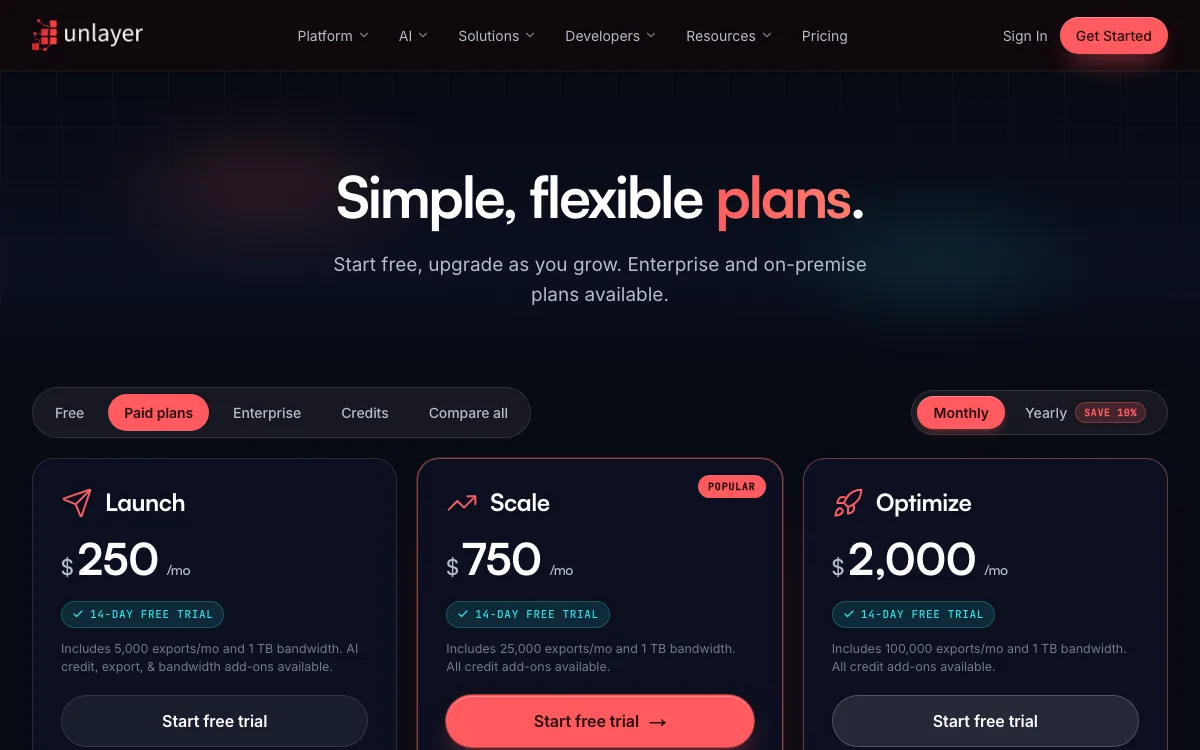
We loaded unlayer.com/pricing on November 19, 2026. These are the embeddable SDK plans. There is no standalone marketer plan anymore.
| Plan | Monthly billing | Billed yearly | Exports included | Notable features |
|---|---|---|---|---|
| Free | $0 | $0 | Not stated on the page | Email, page, popup and document builders; 1 domain |
| Launch | $250/mo | $225/mo | 5,000/mo, 1 TB bandwidth | White-labeling, AI Assistant, Cloud API, image editor |
| Scale | $750/mo | $675/mo | 25,000/mo, 1 TB bandwidth | Custom blocks, team collaboration, inbox previews (paid credits) |
| Optimize | $2,000/mo | $1,800/mo | 100,000/mo, 1 TB bandwidth | Custom themes, custom CSS, AMP, synced blocks |
| Enterprise | Custom | Custom | Custom | SSO, on-premise, dedicated CSM |
A few details matter if you budget for Unlayer:
- Paid plans have a 14-day free trial. Paying yearly saves 10%.
- Add-ons are sold in $50 monthly packs: 50,000 AI credits, 10,000 extra exports, 500 GB bandwidth, or 200 inbox previews (Scale and up).
- No plan includes inbox preview credits. Each workspace gets 40 trial credits once.
- AMP is only on Optimize ($2,000 a month) and Enterprise.
What to look for in an Unlayer alternative
For a standalone builder, check these first:
- Export limits. Many free and cheap plans cap HTML exports per month.
- ESP integrations. One-click export to Mailchimp, Klaviyo or HubSpot saves copy and paste.
- Image hosting. Studio users just learned this one. Find out what happens to hosted images if you stop paying.
- Client testing. Built-in inbox previews, or a separate tool. Our HTML tester is a quick first check.
For an embeddable editor, check pricing model (per user, per session or per export), white-labeling, storage options, and whether the output is JSON you can store and re-render.
Unlayer alternatives at a glance
| Tool | Type | Best for | Free plan | Starting price | Key limits |
|---|---|---|---|---|---|
| Postcards | Standalone | Marketers leaving Studio | Yes, 5 exports/mo | $16/mo yearly, $19 monthly | Plus caps exports at 20/mo; no embeddable SDK |
| Topol PRO | Standalone | Unlimited exports, low price | 14-day trial | $10/mo yearly, $15 monthly | No free plan after the trial |
| Brevo editor | Built into ESP | Design and send in one place | Yes, 300 emails/day | EUR 7/mo, as shown | Designs live inside Brevo |
| MJML | Code framework | Developers writing email code | Free, open source | $0 | No visual editor |
| Topol Plugin | Embeddable | SaaS apps on a budget | 14-day trial | $70/mo (50 users) | Priced per active user |
| Chamaileon SDK | Embeddable | Headless or JSON-first setups | Yes, 10 MAU | From $200/mo | Free tier is 100 generator calls |
| GrapesJS Studio SDK | Embeddable | Email plus pages in one editor | Yes, 1,000 sessions/mo | $200/mo | Free plan shows Studio branding |
| EmailBuilder.js | Embeddable, open source | Free self-hosted editor | Free, MIT | $0 | You host and maintain it |
The best Unlayer alternatives in 2026
Tools 1 to 4 are for marketers and designers. Tools 5 to 8 are for developers who need an embeddable editor.
1. Postcards: best for marketers replacing Unlayer Studio
Postcards by Designmodo is a browser-based drag-and-drop email builder. You build from 100+ prebuilt modules, then export HTML or send the design to your ESP. It covers what most Studio users did day to day, and it has a free plan to start on.
Key features:
- 18 integrations listed on the pricing page, including Mailchimp, Klaviyo, HubSpot, Brevo, Kit, SendGrid and Zoho.
- AI Suite: generate a template from a prompt, edit with AI, and import existing HTML emails as editable templates.
- Email client previews: 20 runs a month on Plus, 50 on Pro.
- Countdown timers and AMP for Email on paid plans.
- Real-time collaboration, comments and version history. Viewers are unlimited.
- Figma plugin, Gmail Chrome plugin and Outlook plugin.
- API and MCP access on every plan, including free.
Pricing:
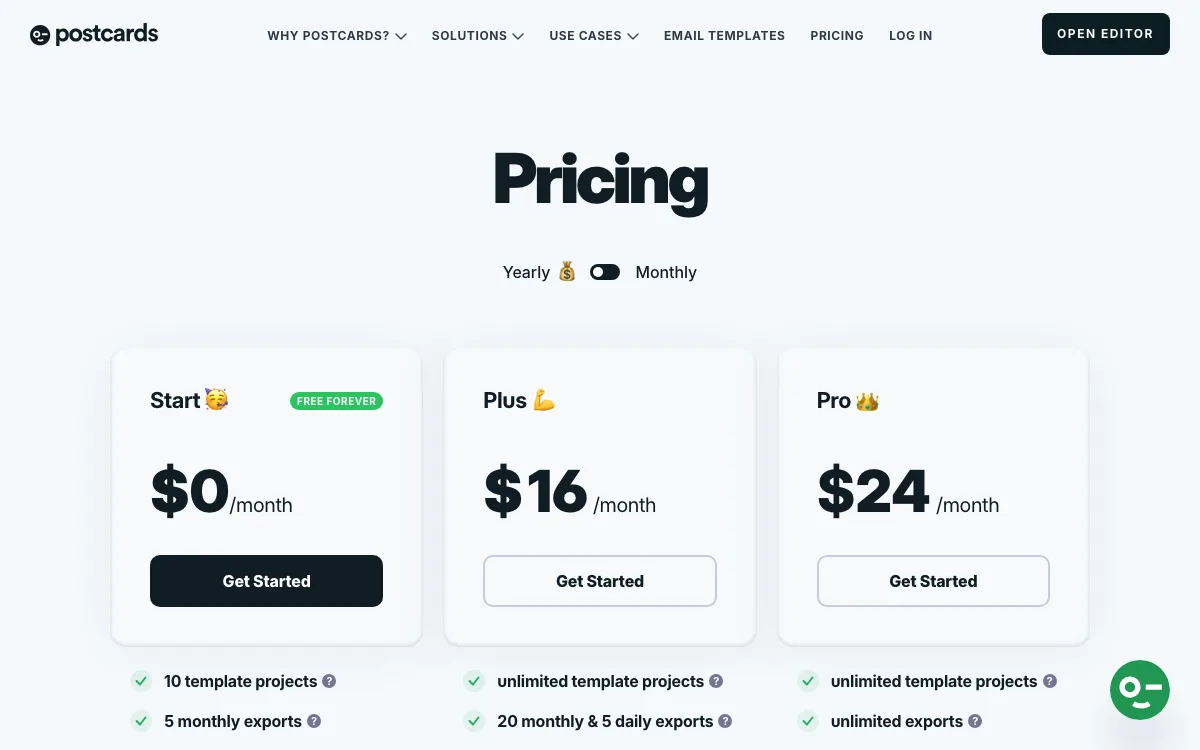
- Start: free. 10 template projects, 5 exports a month, 0 AI credits, 5 HTML imports.
- Plus: $19 a month, or $16 a month billed yearly. 20 exports a month with a 5-per-day limit, 5,000 AI credits, 1 editor included.
- Pro: $29 a month, or $24 a month billed yearly. Unlimited exports, 10,000 AI credits, 3 editors, CDN and SSO.
- Extra editors cost $8 each on paid plans.
Limitations:
- No embeddable SDK. The FAQ says Postcards is only available through its own web app, so it is not a fit if you need an editor inside your product.
- The free plan has 5 exports a month, no AI credits, and no countdown timer, marquee or AMP modules.
- The FAQ lists ESP integrations and Outlook export among the paid features you lose when a license lapses. On the free plan, expect to copy HTML into your ESP.
- Hosted images are deleted 14 days after a license lapses. Your 10 most recent templates stay editable.
- Topol PRO is cheaper if all you need is unlimited exports: $10 a month yearly against $24 for Postcards Pro.
Good for: marketers and small teams who want a free starting point, broad ESP coverage, AI help and built-in client previews.
2. Topol PRO: best for unlimited exports on a small budget
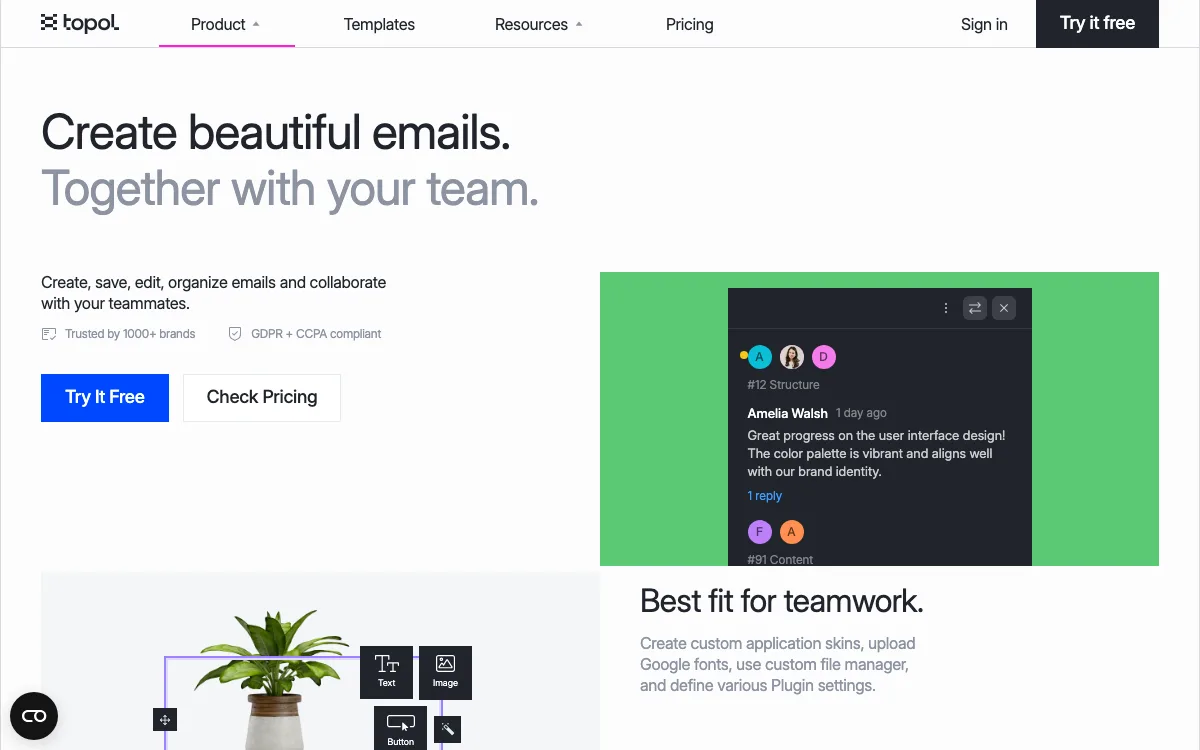
Topol PRO is Topol’s standalone email editor for people who do not write HTML. It is the same category of tool Studio was, and Topol openly markets it to former Studio users.
Key features:
- Unlimited templates and unlimited HTML exports on every paid plan.
- Integrations with 26 email platforms, CRMs and sending services, per Topol’s integrations page.
- AI Assistant and AI chat with no credit system.
- Multilingual templates, display conditions and smart merge tags.
- 50 GB image hosting included.
- Comments and mentions on the Team plan.
Pricing: PRO is $10 a month billed yearly or $15 billed monthly. Team is $15 a month billed yearly or $20 billed monthly, with 3 members and extra members from $10 a month. There is a 14-day free trial.
Limitations: No free plan after the trial. Built-in email client previews are not listed on the pricing page, so plan on a separate testing tool. On integrations Topol is ahead: its integrations page lists 26 email platforms, CRMs and sending services, against 18 on the Postcards pricing page.
Good for: solo designers and small teams who export a lot of emails and want a flat, low price.
3. Brevo’s built-in editor: best if you already use an ESP
If you used Studio only to design emails you then pasted into an ESP, you may not need a separate builder at all. Brevo includes a drag-and-drop email editor and responsive templates on its plans, so you design and send in one place.
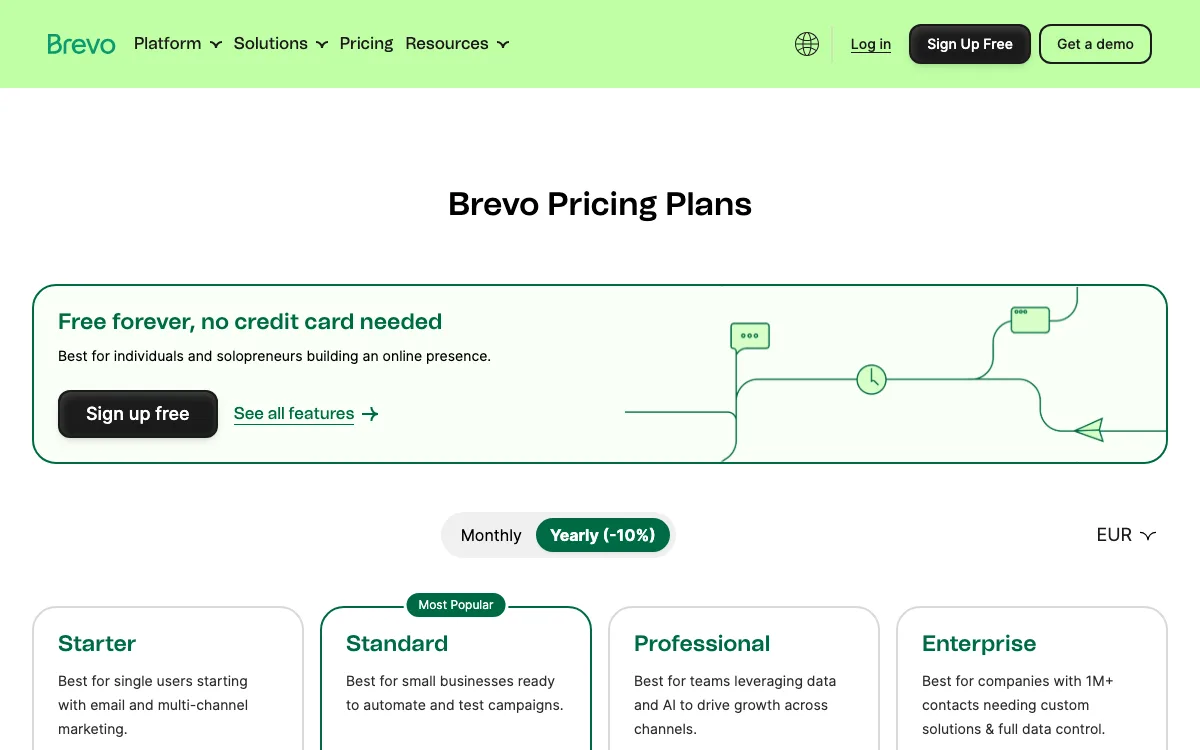
Pricing: Brevo has a free plan that sends up to 300 emails a day. Starter is EUR 7 a month (EUR, as shown to us) for 5,000 emails a month, or EUR 6.33 a month billed yearly. The pricing page sells removal of the “Sent by Brevo” sticker as a paid add-on.
Limitations: Your designs live inside Brevo. If you switch ESPs, you rebuild or export them. It is not a neutral design tool for agencies that deliver to many different platforms. Most ESPs have their own editor, so check yours before paying for another tool.
Good for: small businesses that send from one platform and do not need portable HTML.
4. MJML: best for developers who write email code
MJML is an open-source markup language that compiles to responsive email HTML. You write components like sections and columns, and MJML outputs HTML that the project says is responsive on popular email clients, even Outlook.
Pricing: Free. The project is MIT licensed on GitHub and is powered by Mailjet.
Limitations: There is no drag-and-drop editor. It is not for marketers who do not code. You also need your own preview and testing workflow.
Good for: developers and email engineers who want version-controlled templates. Our guide on how to create responsive emails covers the basics.
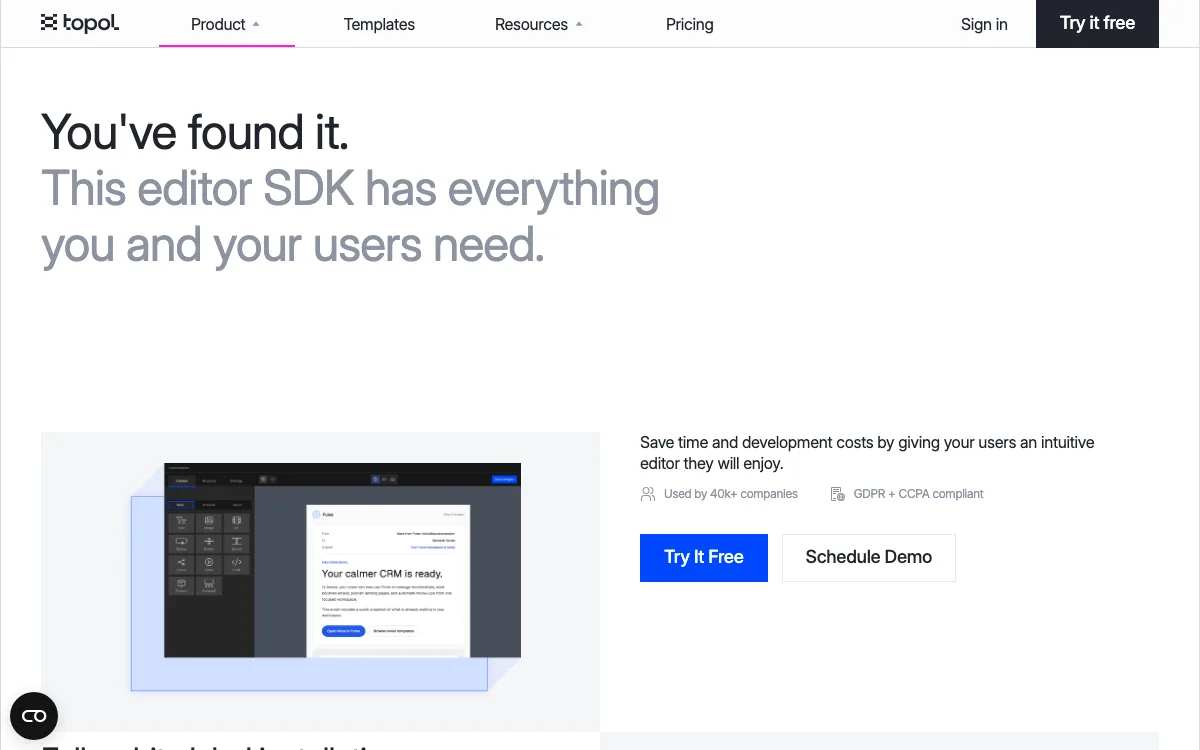
5. Topol Plugin: best embeddable editor at a lower entry price
The Topol Plugin is the embeddable version of Topol’s editor. It is built on MJML and installs with typed packages for React, Vue, Svelte and vanilla TypeScript.
Key features: white label on every paid plan, unlimited templates and exports, unlimited image storage, AI Assistant, editor UI in 21 languages, custom storage on S3, Google Cloud or Cloudflare R2, and custom blocks and synced sections on Business.
Pricing: Startup is $70 a month with 50 prepaid users ($1.60 per extra user). Expansion is $140 a month with 100 users ($1.40 each extra). Business is $300 a month with 500 users ($0.70 each extra). There is a 14-day trial.
Limitations: Cost grows with active users, so a product with thousands of occasional editors needs to model that. Custom blocks, display conditions and comments are only on Business.
Good for: SaaS teams that want white labeling and unlimited exports for far less than Unlayer’s $250 Launch plan.
6. Chamaileon SDK: best for headless and JSON-first setups
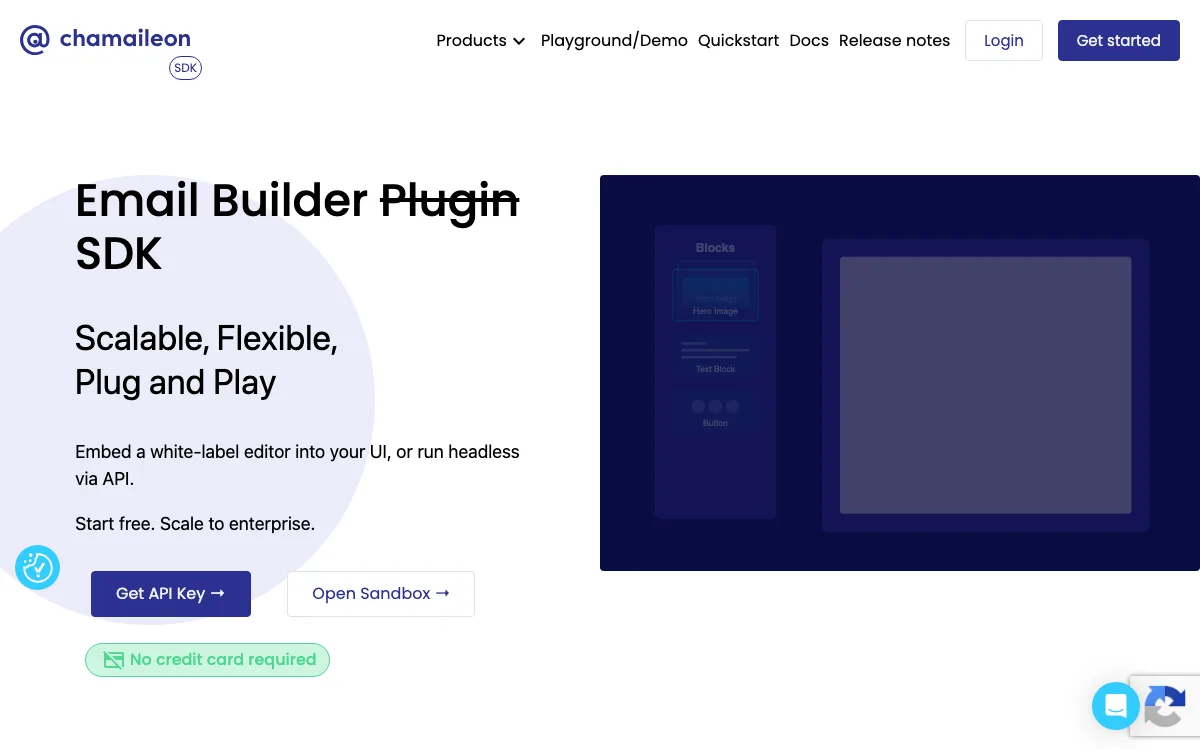
Chamaileon’s SDK lets you embed a white-label email editor or run it headless through an API. Templates are stored as JSON, and you generate HTML through its generator. It also includes an HTML importer that converts legacy emails into editable JSON.
Pricing: Starter is free with 10 monthly active users and 100 generator calls. Standard is from $200 a month with 200 MAU and 500 generator calls. Scale is from $600 a month with 1,000 MAU and 15,000 generator calls. Plans are prepaid monthly with no annual lock-in.
Limitations: Chamaileon describes the free tier as ideal for starting projects, and its 100 generator calls run out fast. Its own page also says it is not a fit if you only need a few static emails.
Good for: products that want to store email designs as data and render HTML on their own schedule.
7. GrapesJS Studio SDK: best for email and pages in one editor
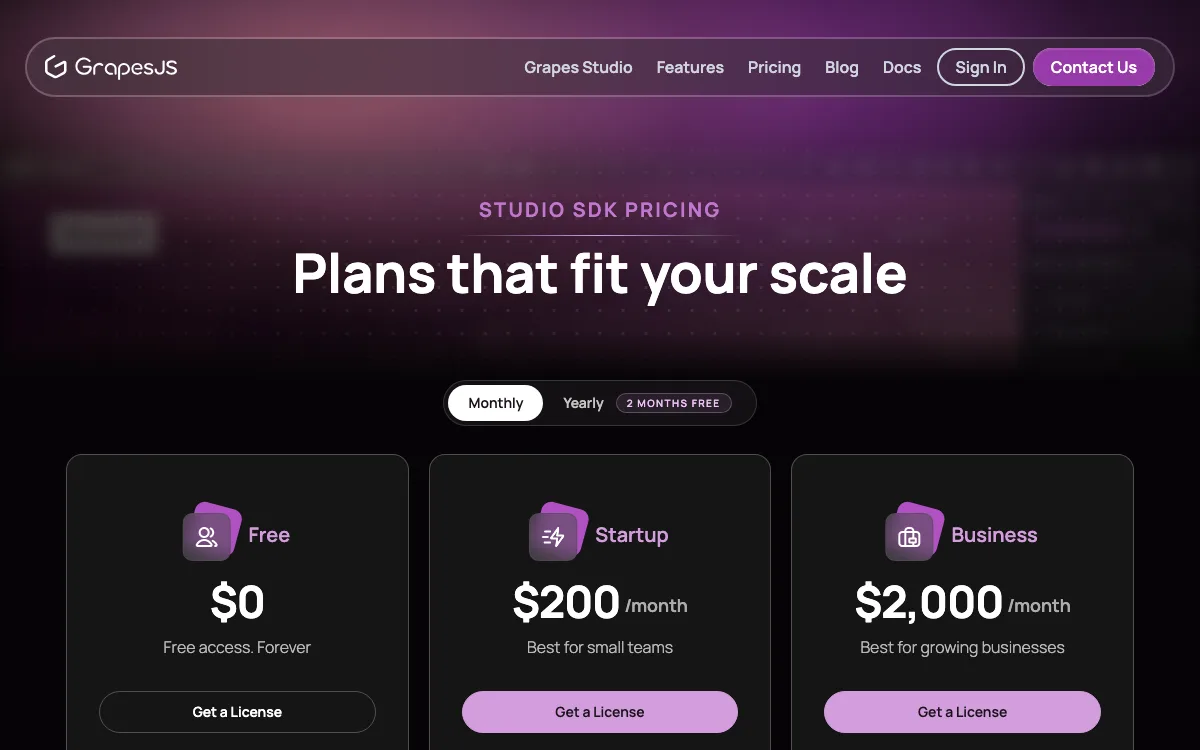
GrapesJS is an open-source web builder framework (BSD 3-clause) with a newsletter preset for email. Grapes Studio SDK is the commercial, embeddable editor built on top of it, covering emails, landing pages and websites.
Pricing: Free gives 1,000 editor sessions a month, 1 domain and 100 MB storage, with Studio branding. Startup is $200 a month for 20,000 sessions, 2 domains and custom branding. Business is $2,000 a month for 50,000 sessions. Yearly billing gives two months free.
Limitations: Extra sessions cost $50 per 1,000 on the free plan and $20 per 1,000 on Startup. The free open-source core needs more setup than a hosted SDK.
Good for: products where users build both emails and web pages, which is something Unlayer also covers.
8. EmailBuilder.js: best free embeddable option
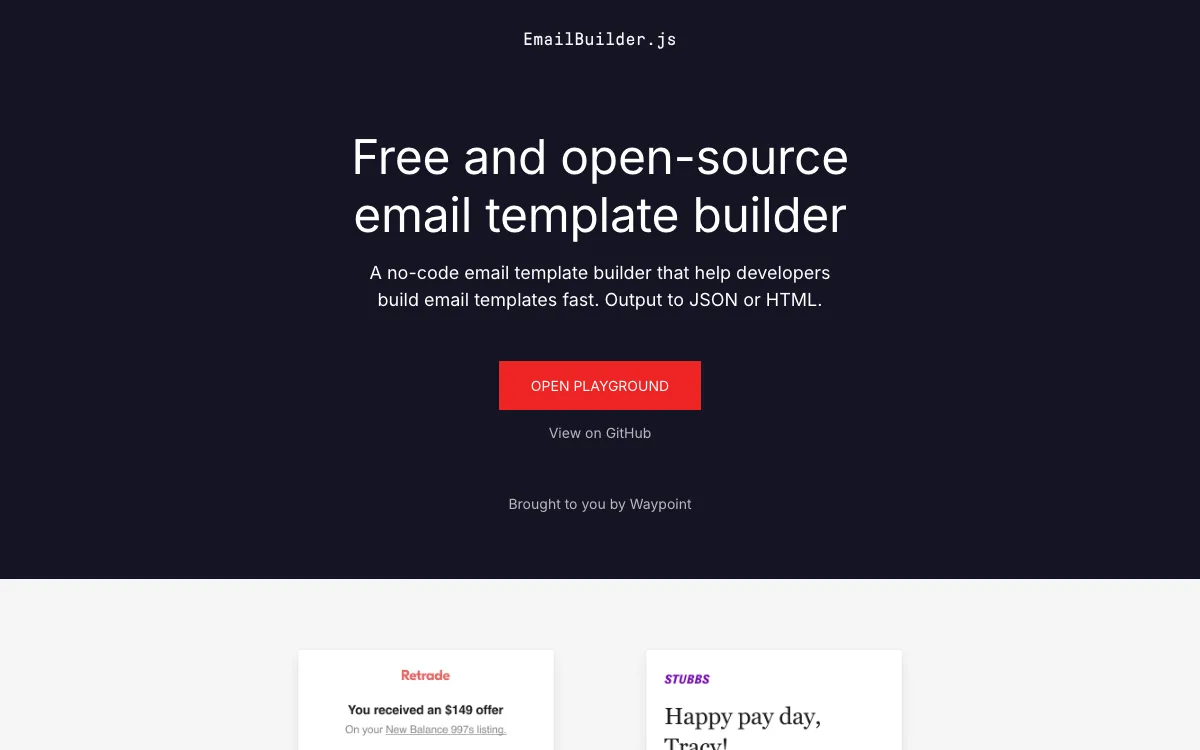
EmailBuilder.js is a free, open-source email template builder from Waypoint. It outputs JSON or HTML, and you can fork it, self-host it and add your own blocks.
Pricing: Free under the MIT license.
Limitations: You host, extend and maintain it yourself. The project page does not list vendor support, AI features or image hosting. Check recent activity on the GitHub repo before you commit.
Good for: developers who need a basic editor for transactional emails like receipts, password resets and one-time codes.
Which Unlayer alternative should you choose?
- You used Unlayer Studio and want a free starting point: Postcards. Start on the free plan, move to Plus or Pro when you need more exports, AMP or client previews.
- You export dozens of emails a month and want the lowest flat price: Topol PRO at $10 a month yearly.
- You only send from one ESP: try its built-in editor first, such as Brevo’s.
- You are a developer and like code: MJML.
- You need an embeddable editor with white labeling under $100 a month: Topol Plugin.
- You want JSON storage and headless rendering: Chamaileon SDK.
- Your users build pages as well as emails: GrapesJS Studio SDK, or stay with Unlayer.
- You have no budget and can maintain code: EmailBuilder.js.
For more free options, see our list of free email builders.
FAQ
Is Unlayer Studio still available?
No. Unlayer’s notice says Studio was fully shut down on July 1, 2026, and subscriptions ended on June 30. Accounts are no longer accessible and Studio-hosted images have stopped loading. Unlayer still sells its embeddable SDK.
How much does Unlayer cost in 2026?
Unlayer has a free plan. Paid plans are Launch at $250 a month, Scale at $750 and Optimize at $2,000 on monthly billing, or 10% less billed yearly. Enterprise is custom priced. Paid plans include a 14-day trial.
What is the best free alternative to Unlayer?
For marketers, Postcards has a free plan with 5 exports a month. For developers who need an embeddable editor, EmailBuilder.js is free and open source, and MJML is free if you are happy writing code.
Does Postcards have an embeddable SDK like Unlayer?
No. Postcards is only available through its own web app. It has an API and an MCP server, but you cannot put the editor inside your own product. For that, look at the Topol Plugin, Chamaileon SDK, GrapesJS Studio SDK or EmailBuilder.js.
What happened to images I hosted in Unlayer Studio?
Unlayer says assets hosted through Studio have stopped loading. Any sent email that still points at those images will show broken images. Re-upload them to your new builder or your ESP and update any templates you still use.