The best Mailmodo alternatives depend on what you are replacing. If you want an AMP email builder that exports to the ESP you already use, look at Designmodo Postcards. If you need a sending platform that accepts AMP, look at Klaviyo, Customer.io, SparkPost or Amazon SES. This guide is for marketers and email designers who want interactive emails, or who find Mailmodo’s contact-based pricing too high. We checked every price and AMP feature below in November 2026.
TL;DR
- Best for cheap AMP carousels and accordions: Designmodo Postcards. AMP export on Plus ($19/mo), unlimited exports on Pro ($29/mo).
- Best for enterprise teams: Dyspatch. Pre-built AMP apps for polls, NPS, booking and parcel tracking, with approval workflows.
- Best ecommerce ESP with AMP: Klaviyo. Adds an AMP version to campaigns once support turns it on, but you write the AMP code.
- Best for developers: SparkPost or Amazon SES. Send AMP through an API at a fraction of Mailmodo’s per-contact price.
Mailmodo in one paragraph: what you would be replacing
Mailmodo is an email service provider (ESP). It stores your contacts, sends your campaigns and runs journeys, and it has a no-code builder for AMP widgets such as forms, surveys and quizzes. That combination is the point: you build the interactive email and send it from the same place. Most Mailmodo competitors do only half of that. They are either an ESP that accepts AMP, or a standalone builder that exports HTML and AMP to any ESP. Decide which half you need before you compare prices.
Mailmodo pricing in 2026
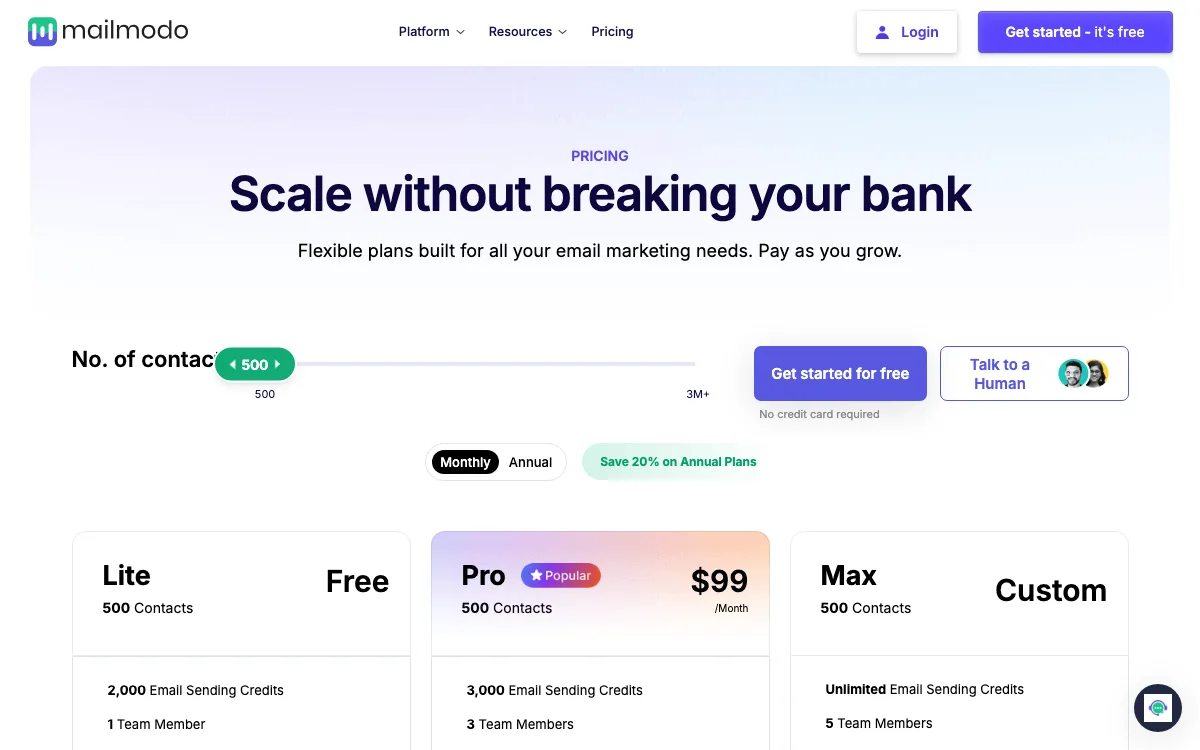
We loaded mailmodo.com/pricing on November 18, 2026 and moved the contacts slider through each tier. Prices are in USD and scale with contacts:
- Lite: free at 500 contacts on the monthly view, then $34/mo for 1,000 contacts and $74/mo for 10,000. Lite stops at 50,000 contacts ($249/mo). It includes 1 team member, 1 active journey and sending credits equal to 4 times your contacts.
- Pro: $99/mo up to 2,500 contacts, $124/mo from 3,000 to 10,000 contacts. It includes 3 team members, 10 active journeys and all integrations.
- Max: custom pricing, unlimited sending credits, 5 team members.
- Annual billing: the page says you save 20%.
All plans include all interactive widgets, according to the “All Plans Include” section. The cost problem is scale: 10,000 contacts on Pro is $124/mo before you send a single AMP email to Gmail.
What to check before you switch
AMP email has rules that no tool can skip. Check these four things before you pay for anything.
- Gmail sender registration. Google’s developer docs say you must register each sender email address before Gmail shows your AMP version. You send a real, production-ready AMP email to Google’s review address, with SPF, DKIM and DMARC passing. Registration is per address, not per domain. Google says it aims to reply within 5 business days. Until you are approved, Gmail users see your HTML fallback.
- Client support. The AMP project’s support list names five clients: Gmail, Yahoo Mail, AOL Mail, Mail.ru and FairEmail. Apple Mail and Outlook show the HTML version. On desktop, Google lists Edge as not supported, so Gmail falls back to HTML there too.
- Builder vs sender. A builder like Postcards does not send email. Your ESP must accept an AMP MIME part. Many popular ESPs do not.
- Which widgets you need. Carousels and accordions are easy to find. AMP forms, polls and live data are rarer. If Mailmodo’s surveys are the reason you use it, filter on that first.
If you are new to coding email, our guide to creating responsive emails covers the HTML fallback side, and this Gmail email workflow shows how to test before you send.
Mailmodo alternatives at a glance
| Tool | Type | Best for | Free plan | Starting price | Key limits |
|---|---|---|---|---|---|
| Designmodo Postcards | Builder | Cheap AMP carousels and accordions | Yes, 5 exports/mo, no AMP | $19/mo | 2 AMP elements only, no AMP forms |
| Dyspatch | Builder | Enterprise AMP apps | No | On request | No public prices, demo first |
| Klaviyo | ESP | Ecommerce brands | Yes, 250 profiles | $20/mo | AMP enabled by support, you supply the code |
| Customer.io | ESP | Product and lifecycle email | No (trial) | $100/mo | AMP in code editor or API only |
| SparkPost | Sending API | Developers sending AMP by API | Yes, 1,000 emails/mo | $15/mo deposit | No builder, API only |
| Amazon SES | Sending API | Lowest cost per email | AWS credits only | $0.10 per 1,000 emails | Raw MIME, no builder, no list tools |
The best Mailmodo alternatives in 2026
1. Designmodo Postcards: best for cheap AMP carousels and accordions
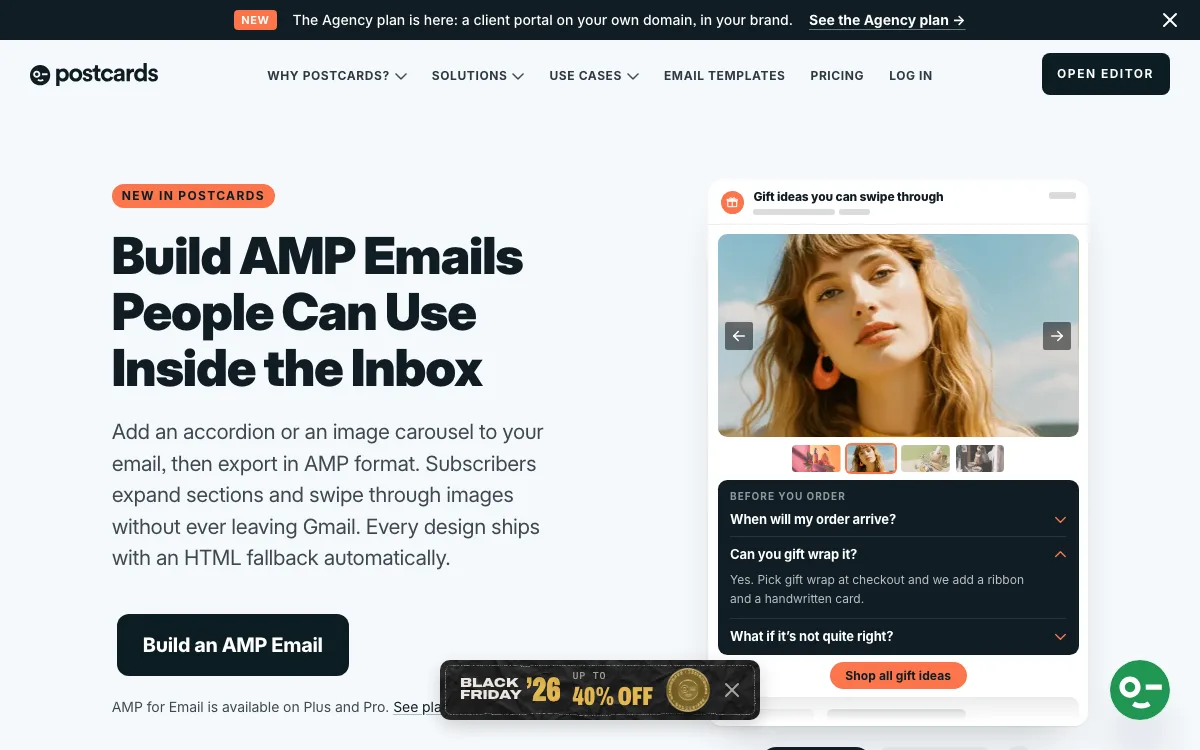
Postcards is a no-code email template builder. It also does not send email. Its AMP for Email feature, marked “New in Postcards” on the page, works like this: you drag in an accordion or an image carousel, style it like any other module, and export or copy the project in AMP format. The HTML version is produced alongside it as the fallback. The carousel has autoplay and looping on by default.
Outside AMP, Postcards covers the usual builder jobs: 100+ modules, an AI Suite for generating and translating emails, HTML import, countdown timers, email client previews, and one-click export to 18 ESPs, including Mailchimp, Klaviyo, HubSpot, Brevo and SendGrid.
Pricing (USD, monthly): Start $0 (10 projects, 5 exports/mo, no AI credits). Plus $19/mo (unlimited projects, 20 exports/mo and 5 per day, 5,000 AI credits, AMP, countdown timers). Pro $29/mo (unlimited exports, 10,000 AI credits, 3 editors, CDN image hosting, SSO). The yearly toggle shows $16/mo and $24/mo, billed yearly.
Limitations: AMP is only on Plus and Pro, and the free plan excludes AMP elements. There are only 2 AMP elements, accordion and carousel. There is no AMP form, poll or survey, which is what many Mailmodo users rely on. Postcards does not push the AMP version to an ESP for you: you paste it into your ESP’s AMP field. The 18 one-click ESP integrations cover the big names, but if your ESP is not on the list you export HTML and upload it yourself.
Good for: marketers who want swipeable product galleries and collapsible FAQs at a low flat price, or who mainly need well-built static HTML that works in any ESP.
2. Dyspatch: best for enterprise AMP apps
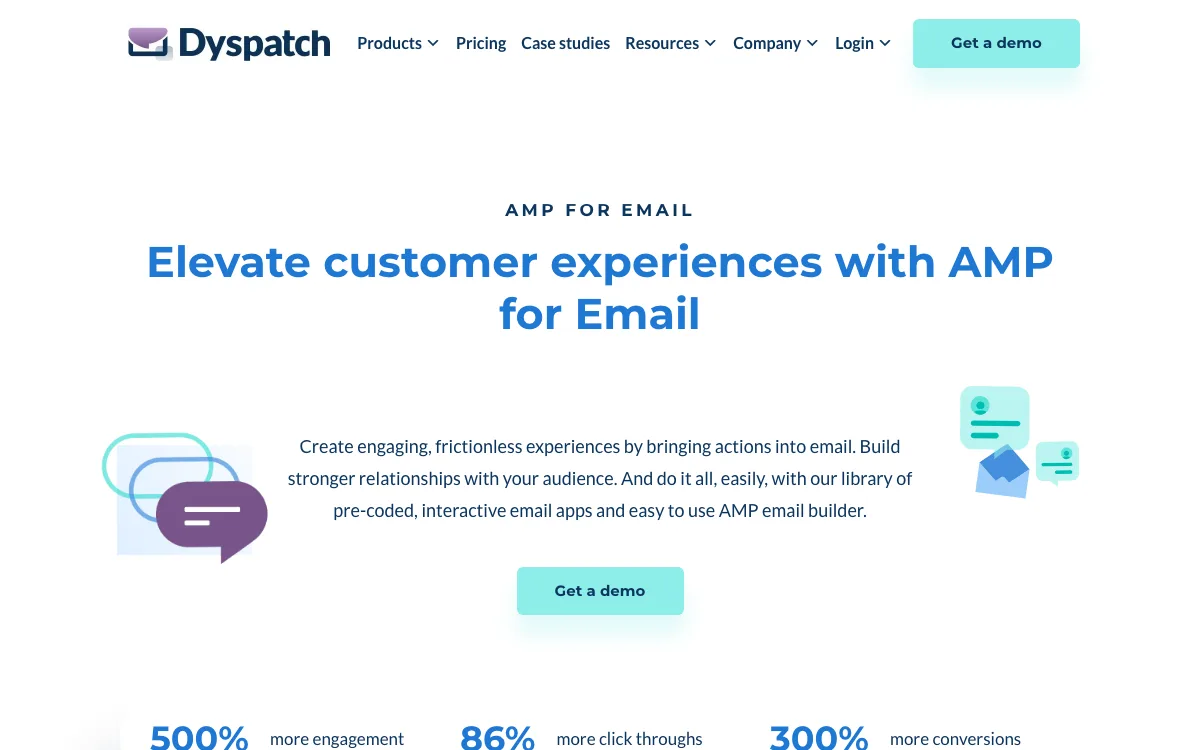
Dyspatch is an email production platform for larger teams. Its AMP builder is built on pre-coded “email apps” you drag into a template. The AMP page lists interactive polls, NPS surveys, product reviews, calendar booking powered by SimplyBook.me and live parcel tracking from EasyPost. Use cases include add to cart, live product lists and live commenting. Every AMP app comes with an HTML fallback.
Around the builder you get approval workflows, localization, annotated comments, an MCP server and integrations with ESPs such as Braze, Iterable, Salesforce Marketing Cloud, Marketo and SendGrid.
Pricing: no prices are listed on dyspatch.io/pricing (checked November 18, 2026). You book a demo.
Limitations: no free plan and no public price. It is built for teams with an enterprise ESP, not a solo marketer.
Good for: enterprise teams who want Mailmodo-style interactive features (polls, NPS, booking) but send through Braze, Iterable or Salesforce.
3. Klaviyo: best ESP with AMP for ecommerce
Klaviyo is an ecommerce ESP and CRM. It supports AMP as a third MIME type next to HTML and plain text. Once enabled, you can choose Add AMP Version on a campaign, or Create AMP Version on a template, and paste your AMP code into its AMP editor.
Pricing (USD): free for up to 250 active profiles and 500 emails a month. The Email plan starts at $20/mo for 500 profiles and 5,000 emails a month, and rises with profiles.
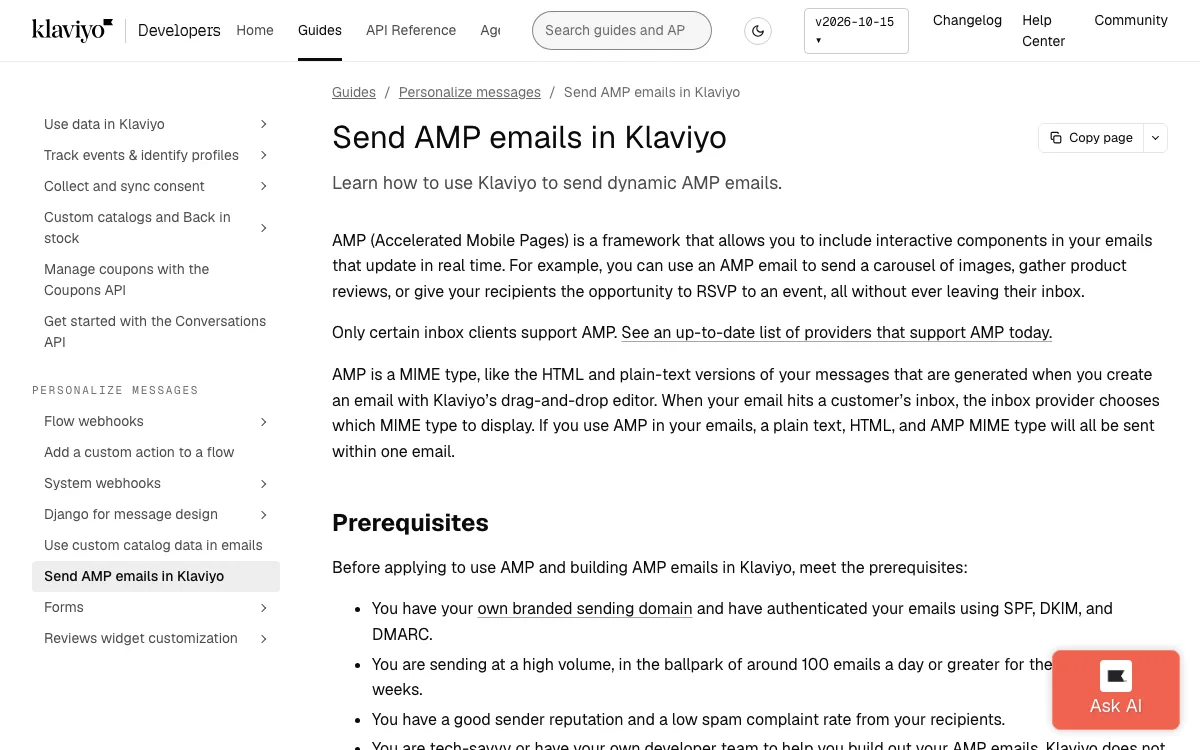
Limitations: Klaviyo’s developer guide lists strict prerequisites: your own branded sending domain, around 100 emails a day for the last few weeks, a good sender reputation, and a developer to build the AMP email. Klaviyo says it does not design or troubleshoot AMP emails. You contact support to turn AMP on, then register with Google. Clicks inside the AMP email, such as swiping a carousel, are not tracked.
Good for: Shopify and ecommerce brands that already use Klaviyo and can pair it with a builder like Postcards for the AMP code.
4. Customer.io: best for product and lifecycle email
Customer.io is a messaging platform for SaaS and product teams. Its docs say you can write AMP components in the Design Studio code editor or the advanced code editor, preview them, and send tests. You can also send AMP content through its App API. Its examples include surveys, event RSVPs and comment replies inside the email.
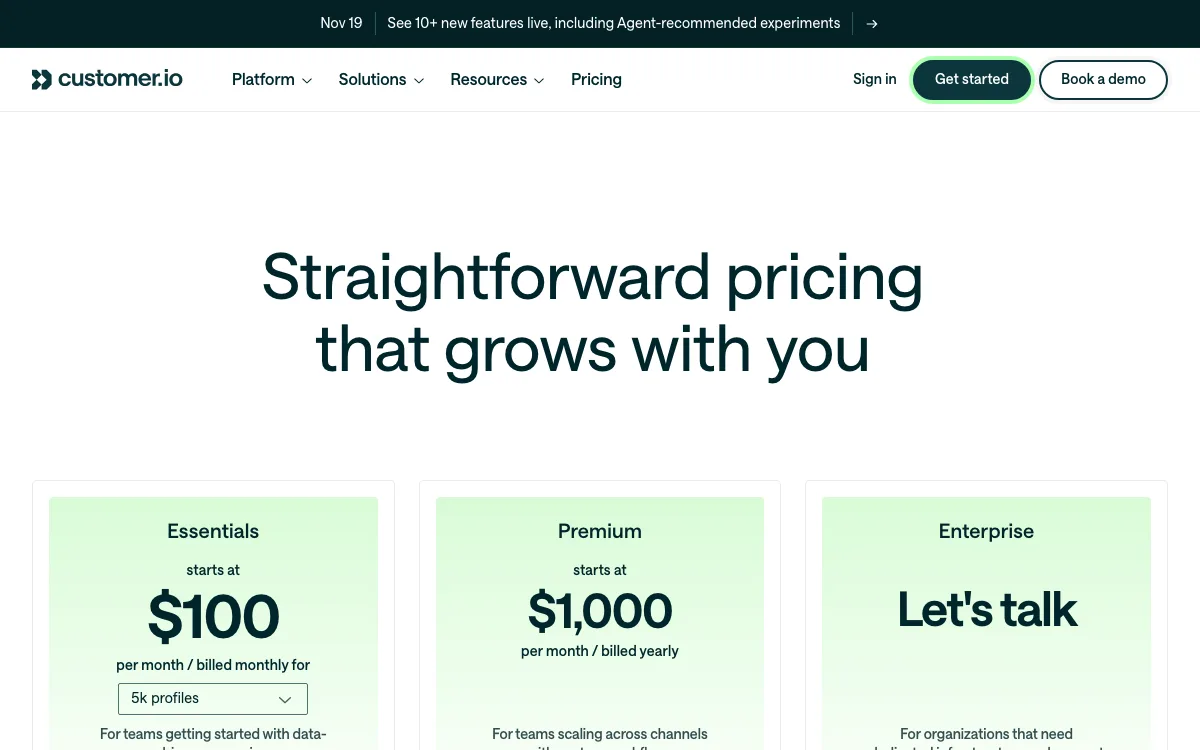
Pricing (USD): Essentials starts at $100/mo billed monthly for 5,000 profiles and 1 million emails a month. Premium starts at $1,000/mo billed yearly. Enterprise is custom.
Limitations: AMP is code-only. If you build with the drag-and-drop or rich text editors, the docs say you need the App API to add an AMP version. In the advanced code editor, AMP is an experimental feature you switch on. There is no free plan.
Good for: SaaS teams with a developer who want behavior-triggered emails with AMP surveys or RSVPs.
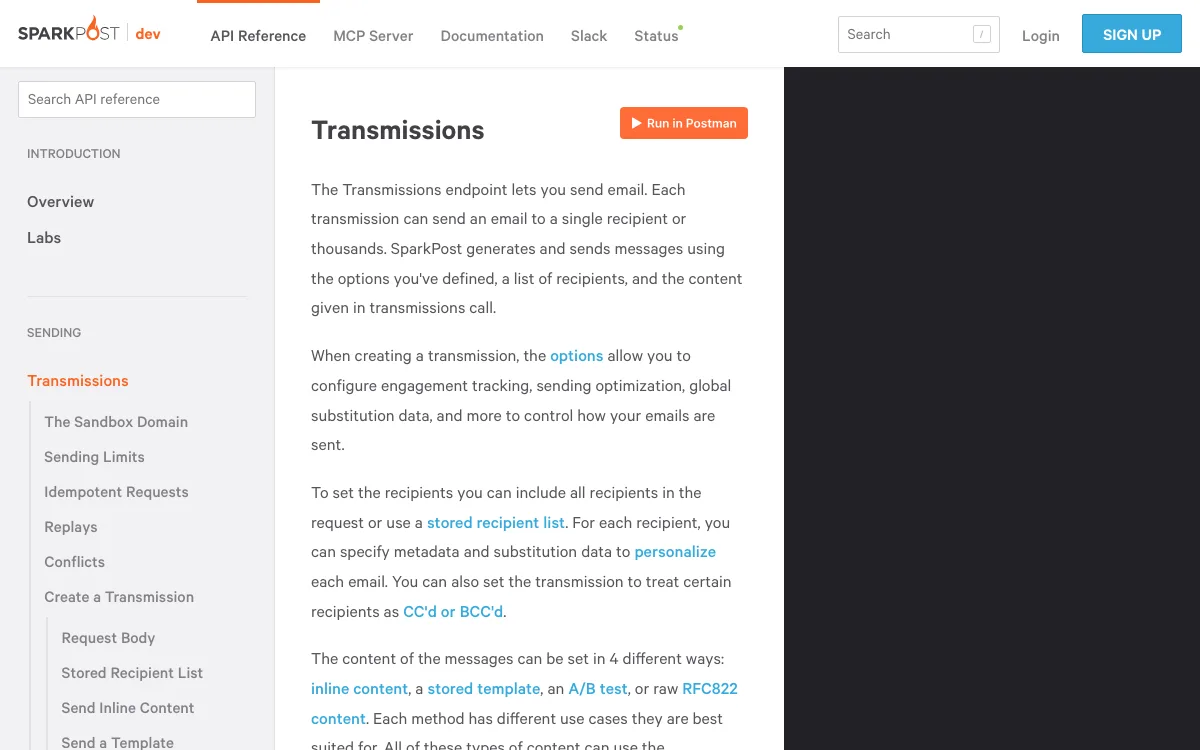
5. SparkPost: best for sending AMP through an API
SparkPost is an email sending API, now part of Bird. Its Transmissions API has an amp_html field for the AMP MIME part, and you must also send an HTML or text version. AMP is also allowed in stored templates and raw RFC822 messages. There is no visual builder, so you pair it with a builder or your own code.
Pricing (USD): sparkpost.com/pricing now redirects to Bird’s email pricing. It lists Free (1,000 emails a month, 50 a day), Startup ($15/mo deposit, about 37,500 emails at $0.40 per 1,000) and Growth ($250/mo deposit). Older SparkPost accounts may be on different terms.
Limitations: API only. No contact lists, journeys or forms. Bird’s newer email docs do not mention AMP, so confirm with Bird which API your account uses.
Good for: developers who generate AMP emails in their own app and want a cheap, documented way to send them.
6. Amazon SES: best for the lowest cost per email
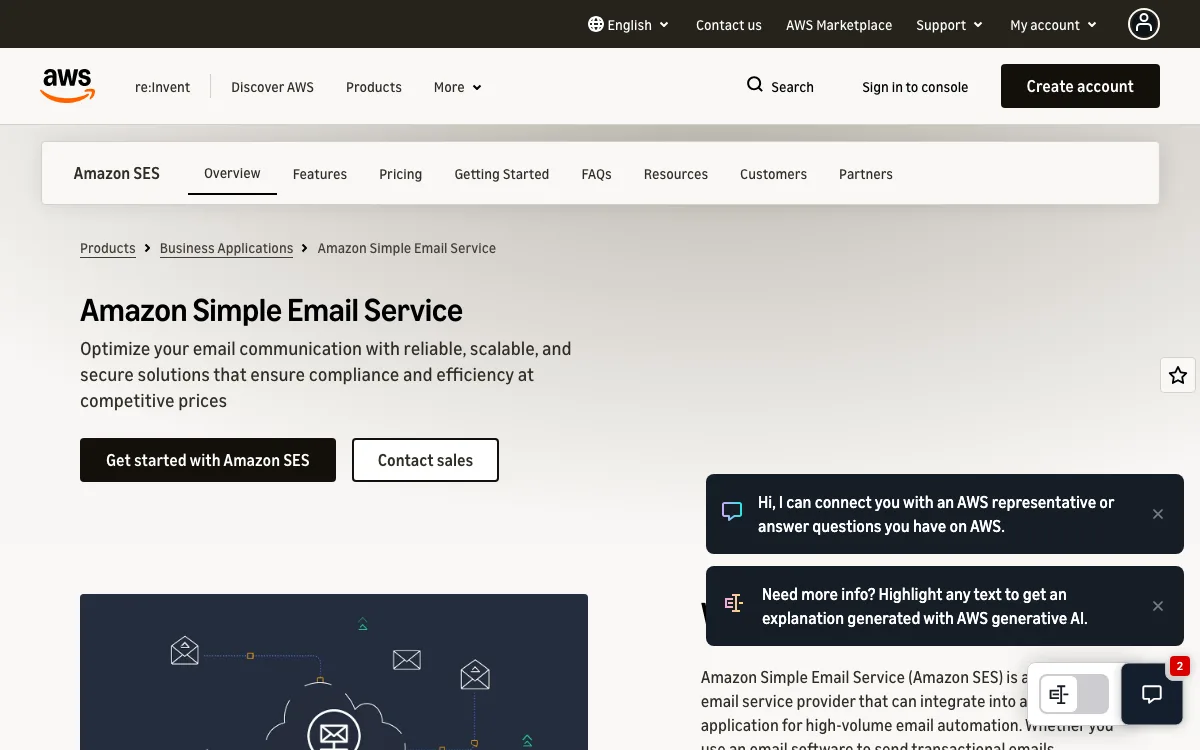
Amazon SES is sending infrastructure only. SES has no AMP feature of its own, but it sends raw MIME messages. AWS’s own Messaging blog shows how to add a text/x-amp-html part with the SendRawEmail API. You build the AMP and HTML yourself or export them from a builder.
Pricing (USD): à la carte outbound email is $0.10 per 1,000 emails. AWS now also sells plans: Essentials at $0.16 per 1,000 for the first 10 million emails, and Pro and Enterprise with monthly fees of $105 and $500. AWS says new accounts start on Essentials from July 21, 2026, and you can switch to à la carte.
Limitations: no editor, no contact management, no forms and no campaign UI. You handle Google registration, bounces and unsubscribes yourself.
Good for: engineering teams sending high volume who want AMP at the lowest price.
What we left out
We checked Brevo too. We found no AMP feature in Brevo’s help center on November 18, 2026. It is fine for static HTML email. For more options without AMP, see our list of free email builders.
Which Mailmodo alternative should you choose?
- You want carousels and accordions at the lowest flat price: Designmodo Postcards Plus ($19/mo), or Pro ($29/mo) for unlimited exports.
- You need polls, NPS, booking or live tracking at enterprise scale: Dyspatch.
- You sell online and want one ESP for everything: Klaviyo, plus a builder for the AMP code.
- You run product email with a developer on the team: Customer.io.
- You only need a cheap pipe for AMP emails your app generates: SparkPost or Amazon SES.
- You want Mailmodo’s no-code forms plus sending in one product: none of these match it exactly. Mailmodo may still be the right tool.
Whatever you pick, check the HTML fallback in Outlook and Apple Mail with an HTML tester before you send. Most of your list will see that version.
FAQ
How much does Mailmodo cost?
On November 18, 2026, Mailmodo’s monthly view showed Lite free at 500 contacts, then $34/mo for 1,000 contacts. Pro starts at $99/mo for up to 2,500 contacts and is $124/mo at 10,000. Max is custom. Annual billing saves 20%.
Is there a free alternative to Mailmodo?
Klaviyo is free up to 250 profiles. Postcards has a free plan, but AMP elements need Plus. For AMP sending, SparkPost’s free tier covers 1,000 emails a month, but you need to build the AMP yourself.
Do I need to register with Google to send AMP emails?
Yes. Google requires you to register each sender email address before Gmail renders AMP. You send a real production AMP email to Google’s review address, with SPF, DKIM and DMARC in place, and fill in a form. Google aims to reply within 5 business days.
Which email clients support AMP emails?
Gmail (web and mobile apps), Yahoo Mail, AOL Mail, Mail.ru and FairEmail render AMP. Apple Mail, Outlook and most others show the HTML fallback. Gmail on the desktop Edge browser also falls back to HTML.
Can I use Postcards with Mailchimp to send AMP?
You can use Postcards for regular HTML in Mailchimp, but not for AMP. Mailchimp is not on the AMP project’s list of platforms that support AMP email (checked November 18, 2026). That list does include Klaviyo, Customer.io, SparkPost, Amazon SES, SendGrid, Mailgun and SendPulse, so send the AMP version through one of those.