The best website builder for an artist depends on how you sell. Squarespace is the best all-round choice for showing and selling originals. FASO is built for painters who want prints and framing handled for them. Pixpa and Format bundle a portfolio, a small shop and client galleries for less. Cargo suits artists who want a site that looks like their work rather than a template. We compared nine builders on what artists actually need: image limits, selling fees, prints and price. Every price and limit comes from the vendor's own pages, checked on November 25, 2026.
TL;DR
- Best all-round for selling art: Squarespace. Every plan can sell, and the fee on store sales disappears from the Core plan up.
- Best for painters selling prints: FASO. Print and frame on demand comes with every membership, and FASO ships the print for you.
- Best value portfolio and shop: Pixpa. Zero commission, client galleries on every plan, and a lower monthly price than Squarespace.
- Best for photographers and image-heavy portfolios: Format. Copyright protection on every plan and up to 250 client galleries.
- Best for an experimental, design-led site: Cargo. One price, unlimited cargo.site sites, and a shop add-on with no transaction fees.
- Best for laying out a portfolio exactly as you want: Siter.io, from $7 a month, if you don't need a store.
- Cheapest way to sell a few prints: Big Cartel. Its Gold plan is free for up to 5 products.
What an Artist Website Needs
Most website builder roundups are written for small businesses. Artists have different priorities, so we judged each builder on these:
- Room for images. Several builders cap how many images you can upload on their cheapest plan: 40 on FASO Intro, 70 on Format Basic and 200 on Pixpa Basic. A painter with a ten-year archive will hit those limits quickly.
- How you sell. Originals, prints, commissions and digital downloads need different tools. Selling prints without handling stock is easiest with print on demand, which FASO includes and Big Cartel connects through Printful.
- Selling fees. Some plans take a cut of each sale on top of card processing. Squarespace Basic charges 2% on online store sales. Pixpa, Format, Cargo, FASO and Big Cartel say they charge no commission. Card processing fees still apply everywhere.
- Design freedom. A template that looks like a coffee shop rarely suits a gallery. Cargo and Siter.io give you the most control over the layout.
- Protecting your work. Format lists copyright protection on every plan, and Pixpa offers image watermarks from its Creator plan up. No builder can stop a screenshot, so treat these as deterrents.
Website Builders for Artists at a Glance
| Builder | Best for | Free option | Starting price | Selling |
|---|---|---|---|---|
| Squarespace | All-round, selling originals | 14-day trial | €12/mo yearly (EUR, as shown) | Every plan, 2% fee on Basic |
| FASO | Painters selling prints | 30-day trial | $12/mo billed yearly | From Silver ($19), print on demand on all plans |
| Pixpa | Portfolio, shop and client galleries | 15-day trial | €8.39/mo monthly (EUR, as shown) | Every plan, 3 to unlimited products, no commission |
| Format | Photographers, image-heavy work | 14-day trial | $10/mo yearly | From Pro ($17), no commission |
| Cargo | Experimental, design-led sites | Free while private | $14/mo yearly | $5.50/mo add-on, no transaction fees |
| Siter.io | Free-form portfolio layout | 3-day trial (card needed) | $7/mo yearly | No store |
| Wix | Starting free | Free plan with Wix branding | $17/mo yearly | From Core ($29) |
| Big Cartel | Selling prints and merch | Free for 5 products | $15/mo | Every plan, 0% transaction fees |
| Adobe Portfolio | Creative Cloud subscribers | Included with Creative Cloud | From US$9.99/mo (Creative Cloud) | No store listed |
The Best Website Builders for Artists in 2026
1. Squarespace: best all-round for selling art
Squarespace is the safest choice for most artists. Its templates put images first, the editor is hard to break, and every plan includes selling, hosting and unlimited bandwidth. You can sell originals, prints you ship yourself, digital downloads and paid memberships from the same site.
Pricing. Squarespace showed us euros: Basic €12, Core €18, Plus €32 and Advanced €69 a month, billed yearly (EUR, as shown). Basic adds a 2% fee on online store sales. Core and above have no store transaction fee. All plans include a free custom domain, and there's a 14-day free trial with no card needed. See squarespace.com/pricing.
Limitations. There's no free plan, and the layout stays inside Squarespace's grid. Print on demand isn't part of the plans: you ship prints yourself or connect a separate print service. If you are weighing it against Wix, our Wix vs Squarespace comparison builds the same sites on both.
Good for: artists who want a polished site and a store without thinking about either.
2. FASO: best for painters selling prints
FASO is the only builder here made just for fine artists. Its standout feature is print and framing on demand, included with every membership. You upload a high-resolution photo, set a price for each print size, and FASO prints, frames and ships the order to the buyer. That means you can sell from day one even if all your originals are sold. Paid plans also include an art marketing library, webinars and contest entries.
Pricing. Billed yearly: Intro $12 a month ($144 a year), Silver $19 ($228), Gold $26 ($312) and Platinum $40 ($480). Intro allows 40 images and 3 collections, Silver 100 images, and Gold and Platinum unlimited images. Extra images cost $0.25 each a month. The integrated store starts on Silver and takes payments through Stripe, PayPal or FASO Direct Pay. There's a 30-day free trial. See faso.com.
Limitations. The templates look traditional next to Squarespace or Cargo, and the low image caps on Intro and Silver push established artists to Gold. Its newsletter includes 50 subscribers, then costs $0.02 per subscriber a month.
Good for: painters and illustrators who want prints, framing and shipping handled for them.
3. Pixpa: best value portfolio and shop
Pixpa puts a portfolio, an online store, a blog and client galleries in one subscription. It charges no commission on sales, and checkout stays on your own domain. Its pricing table also lists selling images as prints or downloads, with automatic fulfilment through print labs, plus image watermarks (from Creator) and password-protected pages.
Pricing. Pixpa also showed us euros. Paid monthly, the plans are Basic €8.39, Creator €13.99, Professional €18.65 and Advanced €23.31 a month (EUR, as shown). Basic allows 10 pages, 200 images and 3 products. Creator allows 10 products, Professional 100 and Advanced unlimited. Yearly plans are 20% off the monthly price and two-year plans 40% off, with an extra 25% off the first term. There's a 15-day trial with no card. See pixpa.com/pricing.
Limitations. The pricing table didn't make clear which plans include print-lab fulfilment, so check before you buy. The templates are cleaner than FASO's but less flexible than Cargo's.
Good for: artists who also shoot for clients and want galleries, a shop and a portfolio on one bill.
4. Format: best for photographers and image-heavy portfolios
Format is a portfolio builder with business tools for photographers and visual artists: client galleries, file transfers, contracts and a light CRM. Copyright protection is on every plan, and it connects to Lightroom.
Pricing. Basic is $10 a month billed yearly or $14 monthly, with 10 pages and 70 high-resolution images. Pro is $17 a month billed yearly or $24 monthly, with unlimited pages, 1,500 images, 100 GB of storage and a commission-free store for 15 products. Pro Plus is $26 a month billed yearly or $36 monthly, with unlimited images, 1 TB of storage and 1,000 products. There's a 14-day trial with no card. See format.com/pricing.
Limitations. Basic has no store and only 70 images, so most working artists need Pro. Pro's 15-product limit suits a small print shop, not a large catalogue.
Good for: photographers and artists who deliver work to clients as well as sell it.
5. Cargo: best for an experimental, design-led site
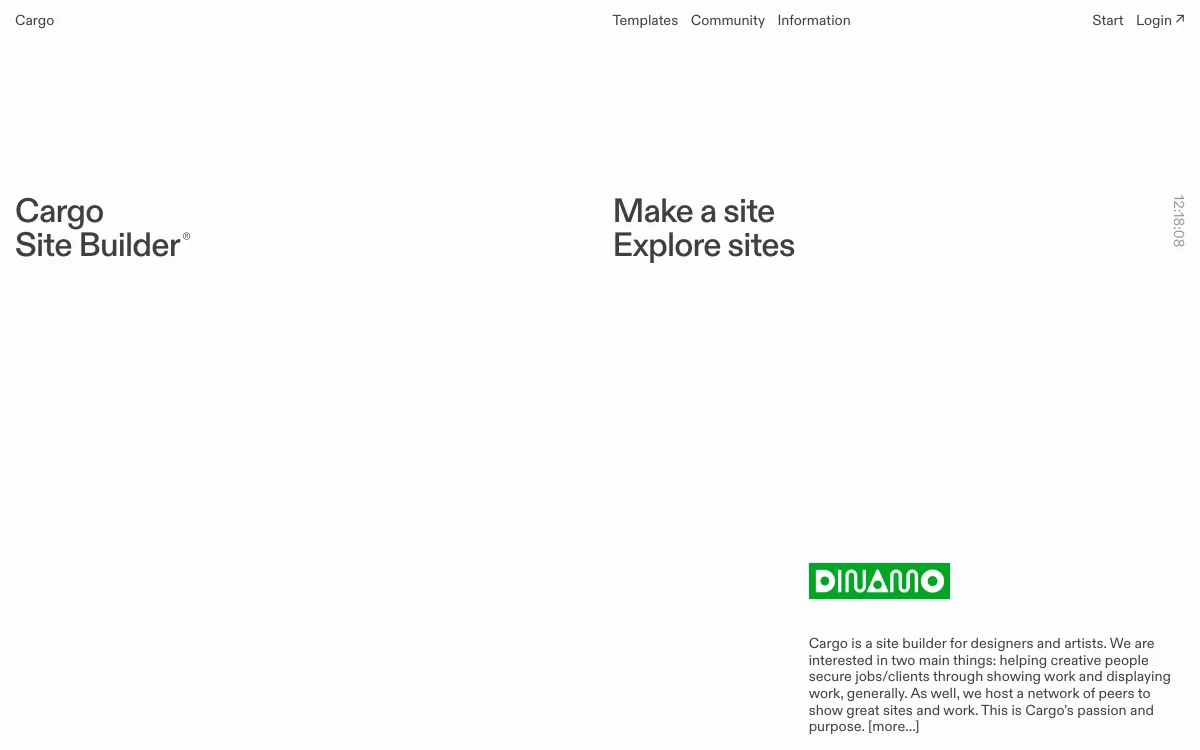
Cargo calls itself "a site builder for designers and artists", and its community of sites is full of unconventional layouts. It has galleries, thumbnail indexes, overlays, scroll animation and full CSS and HTML editing, plus real-time editing with collaborators. One account can publish many sites, such as a portfolio, a shop and a project page.
Pricing. One price: $14 a month billed yearly or $19 monthly. It includes one custom domain (extra domains are $2 a month yearly) and unlimited sites on cargo.site addresses. Selling needs the Commerce add-on at $5.50 a month yearly or $9 monthly, and Cargo charges no per-transaction fees. You can build privately for free for as long as you like, and students and teachers can use it free through their school. See cargo.site's rates page.
Limitations. The freedom comes with a learning curve, and the default look is very minimal. Selling costs extra on top of the base price.
Good for: artists and designers who want their site to feel like part of the work.
6. Siter.io: best for laying out a portfolio exactly as you want
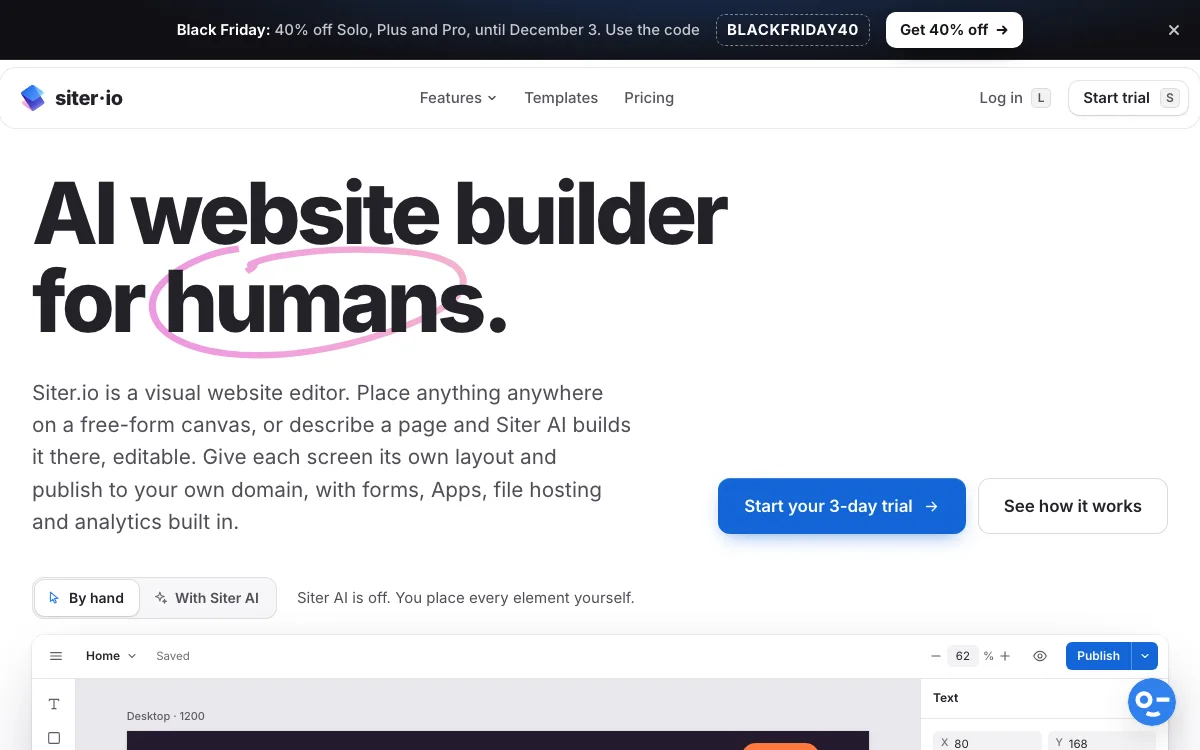
Siter.io works like a design tool. You place images and text anywhere on a canvas, and each screen size gets its own layout, so a gallery can be a loose collage on desktop and a clean column on a phone. Siter AI can build a first draft that you then move around freely, or you can turn it off and work by hand. Every paid plan includes your own domain, forms and file hosting.
Pricing. Solo is $7 a month billed yearly or $8 monthly, for 1 website, 10 pages and 1 GB of file storage. Plus is $12 billed yearly or $14 monthly, for 3 websites, 50 pages and 5 GB. Pro is $24 billed yearly or $28 monthly, for 5 websites, unlimited pages, 20 GB and HTML download. Every plan starts with a 3-day trial that needs a card. See siter.io/pricing.
Limitations. Siter.io has no online store, so you would need a separate shop such as Big Cartel to sell. There's no free plan, and password-protected pages aren't listed. The maximum file size on Solo is 25 MB, which is fine for web images but not for print-resolution originals.
Good for: artists and illustrators who want a portfolio with their own layout and don't sell through the site.
7. Wix: best for starting free
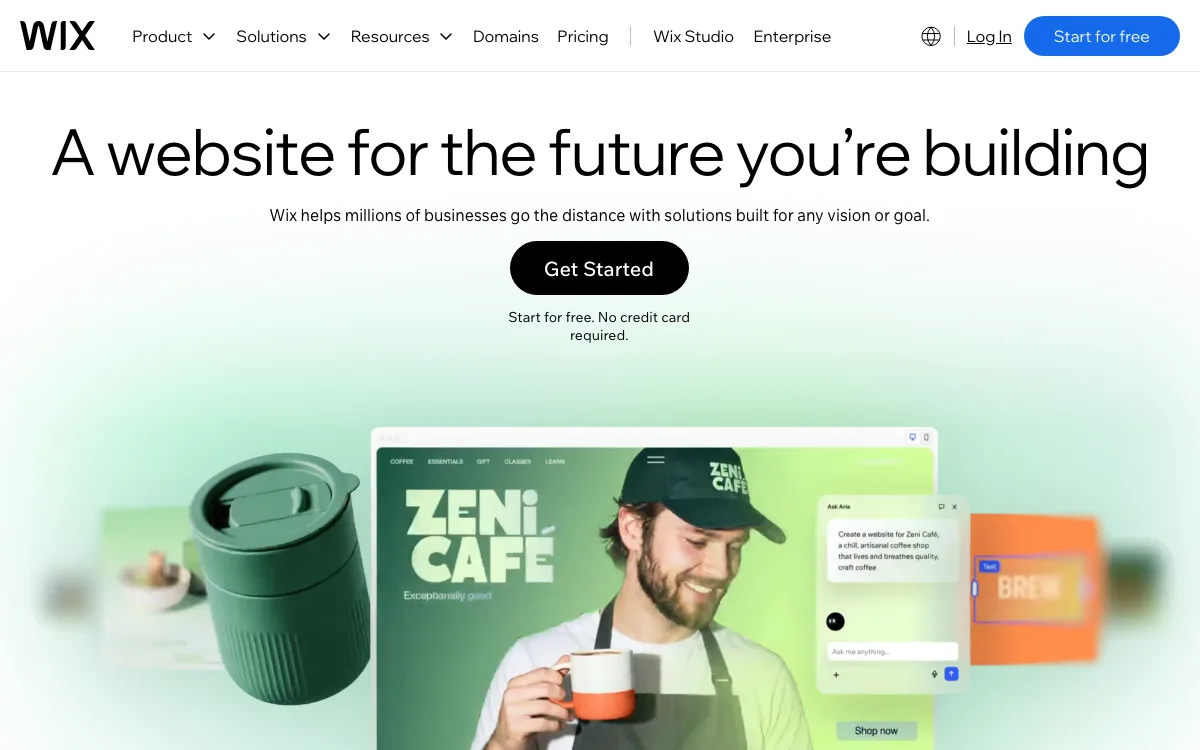
Wix has a free plan, a drag-and-drop editor and more than 2,000 templates. Its paid plans add ecommerce, scheduling for workshops or classes, and a marketing suite.
Pricing. Free shows Wix branding and has no custom domain. Paid plans, billed yearly: Light $17 a month, Core $29, Business $39 and Business Elite $159. Accepting payments and ecommerce start on Core. Light includes only 2 GB of storage, against 50 GB on Core. The pricing page also showed a limited-time offer note, so check the price at checkout. See wix.com/plans.
Limitations. To sell, you need Core, which costs more than most artist-focused builders. Wix sites can't be moved to another host.
Good for: artists who want to try a site before paying, or who also run classes and need bookings.
8. Big Cartel: cheapest way to sell a few prints
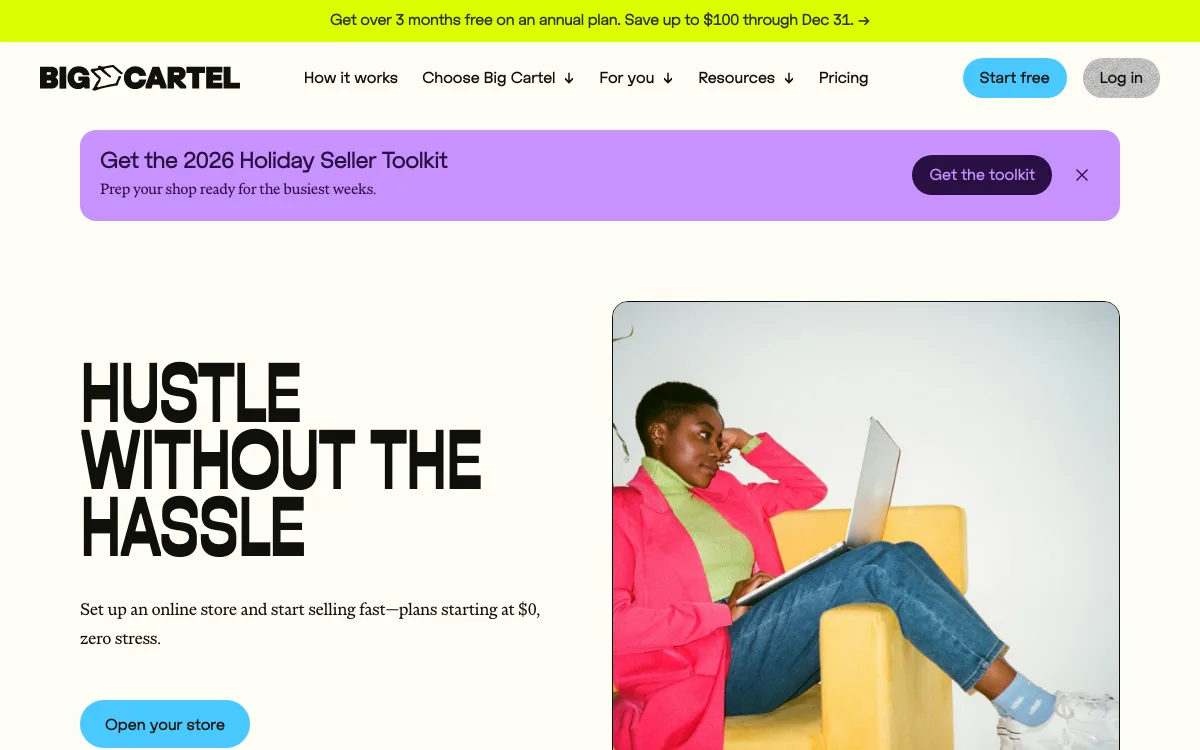
Big Cartel is a store first and a website second, built for independent makers. It sells physical and digital products and memberships, prints shipping labels, and has a print-on-demand studio through Printful, so you can sell prints, shirts and stickers without holding stock.
Pricing. The Gold plan is free, with 5 product listings and one template. Platinum is $15 a month after a 7-day trial, with custom domains and the print-on-demand studio. Diamond is $30 a month and adds abandoned-cart recovery and scheduled product drops. Big Cartel charges 0% transaction fees on every plan. See bigcartel.com/pricing.
Limitations. It's a shop, not a portfolio, so the design is built around products. Many artists pair it with a portfolio site and link the two.
Good for: illustrators and printmakers selling prints and merch.
9. Adobe Portfolio: best if you already pay for Creative Cloud
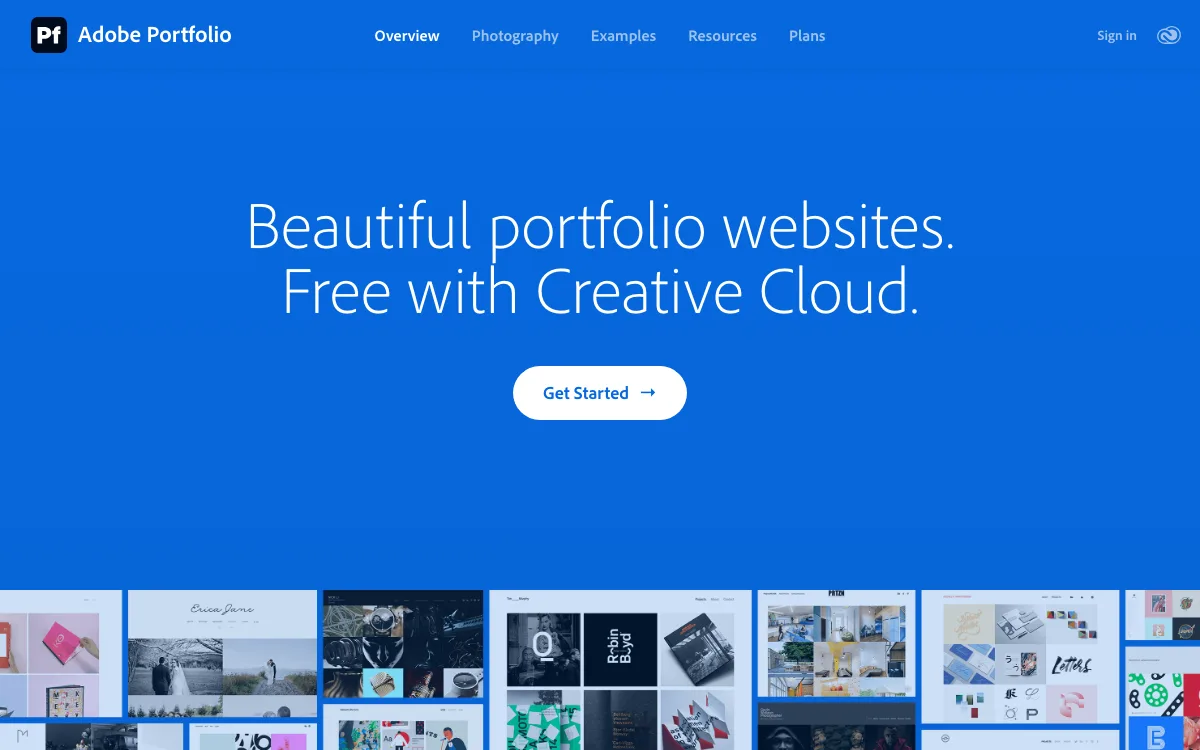
If you already pay for Creative Cloud, you have Adobe Portfolio at no extra cost. It imports projects from Behance and photos from Lightroom, uses Adobe Fonts, and can password-protect the whole site or single pages. You can connect your own domain.
Pricing. Included with a Creative Cloud subscription, which Adobe says starts at US$9.99 a month. See portfolio.adobe.com.
Limitations. Its page lists no store features, and the themes are simple. It's a showcase, not a shop.
Good for: illustrators and designers who live in Adobe apps and want a quick, tidy portfolio.
Which Website Builder Should You Choose?
- You sell originals and want one polished site: Squarespace, on Core or above to avoid the 2% fee.
- You paint and want to sell prints without printing or shipping: FASO, Silver or above.
- You also work for clients and deliver galleries: Pixpa or Format.
- You want a site that looks like nobody else's: Cargo, or Siter.io if you don't need a store.
- You only want to sell a handful of prints: Big Cartel's free Gold plan, linked from your portfolio.
- You want to start without paying: Wix's free plan, or build privately on Cargo until you're ready.
- You already pay for Creative Cloud: start with Adobe Portfolio before paying for anything else.
If price matters most, our cheapest website builder comparison works out the real yearly cost after the promo price. If you also build sites for clients, see our guide to website builders for freelancers.
FAQ
What is the best website builder for artists?
Squarespace is the best all-round choice, because every plan can sell and its templates are built around images. Painters who want print on demand should look at FASO first, and artists on a budget at Pixpa.
Is Wix or Squarespace better for artists?
Squarespace is usually better for artists: every plan can sell, and its image-led templates need less tweaking. Wix is better if you want to start on a free plan or need bookings for classes, but selling starts on its $29 Core plan.
Can I sell art prints from my website without printing them myself?
Yes. FASO includes print and framing on demand with every membership, and Big Cartel has a print-on-demand studio through Printful on its Platinum plan. Pixpa lists automatic fulfilment through print labs.
Which website builders for artists charge no commission?
Pixpa, Format, Cargo and Big Cartel say they take no commission on sales, and Squarespace charges none from its Core plan up. Card processing fees from Stripe, PayPal or the builder's own payments still apply.
Is there a free website builder for artists?
Wix has a free plan with Wix branding, Big Cartel's Gold plan is free for 5 products, and Cargo is free while your site stays private. Adobe Portfolio is free if you already have Creative Cloud.
How many images do I need on my artist website?
Show your strongest 15 to 30 pieces per series, not your whole archive. Image caps still matter if you sell many works: FASO Intro allows 40 images, Format Basic 70 and Pixpa Basic 200.