Wix and Squarespace are the two names most people think of first when they want a website without a developer. Both host your site, include a domain for the first year on annual plans, and let you sell, take bookings and run a blog. The differences are in how you edit, what each plan unlocks, and what happens if you ever want to leave.
This comparison uses each vendor’s own pricing pages and help center, checked on November 12, 2026, plus a speed test on three pairs of comparable official templates. We did not build a paid site on either platform, so we make no claims about customer support or day-to-day reliability.
The Verdict by Use Case
- Starting for free or testing an idea: Wix. It has a free plan; Squarespace only has a 14-day trial.
- Portfolio, studio or brand site where looks matter most: Squarespace. Fewer templates, but a consistent design system that is hard to break.
- Service business that takes bookings: Wix. Bookings are included from the Core plan; on Squarespace, scheduling is a separate Acuity subscription.
- Small online store: close. Squarespace lets you sell on every plan (2% fee on Basic, 0% from Core). Wix needs Core or higher, with no Wix fee listed on store sales.
- Blog-led site: Squarespace, for cleaner post URLs, filtered RSS feeds and a WordPress-format export.
- Pixel-level layout control: Wix. Its classic editor places elements freely; Squarespace works in sections with a grid.
- Planning to move platforms later: Squarespace. Wix cannot export your site or your blog posts.
Wix vs Squarespace at a Glance
| Wix | Squarespace | |
|---|---|---|
| Free plan | Yes, with Wix branding and a wixsite.com address | No, 14-day trial without a card |
| Cheapest paid plan | Light, $17/mo billed yearly | Basic, $19/mo billed yearly ($25 monthly) |
| Cheapest plan that can sell | Core, $29/mo | Basic, $19/mo (2% transaction fee) |
| Templates | 2,000+ | About 200 |
| Switch template after building | No | No (version 7.1) |
| Editor | Freeform drag-and-drop, or the AI-first Wix Harmony | Sections with a drag-and-drop grid (Fluid Engine) |
| Bookings | Included from Core | Acuity Scheduling, separate from $16/mo |
| Email marketing | Separate, 200 free emails a month | Separate add-on |
| Export your site | No (products and CMS data only) | Partial (WordPress XML, one blog, layout pages) |
How We Compared Them
The plan is the same brief for both: a small service business site with a home page, services, a contact form, a blog and online booking, maybe with a few products later. For each part of that brief we checked what the vendor documents, on which plan, and what it costs. Prices are in US dollars. Both companies show local prices depending on where you are, and Wix labels its USD prices “for reference only”, so check the plans page from your own country before you buy.
For speed, we picked three template pairs aimed at the same kind of business (a painting company, a law firm and a life coach) and ran Lighthouse on each official demo. The results are further down.


Ease of Use and the Editor
This is the biggest practical difference between the two.
Wix now has two editors. The classic Wix Editor is freeform drag-and-drop: you can put any element anywhere on the page. That is liberating for some people and a trap for others, because nothing stops a layout from drifting out of alignment. Mobile is edited in a separate Mobile Editor, and changes there do not affect the desktop version. In January 2026 Wix released Wix Harmony, which combines AI prompting (through an assistant called Aria) with drag-and-drop editing. It is available on every plan, including the free one, but existing Wix Editor sites cannot be moved into Harmony, so you choose when you start.
Squarespace builds pages from sections. Inside each section, its Fluid Engine editor gives you a grid where you drag and resize blocks. You have less freedom than on Wix, but it is harder to produce something that looks broken, and spacing stays consistent across pages. You can rearrange the mobile layout of a section without touching desktop, while text and image changes apply to both. Squarespace’s AI tools, Blueprint AI Builder and Blueprint AI Templates, generate a starting site with text, images and styles, but only on a computer.
Both builders now open with AI. If that is the main reason you are choosing, our roundup of the best AI website builders compares how they produce a first draft.
Design and Templates
Wix lists more than 2,000 templates. Squarespace’s template browser showed 201, including 55 for professional services. Quantity is not the deciding factor: most people pick a template in the first ten minutes, and both libraries cover every common business type.
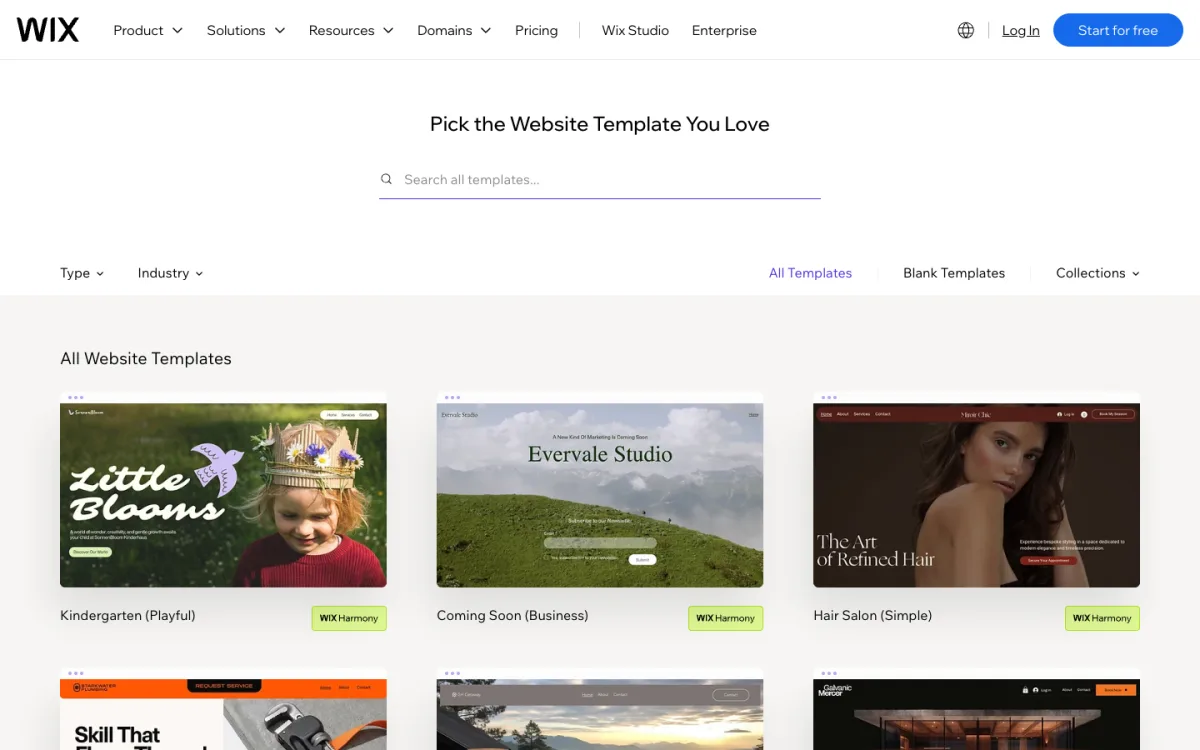
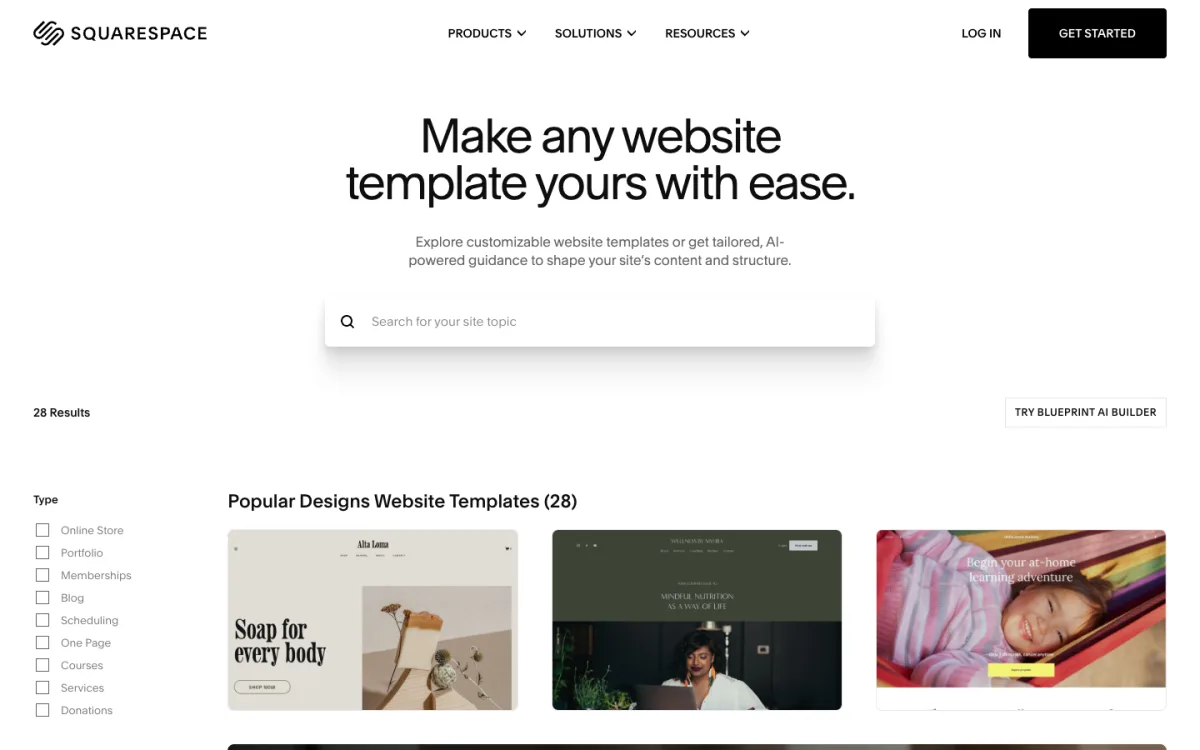
One point catches many people out: neither builder lets you switch templates once your site exists. Wix’s help center says it is not possible to switch the template of a site you have already created; the workaround is to build a new site and move your plan and domain to it. Squarespace says the same for version 7.1, the current version. Only older 7.0 sites can switch. On 7.1 you restyle the existing site instead, with colors, fonts and themes, which in practice gets you most of the way.
So treat the template as a starting point, not a commitment to a look. Whatever you pick, make sure the result covers the basics in our list of elements your business website is missing.
Features for a Small Business
Blog
Both have categories, tags, scheduled posts and RSS. The details differ:
- Wix puts every post under a
/post/prefix. You can rename it, but not remove it, and it cannot match the blog page’s own slug. The RSS feed shows only the latest 20 posts, with no feeds per category. - Squarespace starts post URLs with the blog page’s slug, which you choose (for example
/blog/post-title). RSS feeds can be filtered by category or tag, and there is no stated limit on the number of posts.
Forms
- Wix Forms limits the number of forms by plan: 4 on Free and Light, 10 on Core, 25 on Business and 75 on Business Elite. Submissions are stored in the site dashboard. File upload and signature fields need Core or higher.
- Squarespace form blocks are on every plan. Submissions go to email by default and can also go to Google Drive, Mailchimp or Zapier (the last two on Core and up). Watch one detail: if a form has no required email field, Squarespace keeps each submission for only 30 days.
Online store
- Wix: selling needs Core ($29/mo) or higher, with up to 50,000 products. The plan table lists no Wix fee on store sales. It does list a fee on paid memberships sold through Wix Pricing Plans (4% on Core, 2% on Business) and 2.5% on event tickets. Wix Payments in the US costs 2.9% + $0.30 per card payment.
- Squarespace: every paid plan can sell. The transaction fee is 2% on Basic and 0% on Core and above for physical products and services. Digital products, courses and memberships carry 7% on Basic, 5% on Core, 1% on Plus and 0% on Advanced. Squarespace Payments in the US costs 2.9% + $0.30 on Basic and Core, dropping to 2.5% on Advanced. Discounts and carrier-calculated shipping need Core.
For a few products, Squarespace Basic is the cheapest way in, as long as the 2% fee stays below the $10 a month you would save over Core: roughly $500 in monthly sales. For store design itself, our guide to ecommerce UX applies on either platform.
Bookings
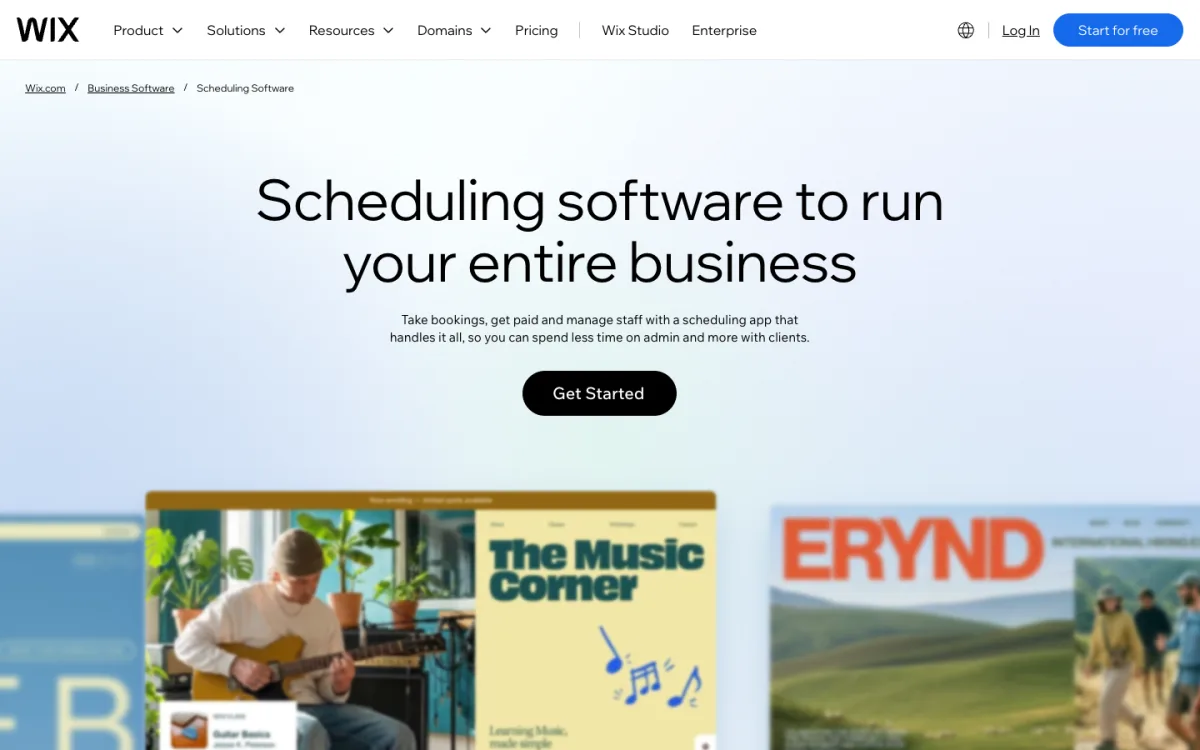
Wix Bookings is part of the Core, Business and Business Elite plans, with unlimited services, staff calendars and SMS or WhatsApp reminders (50 a month on Core). It is not included on Light.
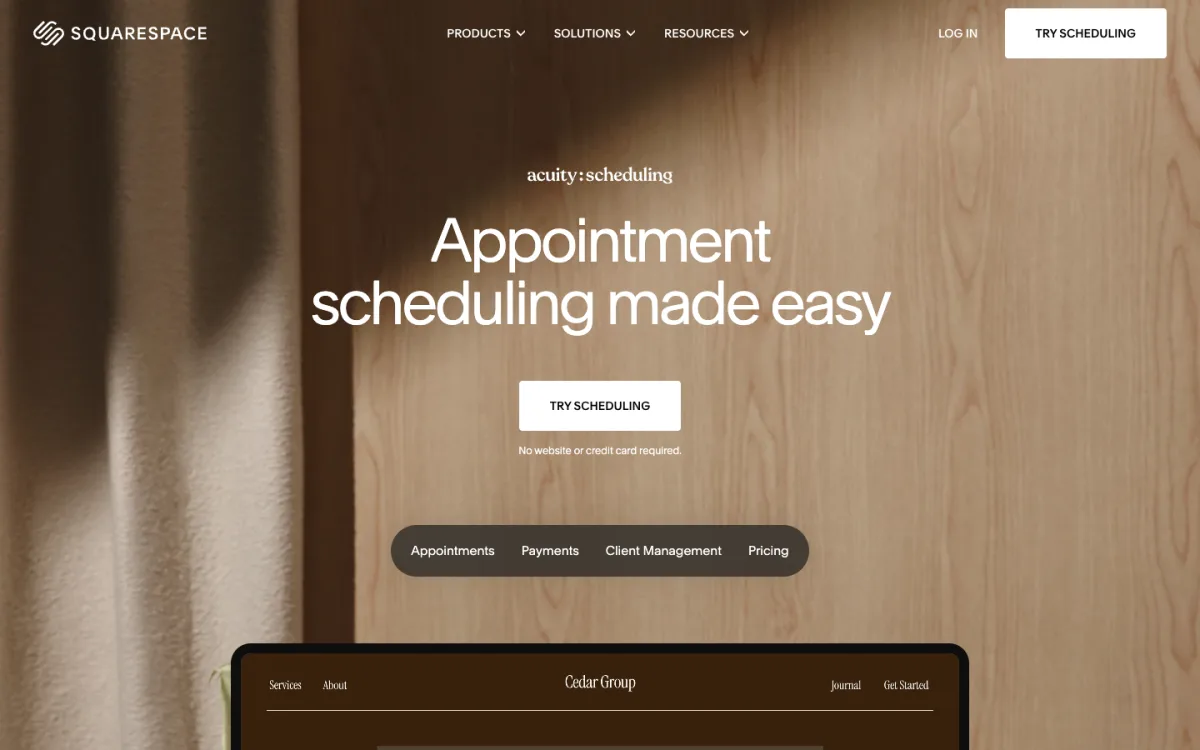
Squarespace handles bookings through Acuity Scheduling, a separate subscription: Starter $16, Standard $27 and Premium $55 a month billed yearly ($20, $34 and $69 monthly). Squarespace charges no transaction fee on appointments. For a one-person service business, that is at least $35 a month on Squarespace (Basic plus Acuity Starter, billed yearly), against $29 a month for Wix Core with bookings built in.
Email marketing
Neither includes email campaigns in the website plan. Wix gives 200 free emails a month, with paid email plans on top. Squarespace Email Campaigns is a separate add-on, with three trial campaigns.
SEO and Speed
Both cover the SEO basics: custom titles and descriptions, automatic XML sitemaps, 301 redirects and per-page noindex. Wix gives more technical control. You can edit robots.txt, override canonical tags and add structured data per page, and Wix Multilingual adds hreflang tags automatically. Squarespace only offers crawler toggles instead of a robots.txt editor, and its code injection, which you need for custom structured data, starts on the Core plan. Our guide to the best website builders for SEO has the full matrix.
For speed, we ran Lighthouse 10.4 in mobile mode with simulated throttling on three pairs of official template demos, three runs each, and report the median. Tests ran on November 12, 2026. LCP (Largest Contentful Paint) is how long the main content takes to appear; TBT (Total Blocking Time) is how long scripts block the page.
| Niche | Builder | Template | Score | LCP | TBT | Page weight |
|---|---|---|---|---|---|---|
| Painting company | Wix | Painting Company (Earthy Tones) | 65 | 5.5 s | 172 ms | 1,712 KB |
| Squarespace | Sawyer | 57 | 16.3 s | 122 ms | 2,249 KB | |
| Law firm | Wix | Law Firm (Business) | 72 | 6.2 s | 18 ms | 1,884 KB |
| Squarespace | Corrigan | 57 | 7.3 s | 469 ms | 1,207 KB | |
| Life coach | Wix | Life Coach (Energetic) | 31 | 7.9 s | 5,317 ms | 3,017 KB |
| Squarespace | Meriden | 52 | 15.2 s | 382 ms | 2,066 KB |
The Wix demos showed their main content sooner in all three pairs, and scored higher in two. The Squarespace painting and coaching templates both open with large hero images and took over 15 seconds for LCP on a simulated slow mobile connection. The exception in score is the Wix life coach template, which ran heavy scripts (blocking time varied from 2.4 to 14.7 seconds between runs) and weighed 3 MB. Layout shift was zero on all six demos.
The honest conclusion is that the template matters more than the builder. Both platforms can produce a slow page if the template leans on big images or animations. Pick a template with a light hero section, compress your images, and test your own pages in PageSpeed Insights before launch. These are lab results on demo sites served from wix.com and squarespace.com, not on custom domains.
Pricing and Renewal
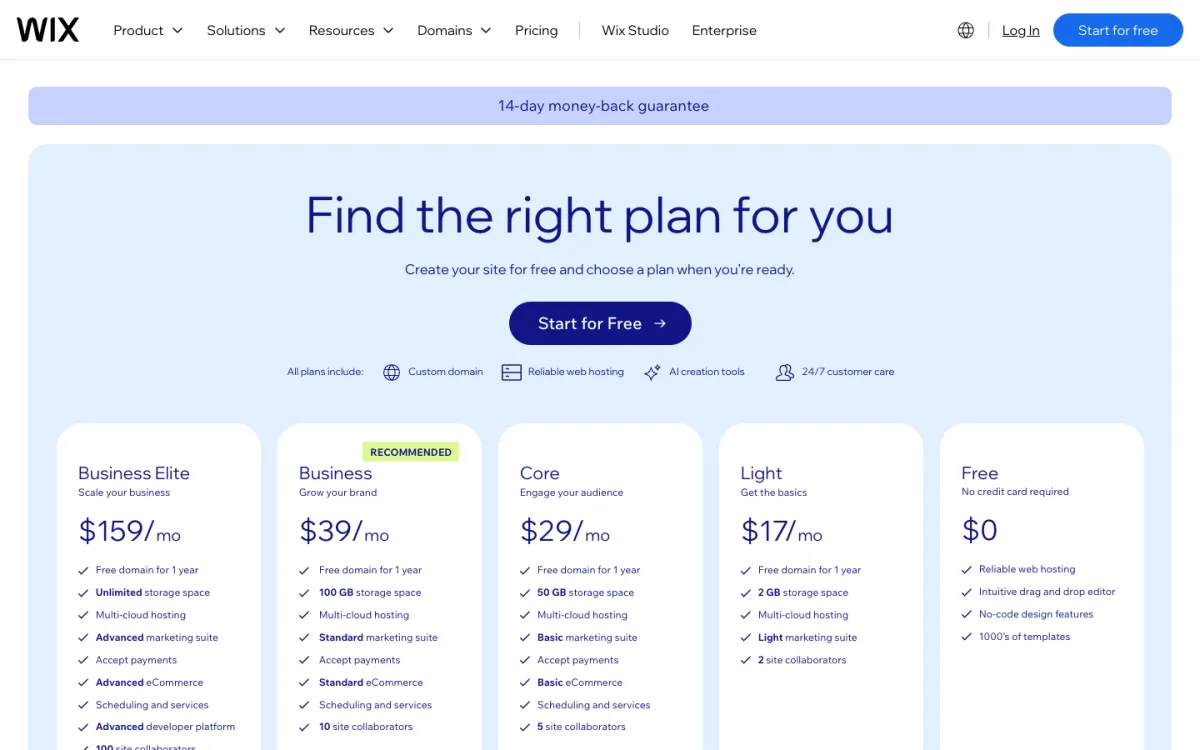
| Wix plan | Per month, billed yearly | Storage | Can sell | Bookings |
|---|---|---|---|---|
| Free | $0 | 500 MB | No | No |
| Light | $17 | 2 GB | No | No |
| Core | $29 | 50 GB | Yes | Yes |
| Business | $39 | 100 GB | Yes | Yes |
| Business Elite | $159 | Unlimited | Yes | Yes |
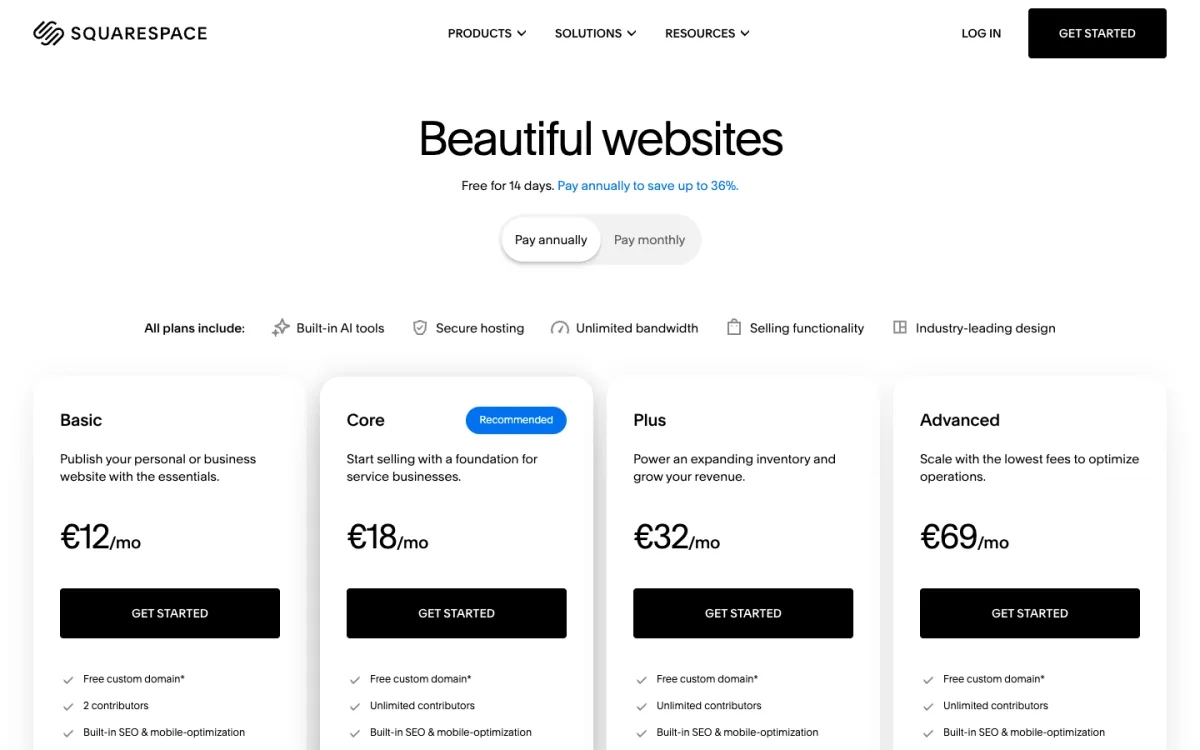
| Squarespace plan | Billed yearly | Billed monthly | Store fee | Contributors |
|---|---|---|---|---|
| Basic | $19/mo | $25/mo | 2% | 2 |
| Core | $29/mo | $39/mo | 0% | Unlimited |
| Plus | $49/mo | $65/mo | 0% | Unlimited |
| Advanced | $99/mo | $139/mo | 0% | Unlimited |
Things to know before you pay:
- Free domain, first year only. Both include a domain for a year on annual plans. Wix gives it as a voucher with the first yearly or multi-year plan; monthly Wix plans get none. Squarespace renews a .com at $20 a year after that.
- Discounts renew at full price. Wix states that anything bought at a discount renews at the standard rate, and yearly plans renew automatically.
- Refunds and trials. Wix has no trial of paid plans, but offers a 14-day money-back guarantee on your first upgrade. Squarespace gives a 14-day trial with no card, but trial sites cannot be exported.
- Monthly billing. Squarespace publishes its monthly prices. Wix confirms monthly plans exist but shows only yearly prices on its plans page.
Leaving Later: Export and Lock-in
This gets little attention until it matters. Wix says it is not possible to back up your site outside Wix, and blog posts cannot be exported to other platforms. You can export store products and CMS collections as CSV files, and download media one file at a time.
Squarespace exports a WordPress-format XML file with your layout pages and one blog, plus products and contacts as CSV. Store pages, product blocks and your styling stay behind, and the site must be published and public to export. It is not a full migration, but your writing comes with you.
Which One Should You Choose?
Choose Wix if you want to start free, need bookings without a second subscription, want control over where every element sits, or need more technical SEO settings such as robots.txt and canonical tags. Accept that your site stays on Wix: there is no export, and the Light plan cannot sell or take bookings, so most businesses end up on Core at $29 a month.
Choose Squarespace if the look of the site matters most and you would rather work within a design system than fight alignment. It is also the better fit for a writer’s or studio’s site, thanks to cleaner blog URLs and a WordPress-format export, and for a small shop that wants to start selling on the $19 Basic plan. Budget extra for Acuity if you take appointments.
If you are still unsure, use both before you pay: build your home page on the Wix free plan and in a Squarespace 14-day trial. An afternoon in each editor tells you more than any comparison table, including this one.
If Neither Fits
- You want design control without code: Webflow or Framer. Our list of Webflow alternatives compares the options for designers.
- You want to own the files: a static site or WordPress on your own hosting. Our guide on how to host a website walks through four ways.
- You just want options: our older roundup of website builders lists more tools to look at.
FAQ
Is Wix or Squarespace cheaper?
Wix is cheaper to start, because it has a free plan and its Light plan is $17 a month billed yearly. For selling online, Squarespace Basic at $19 a month is cheaper than Wix Core at $29, but it adds a 2% transaction fee.
Is Wix or Squarespace easier to use?
Squarespace’s section-based editor is harder to break, so most beginners get a tidy result faster. Wix’s freeform editor gives more control but needs more care with alignment and the separate mobile layout.
Can I switch templates on Wix or Squarespace?
Not on a current site. Wix does not allow switching the template of an existing site, and Squarespace 7.1 does not either. You can restyle a Squarespace site with fonts, colors and themes, or start a new site on Wix.
Which is better for a small business?
For a service business that takes appointments, Wix, because bookings are included from the Core plan. For a design-focused brand, portfolio or simple store, Squarespace.
Can I move my site from Wix to Squarespace?
Not automatically. Wix has no site export, so you rebuild the pages on Squarespace, copy the content across and set up 301 redirects from the old URLs on your domain.
Do Wix and Squarespace charge transaction fees?
Squarespace charges 2% on store sales on Basic and 0% from Core, plus fees on digital products and memberships below Advanced. Wix lists no fee on store sales, but charges on memberships sold through Pricing Plans and on event tickets. Card processing fees apply on both.