Framer and Webflow are the two visual website builders designers most often choose between. Both let you design on a canvas, publish to fast hosting and run a blog or case-study library from a built-in CMS. They come from opposite directions, though. Framer feels like a design tool that publishes. Webflow feels like a front-end developer’s tool with the code hidden behind panels.
This is a head-to-head comparison. If you are still deciding whether to use either, our Webflow alternatives guide compares eight options. Prices and limits below were checked on Framer’s and Webflow’s own pricing pages, help centers and plugin listings on November 12, 2026. Webflow changed its plans in May 2026 and Framer in June 2026, so many comparisons online are out of date. We did not buy either plan, and the performance numbers come from Lighthouse runs on each company’s own homepage, explained below. Framer also publishes its own Framer vs Webflow page. It is a useful price summary, but it is written by one side.
The Verdict by Use Case
- A designer building a marketing site, portfolio or startup landing page: Framer. It is quicker to learn if you come from Figma, animation is built into the canvas, and Basic is cheaper than Webflow Basic and includes a CMS.
- A content-heavy site with a large blog, directory or resource library: Webflow Premium. It allows 20,000 CMS items and 40 collections for $25 a month billed yearly; Framer Pro starts at 2,500 items and 10 collections for $30.
- An online store: Webflow. It has its own Ecommerce plans. Framer has no built-in checkout, only third-party Shopify plugins.
- An agency handing sites to clients: close. Framer content editor seats cost $10 a month. Webflow’s Freelancer and Agency workspaces include one or three free client seats per site.
- A team that may want the code later: Webflow. Paid workspace plans can export a site’s HTML, CSS and JavaScript. Framer has no official one-click export.
- Sites in several languages: Webflow is cheaper per language for up to three; Framer is simpler to price, at a flat $20 per locale.
| Framer | Webflow | |
|---|---|---|
| Cheapest plan with your own domain | Basic, $10/mo yearly, includes a CMS | Basic, $15/mo yearly, no CMS |
| Main CMS plan | Pro, $30/mo yearly | Premium, $25/mo yearly |
| CMS limits on that plan | 10 collections, 2,500 items (up to 40 and 40,000 with add-ons) | 40 collections, 20,000 items |
| Pages | 30 on Basic, 150 on Pro (up to 700) | 300 static pages on Basic and Premium |
| Bandwidth | 50 GB Basic, 100 GB Pro | 10 GB Basic, 50 GB Premium |
| Extra editors | $20/mo editor, $10/mo content editor | $39/mo full seat, $15/mo limited seat (yearly) |
| Localization | $20 per locale, up to 20 | From $9 per locale (yearly), up to 3 or 10 |
| Ecommerce | Third-party plugins only | From $29/mo yearly |
| Code export | No official export | Paid workspace plans, without CMS content |
| Figma import | Copy-and-paste plugin | Plugin that needs auto layout |
Both Tools on Their Own Homepage
The plan for this article was to build the same landing page in both tools. We did not, because doing it fairly needs paid plans on both. What we could do is look at the site each company builds with its own product. Framer.com’s HTML carries a “Framer” generator tag and webflow.com’s a “Webflow” one, so each is a real, large production site on its own platform, built by people who know the tool better than anyone.
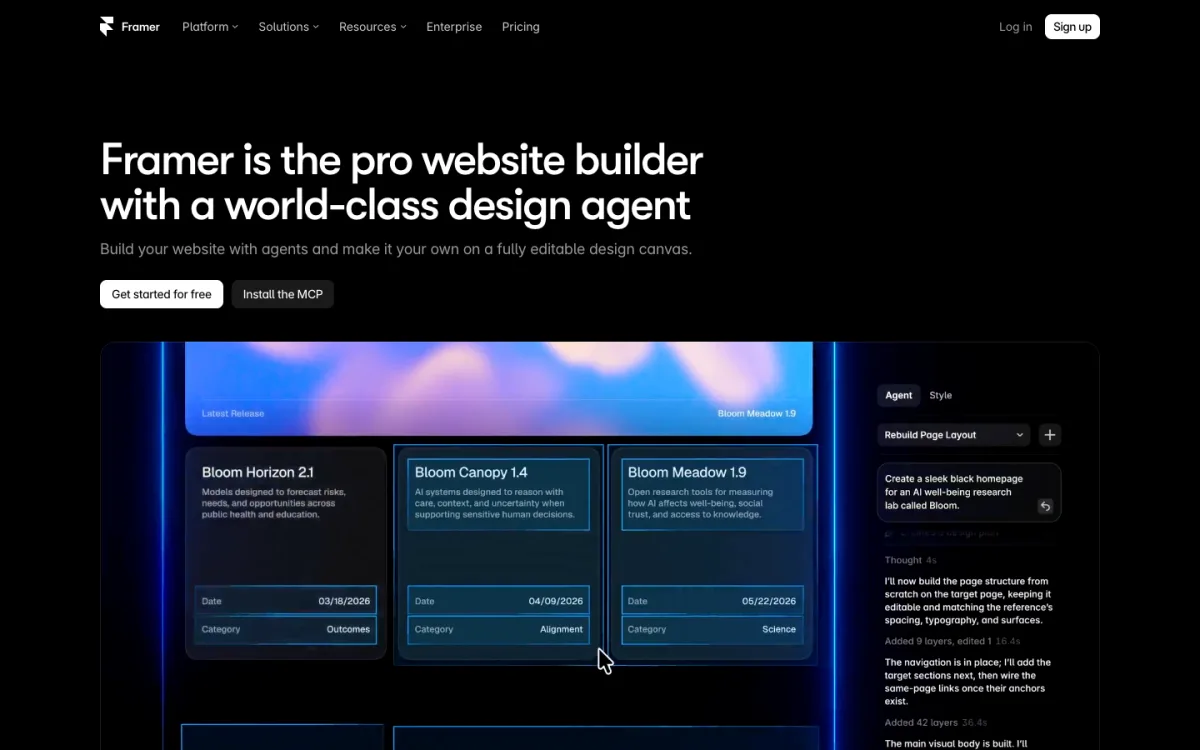
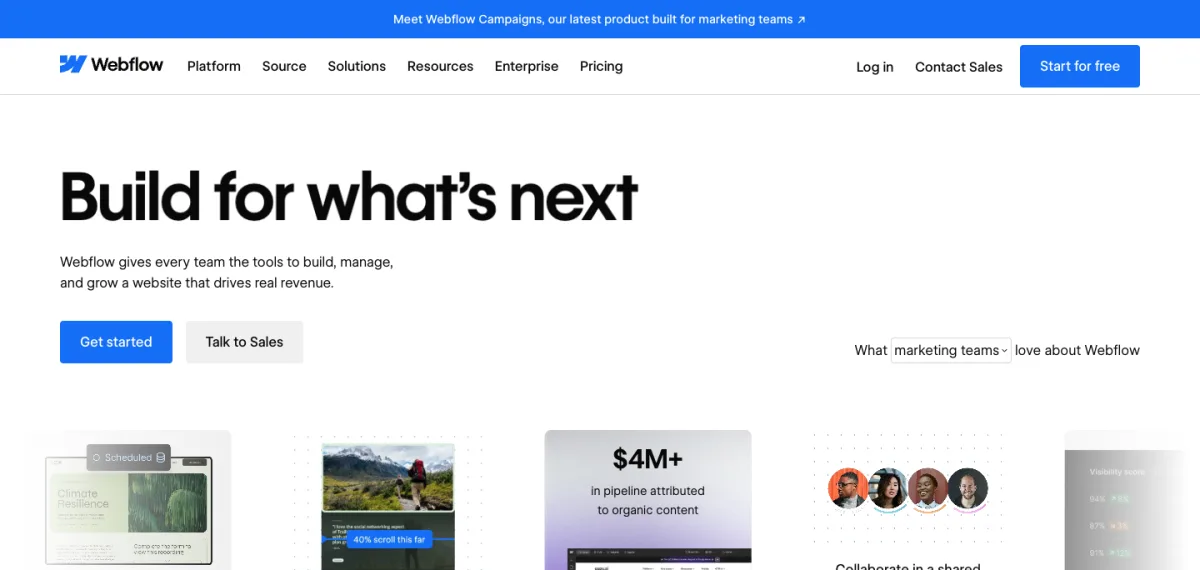
We ran Lighthouse 10 three times on each homepage with its default mobile settings on November 12, 2026, and took the median of each number.
| Lighthouse, mobile (median of 3) | framer.com | webflow.com |
|---|---|---|
| Performance score | 63 | 37 |
| Largest Contentful Paint | 3.3 s | 8.6 s |
| Total Blocking Time | 1,000 ms | 890 ms |
| Cumulative Layout Shift | 0 | 0 |
| Page weight | 2.3 MB | 7.2 MB |
| Accessibility | 94 | 92 |
| Best practices | 83 | 83 |
| SEO | 80 | 93 |
Read this as a snapshot, not a verdict on the builders. Both pages are heavy marketing pages with video, animation and tracking scripts, and the difference is mostly page weight: webflow.com loads about three times as many bytes. Both scored zero layout shift and similar blocking time. A simple site in either tool, with optimized images and few third-party scripts, should score far better than either homepage. The SEO gap comes from two page-level audits on framer.com, links that are not crawlable and tap targets that are too small, not from missing features in Framer. Both sites also failed Lighthouse’s robots.txt check.
Design and Animation
Framer gives you a freeform canvas with stacks and grids for layout, breakpoints, and components with variants. Animation lives in the same panel as styling: appear effects, scroll effects, hover and press states, drag and layout animations, with no timeline to learn. Developers can add React code components and code overrides, which use the Motion library. If you design in Figma, Framer’s editor will feel familiar within an hour.
Webflow is built around CSS. You style with classes and combo classes, use variables, and build components with properties and variants that can be shared between sites through Shared Libraries. It asks more of you at the start, since you need to understand the box model, flexbox and how classes cascade, but it gives finer control and tidier, more predictable output on large sites. React code components are available on Premium and above.
Webflow’s animation system is Interactions with GSAP, included on every Site plan. It has a timeline, scroll-linked animation with scrubbing and pinning, split text and staggers. GSAP itself has been free for everyone, including its formerly paid plugins, since Webflow announced the change on April 30, 2025. For complex, choreographed scroll stories Webflow can go further; for quick, polished motion on a marketing page Framer is faster to work in.
CMS and Content Teams

Both CMSs cover the basics: collections with typed fields, reference and multi-reference fields, rich text, images and collection pages generated from a template. The differences are in the limits and the publishing workflow.
- Limits. Framer Basic allows 2 collections and 1,000 items; Pro allows 10 and 2,500, and add-ons raise that to 40 collections and 40,000 items. Webflow Basic has no CMS at all; Premium allows 40 collections and 20,000 items. Webflow removed its CMS item add-ons in May 2026, so 20,000 is the self-serve ceiling.
- Publishing. Webflow Premium has per-item publishing and scheduled publishing. Framer has drafts, but we found no built-in scheduling, only third-party plugins.
- Importing content. Both import CSV. Framer can also sync from Google Sheets and Airtable.
- API. Webflow’s Data API covers CMS items, forms, assets and more, with 120 requests per minute on Premium. Framer’s Server API can update the CMS and publish, and is in open beta.
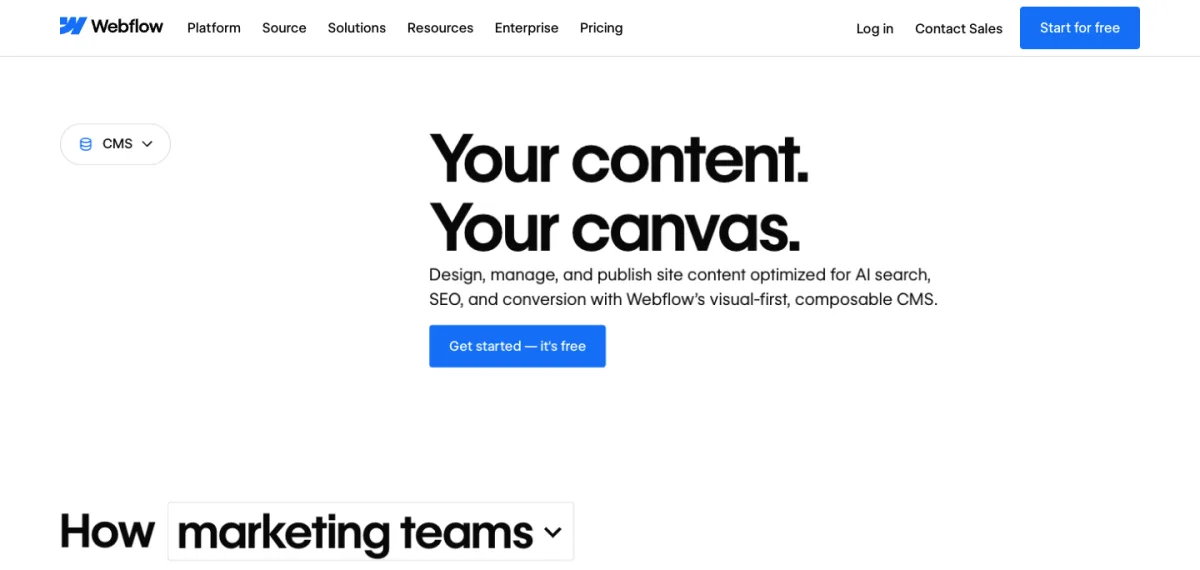
Client editing changed on Webflow this year. The old Editor was switched off on October 5, 2026, and clients now edit through workspace seats with a Content editor role: a limited seat costs $15 a month billed yearly, and Freelancer and Agency workspaces include one or three free client seats per site. In Framer, a content editor seat for CMS, translation and on-page edits costs $10 a month, and a full editor $20. Basic and Pro allow up to 10 seats with edit access.
SEO and Performance
Both handle the SEO basics well, so the choice rarely comes down to SEO.
- Both: per-page titles and descriptions, Open Graph images, an automatic XML sitemap, a noindex option per page, structured data through custom code, and CMS fields you can use in meta tags.
- Redirects: Webflow includes 301 redirects from Basic. Framer only has them on Pro, which matters if you are moving an existing site with old URLs to keep.
- Canonical tags and robots.txt: Webflow lets you set canonical URLs and edit robots.txt. Framer generates both automatically; a custom robots.txt needs Pro.
- Hosting: Webflow serves sites through Cloudflare’s CDN. Framer runs on AWS CloudFront, from 20 locations on Basic and 300+ on Pro, and serves images as AVIF or WebP automatically.
- Images: Webflow makes responsive image sizes for images placed in the Designer, though not for background images or images in rich text, and can convert uploads to WebP or AVIF in bulk.
Speed depends far more on what you put on the page than on the platform. Large videos, many fonts and third-party scripts slow either one down, as the homepage tests above show.
Figma Import
Both companies make an official Figma plugin, and they work differently.
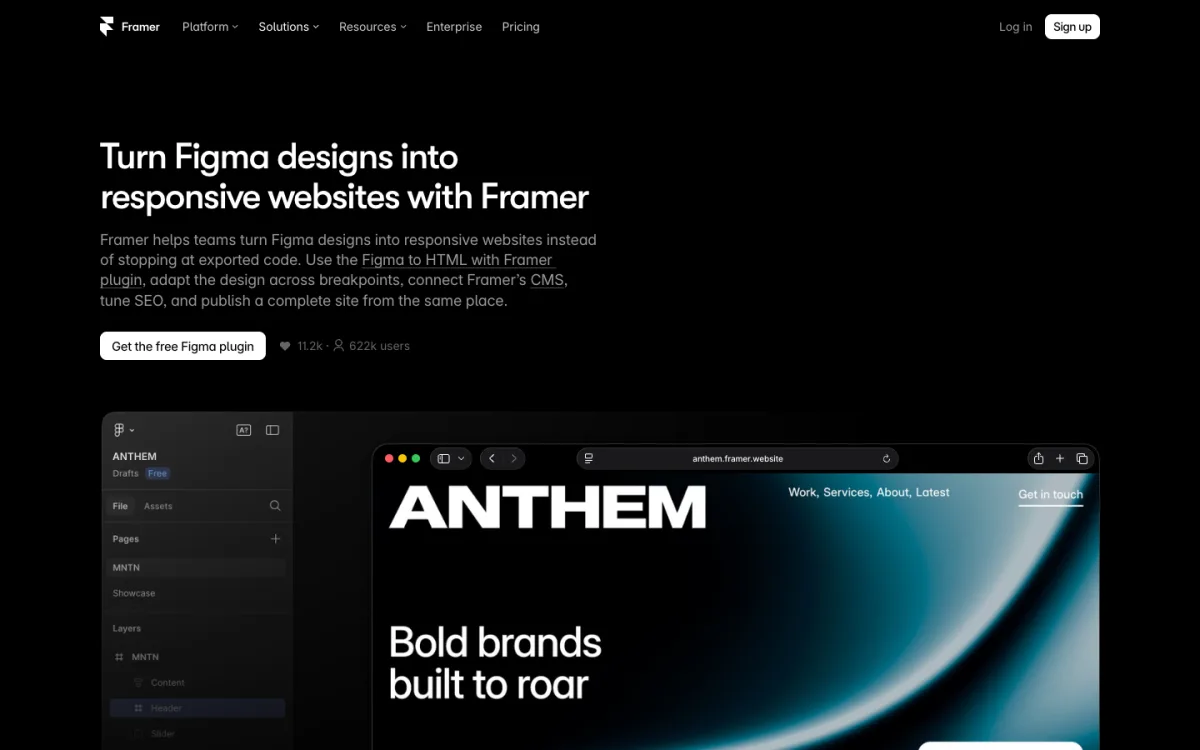
Figma to Framer. The Figma to HTML with Framer plugin, used by about 650,000 people, copies layers in Figma so you can paste them onto the Framer canvas as editable elements. It keeps layer names and groups. Framer’s own lesson tells you to check fonts, images, spacing and responsiveness after pasting, so expect some cleanup, especially on breakpoints. Framer does not document exactly how auto layout and component variants carry over.
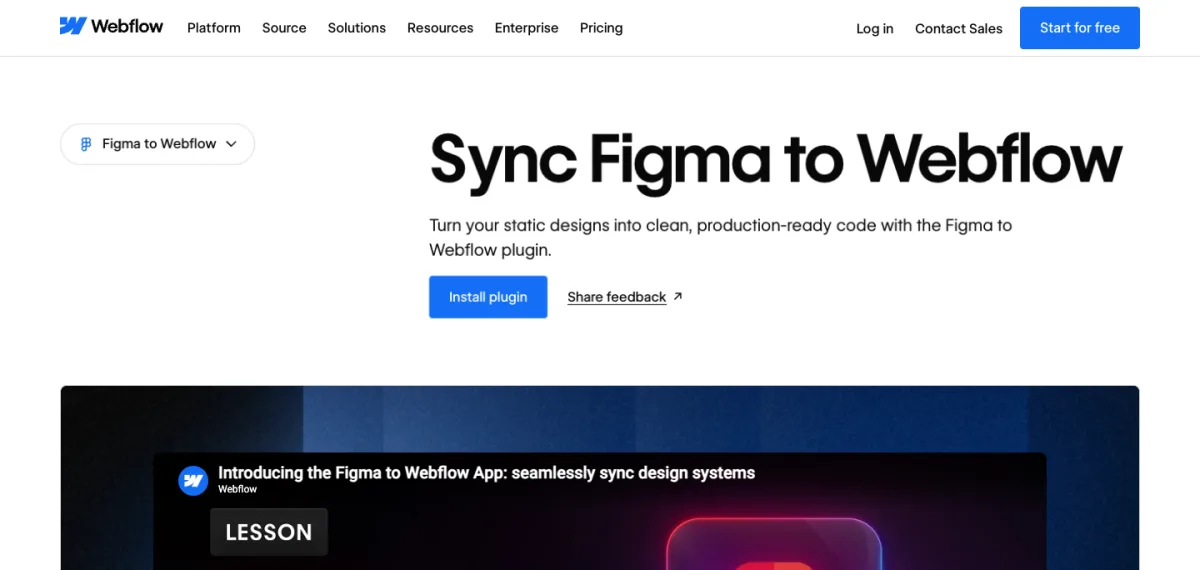
Figma to Webflow. Webflow’s Figma to Webflow plugin, built by Webflow Labs and used by about 400,000 people, syncs layers into Webflow components and elements, Figma variables into Webflow variables, and text and effect styles into classes. It is stricter: only auto layout frames come across, every layer name becomes a class, custom fonts must be uploaded to Webflow first, and component variants are not supported, so each variant arrives as a separate component. It does not run in Safari. The payoff is a cleaner, class-based structure if your Figma file is built carefully.
In short, Framer is more forgiving of a messy Figma file and Webflow rewards a disciplined one. Neither turns a static Figma frame into a finished responsive site without work. If you want plain HTML you can host anywhere, our guide to converting Figma to HTML compares the routes that give you the files.
Pricing
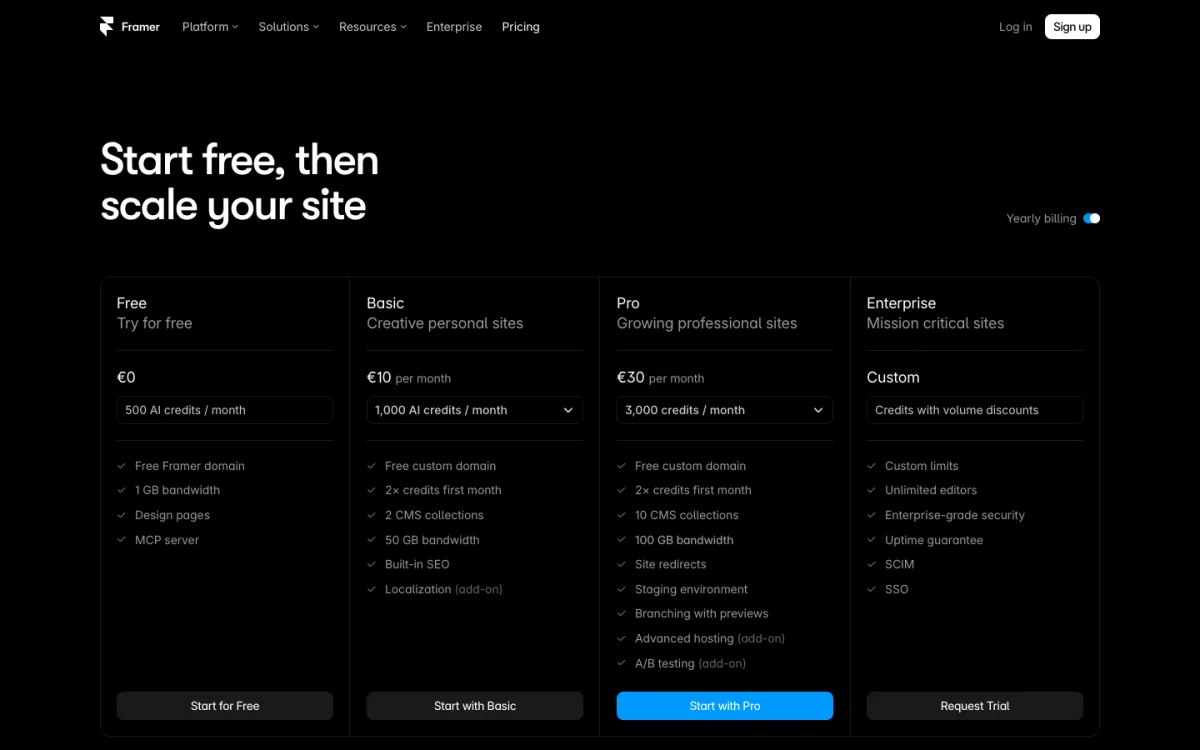
Framer has four site plans. Free has a Framer subdomain, the “Made in Framer” banner and 1 GB of bandwidth, and Framer calls it “ideal for non-commercial use.” Basic costs $10 a month billed yearly ($120) with a custom domain, 30 pages, 2 CMS collections and 50 GB of bandwidth, and its limits cannot be raised. Pro costs $30 a month billed yearly ($360) and adds redirects, a staging environment and branching, with add-ons for more pages, CMS items and bandwidth. Month to month, Framer showed us €15 and €45. Extra editors are billed on top, and localization costs $20 per locale.
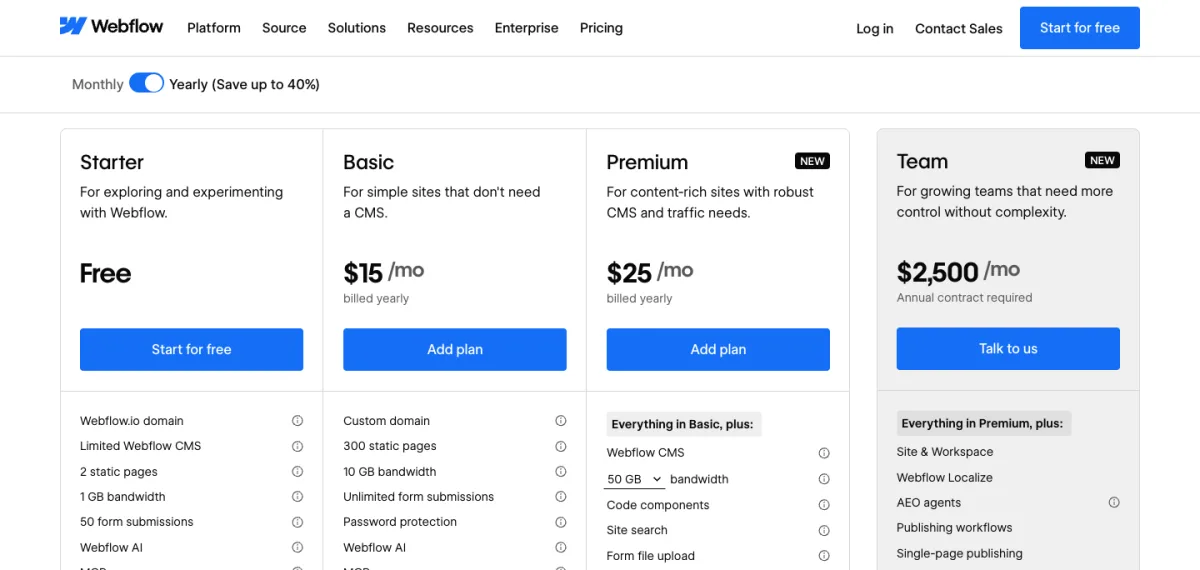
Webflow splits pricing into two bills. A Site plan pays for hosting each site: Starter is free on a webflow.io address with 2 pages and 50 form submissions; Basic is $15 a month billed yearly ($25 monthly) with 300 pages but no CMS; Premium is $25 yearly ($39 monthly) with the CMS. A Workspace plan pays for the people who build: the free Starter workspace is enough for one designer, while Core ($19 a month yearly) or Freelancer ($16) add code export, more unpublished sites and shared libraries. Extra full seats cost $39 a month yearly. Localization starts at $9 per locale per month billed yearly, and Ecommerce plans start at $29.
For a typical one-person site with a blog, billed yearly:
- Framer Basic: $120 a year, if 30 pages and 2 collections are enough.
- Framer Pro: $360 a year.
- Webflow Premium: $300 a year, or $492 if you also want code export through a Freelancer workspace.
Add $240 a year for each extra Framer editor, or $468 for each extra Webflow full seat. For how these compare with cheaper builders, see our cheapest website builder comparison.
Lock-in and Leaving
Webflow lets you export a site’s HTML, CSS, JavaScript and images on any paid workspace plan. The export leaves out CMS content, ecommerce and localized pages, so collection lists come out empty and forms stop working. CMS collections export separately as CSV files. Framer’s help center says it does not offer HTML export for self-hosting, though CMS content can be exported as CSV or JSON through plugins, and third-party plugins offer code export. Either way, plan on rebuilding if you leave.
Both have AI tools that can draft pages, write copy and fill the CMS, and both now offer MCP servers so outside AI agents can edit sites. Our best AI website builder guide covers those features and other builders that lead with AI.
FAQ
Is Framer better than Webflow?
For design-led marketing sites, Framer is faster to work in and cheaper to start. Webflow is better for large CMS sites, online stores and teams that need class-based structure or code export.
Is Framer cheaper than Webflow?
At the entry level, yes: Framer Basic is $10 a month billed yearly and includes a small CMS, while Webflow Basic is $15 with no CMS. For a CMS site, Webflow Premium ($25) costs less than Framer Pro ($30) and has higher CMS limits.
Can I move a site from Webflow to Framer?
Partly. Export your Webflow CMS collections as CSV and import them into Framer’s CMS, then rebuild the layouts in Framer. Set up redirects for any changed URLs, which needs Framer Pro.
Which is better for SEO?
Neither has a real SEO advantage. Both give you meta tags, sitemaps and structured data. Webflow includes 301 redirects on its cheapest paid plan, while Framer needs Pro for them.
Can I import a Figma design into Framer or Webflow?
Yes, both have official Figma plugins. Framer’s copies and pastes almost any frame. Webflow’s only brings over auto layout frames and does not support variants, but turns your styles and variables into Webflow classes and variables.
Does Framer have ecommerce?
Not built in. You can connect a Shopify store with third-party plugins, with checkout on Shopify. Webflow has its own Ecommerce plans from $29 a month billed yearly.