An expired TLS certificate takes a site down as surely as a crashed server. Browsers show a full-page warning, and most visitors leave. Plain uptime checks often miss it until the day it expires, because the server is still answering.
This guide covers why certificates still expire on auto-renewal and how to check one by hand. It also includes a short shell script we wrote and tested that runs from cron and emails you before anything breaks, plus the hosted tools that do the same job. Tool features and prices come from each vendor’s pricing pages and help docs, checked on November 12, 2026. We did not sign up for the tools; the script, however, we ran for real, and its output is below.
The Short Answer
- Free and self-hosted: our check-ssl.sh script plus a cron job. It checks expiry, the certificate chain and the hostname, and needs only OpenSSL.
- Free and hosted, with SSL on the free plan: Pulsetic, or StatusCake for a single certificate. Uptime Kuma if you run your own server.
- Not on UptimeRobot’s free plan: its help center says SSL and domain expiry monitoring are paid features, despite what the pricing table suggests.
- Alert at 30, 14 and 7 days, and immediately on chain or hostname errors.
- Expect more renewals. Maximum certificate lifetimes are shrinking from 200 days now to 47 days by March 2029, and Let’s Encrypt’s default drops from 90 to 64 days in February 2027.
Why Certificates Still Expire
Most certificates renew automatically now, so an expiry usually means the automation broke without anyone noticing. Common causes:
- Failed renewal. Let’s Encrypt has to reach your server to validate the domain. A firewall rule, a changed DNS record, or a deploy that wipes the
/.well-known/acme-challenge/folder will block it. (We protect that folder in our own static site deploy for exactly this reason.) - The renewal ran, but the server didn’t reload. The new certificate sits on disk while the web server keeps serving the old one from memory.
- CDN and origin mismatch. A CDN shows visitors its own certificate, so the site looks fine while the origin’s certificate quietly expires, until the CDN can no longer connect.
- Forgotten hostnames.
www, a mail server, an API subdomain or a staging site, each with its own certificate. - No more reminder emails. Let’s Encrypt stopped sending expiration emails on June 4, 2025. Its announcement recommends third-party monitoring instead.
Shorter lifetimes make all of this more likely. Under a schedule the CA/Browser Forum approved in April 2025, the maximum validity of a public TLS certificate fell to 200 days on March 15, 2026, falls to 100 days on March 15, 2027, and to 47 days on March 15, 2029. Let’s Encrypt, which issues 90-day certificates today, will move its default to 64 days on February 10, 2027 and to 45 days on February 16, 2028. Its own advice: once certificates last 45 days, renewing on a fixed 60-day timer won’t be enough.
Check a Certificate by Hand
In a browser, click the icon to the left of the address, then the connection or certificate details. You will see who issued it and its “valid to” date.
In a terminal, one line shows the issuer and validity dates of the certificate the server actually sends:
echo | openssl s_client -connect example.com:443 -servername example.com 2>/dev/null \
  | openssl x509 -noout -issuer -dates
Run against this site on November 12, 2026, it returned a Let’s Encrypt certificate valid from September 23 to December 22, 2026: a 90-day certificate with 39 days left. Let’s Encrypt clients usually renew around 30 days before expiry, so it should be replaced in about nine days.
Two details matter. -servername sends the hostname (SNI), without which a server hosting several sites may return the wrong certificate. And openssl x509 -checkend answers “will this expire within N seconds?”, which is easier to script than parsing dates.
A DIY Monitor: Script, Cron and Email
The script below checks any number of hosts. For each, it verifies the chain and the hostname, then reports OK, WARN (under 30 days) or CRIT (under 7 days, or any certificate error). The exit code is 0, 1 or 2, so cron, CI or another monitor can act on it.
#!/bin/sh
# check-ssl.sh: warn before TLS certificates expire, and catch chain or hostname errors.
# Usage: ./check-ssl.sh example.com www.example.com shop.example.com:8443
# Exit code: 0 all OK, 1 at least one WARN, 2 at least one CRIT.

WARN_DAYS=${WARN_DAYS:-30}
CRIT_DAYS=${CRIT_DAYS:-7}
status=0

for target in "$@"; do
  host=${target%%:*}
  port=${target#*:}; [ "$port" = "$target" ] && port=443

  # Fetch the certificate the server sends, verifying the chain and the hostname.
  out=$(echo | openssl s_client -connect "$host:$port" -servername "$host" \
        -verify_hostname "$host" -verify_return_error 2>&1)
  cert=$(printf '%s\n' "$out" | openssl x509 2>/dev/null)

  if [ -z "$cert" ]; then
    reason=$(printf '%s\n' "$out" | grep -m1 -o 'verify error:[^)]*' || echo 'no certificate (connection failed)')
    echo "CRIT  $target  $reason"; status=2; continue
  fi

  end=$(printf '%s\n' "$cert" | openssl x509 -noout -enddate | cut -d= -f2)
  # GNU date, then BSD/macOS date, then BusyBox (Alpine).
  end_s=$(date -u -d "$end" +%s 2>/dev/null \
       || date -j -u -f '%b %e %T %Y %Z' "$end" +%s 2>/dev/null \
       || date -u -D '%b %d %H:%M:%S %Y' -d "${end% GMT}" +%s 2>/dev/null)
  days=$(( (end_s - $(date +%s)) / 86400 ))

  if ! printf '%s\n' "$cert" | openssl x509 -noout -checkend $((CRIT_DAYS * 86400)) >/dev/null; then
    echo "CRIT  $target  expires in $days days ($end)"; status=2
  elif ! printf '%s\n' "$cert" | openssl x509 -noout -checkend $((WARN_DAYS * 86400)) >/dev/null; then
    echo "WARN  $target  expires in $days days ($end)"; [ $status -lt 1 ] && status=1
  else
    echo "OK    $target  expires in $days days ($end)"
  fi
done
exit $status
Download check-ssl.sh (1.7 KB).
What it caught
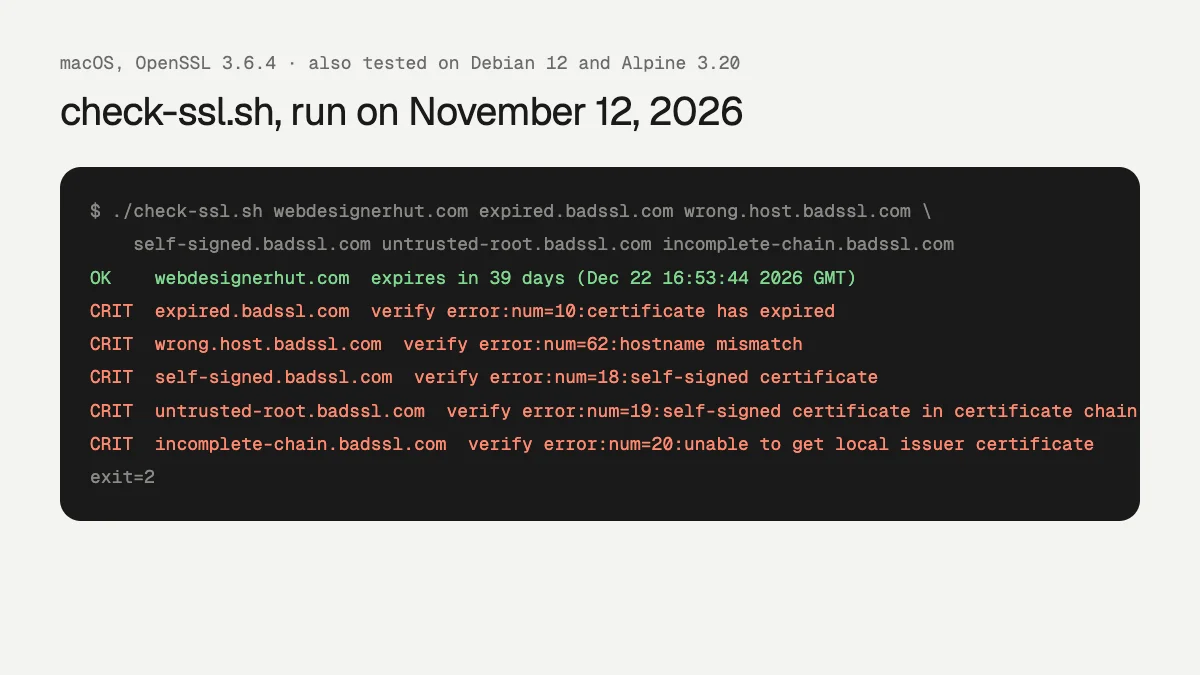
We ran it against this site and five of badssl.com’s test hosts, which exist to serve broken certificates. It flagged an expired certificate, a hostname mismatch, a self-signed certificate, an untrusted root and an incomplete chain, each with OpenSSL’s reason. Some browsers repair an incomplete chain by fetching the missing certificate, so that one can look fine in Chrome while failing in other clients. That makes it worth catching.
We tested it on macOS (OpenSSL 3.6.4), Debian 12 (OpenSSL 3.0.22) and Alpine 3.20. The first Alpine run turned up a bug. BusyBox date can’t parse OpenSSL’s date format, so the day count came out wrong, though the OK, WARN and CRIT status was still right because it comes from -checkend. The third date line in the script is the fix.
Run it daily from cron
Cron emails a job’s output to MAILTO, and filtering out the OK lines means you only get mail when something needs attention:
MAILTO=you@example.com
0 8 * * * /usr/local/bin/check-ssl.sh example.com www.example.com mail.example.com:465 | grep -v '^OK'
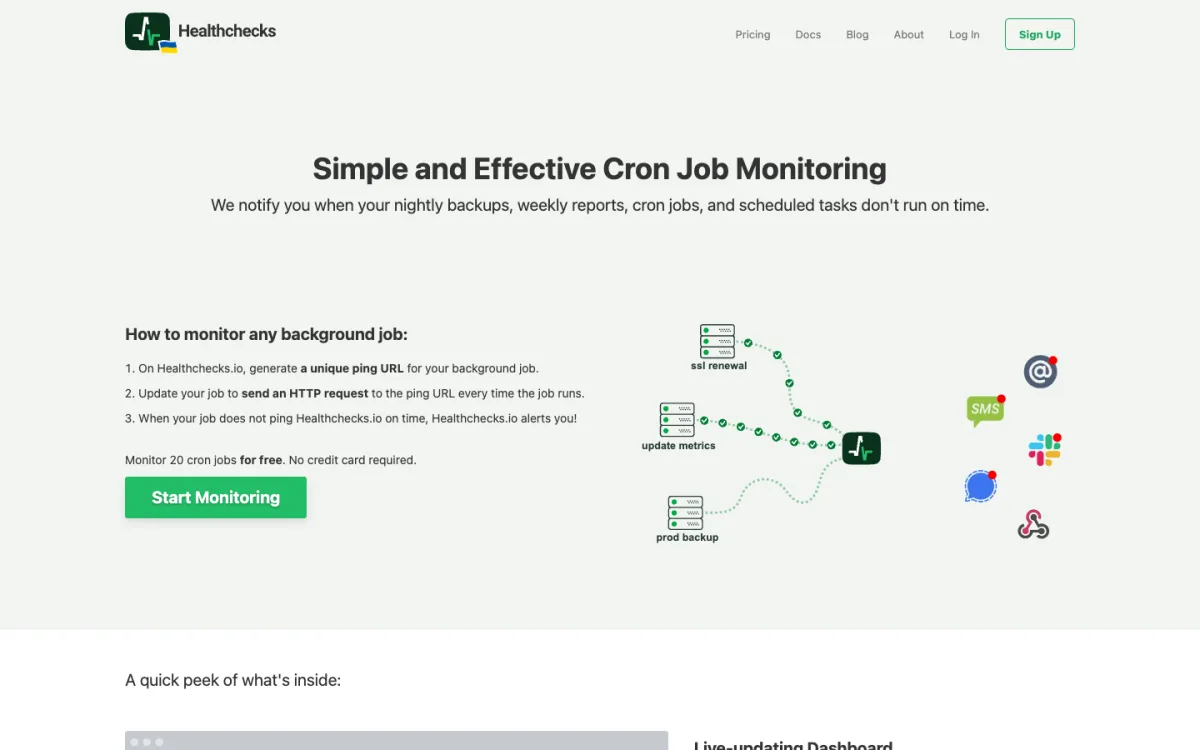
This needs a server that can send mail. If it can’t, or you want to know when the check itself stops running, use a dead man’s switch: a service that alerts you when a scheduled ping doesn’t arrive. Healthchecks.io monitors 20 jobs for free:
0 8 * * * /usr/local/bin/check-ssl.sh example.com www.example.com && curl -fsS -m 10 https://hc-ping.com/your-uuidThe ping is sent only when every certificate is OK. A warning, an error, or a server that stopped running cron all end the same way, with an alert from Healthchecks.
The script’s blind spot is that it runs from one place. It can’t tell you whether a CDN edge in another country is serving a different certificate, and it won’t catch domain expiry. That is where hosted tools help.
Tools That Do It for You
| Tool | SSL expiry on free | Domain expiry on free | Default reminders | Free plan | Paid from |
|---|---|---|---|---|---|
| Pulsetic | Yes | Yes, within the 10 | Starts 14 days out | 10 monitors, heartbeats or domains, 5 min | $9/mo |
| StatusCake | 1 certificate | 1 domain | 3 points you choose | 10 uptime monitors, 5 min | €16.66/mo yearly |
| Uptime Kuma | Yes (self-hosted) | Yes | 21, 14, 7 days, editable | Unlimited, on your server | Free |
| UptimeRobot | No, paid only | No, paid only | 30, 14, 7, 0 days | 50 monitors, 5 min | €9/mo yearly |
| Better Stack | Not stated | Not stated | Off until set (1 to 60 days) | 10 monitors, 3 min | $29/mo per responder, yearly |
| Oh Dear | No free plan | No free plan | n/a | 10-day trial | $17/mo for 2 sites |
| Red Sift Certificates Lite | Yes, up to 250 certificates | Not checked | Free | Not checked |
“Not stated” means the pricing page and docs we read don’t say whether the feature is on the free plan; “Not checked” means we didn’t verify it. Red Sift’s free allowance comes from Let’s Encrypt’s announcement. Prices are as shown to us; UptimeRobot and StatusCake displayed euros.
Pulsetic
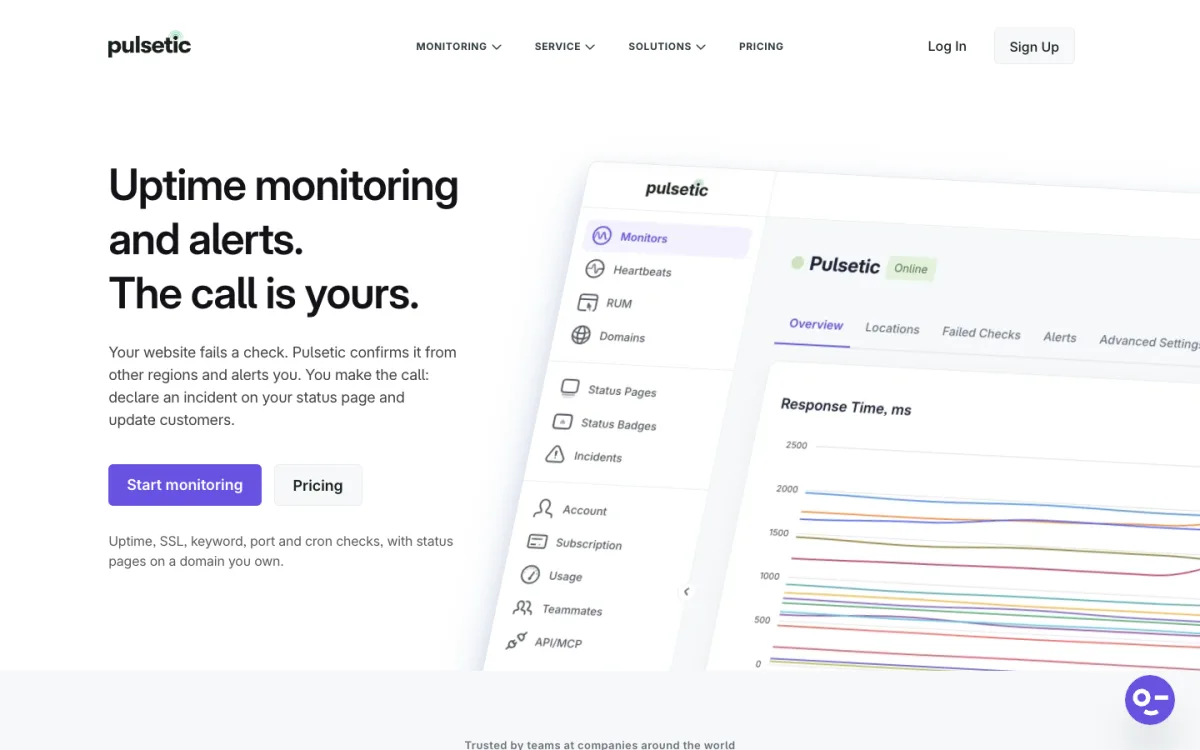
Pulsetic’s pricing table marks SSL monitoring as included on every plan, free included, and its free allowance of 10 is shared between monitors, heartbeats and domains. Its own pages disagree on the exact reminder days: the SSL page says 14 days, 7 days and the day before, while the help center says 14, 3 and 1. Either way, the first warning comes two weeks out. Email is the only alert channel on free.
StatusCake
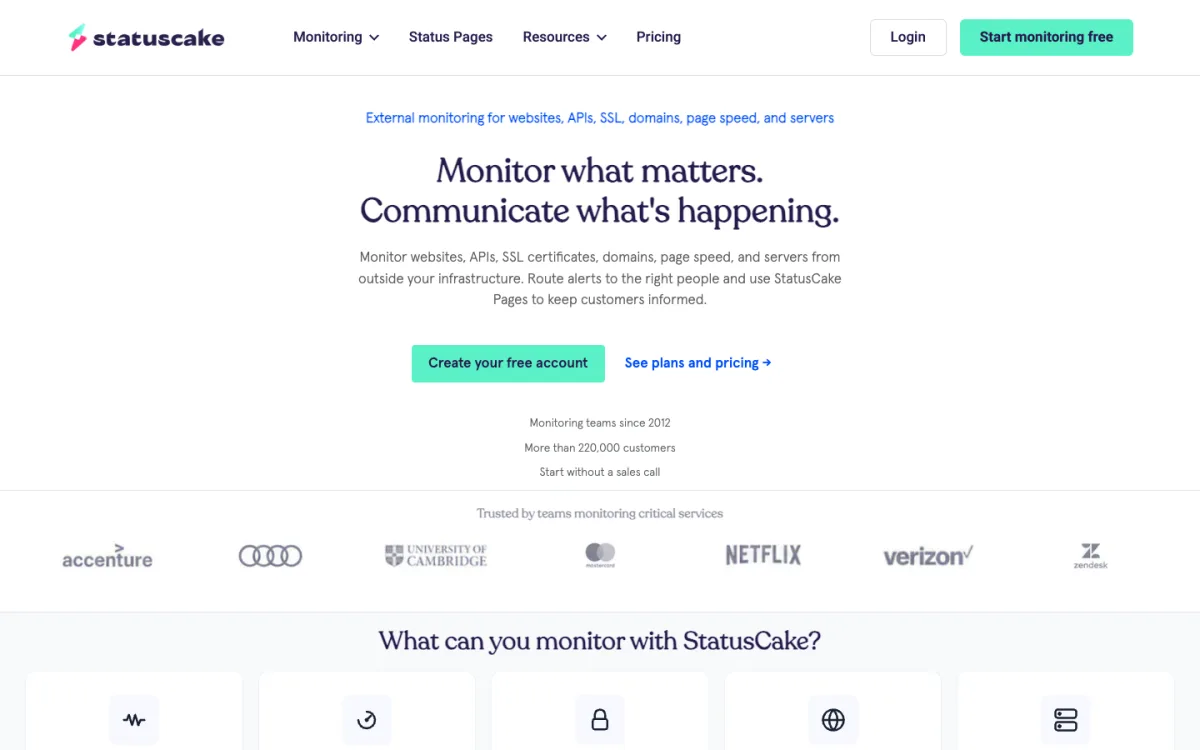
StatusCake gives one SSL monitor and one domain monitor on its free plan, enough for a single site. You pick three reminder points per certificate. The Superior plan raises that to 50 of each.
Uptime Kuma
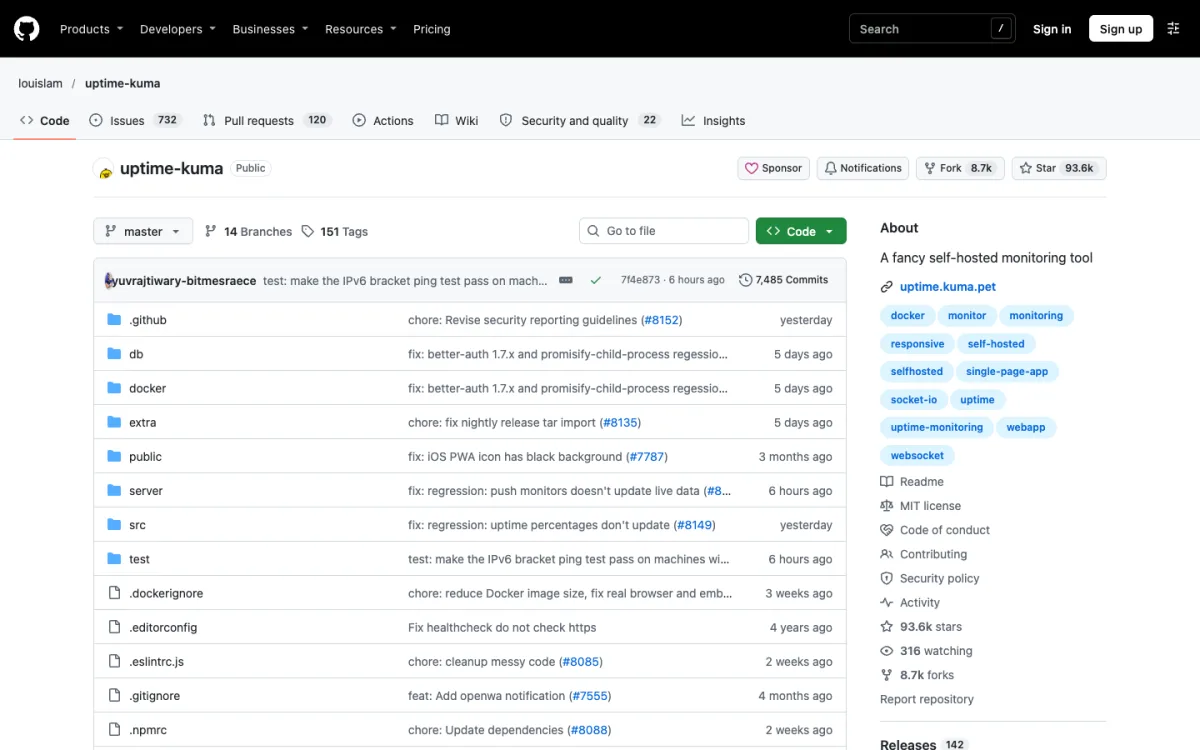
Uptime Kuma is the self-hosted option. Certificate expiry notifications are built in, at 7, 14 and 21 days by default, and in the 2.5 releases it also tracks domain expiry through RDAP. It needs a server, ideally not the one it is watching.
UptimeRobot
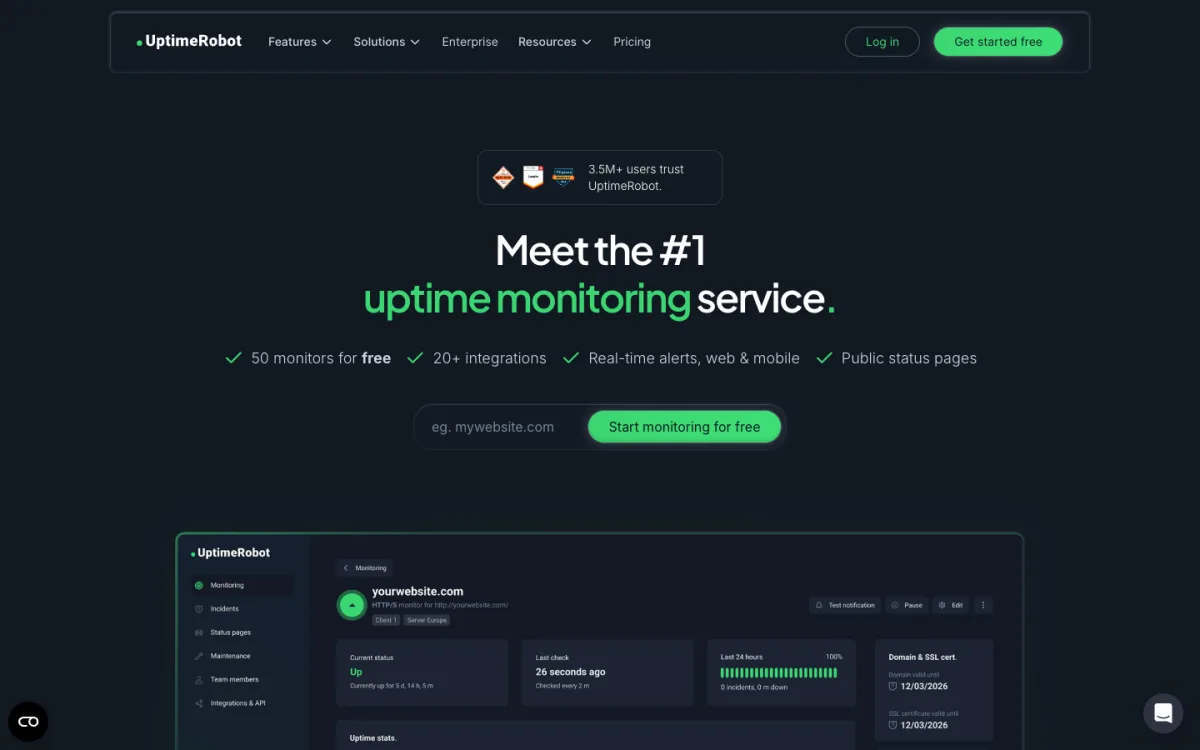
UptimeRobot’s pricing page lists “SSL & Domain exp. monitor” in the free column, but a tooltip on the same page and its help center both say SSL monitoring is for paid plans. On free, the “Check SSL errors” option isn’t available. On paid plans, reminders go out 30, 14, 7 and 0 days before expiry, checked once a day. For auto-renewed certificates such as Let’s Encrypt, the first warning comes at 14 days instead of 30. Our UptimeRobot alternatives guide compares its free plan in detail.
Better Stack lets you set SSL and domain expiry alerts per monitor at 1, 2, 3, 7, 14, 30 or 60 days, off by default; its pricing page doesn’t say whether they are on the free plan. Oh Dear monitors certificate health and domain expiry with no free plan. Red Sift Certificates Lite is the free email service Let’s Encrypt pointed users to when it ended its own reminders, for up to 250 certificates.
What to Alert On
- 30 days: a heads-up. For an auto-renewed certificate this is normal; check again in a week.
- 14 days: renewal should already have happened. Look at the renewal logs.
- 7 days or less: act now. Renew by hand if needed.
- Any chain error: usually a missing intermediate certificate after a renewal or server change.
- Hostname mismatch: often a new subdomain or a CDN serving the wrong certificate.
- Issuer change: unexpected if you didn’t switch providers. Certificate Transparency monitors such as the open-source Cert Spotter alert you when any certificate is issued for your domain.
With 90-day certificates renewed at 30 days left, a 30-day warning sometimes fires right before a normal renewal. If that gets noisy, set WARN to 20 days. Once lifetimes reach 45 days, warnings at 14 and 7 days will make more sense.
Pair It With Domain Expiry Monitoring
A valid certificate is no use on a domain that has lapsed. Domain expiry is usually a billing problem: an expired card or a renewal notice sent to an old email address. Most registrars warn you, but monitoring the domain separately costs little. Pulsetic, StatusCake and Uptime Kuma include it on their free tiers; UptimeRobot and Oh Dear on paid plans. For a single domain, turning on auto-renew at your registrar and keeping the account email current covers most of the risk.
If a lapsed domain ever sends mail, check it hasn’t landed on a blocklist; our guide to email domain blacklists shows how. For broader monitoring, see our roundup of the best uptime monitoring tools, and the uptime calculator to see how much downtime a given uptime percentage allows.
FAQ
How do I check when my SSL certificate expires?
Click the icon left of the address bar and open the certificate details, or run openssl s_client with openssl x509 -noout -dates as shown above.
Does Let’s Encrypt still email before a certificate expires?
No. It stopped sending expiration emails on June 4, 2025, and recommends a third-party monitoring service instead.
Is SSL monitoring free on UptimeRobot?
No. Its help center says SSL certificate monitoring is available on paid plans, even though the pricing table lists it under free.
How many days before expiry should I be alerted?
At 30, 14 and 7 days for expiry, and immediately for chain or hostname errors. With auto-renewal, a 14-day warning is the one that really means something went wrong.
How long do SSL certificates last now?
At most 200 days since March 15, 2026, falling to 100 days in March 2027 and 47 days in March 2029. Let’s Encrypt certificates last 90 days today.
Can cron jobs be monitored too?
Yes, with heartbeat monitoring: the job pings a URL when it finishes, and the service alerts you if the ping doesn’t arrive. Healthchecks.io, Pulsetic, Better Stack and Uptime Kuma all offer it.