Website monitoring for an agency costs between about $10 and $150 a month for 25 to 50 client sites with 1-minute checks. The spread comes from three things: how many client status pages you get, whether you can remove the vendor’s branding, and how many people can log in. This guide is for web design agencies and freelancers who look after 10 to 100 client sites. We loaded every pricing page below and checked the numbers in November 2026.
TL;DR
- Best overall for agencies: Pulsetic. Unlimited status pages from $9 a month, and white-label pages for 50 sites cost $19 a month.
- Best free plan: HetrixTools. 15 monitors checked every minute, with status pages, at $0.
- Best for a big free monitor count: UptimeRobot. 50 monitors free, commercial use allowed, and a mobile app.
- Best for client reports and SEO checks: Oh Dear. Branded monthly reports, broken links and Lighthouse, priced per site.
- Best for WordPress-only shops: ManageWP. Uptime checks for up to 100 WordPress sites for $25 a month.
- Best for on-call teams: Better Stack. On-call schedules and unlimited phone alerts, but status pages get expensive fast.
What agencies need from uptime monitoring
A freelancer with five sites can live on any free plan. (For the sites themselves, see our guide to website builders for freelancers.) At 25 sites and up, the plan details start to matter more than the headline price. These are the things that change your bill.
- Monitor count. One website usually takes one monitor. SSL certificate, domain and keyword checks may take more, depending on the tool.
- Check interval. Most free plans check every 3 to 5 minutes. One minute is the usual paid baseline. With 5-minute checks, a short outage can come and go between checks.
- Client status pages. Many agencies want one page per client, on the client’s own domain, such as status.clientsite.com. Some tools give you one page and charge for every extra page.
- Branding removal. “Powered by” footers on a client page tell the client which tool you use. Removing them costs $0 extra on some tools and $250 per page per month on others.
- Alert channels. Email is everywhere. Slack and SMS are often paid-only.
- Reports. A monthly uptime report is proof that your maintenance retainer is doing something.
Decide what uptime you promise clients first. Our uptime calculator converts 99.9% or 99.99% into minutes of allowed downtime per month.
What it costs to monitor 25 or 50 client sites
We priced two realistic setups: 25 client sites and 50 client sites, each with checks every minute or faster. All prices are regular monthly billing, not annual and not Black Friday promotions. Oh Dear and UptimeRobot showed prices in euros when we loaded them, so we list those as shown. We did not convert them.
| Tool | 25 sites (plan picked) | 50 sites (plan picked) | Branded page per client, 50 sites |
|---|---|---|---|
| Pulsetic | $12 (Solo $9 + 15 extra monitors at $0.20) | $17 (Solo + 40 extra monitors) or $19 (Team, 50 monitors) | $19 (Team: unlimited pages, white-label) |
| HetrixTools | $9.95 (Professional, 30 monitors) | $19.95 (Business, 60 monitors) | Not possible self-serve: custom domains cap at 20 on the $49.95 plan |
| UptimeRobot | €22, as shown (Solo, 50 monitors) | €22, as shown (Solo, 50 monitors) | €41, as shown (Team: 100 pages, white-label) |
| Oh Dear | €99, as shown, ex. VAT (Studio, 25 sites) | €149, as shown, ex. VAT (Agency, 50 sites) | €149, as shown (all features on every plan) |
| ManageWP | $25 (Uptime Monitor bundle, or $1 per site) | $25 (bundle covers up to 100 sites) | No status page feature listed |
| Better Stack | $59 ($34 responder + $25 for 50 more monitors) | $59 (60 monitors) | $794 for 50 pages ($15 per extra page), plus $250 per page to remove the footer |
| Hyperping | $29 (Essentials, 50 monitors) | $29 (Essentials, 50 monitors) | Not possible self-serve: Business ($299) has 10 pages |
Per-site pricing (Oh Dear) is the priciest way to buy plain uptime checks, but it bundles much more. Per-page pricing (Better Stack) makes one page per client costly. HetrixTools wins on monitors per dollar; Pulsetic wins once every client needs a branded page.
Agency features at a glance
| Tool | Free plan | Client status pages | Custom domain | Branding removal | Seats | Slack / SMS | Client reports |
|---|---|---|---|---|---|---|---|
| Pulsetic | 10 monitors, 5 min | 3 free, unlimited on paid | Every plan, free included | Team ($19) and up | Team: 2 users + 3 notify-only; $8 per extra user | Slack from $9; SMS/call credits on paid plans | PDF and image uptime reports, weekly report |
| HetrixTools | 15 monitors, 1 min | On every plan | 3 / 5 / 10 / 20 domains by plan | Partial on Free and $9.95; full from $19.95 | Sub-accounts: 1 / 5 / 20 on paid plans | Slack on every plan; 25 to 125 SMS credits on paid | Weekly and monthly reports; daily on paid |
| UptimeRobot | 50 monitors, 5 min | 1 / 3 / 100 / unlimited | Solo and up | Team and up | 3 login seats on Team, 5 on Scale | Slack from Solo; SMS credits included on paid | Monthly email reports |
| Oh Dear | No (10-day trial) | Unlimited | Yes | Branded pages and reports on every plan | Unlimited users | Slack, Teams; SMS via your own Vonage account | Branded monthly client reports |
| ManageWP | Free dashboard; uptime is paid | None listed | n/a | White Label add-on, $1 per site | Team and client access in free tier | Email, SMS, Slack | Free client reports; advanced reports $1 per site |
| Better Stack | 10 monitors, 3 min, personal projects | 1 included, $15 per extra page | Yes | $250 per page per month | Unlimited members; $34 per responder | Slack; unlimited SMS and calls for responders | Uptime SLA reporting |
| Hyperping | 20 monitors, 5 min, personal projects | 1 / 3 / 10 by plan | From Essentials ($29) | Business ($299) | 3 / 10 / 20 seats | Slack on every plan; SMS credits on paid | Weekly reports, SLA reporting |
The best website monitoring tools for agencies in 2026
1. Pulsetic: best overall for agencies on a budget
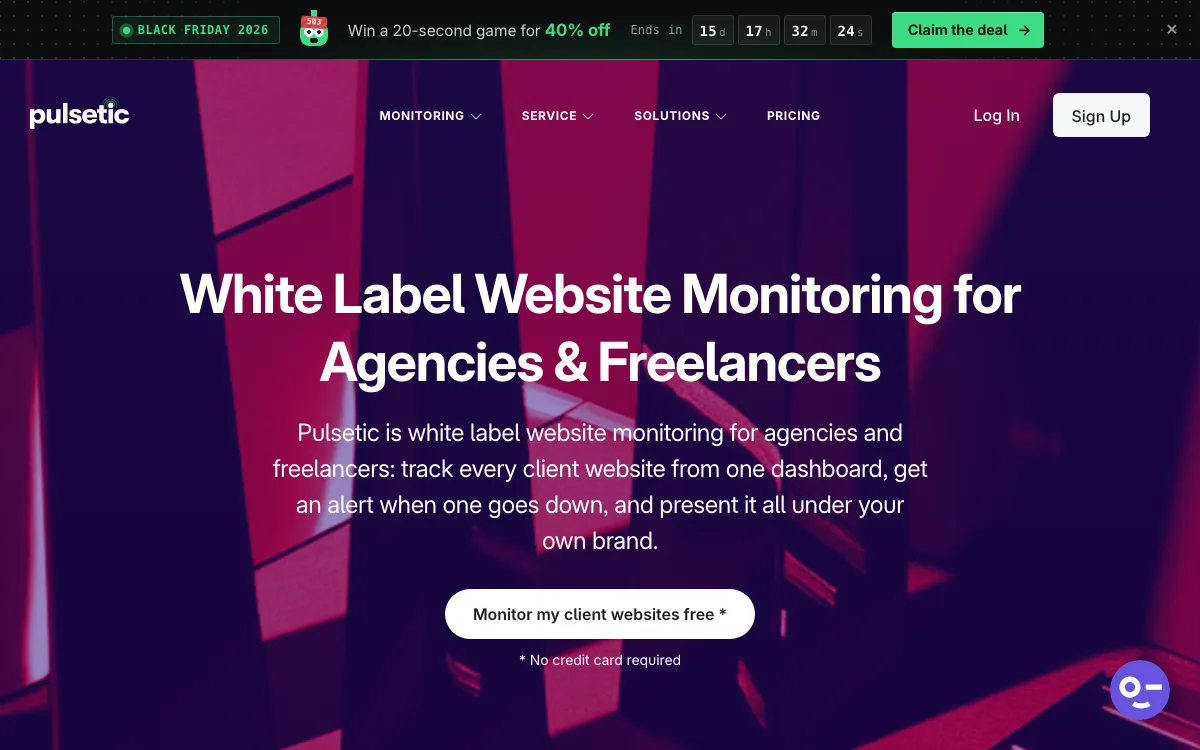
Pulsetic is an uptime monitoring tool with status pages, SSL, domain, DNS and cron checks in one account. It has a dedicated white-label page for agencies and freelancers, and it puts every client in one account, so you do not hand out per-client logins.
The agency case rests on status pages. The free plan includes 3 status pages, each on a custom domain. Every paid plan has unlimited status pages, so one page per client never raises the bill. Pages can be translated into 50 languages on every plan.
- A failed check is confirmed from a second location before alerting.
- Logo, colors and layout on status pages from Solo; full white-label (no Pulsetic branding) from Team.
- Custom email sender for subscriber notifications on paid plans.
- PDF and image uptime reports for monthly client reviews.
- Alerts by email, SMS, phone call, WhatsApp, Slack, Microsoft Teams, Discord, Telegram, Zapier and webhooks.
- REST API, MCP server and n8n integration on paid plans.
Pricing: Free ($0): 10 monitors, 5-minute checks, 3 status pages. Solo ($9/mo): 10 monitors, 60-second checks, 1 notify-only seat, 30 SMS/call alerts. Team ($19/mo): 50 monitors, 30-second checks, 2 teammates, white-label pages, monitor screenshots and role-based access. Organization ($49/mo): 300 monitors, 3 teammates, SSO. Extra monitors cost $0.20 each per month on any paid plan, and extra teammates $8 each.
Limitations: The free plan checks every 5 minutes and alerts by email only (plus one webhook), with no Slack or SMS. White-label needs the Team plan; Solo pages carry Pulsetic branding. There is no native mobile app and no on-call scheduling or escalation, so a team that rotates night duty is better served by Better Stack. The fastest interval is 30 seconds; UptimeRobot goes to 15 seconds on its Scale plan. HetrixTools checks every minute even on its free plan.
Good for: agencies that want a branded status page for every client without paying per page.
2. HetrixTools: best free plan and lowest price per monitor
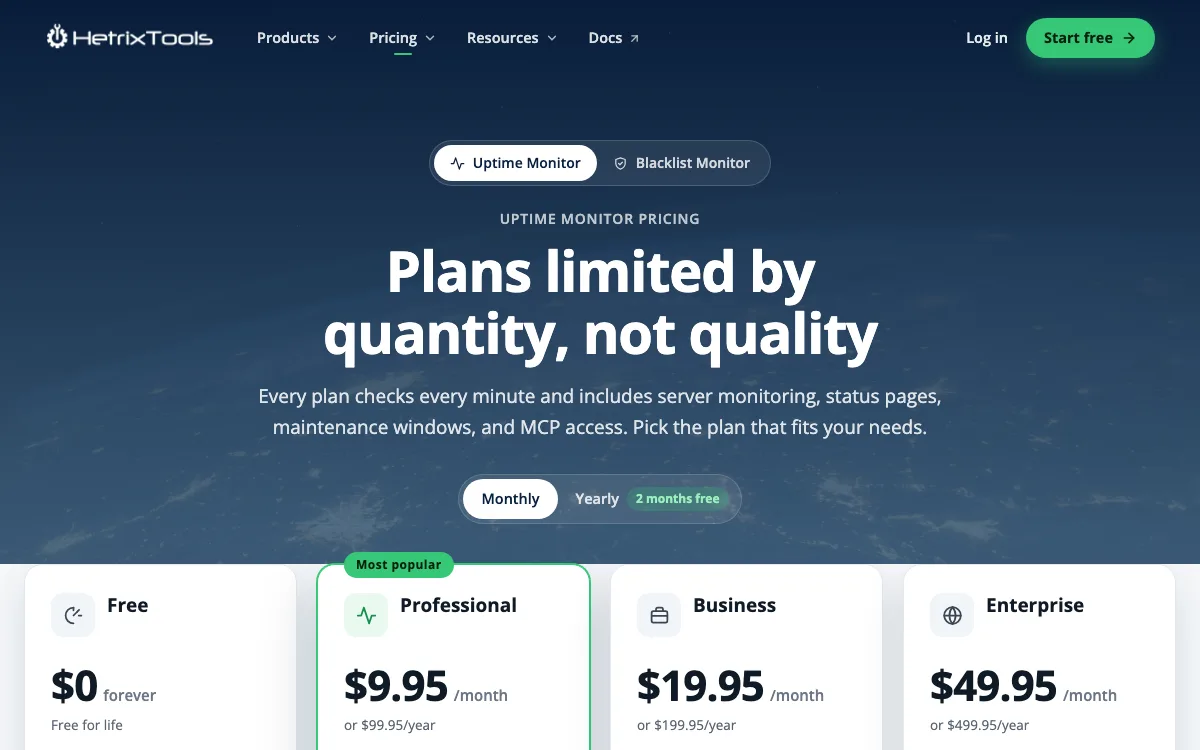
HetrixTools sells uptime and blacklist monitoring, with uptime plans that are “limited by quantity, not quality.” Every plan, including the free one, checks every minute from several locations and includes status pages, maintenance windows, SSL and domain expiry checks, and server monitoring.
- 1-minute checks on every plan.
- Slack, Discord, Teams, Telegram, PagerDuty, webhooks and more on every plan.
- Sub-accounts on paid plans: 1, 5 or 20 depending on the plan.
- Weekly and monthly uptime reports on every plan, daily reports on paid plans.
Pricing: Free ($0): 15 uptime monitors, partial white label, 3 white-label domains. Professional ($9.95/mo): 30 monitors, 5 domains, 1 sub-account, 25 SMS a month. Business ($19.95/mo): 60 monitors, full white label, 10 domains, 5 sub-accounts. Enterprise ($49.95/mo): 200 monitors, 20 domains, 20 sub-accounts.
Limitations: White-label domains are capped per plan, so 25 or 50 clients each on their own status domain is out of reach on self-serve plans. Partial white label keeps the HetrixTools name on reports. The free plan requires a login at least once every 90 days. Most customer quotes on its pricing page come from hosting companies, so the product leans toward server work.
Good for: agencies that mainly want fast, cheap alerts and only need a few branded client pages.
3. UptimeRobot: best for a large free monitor count
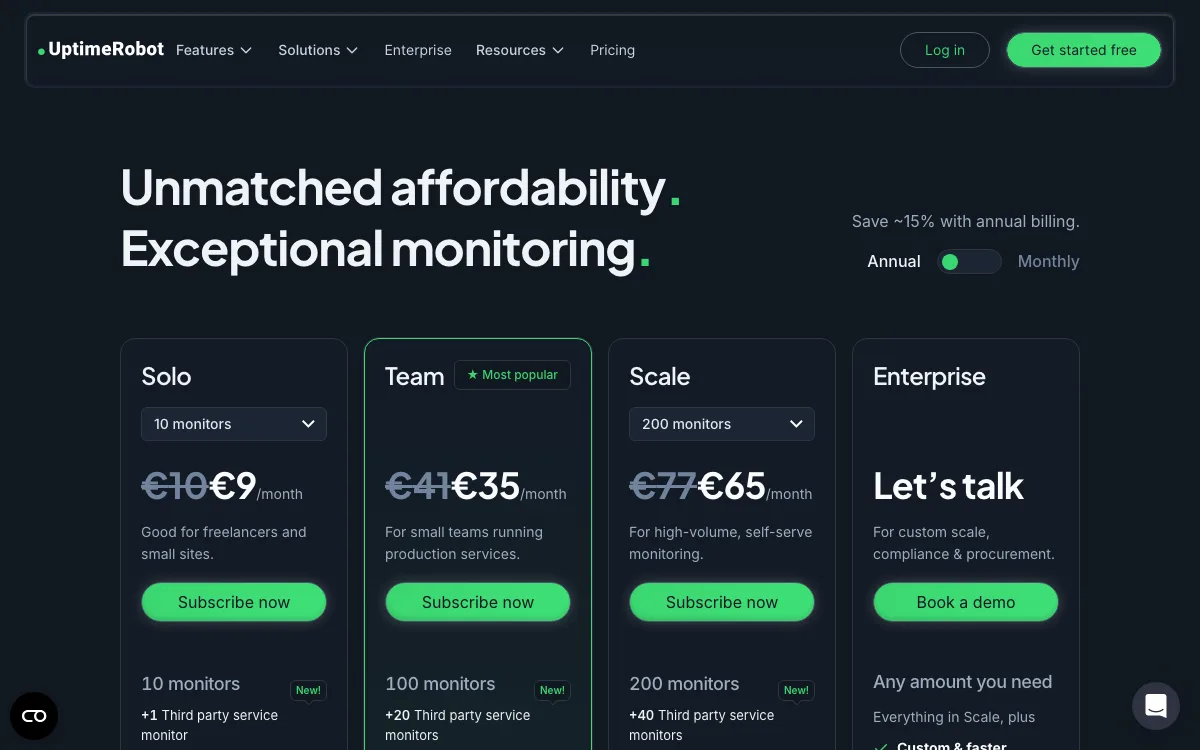
UptimeRobot is the tool most freelancers start with. Its free plan covers 50 monitors at 5-minute intervals, and the pricing page says it is good for personal and commercial projects. Its terms of service say the same: any use, including commercial use. The terms were last updated on May 26, 2026.
- iOS and Android apps on every plan.
- Solo: 60-second checks, 3 status pages with your own domain, Slack and Teams alerts.
- Team: 30-second checks, 100 status pages with white-label, 3 login seats.
Pricing (EUR, as shown to us, monthly billing): Free €0. Solo €10 for 10 monitors or €22 for 50 monitors. Team €41 for 100 monitors. Scale from €77 for 200 monitors. UptimeRobot says its plan prices vary by region, so you may see a different figure.
Limitations: The free status page has no custom domain or customization. Solo has no login seats and only 3 status pages. Agencies that sell monitoring as their own branded service should read section 14 of the terms: status pages and alerts may not be resold as a rebranded monitoring service without a separate agreement. If you do not need much from the free plan, our UptimeRobot alternatives guide covers more options.
Good for: freelancers who want many free monitors and a phone app.
4. Oh Dear: best for client reports and site health checks
Oh Dear prices by the number of sites and puts every feature on every plan. Beyond uptime, it checks broken links, mixed content, Lighthouse scores, sitemaps, DNS, SSL, domain expiry and cron jobs.
- Uptime checks every minute, confirmed from a second location.
- Group sites per client, send each client a branded monthly report, and give read-only access to only their sites.
- Branded status pages on your own domain on every plan.
- A reseller program for selling monitoring under your own name.
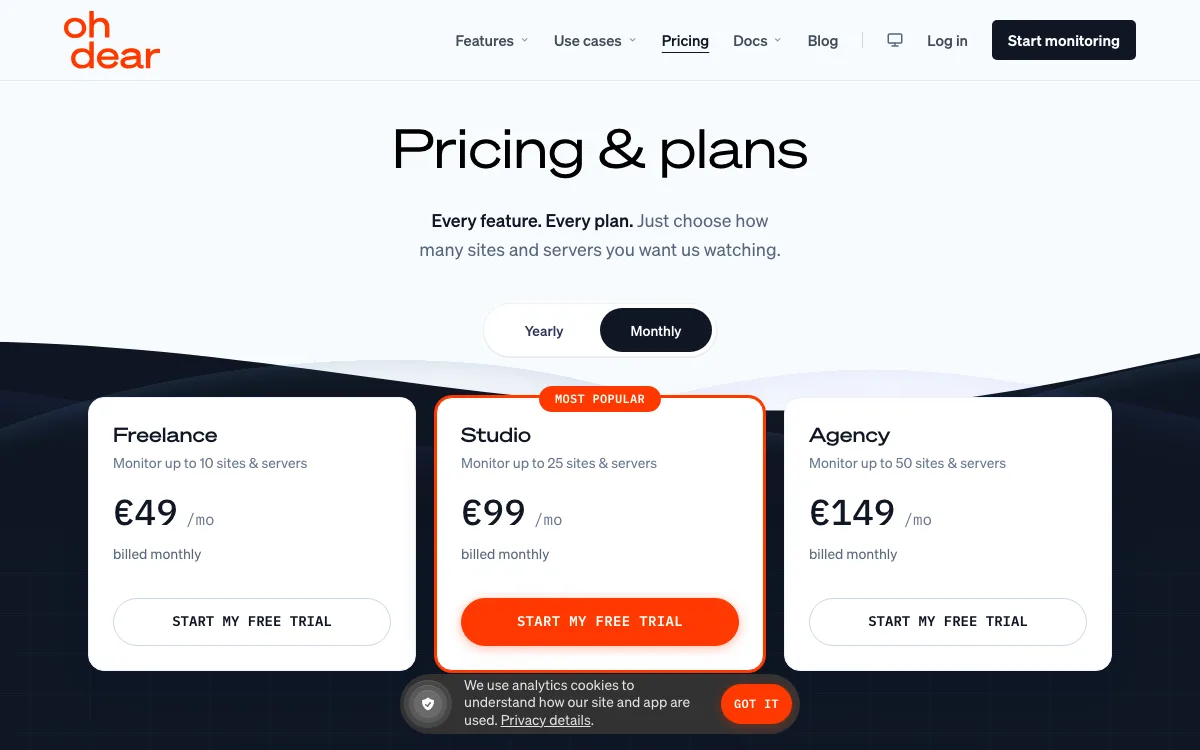
Pricing (EUR, as shown, ex. VAT, monthly billing): Solo €15 (2 sites), Freelance €49 (10), Studio €99 (25), Agency €149 (50), Portfolio €249 (100). There is a 10-day free trial with no card.
Limitations: No free plan. It is the most expensive option in this list for plain uptime checks. SMS alerts go through your own Vonage account rather than included credits.
Good for: agencies that bill for care plans and want reports, broken links and performance checks bundled in.
5. ManageWP: best for WordPress-only agencies
ManageWP manages many WordPress sites from one dashboard: updates, backups, security checks and client reports. Uptime monitoring is a paid add-on.
- Checks every 60 seconds, with alerts by email, SMS or Slack.
- Client reports and team and client access are in the free tier.
- Advanced client reports and white label are $1 per site each.
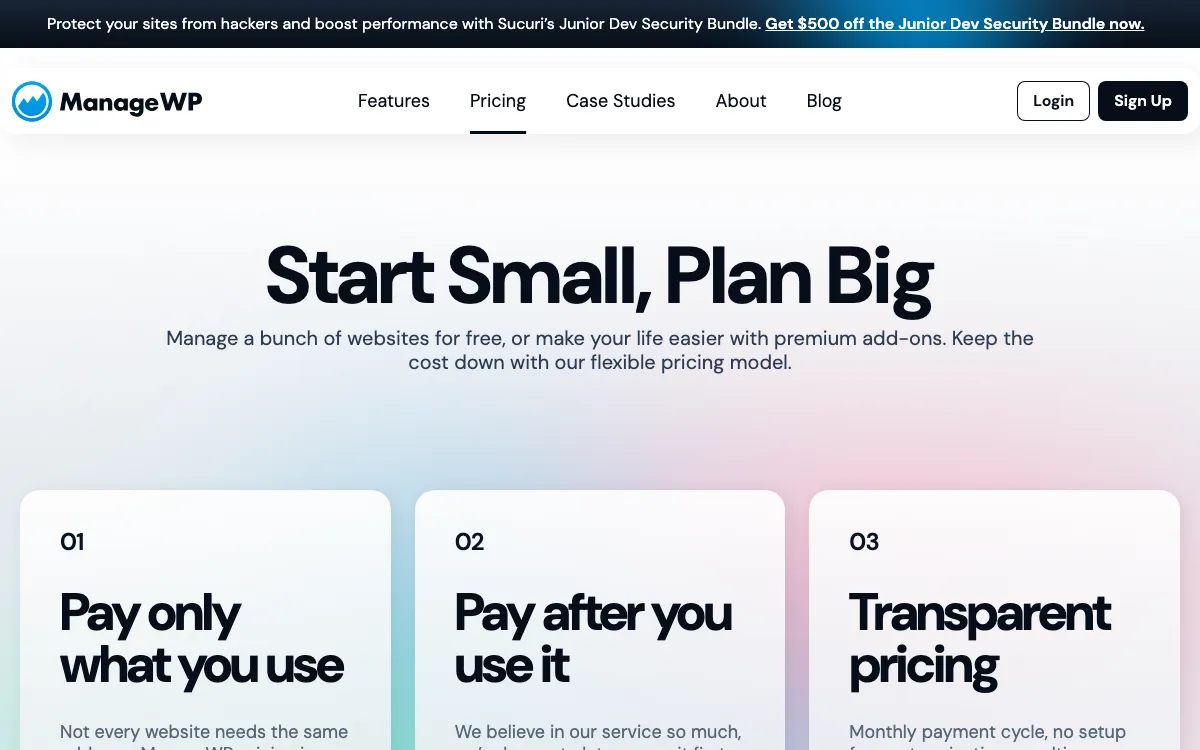
Pricing: Uptime Monitor costs $1 per site per month, or $25 a month as a bundle covering up to 100 sites. Billing happens after use, on the first of the next month. For 50 sites with uptime, advanced reports and white label, the three bundles come to $75 a month.
Limitations: WordPress sites only. We found no public status page feature on the pricing or uptime pages. Fewer check types than dedicated monitoring tools.
Good for: WordPress agencies that want monitoring in the same place as updates and backups.
6. Better Stack: best for agencies with an on-call rotation
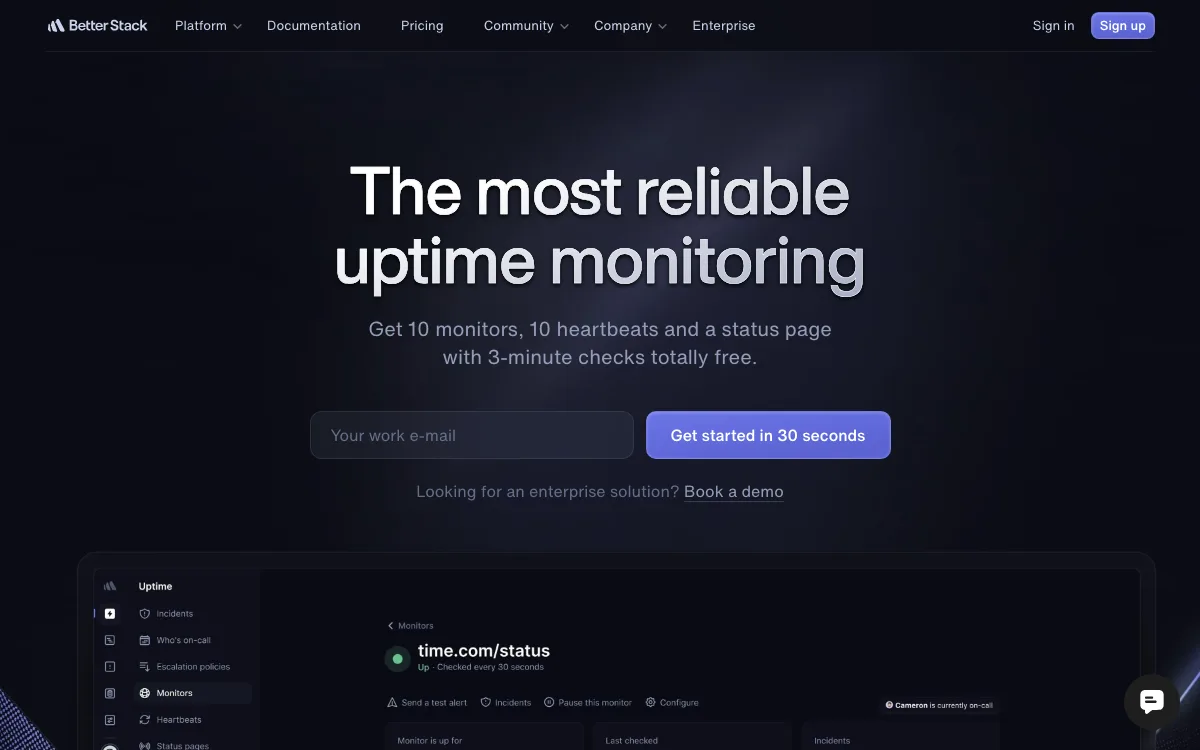
Better Stack combines uptime monitoring, on-call scheduling, incident management, status pages and logs. If someone at your agency is on call at night, it is the most complete tool here.
- Checks up to every 30 seconds, from several locations, with screenshots of errors.
- On-call calendars, escalations, and unlimited phone and SMS alerts for responders.
- iOS and Android apps.
- Unlimited team members at no charge; you pay per responder.
Pricing: Free for personal projects: 10 monitors, 3-minute checks, 1 status page. Paid starts at $34 a month per responder, which includes 10 monitors and 1 status page. Each extra 50 monitors costs $25 a month. Each extra status page costs $15 a month. Removing the “Powered by Better Stack” footer costs $250 per page per month.
Limitations: One page per client gets expensive: 25 client pages add $360 a month before any white-labeling. The free plan is for personal projects.
Good for: dev-heavy agencies that need on-call scheduling and one shared status page.
7. Hyperping: best for a few monitors with team seats
Hyperping offers monitoring, status pages and on-call in one product. Its entry plan is good value on monitors and seats, but status pages are limited.
- 30-second checks on Essentials and Pro, 20 seconds on Business, from 18 regions.
- Email, Slack and Teams alerts on every plan; phone calls and on-call escalation on paid plans.
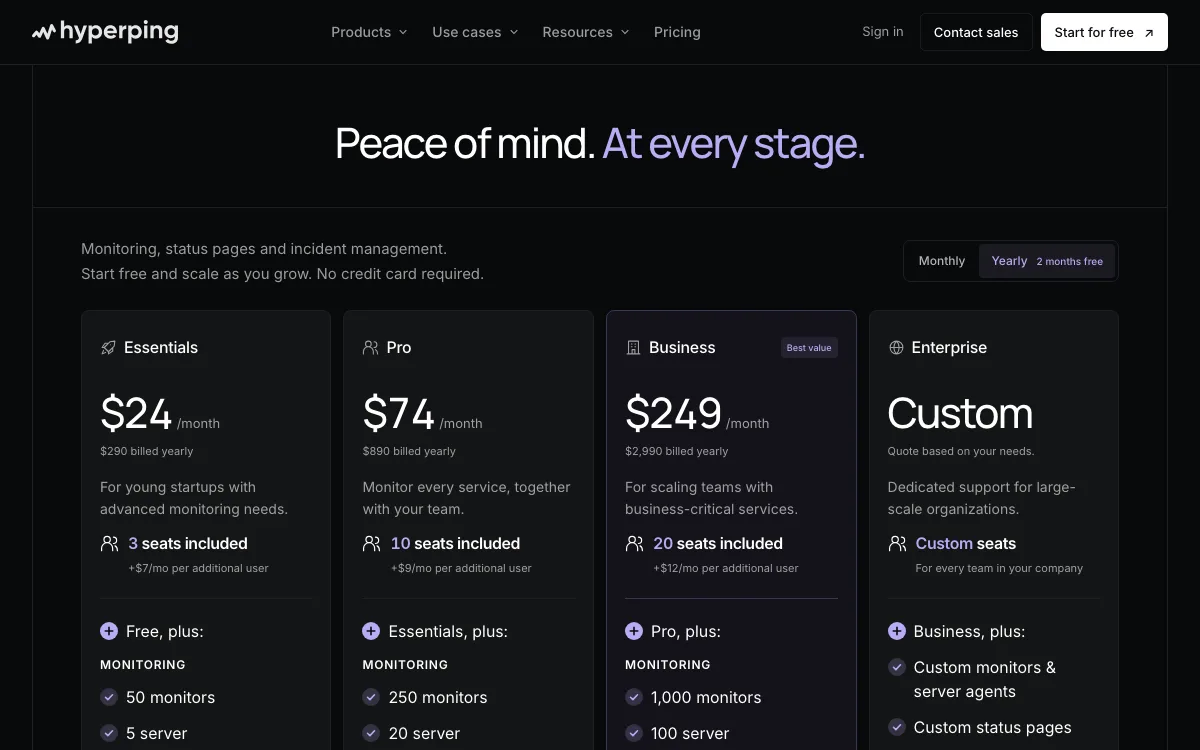
Pricing (monthly billing): Free: 20 monitors, 5-minute checks, 1 basic status page. Essentials $29: 50 monitors, 3 seats, 1 status page with custom domain. Pro $89: 250 monitors, 10 seats, 3 status pages. Business $299: 1,000 monitors, 20 seats, 10 status pages, white labeling.
Limitations: Only 1 status page on Essentials and 10 on Business. White labeling starts at $299 a month. The free plan is described as for personal projects.
Good for: small teams that share one dashboard and need one public status page.
Which website monitoring tool should your agency choose?
- You want a branded status page for every client: Pulsetic. $19 a month covers 50 sites with white-label pages.
- You want the lowest cost and few client pages: HetrixTools, at $9.95 for 30 sites with 1-minute checks.
- You are a freelancer starting out: UptimeRobot free (50 monitors) or HetrixTools free (15 monitors at 1-minute checks).
- You sell care plans with reports and SEO checks: Oh Dear.
- You only build on WordPress: ManageWP, if you already manage updates there.
- Someone on your team is on call at night: Better Stack, or Hyperping for a smaller budget.
For a wider list that is not agency-specific, see our best uptime monitoring tools roundup.
FAQ
How much does website monitoring for agencies cost?
For 25 client sites with 1-minute checks, the plans we priced ranged from $9.95 (HetrixTools) to €99 (Oh Dear) a month. For 50 sites, the range was $17 to €149. Adding a branded status page per client raises the cost sharply on tools that charge per page.
Do I need a separate status page for each client?
Not always. A client with a brochure site may never look at one. Clients with stores, booking systems or apps get more use from it. If most clients will get a page, pick a tool that does not charge per page.
Can I use a free uptime monitoring plan for client work?
UptimeRobot’s terms allow commercial use on its free plan. Better Stack and Hyperping describe their free plans as for personal projects. HetrixTools offers a free plan for life as long as you log in every 90 days. Read each vendor’s terms before you rely on a free plan for paying clients.
What is a white-label status page?
It is a status page with the vendor’s name and logo removed, usually on a custom domain, with your or your client’s branding. Pulsetic includes it from $19 a month, UptimeRobot from €41, HetrixTools from $19.95, and Better Stack charges $250 per page per month.
How often should client sites be checked?
Every minute is a sensible default for client sites. Every 5 minutes is fine for small brochure sites. 30-second checks matter mostly for stores and apps where a few minutes of downtime cost real money.