The best Readymag alternatives are Siter.io for the same hand-placed, per-screen layouts without a view cap, Framer for animated sites with a real CMS, and Cargo for artists who want many sites under one price. Webflow, Tilda, Squarespace and Wix Studio cover bigger CMS, block-based and all-in-one needs. This guide is for editorial and visual designers who build portfolios, presentations, magazines and long reads, and we checked every price and limit on the vendors’ own pages in November 2026.
TL;DR
- Best for the closest Readymag workflow: Siter.io. A free-form canvas with a separate layout per screen, no page-view cap, and 3 sites on custom domains for $12 a month billed yearly.
- Best for animated sites with a CMS: Framer. Strong motion and templates, priced per site, with bandwidth limits instead of view limits.
- Best for artists with many projects: Cargo. One price of $14 a month billed yearly, unlimited cargo.site sites and real-time co-editing.
- Best for large editorial archives: Webflow. CMS, site search and form file upload on Premium, $25 a month per site billed yearly.
- Best for exporting your code: Tilda. Business includes a static HTML export for $20 a month billed yearly.
- Best for not thinking about traffic: Squarespace or Wix Studio. Both list unlimited bandwidth on every plan.
Why designers look for Readymag alternatives
Readymag is a canvas for art-directed pages: you place every element by hand and lay out desktop, tablet and mobile separately. Its widgets, free Adobe and type.today fonts, Lottie, password protection and version snapshots are hard to beat for editorial work.
The reasons people leave are mostly about limits, not design:
- Monthly views are capped on paid plans. Personal allows 10,000 views a month, Freelancer 25,000 and Advanced 75,000, counted across all your published sites. Readymag counts every visit as a view, including repeat visits, your own visits and Preview mode.
- Going over costs money. Extra views are billed the next month. Unpaid after 7 days, a Readymag badge is added to all your projects (details in the FAQ).
- Custom domains are rationed. Personal connects 1 site to a custom domain, Freelancer 3, Advanced 10.
- Code export is top tier only. It is on Advanced, at 51 EUR a month billed yearly.
Views are unlimited on Readymag’s Free plan. The pricing table labels the paid cap “views per month without branding”, so it is really the price of removing the badge.
“No view cap” does not mean “no limits”
None of the tools below count page views on their standard plans. Most meter bandwidth (gigabytes of files served) instead. Siter.io, Framer and Webflow set a monthly bandwidth allowance. Squarespace and Wix Studio list unlimited bandwidth. Cargo and Tilda do not list a traffic limit on their pricing pages. A text-heavy long read with compressed images uses little data per visit, but a gigabyte allowance is still a limit, and we note it for each tool.
Readymag pricing in 2026
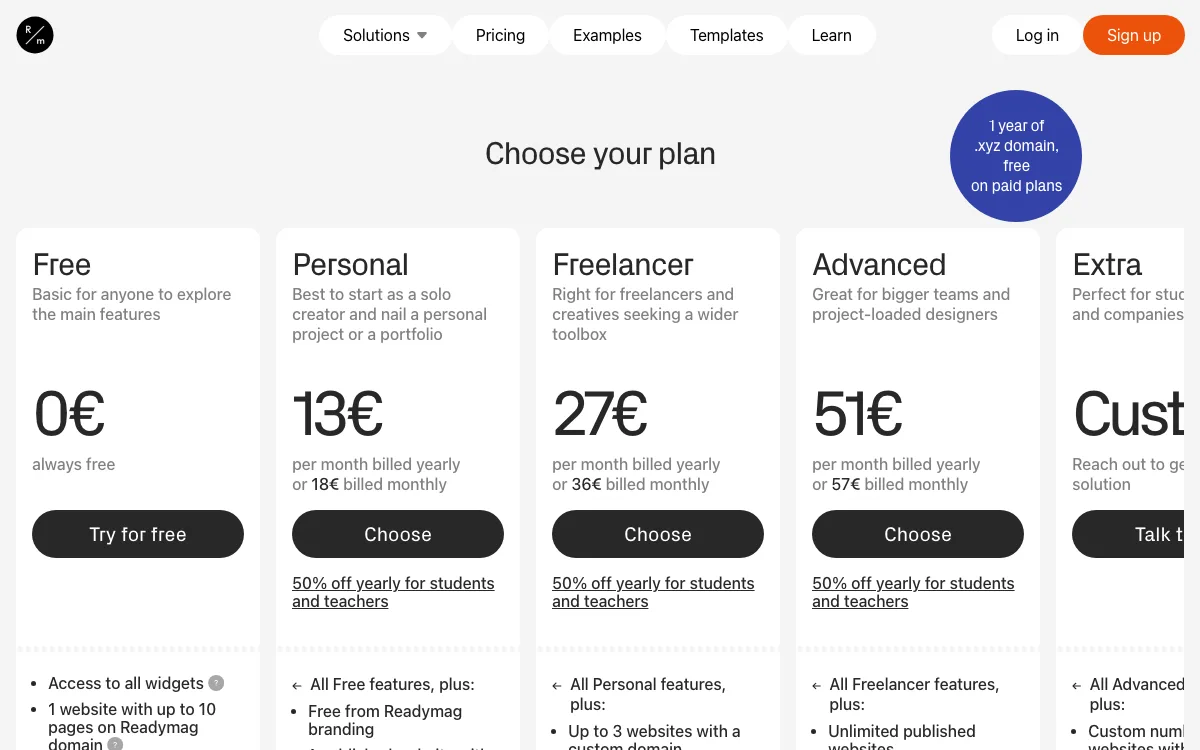
We loaded readymag.com/pricing on November 18, 2026. It showed prices in euros, so we print them as shown and do not convert them.
| Plan | Price (EUR, as shown) | Published sites | Custom domains | Views per month | Collaborators |
|---|---|---|---|---|---|
| Free | 0 | 1, up to 10 pages, Readymag domain | None | Unlimited, with branding | None listed |
| Personal | 13/mo billed yearly, 18 monthly | 1 | 1 | 10,000 | 1 |
| Freelancer | 27/mo billed yearly, 36 monthly | 5 | 3 | 25,000 | 2 |
| Advanced | 51/mo billed yearly, 57 monthly | Unlimited | 10 | 75,000 | 10 |
| Extra | Custom | Custom | Custom | Custom | Custom |
Paid plans add unlimited pages, custom font upload and password protection for a site or selected pages. Version snapshots run from 6 per project on Personal to 44 on Advanced. Code export and iframe embedding are on Advanced only. On Free, forms, Lottie and custom code work in preview only.
If you cancel, you drop to Free. Your published sites stay online but show Readymag branding and go back to the Readymag domain. To edit them or publish a new one, you have to unpublish all but one site.
Readymag alternatives at a glance
| Tool | Best for | Free plan | Starting price | Key limits |
|---|---|---|---|---|
| Siter.io | Per-screen canvas layouts, several small sites | No, 3-day trial with card | $7/mo billed yearly | 25 GB traffic/mo, 1 site, 10 pages on Solo |
| Framer | Animated sites with a CMS | Yes, meant for non-commercial use | 10 EUR/mo per site billed yearly (as shown) | 50 GB bandwidth, 30 pages, 2 CMS collections on Basic |
| Cargo | Artists with many projects | Free private use and for students | $14/mo billed yearly | 1 custom domain included, no export |
| Webflow | Large CMS-driven publications | Yes, webflow.io domain | $15/mo per site billed yearly | No CMS and 10 GB bandwidth on Basic |
| Tilda | Block-based long reads, code export | Yes, 1 site, custom domain from Personal | $10/mo billed yearly | Export on Business only, badge removal needs annual billing |
| Squarespace | Template sites with a store | No, 14-day trial | 12 EUR/mo billed yearly (as shown) | 2% store fee and 2 contributors on Basic |
| Wix Studio | Agencies needing payments | Free to build, plan needed for a custom domain | 12 EUR/mo per site billed yearly (as shown) | No payments on Basic, sites cannot be exported |
The best Readymag alternatives in 2026
1. Siter.io: best for the closest Readymag workflow
Siter.io is a browser-based visual editor built on the same idea as Readymag: you place anything anywhere on a free-form canvas, and each screen size gets its own hand-arranged layout. Defaults are Desktop 1200, Tablet 640 and Mobile 375, plus custom widths, so a Readymag habit carries over.
- A Figma plugin on every plan that imports frames to a page. It is one-way, and prototype interactions do not come across.
- Hover states, animations, scroll effects and popups.
- A CMS with Blog, Projects, Team, Events and Testimonials collections, a page per post and scheduling.
- Forms with unlimited submissions, file hosting and cookieless analytics on every plan.
- Siter AI, which builds or edits pages on the canvas using monthly credits. It can be switched off.
- Site transfer to a client’s account and badge removal on every paid plan.
Pricing: Solo is $7 a month billed yearly or $8 month to month, with 1 site, 10 pages, 2 editor seats and 25 GB of traffic. Plus is $12 or $14, with 3 sites, 50 pages, 4 seats and 50 GB. Pro is $24 or $28, with 5 sites, unlimited pages, 6 seats and 100 GB. Every published site on a paid plan can use its own custom domain. Extra sites cost $4, $6 or $8 a month depending on the plan.
How traffic works: Siter does not count page views. It counts the images, videos, fonts and files your pages load, shared across all your sites. Over the limit, your sites stay online and their files keep loading on them, but files stop loading on other websites and from direct links until you upgrade or the month resets. Two months over in a row also pauses new uploads. During the trial each site gets 1 GB.
Limitations: There is no free plan for new accounts, only a 3-day trial that needs a card. Password protection is not listed, which matters for client presentations. The widget, font and icon library is smaller than Readymag’s, with no Lottie listed. HTML download is on Pro only and works one page at a time, not as a full-site export. There is no ecommerce, no built-in multi-language support and no real-time co-editing. If you cancel, your sites go offline, though nothing is deleted.
Good for: designers who like Readymag’s per-screen canvas, work in Figma, and publish a few portfolio or project sites that could get a traffic spike.
2. Framer: best for animated sites with a CMS
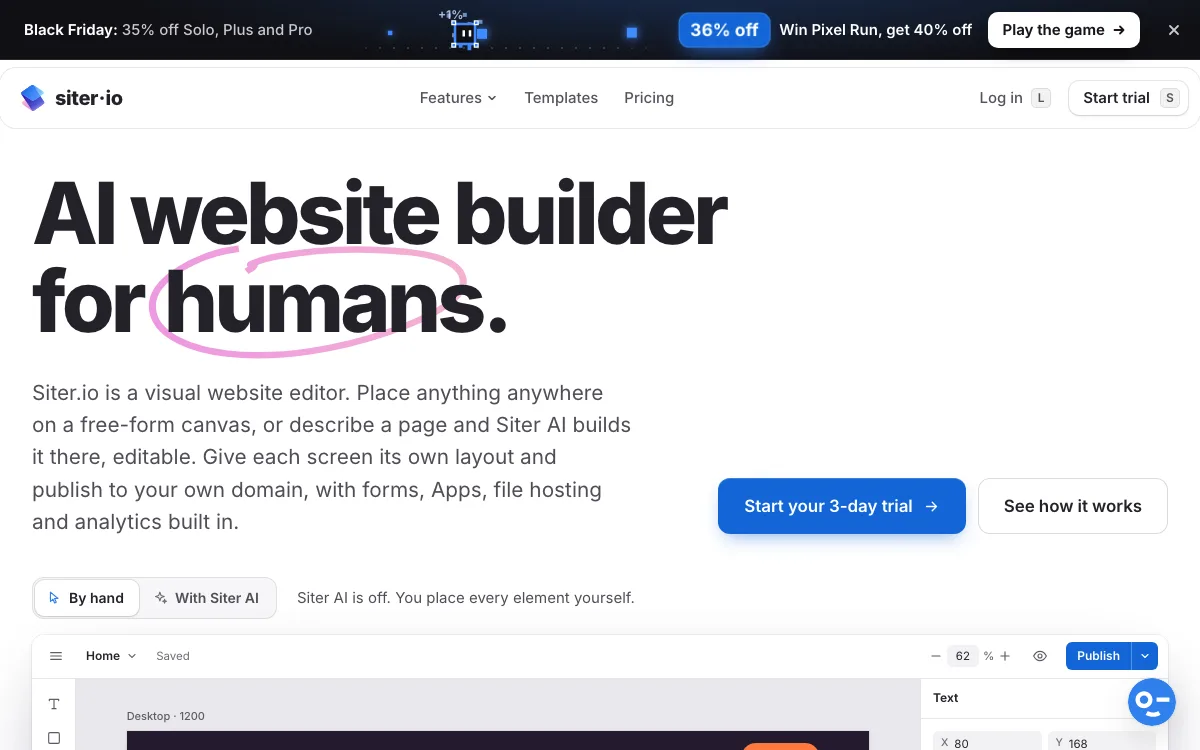
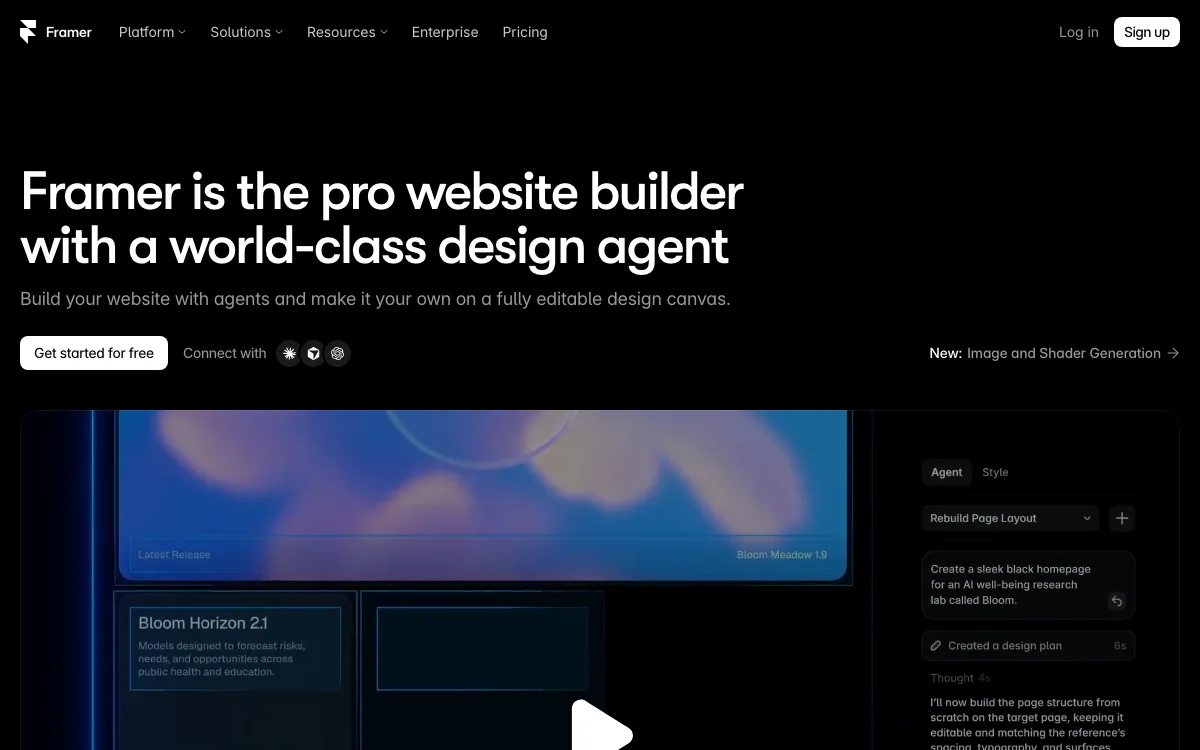
Framer is a design-tool-style site builder with strong motion, a template marketplace and an AI agent that builds pages. It uses breakpoints rather than fully separate hand-placed layouts, so responsive work behaves more like a layout system than Readymag’s canvas. Its CMS is deeper than Readymag’s, which makes it a better fit for a magazine with many articles.
Pricing (EUR, as shown, per site, billed yearly): Free is 0 with a Framer domain and 1 GB of bandwidth, and Framer says it is meant for non-commercial use. Basic is 10 EUR a month with a custom domain, 30 pages, 2 CMS collections, 1,000 CMS items and 50 GB of bandwidth. Pro is 30 EUR a month with 150 pages, 10 collections, 2,500 items, 100 GB of bandwidth, staging and branching. Additional editors cost 20 EUR a month each, and viewers are free. Password protection appears in the plan table.
Limitations: Pricing is per site, so three portfolios mean three plans. Bandwidth is capped, with overage on Pro. Framer does not offer a code export.
Good for: designers who want motion, templates and a real CMS on one site.
Readymag vs Framer
The differences that matter:
- Layout model: Readymag lets you lay out desktop, tablet and mobile separately by hand. Framer uses breakpoints, which is faster for long, structured pages and less free for poster-like spreads.
- Traffic: Readymag Personal caps views at 10,000 a month. Framer Basic allows 50 GB of bandwidth and does not count views.
- Price: Readymag Personal is 13 EUR a month billed yearly for 1 site. Framer Basic is 10 EUR a month billed yearly per site (both as shown on our network).
- Content: Framer has CMS collections on every paid plan. Readymag’s pricing page lists none.
For a one-off art-directed project, Readymag is the more expressive canvas. For an ongoing publication, Framer scales better. See our Framer vs Webflow comparison for larger sites.
3. Cargo: best for artists with many projects
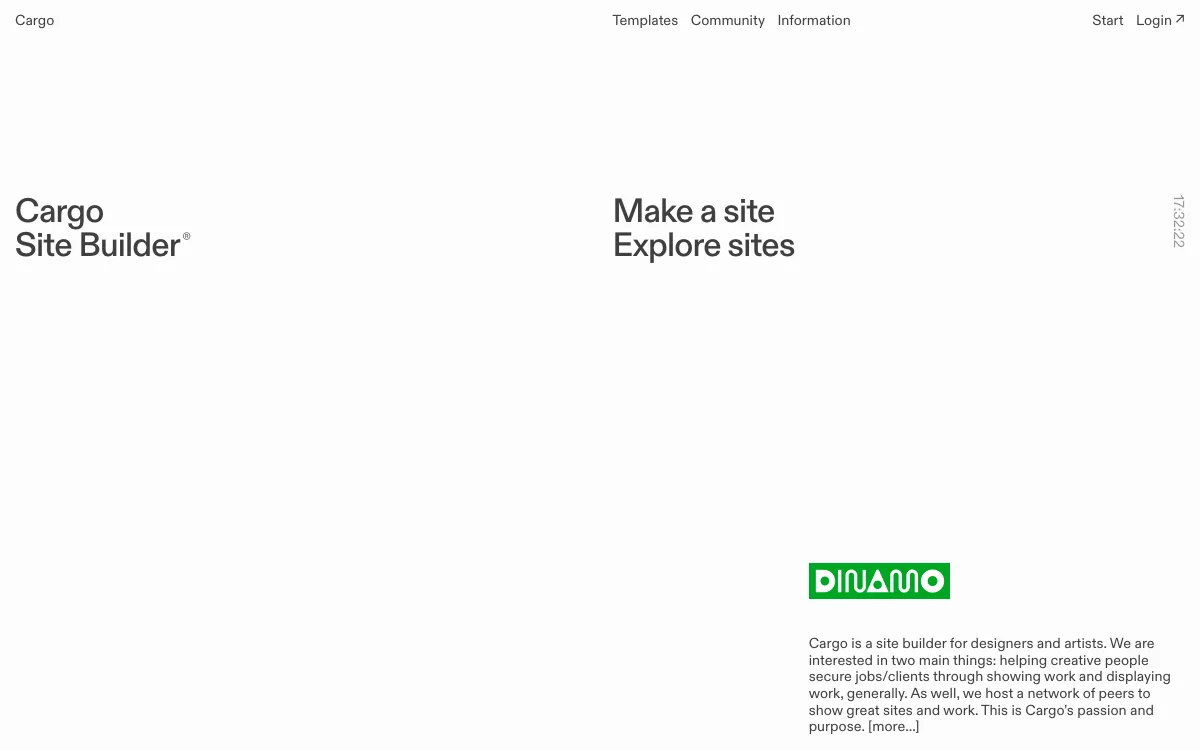
Cargo is a site builder for artists and designers. Its pricing is the opposite of Readymag’s: one price covers as many public sites as you want on cargo.site addresses.
- Real-time multi-user editing, like a shared document.
- Sites can be private or password-protected in Publish Settings.
- Font upload, plus Adobe Fonts and Google Fonts.
Pricing: $14 a month billed yearly or $19 billed monthly. That includes 1 custom domain connection. Each extra domain costs $2 a month billed yearly or $3 monthly. A Commerce add-on for selling is $5.50 a month billed yearly. Cargo is free to try privately for any length of time, and free for students and teachers through their school.
Limitations: Cargo does not offer a site export. Mobile is handled through a Mobile Preview where you adjust text styles and settings, not a fully separate hand-placed layout like Readymag or Siter.io.
Good for: artists, students and studios who run a portfolio, client presentations and idea boards side by side.
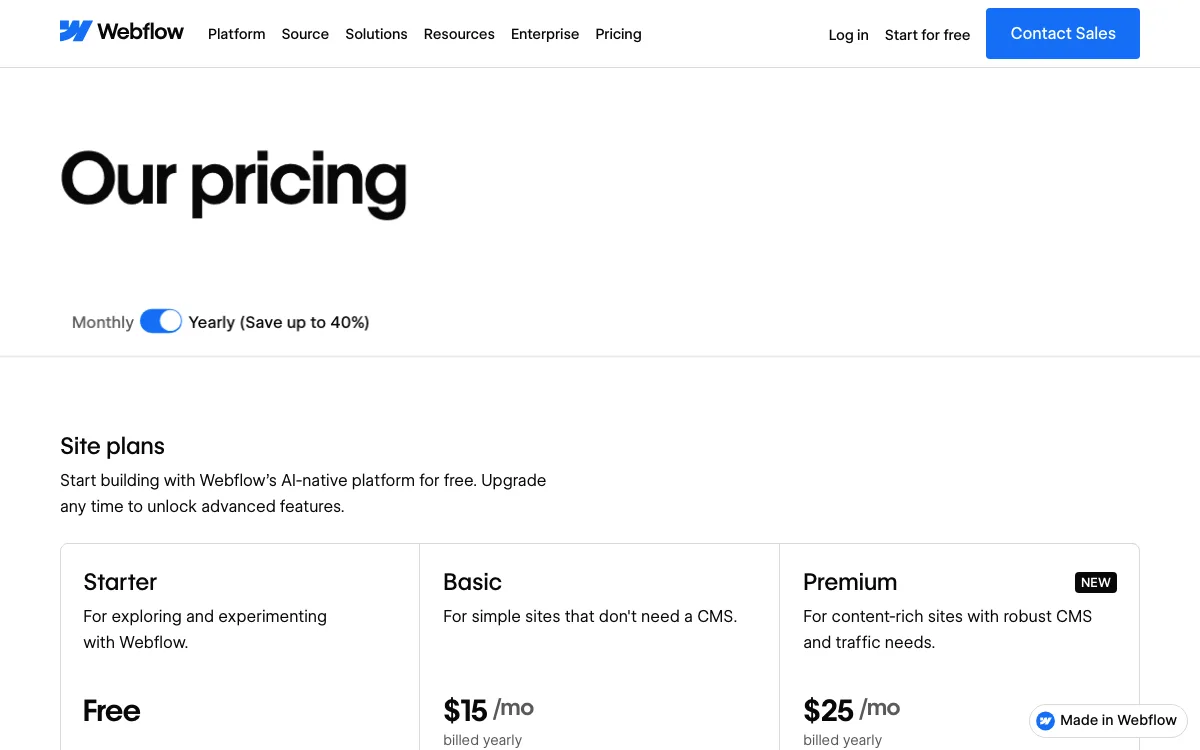
4. Webflow: best for large editorial archives
Webflow is a professional visual builder that works close to HTML and CSS, with a CMS built for structured content like articles, authors and categories. The trade-off is a steeper learning curve, because you build with boxes and styles, not on a free canvas.
Pricing (USD, per site, billed yearly): Starter is free with a webflow.io domain, 2 static pages, limited CMS and 1 GB of bandwidth. Basic is $15 a month with a custom domain, 300 static pages, 10 GB of bandwidth and password protection, but no CMS. Premium is $25 a month and adds the CMS, 50 GB of bandwidth and up, site search and form file upload.
Limitations: Per-site pricing, and a CMS needs Premium. Bandwidth is capped by plan. Building in Webflow takes more time than placing elements on a canvas.
Good for: teams publishing a large, structured magazine or archive. See our Webflow alternatives if it feels like too much tool.
5. Tilda: best for block-based long reads and code export
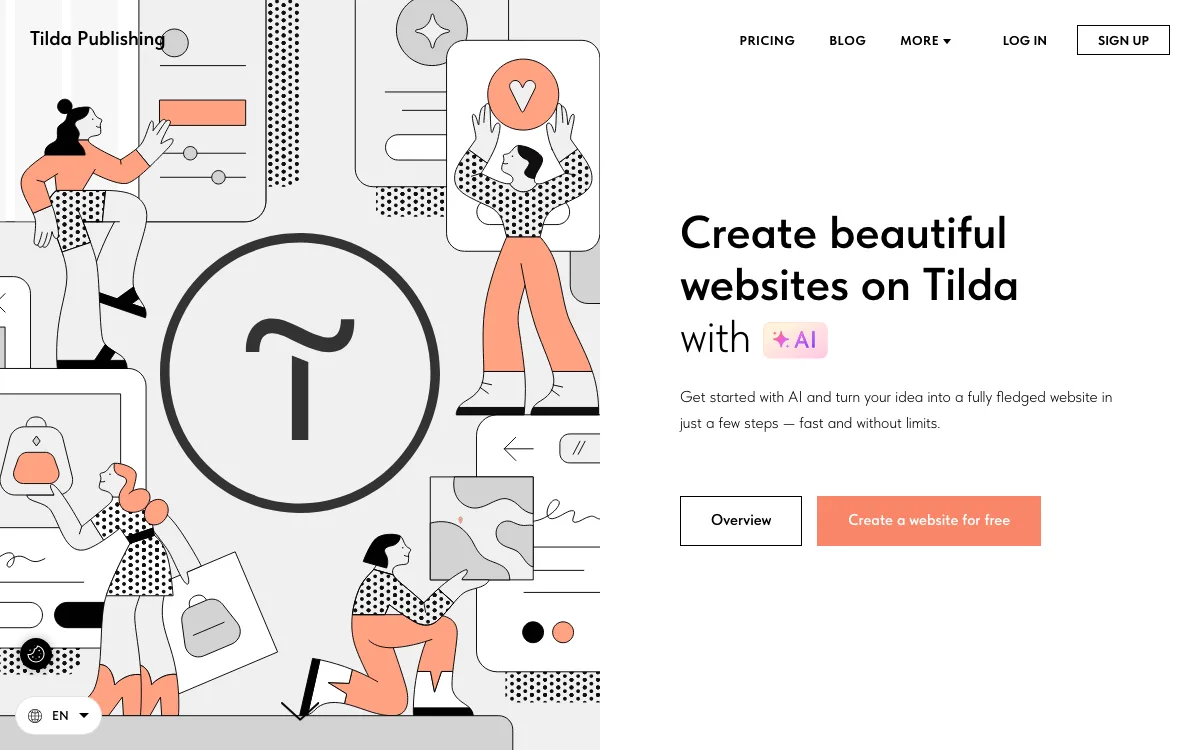
Tilda builds pages from pre-designed blocks, which suits long reads. Its Zero Block editor lets you place elements freely inside a block.
Pricing (USD, billed yearly): Free gives 1 site, 50 pages and 100 blocks. Personal is $10 a month with 1 site, 1,000 pages, 600+ blocks and a custom domain. Business is $20 a month with 5 sites and source code export, a static HTML zip with images, CSS and JavaScript.
Limitations: The “Made on Tilda” label can only be removed on Personal or Business when you pay annually. If you don’t renew, your site is unpublished and your data is kept for 6 months, then deleted.
Good for: long reads and project pages that need to ship fast, and anyone who wants to export and self-host.
6. Squarespace: best for template sites that also sell
Squarespace is an all-in-one builder with templates, hosting and a store. You get less layout freedom than in Readymag, but every plan lists unlimited bandwidth.
Pricing (EUR, as shown): Basic is 12 EUR a month billed yearly or 17 EUR monthly, with 2 contributors and a 2% fee on online store sales. Core is 18 EUR a month billed yearly or 24 EUR monthly, with unlimited contributors and no store transaction fees. There is a 14-day free trial.
Limitations: Template-based layouts. Basic has a 2% store fee and 2 contributors.
Good for: creatives who want a site with a shop and no traffic math.
7. Wix Studio: best for agencies that need payments
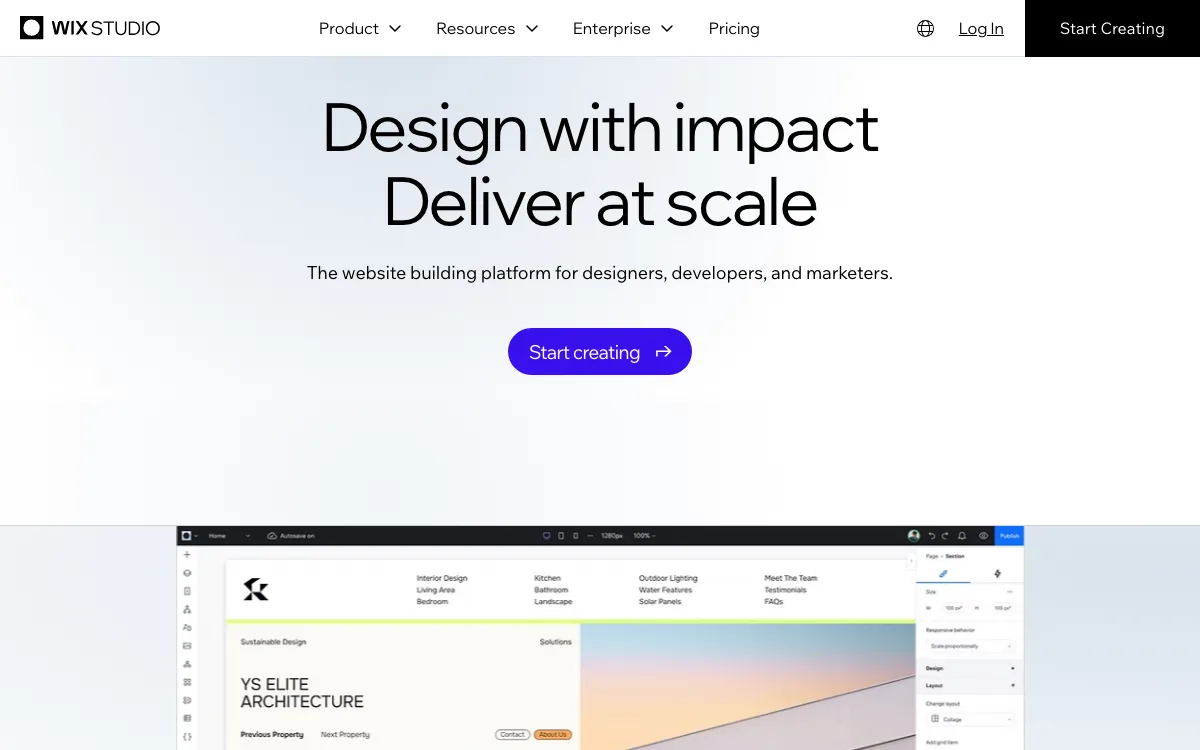
Wix Studio is Wix’s platform for agencies, with AI responsive design, a collaborative workspace and developer tools. It lists unlimited bandwidth on every plan and covers client sites that need payments.
Pricing (EUR, as shown, per site, billed yearly): Basic is 12 EUR a month with 3 site collaborators and 1,500 CMS items. Standard is 20 EUR and adds payments. Building in the workspace is free, and there is a 14-day money-back guarantee.
Limitations: Accepting payments starts on Standard. Sites run on Wix’s servers and cannot be exported.
Good for: agencies building client sites with business features. Our Wix Studio vs Framer comparison goes deeper.
Which Readymag alternative should you choose?
- You love Readymag’s canvas and only hate the view cap: Siter.io. Same per-screen hand layout, traffic metered in gigabytes, and 3 sites for $12 a month billed yearly.
- You publish an ongoing magazine: Framer for a design-led site with a CMS, Webflow for a large archive.
- You run many small projects and want one bill: Cargo, if cargo.site addresses are fine for most of them. Siter.io, if each site needs its own domain.
- You need password-protected client presentations: stay on Readymag, or use Cargo, Webflow or Framer, which list password protection.
- You want to own the code: Tilda Business exports full sites. Readymag does it only on Advanced.
- You never want to think about traffic: Squarespace or Wix Studio, both with unlimited bandwidth.
If you build sites for clients, our guide to website builders for freelancers compares per-site costs across several of these tools.
FAQ
How much does Readymag cost?
Readymag has a free plan. Paid plans showed as 13 EUR a month billed yearly for Personal, 27 EUR for Freelancer and 51 EUR for Advanced when we checked on November 18, 2026. An Extra plan with custom limits is priced on request.
What happens if a Readymag site goes over its view limit?
Readymag emails you at the start of the next month with the extra views and how to pay for them. If you are less than 10,000 views over, you are not charged. If you don’t pay within 7 days, a Readymag badge is added to all your projects, but they stay online. You can also contact support to buy a higher monthly limit.
Does the Readymag free plan have a view limit?
No. Readymag’s help center says project views are unlimited on the Free plan. The trade-off is one site of up to 10 pages on a Readymag domain, with Readymag branding, and forms, Lottie and custom code in preview only.
Which Readymag alternative has no page view limit?
Siter.io, Framer, Cargo, Webflow, Tilda, Squarespace and Wix Studio don’t count page views on their standard plans. Siter.io, Framer and Webflow cap monthly bandwidth in gigabytes instead, while Squarespace and Wix Studio list unlimited bandwidth.
Is Framer better than Readymag?
It depends on the project. Framer is better for ongoing sites that need a CMS, animation and templates, and it meters bandwidth rather than views. Readymag is better for one-off, art-directed pieces where you want to place every element per device, plus its fonts and widgets.
Can I move a Readymag site to another builder?
Not directly. Readymag’s code export is on Advanced only, and Siter.io, Framer, Webflow and the other builders above don’t import Readymag projects. You rebuild the site, often from the original design file, then move the domain.