UptimeRobot is the default first uptime monitor for a lot of people: 50 free monitors is hard to argue with. People leave it for three reasons. The free plan checks only every five minutes, the alert channels most teams use (Slack, Telegram, webhooks) are on paid plans, and for about a year and a half the free plan was off-limits for business sites.
That last reason has gone away, which most comparison articles have not caught up with. This guide starts with what UptimeRobot’s free plan allows today, then compares ten alternatives by what you are probably switching for, and ends with how to move your monitors. Prices, limits and terms were checked on each vendor’s own pricing, terms and documentation pages on November 12, 2026. For hands-on test results, including alert speed and false alarms, see our full review of 15 uptime monitoring tools.
The Short Answer, by Why You Are Switching
- You want faster checks for free: HetrixTools checks every minute on its free plan, with 15 monitors. Better Stack checks every 3 minutes.
- You want Slack, Telegram, Discord or webhooks without paying: HetrixTools offers all 21 of its alert channels on the free plan. Cronitor includes Slack, Discord, Teams and webhooks, but only for 5 monitors.
- You want a free status page on your own domain: Pulsetic gives you 3 with a custom domain, and HetrixTools also allows custom domains for free.
- You want 60-second checks for as little as possible: Pulsetic Solo at $9 a month, or HetrixTools Professional at $9.95, with more monitors.
- You want on-call scheduling and incident management: Better Stack, from $29 a month per responder billed yearly.
- You want to own it and pay nothing: Uptime Kuma, self-hosted, with checks as often as every 20 seconds.
- You are coming from Freshping: it shut its free plan on March 6, 2026, so any of the above will do; HetrixTools is the closest like-for-like free option.
What UptimeRobot’s Free Plan Allows Now
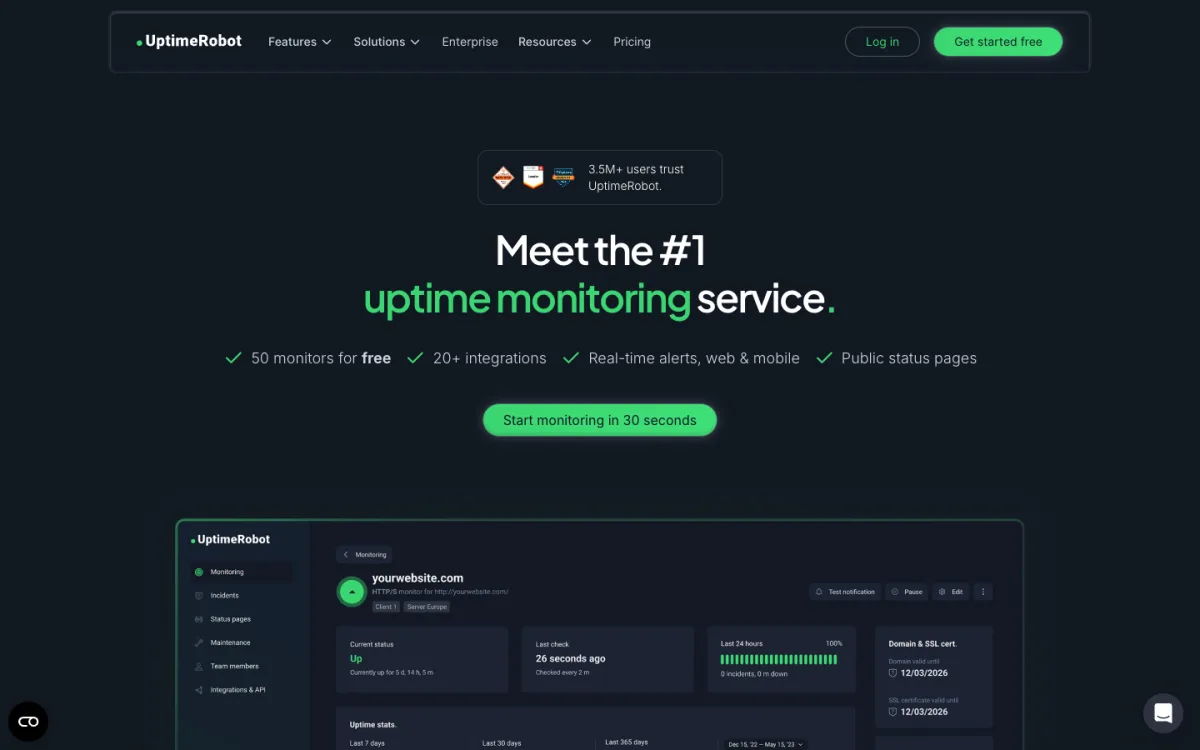
Commercial use is allowed again. Between late 2024 and spring 2026, UptimeRobot’s terms said the free plan was “intended solely for personal, non-commercial use” and banned monitoring business websites with it. Archived copies of the terms page show the clause appearing between October 1 and December 1, 2024. The current terms say instead: “UptimeRobot is available for any use, including commercial and business use.” UptimeRobot’s changelog dates the change to May 26, 2026, when it “updated Services Provided” and added a Fair Use Policy.
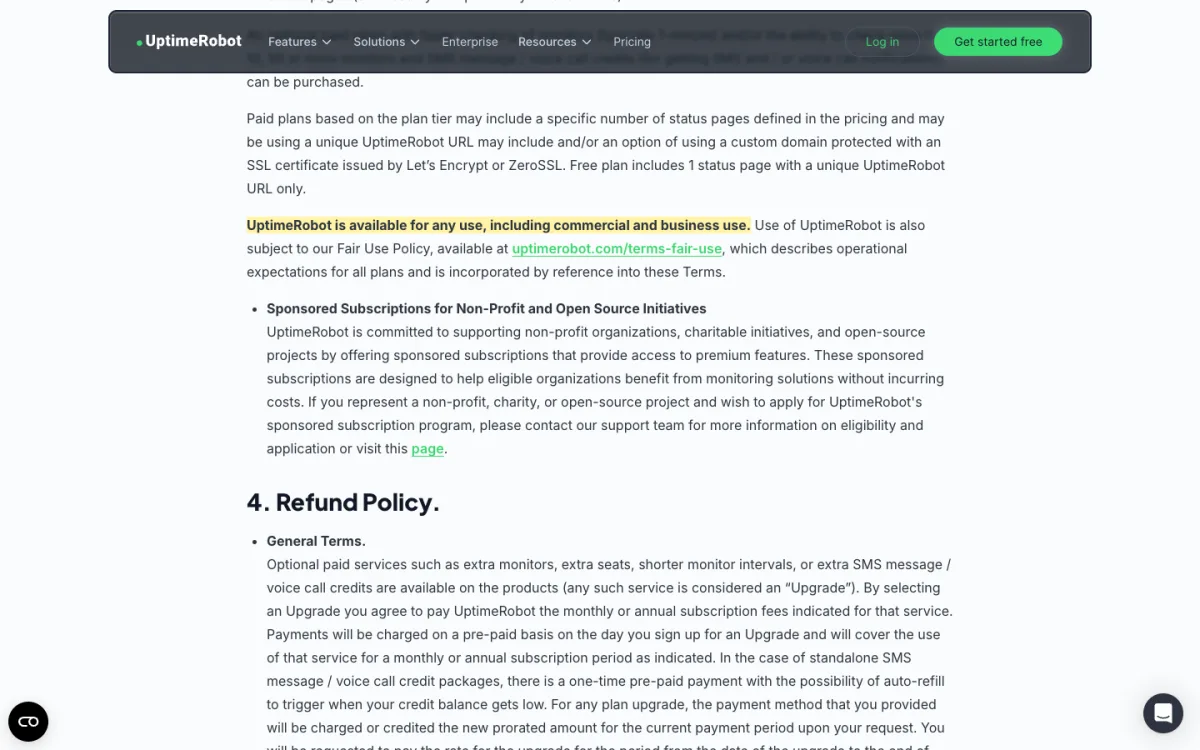
The new Fair Use Policy is worth reading if you rely on the free plan for work. It lets UptimeRobot review accounts and reduce “monitor or notification capacity,” possibly “without prior notice,” and it bans using several accounts to get around limits.
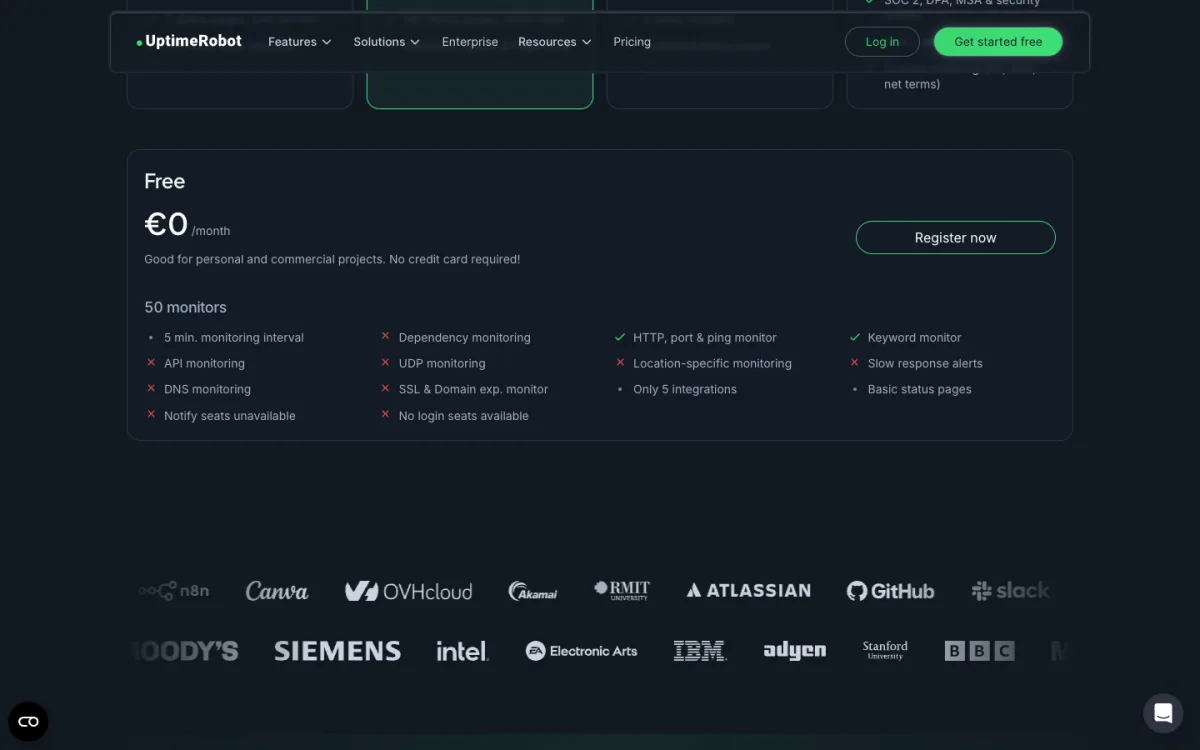
The free plan itself, per the current pricing page:
- 50 monitors at a 5-minute interval. A site can be down for up to five minutes before the first check sees it.
- 1 status page, on an UptimeRobot address only. Your own domain starts with the paid Solo plan.
- Alerts: email, plus SMS and voice calls if you buy credits. Chat integrations are limited to Google Chat, Discord, Pushover, Pushbullet and Splunk. Slack, Telegram and Microsoft Teams start with Solo, and webhooks, Zapier and PagerDuty with Team.
- No seats for teammates, and monthly email reports only for the first three months.
Paid plans were also repriced. From Europe we saw Solo at €9 a month billed yearly (60-second checks), Team at €35 (30-second checks, 100 monitors) and Scale at €65 (15-second checks, 200 monitors). The pricing page showed us euros only, so dollar prices may differ.
So if the business-use ban was your only reason to leave, you can stay. If you need faster checks, a Slack or webhook alert, or a status page on your own domain without paying, read on.
Comparison Table
Free plans and the cheapest paid plan for each tool. Where a vendor showed us euros only, the price is in euros.
| Tool | Free monitors | Free interval | Cheapest paid, interval | Free alert channels | Free status page |
|---|---|---|---|---|---|
| UptimeRobot | 50 | 5 min | €9/mo yearly, 60 s | Email, Discord, Google Chat, Pushover, Pushbullet, Splunk | 1, UptimeRobot URL |
| Pulsetic | 10 | 5 min | $9/mo, 60 s | Email, 1 webhook per monitor | 3, custom domain |
| HetrixTools | 15 | 1 min | $9.95/mo, 1 min | All 21, incl. Slack, Telegram, Discord, webhooks | Yes, custom domain |
| Better Stack | 10 | 3 min | $29/mo yearly per responder, 30 s | Email, Slack | 1, your subdomain |
| Hyperping | 20 | 5 min | $24/mo yearly, 30 s | Email, Slack, Teams | 1, no custom domain |
| StatusCake | 10 | 5 min | €16.66/mo yearly, 1 min | Integrations (list not published) | Not confirmed |
| Cronitor | 5 | 5 min | $2 per monitor + $5 per user, 30 s | Email, Slack, Discord, Teams, webhooks | 1, basic |
| Uptime Kuma | Unlimited (self-hosted) | From 20 s | Free; you pay for hosting | 90+ services | Unlimited, custom domain |
| OneUptime | Self-hosted only | n/a on Cloud | $1 per monitor/mo, 1 min | Email, push, webhooks | 1 |
| Pingdom | None (trial) | n/a | €14.33/mo yearly, 1 min | n/a | Paid plans |
To see what an interval means in practice, our uptime calculator converts an uptime percentage into allowed downtime per month; a 5-minute check can miss short outages entirely.
The Alternatives
Each entry is short and focused on switching. The in-depth reviews in our main comparison cover features, test results and drawbacks in full.
1. HetrixTools: the most generous free plan
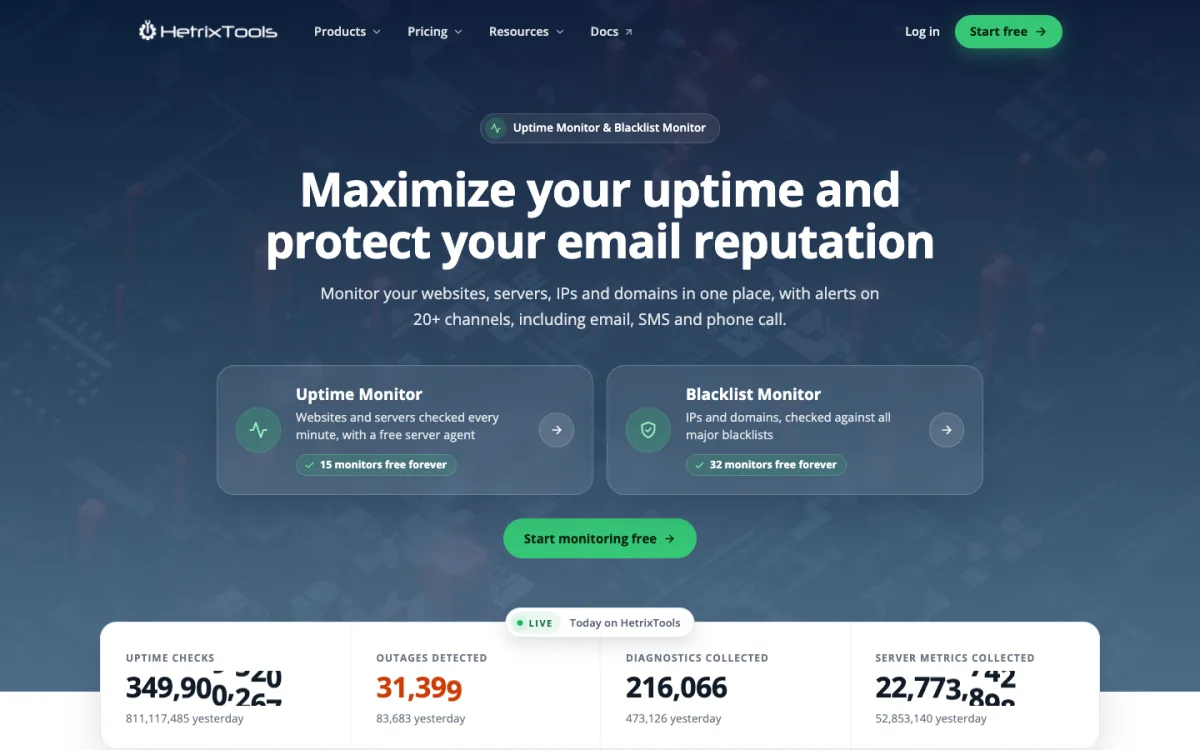
HetrixTools gives you 15 uptime monitors checked every minute, from 4 of its 12 locations, and every one of its 21 alert channels on the free plan, including Slack, Telegram, Discord, webhooks and PagerDuty. Status pages with your own domain are free too. SMS and phone alerts need credits at $0.10 each. The catch: you must log in at least once every 90 days or the free account can be disabled. Paid plans start at $9.95 a month for 30 monitors and 6 locations, still at 1-minute checks.
2. Pulsetic: free branded status pages, cheap fast checks
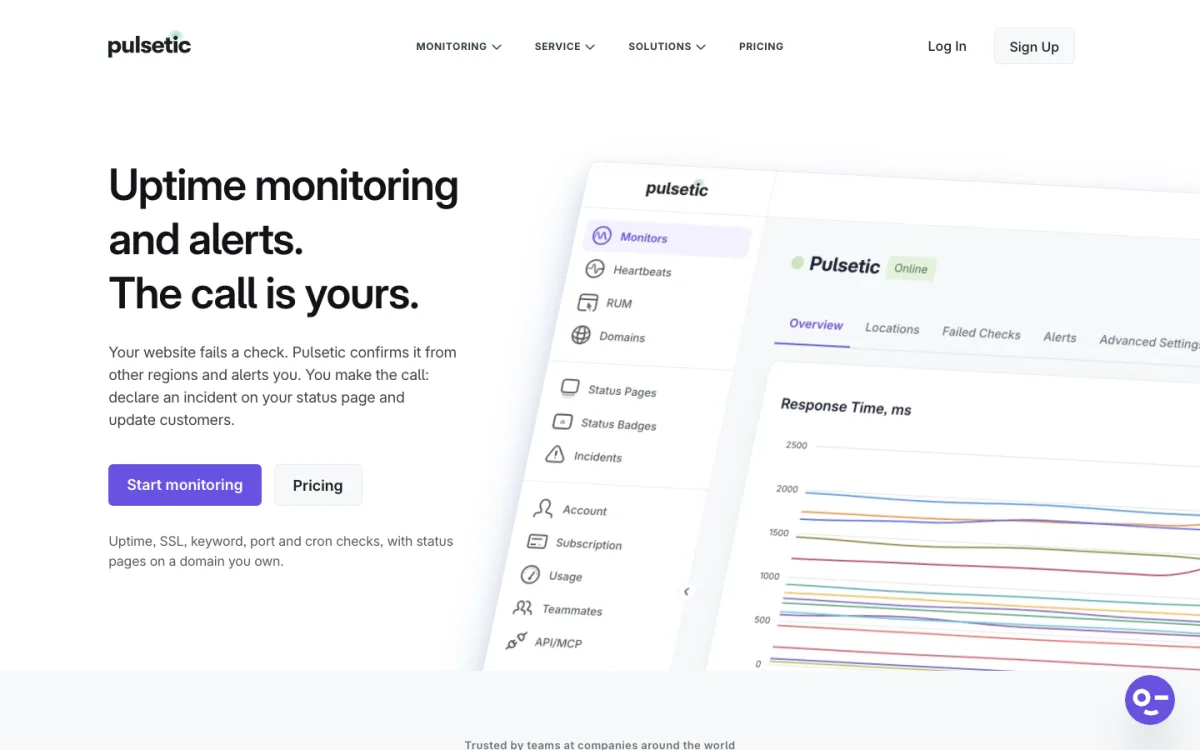
Pulsetic’s free plan has 10 monitors at a 5-minute interval, which is no faster than UptimeRobot, but includes 3 status pages on your own domain, email alerts and a webhook per monitor. Its terms allow commercial use and say agencies may run one account per client. The jump to Solo, at $9 a month or $90 a year, brings 60-second checks from 5 regions, Slack, Teams, Discord and Telegram, and SMS, call and WhatsApp alerts. Team ($19) and Organization ($49) add 30-second checks from 15 regions. There is no UptimeRobot importer.
3. Better Stack: monitoring plus on-call
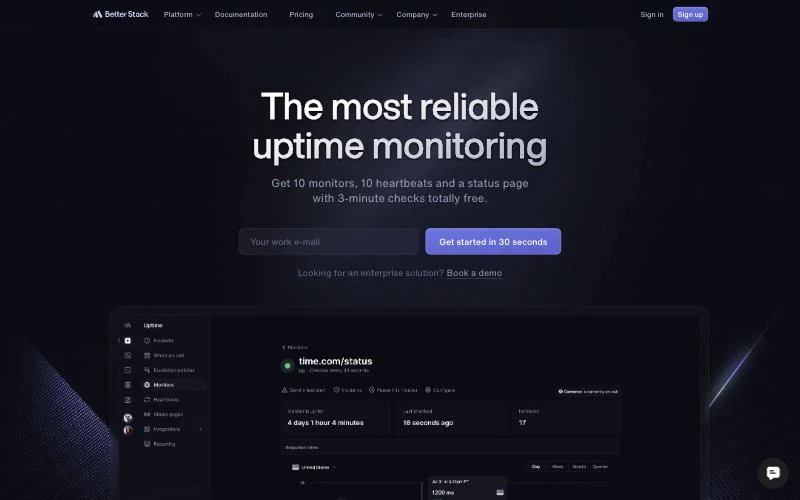
Better Stack is the pick when monitoring is part of an incident process: on-call rotations, escalation and phone alerts. The free plan has 10 monitors at 3-minute checks, one status page on your own subdomain, and Slack and email alerts. The pricing page labels it “for personal projects,” but its terms contain no such restriction. Paid plans are priced per responder, $29 a month billed yearly, with unlimited phone and SMS alerts and 30-second checks; extra monitors come in packs.
4. Hyperping: the most free monitors after UptimeRobot
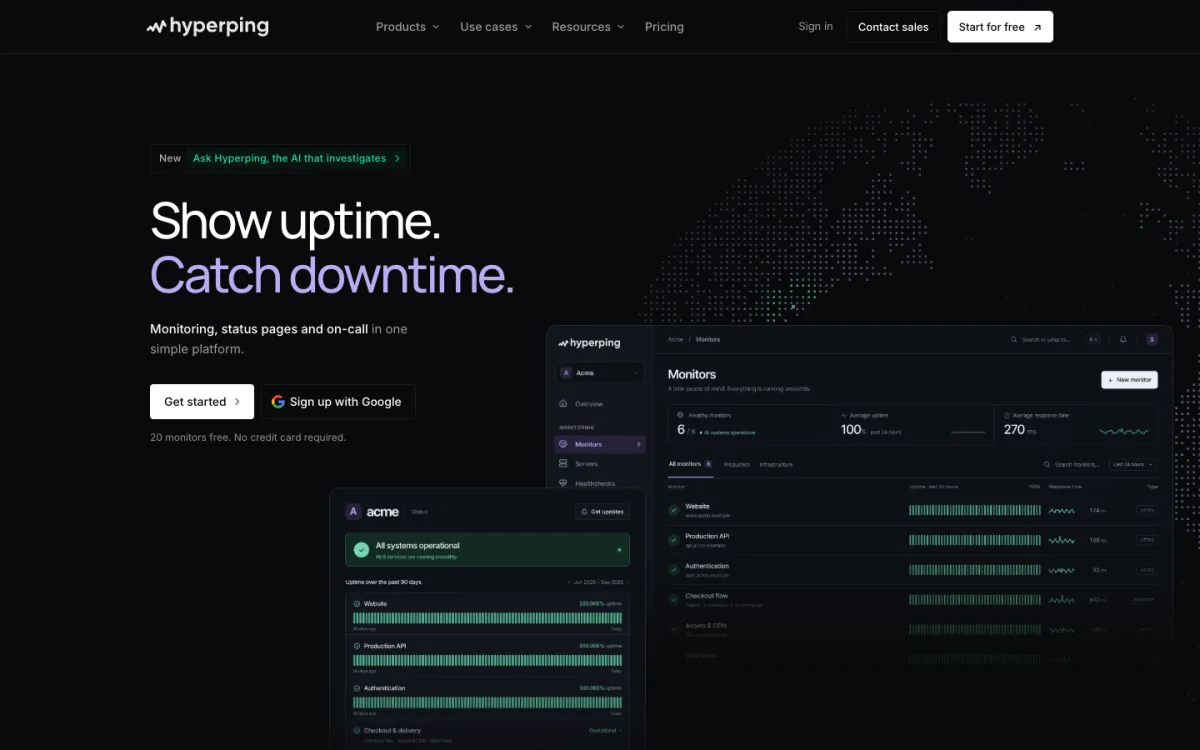
Hyperping offers 20 free monitors at 5-minute checks, with email, Slack and Teams alerts and a basic status page without a custom domain. Essentials costs $24 a month billed yearly for 50 monitors at 30-second checks from 18 locations, with a custom-domain status page. Unusually, Hyperping says its team will migrate customers from another provider for free, typically within 48 hours.
5. StatusCake: a long-running, simple option
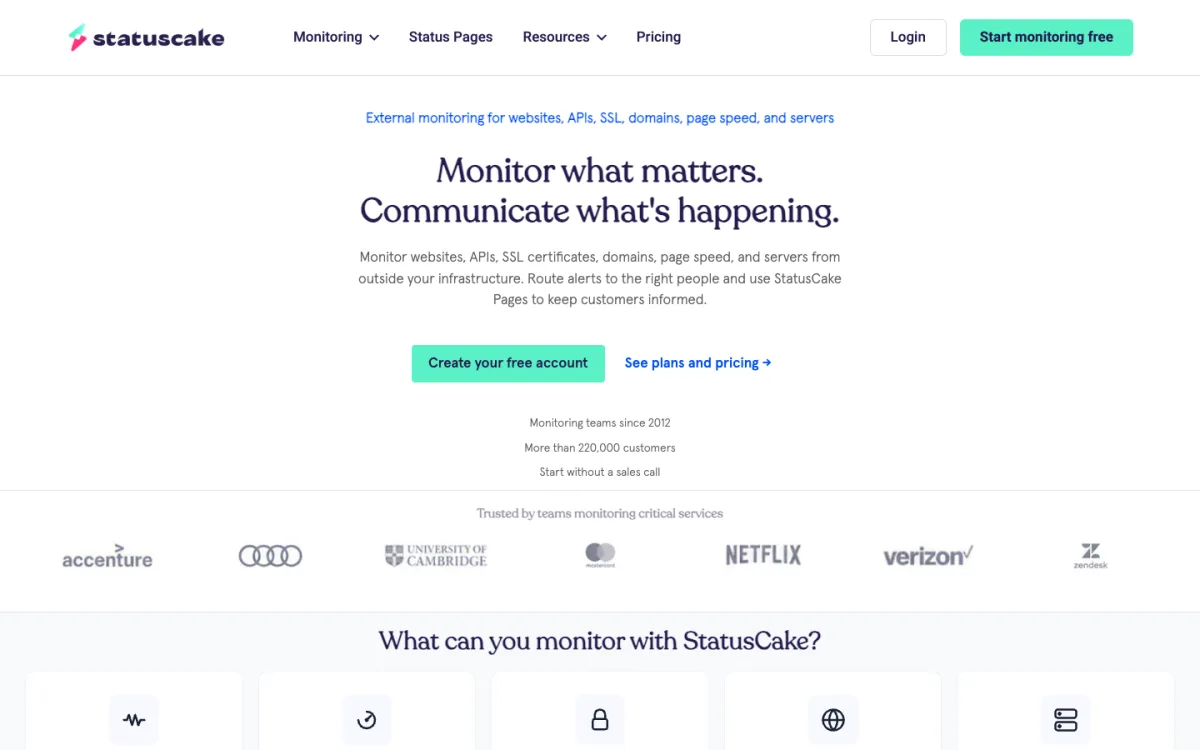
StatusCake’s free plan has 10 uptime monitors at 5-minute checks plus one page speed, one domain and one SSL monitor. From Europe, Superior showed as €16.66 a month billed yearly for 100 monitors at 1-minute checks. Its terms say the free account is “for your own personal use,” in a clause about not sharing logins, and that you may only monitor sites you own or control. StatusCake says it has no automated UptimeRobot import. UptimeRobot itself keeps SSL and domain expiry checks for paid plans; our SSL certificate monitoring guide compares the free options.
6. Cronitor: for developers who also monitor cron jobs
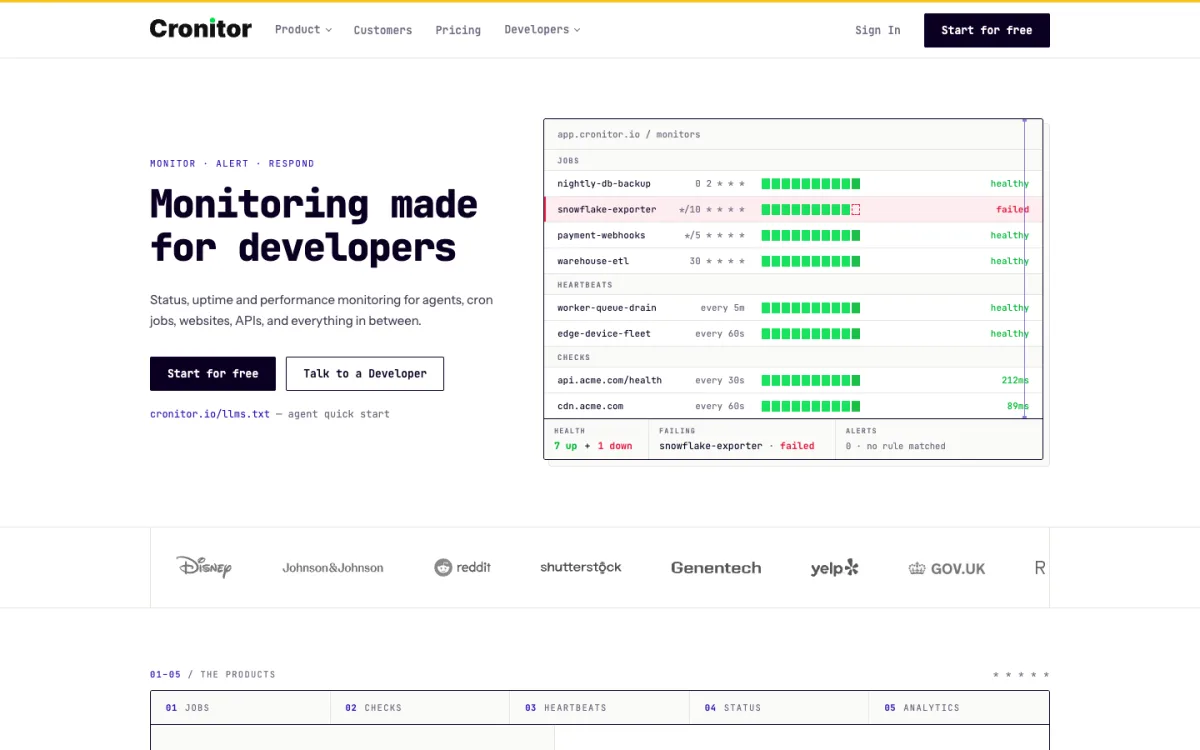
Cronitor is built around scheduled jobs and heartbeats as well as websites. The free plan is small, 5 monitors at 5-minute checks, but includes Slack, Discord, Teams and webhook alerts. Paid pricing is usage-based: $2 per monitor and $5 per user a month, with 30-second checks and SMS.
7. Pingdom: for teams that also want real-user monitoring
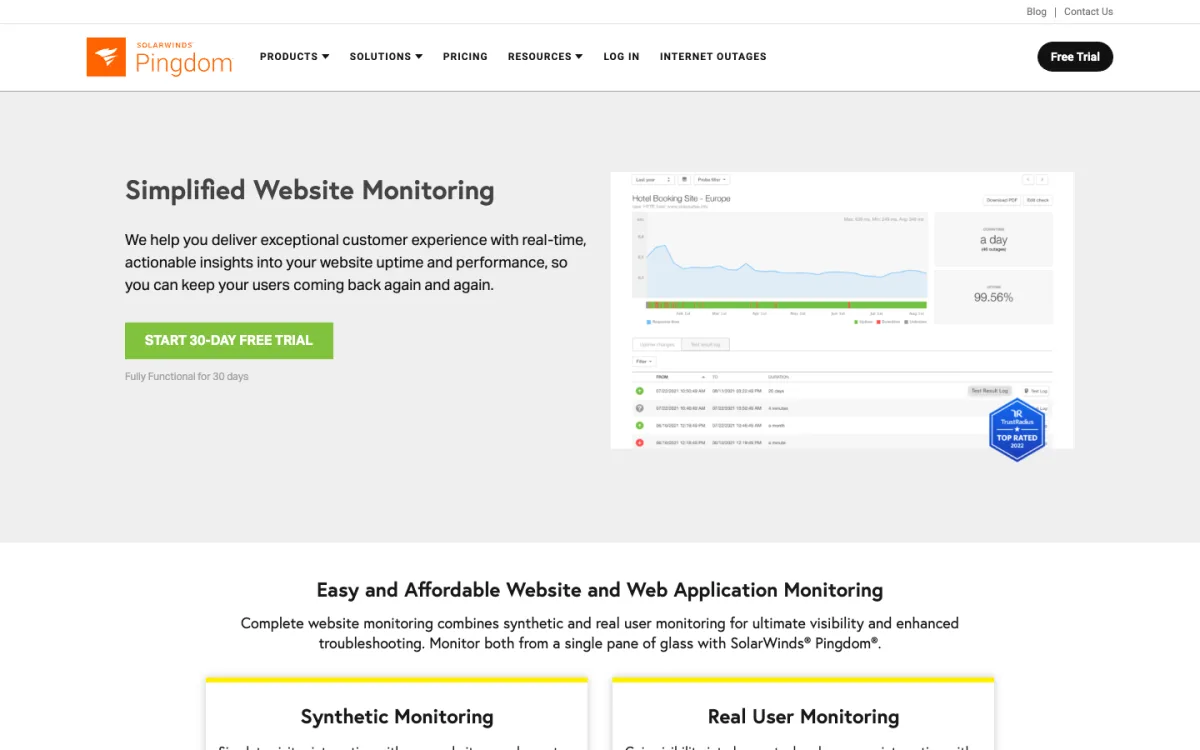
Pingdom has no free plan, only a trial. Its entry tier showed as €14.33 a month billed yearly for 10 uptime checks at 1-minute intervals and 50 SMS, with real user monitoring sold separately. It is the choice if you are on SolarWinds already or want its performance reports; for plain uptime checks it is expensive per monitor.
8. OneUptime: open source, with an UptimeRobot importer
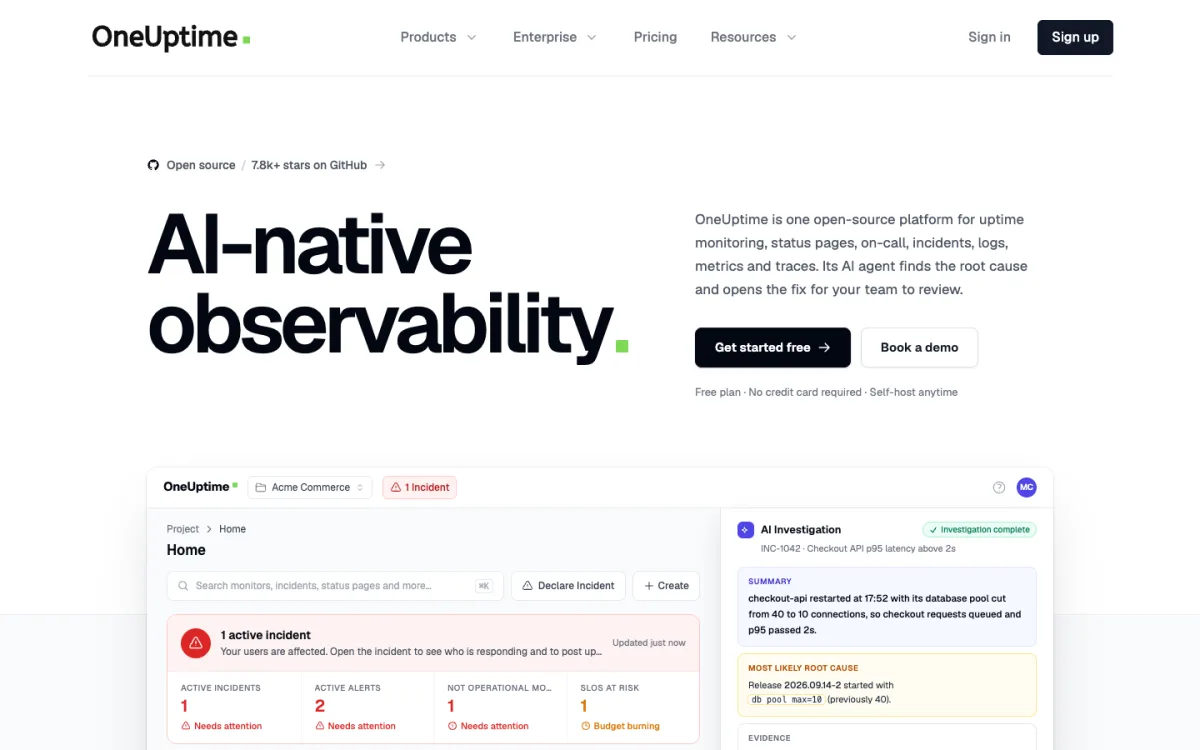
OneUptime is an open-source platform for monitoring, status pages, incidents and on-call. Self-hosting is free under the Apache 2.0 license. Its cloud version charges $1 per automated monitor a month, so there are no free automated checks there. It is the only tool we found with a built-in UptimeRobot import: give it a read-only API key and it copies your monitors and public status pages.
The Self-Hosted Option: Uptime Kuma
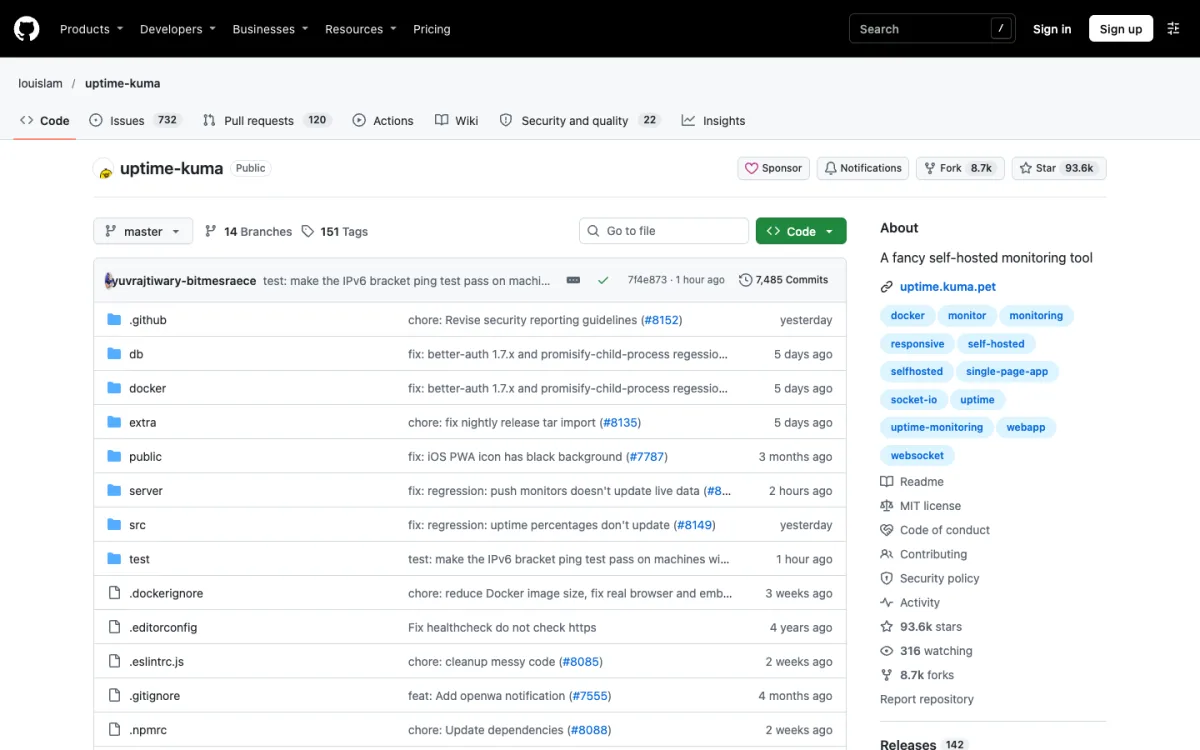
Uptime Kuma is the most popular self-hosted monitor. It is MIT-licensed, has no monitor limits, checks as often as every 20 seconds, supports more than 90 notification services and serves status pages on your own domains. Version 2.0 arrived in October 2025 with MariaDB support and a rootless Docker image; the latest release, 2.5.11 on November 12, 2026, is a security fix, so keep it updated.
The trade-offs are the usual ones for self-hosting:
- One location. It checks from wherever you run it. If that server goes down, so does your monitoring, so host it somewhere other than the sites it watches.
- Your maintenance. Updates, backups and security are yours. Version 2 removed the built-in backup and restore.
- Hosting cost. A small virtual server is enough, typically a few dollars a month.
How to Migrate Your Monitors
UptimeRobot has no button to export your monitor list. Its dashboard exports event logs only. The monitors themselves come out through the API or the official command-line tool.
- Create a read-only API key in UptimeRobot’s integrations and API settings.
- Export the list. The official CLI prints your monitors as JSON with
uptimerobot monitors list. Or call the API directly: v3 is the current version, and the older v2getMonitorscall still works. Free accounts are limited to 10 API requests a minute. - Import into the new tool:
- OneUptime imports directly from an UptimeRobot API key, up to 1,000 monitors at a time, without history or alert contacts.
- Hyperping offers to do the migration for you.
- HetrixTools imports monitors from a CSV file; Better Stack lets you paste a list of URLs.
- For Uptime Kuma, community tools such as Uptimerobot-to-Kuma-Migrator copy monitors across.
- Pulsetic and StatusCake have no UptimeRobot import, so add monitors by hand or through their APIs.
- Recreate what does not transfer: alert contacts, maintenance windows, status page domains and any keyword or port settings.
- Run both for a week. Keep UptimeRobot running until the new tool has alerted correctly at least once; you can trigger a test by pointing a monitor at a URL that returns an error.
- Move the status page domain last, by updating its DNS record, so visitors never see a missing page.
FAQ
Can I use UptimeRobot’s free plan for a business website?
Yes, again. The terms updated on May 26, 2026 say UptimeRobot “is available for any use, including commercial and business use.” From late 2024 until then, the free plan was limited to personal, non-commercial use.
What is the best free alternative to UptimeRobot?
HetrixTools, for most people: 1-minute checks and every alert channel on the free plan, with 15 monitors. If you need more than 15 free monitors, Hyperping offers 20 at 5-minute checks, and Uptime Kuma has no limits if you host it.
Which free uptime monitor checks most often?
Among hosted tools, HetrixTools, at once a minute. Better Stack checks every 3 minutes on its free plan, and most others every 5. Self-hosted Uptime Kuma can check every 20 seconds.
What happened to Freshping?
Freshworks shut it down. Free accounts were disabled on March 6, 2026, and the deadline to export free-plan data was June 4, 2026.
What is a good free alternative to Atlassian Statuspage?
Statuspage’s free plan has no custom domain; that starts at $29 a month. Pulsetic’s free plan includes 3 status pages on your own domain, HetrixTools allows custom domains for free, and Uptime Kuma serves unlimited pages if you self-host.
Can I export my monitors from UptimeRobot?
Not from the dashboard. Use the official CLI or the API to get them as JSON, then import them into your new tool or recreate them.