Squarespace makes good-looking sites with very little effort, which is why so many people start there. The reasons they leave tend to show up later: no free plan, no way to change template on a current site, and an export that leaves most of the site behind. So before you choose a Squarespace alternative, it helps to know exactly what you can take with you.
This guide compares nine Squarespace alternatives by the reason you're leaving: price, flexibility, blogging, selling, or needing less than Squarespace offers. For each one we read the current pricing page and the help pages on moving from Squarespace, and we note which tools can actually import a Squarespace site. Every price was checked on November 25, 2026, during Black Friday week. We fetched the pages from Europe, so where a vendor only showed us euros, we print euros.
The Short Answer
- More freedom and a free plan: Wix. Paid plans from $17/mo billed yearly.
- The same designed look for less: Siter.io, from $7/mo billed yearly, with a blog, forms and a custom domain on every plan.
- Blogs and content sites: WordPress.com. Its importer brings over your pages, posts, comments, tags and images, from $4/mo billed yearly.
- Blogs with a paid newsletter: Ghost, which has a built-in Squarespace migrator, from $15/mo billed yearly.
- Online stores: Shopify. Products and customers move across as CSV files.
- Designers who want more control: Framer or Webflow.
- Escaping the renewal bill: Hostinger Website Builder, $95.52 up front for 48 months on its Black Friday deal.
- A one-page portfolio or landing page: Carrd, $19 a year with a custom domain and forms.
Why People Leave Squarespace
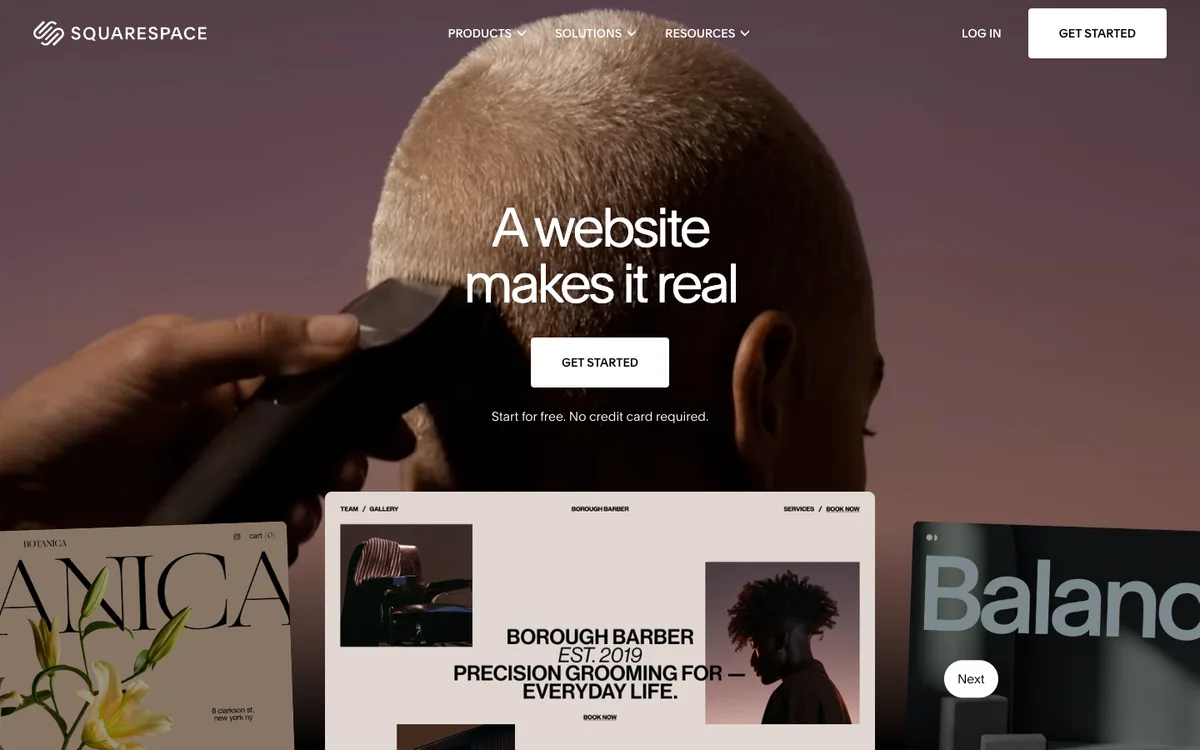
Squarespace is still a strong builder, and in our Wix vs Squarespace comparison it was the easier of the two to keep looking tidy. The complaints we hear are about price and lock-in, and Squarespace's own help center explains each one:
- Discounts and old prices don't last. If you signed up with a discount code, Squarespace says: "Discounts apply to your first payment. Your next renewal is charged at full price." Price increases apply on your next renewal date, and older legacy plans get periodic increases.
- There's no free plan. You get a 14-day trial with no card, then you pay. The pricing page showed us Basic at €12/mo billed yearly (€17 monthly) and Core at €18 (€24), in euros only. Basic also charges a 2% fee on store sales.
- You can't change template. "It's not possible to change templates on a version 7.1 site." Only older 7.0 sites can switch.
- The export leaves most of the site behind. More on that below.
What You Can Take With You When You Leave Squarespace
Squarespace has one site export, a WordPress-format XML file, plus CSV downloads for store and contact data. You can't export anything from a trial site. This is what its help center says comes with you:
| Content | Can you export it? | Notes |
|---|---|---|
| Layout pages | Yes, in the XML file | Text and image blocks. Embeds come across as text only |
| Blog | One blog | All its posts, with up to 1,000 comments per post. A second blog doesn't export |
| Gallery pages | Yes | Squarespace lists them without saying whether this covers 7.1 sites |
| Store, portfolio, index and other page types | No | Rebuild them on the new platform |
| Design, styles and custom CSS | No | Headers, footers and sidebars don't export either |
| Audio, video and product blocks | No | Images and videos can't be downloaded in bulk |
| Products | Yes, CSV | Up to 10,000. No digital products, gift cards, variant images or reviews |
| Contacts and customers | Yes, CSV | Without notes and saved addresses |
| Form submissions | Yes, CSV | Without uploaded files |
| Orders | Yes, CSV | |
| Domain bought through Squarespace | Yes | No fee, but not within 60 days of registering it. A free domain stops being free once it leaves |
And this is what each alternative's own help pages say about moving from Squarespace:
| Alternative | Official Squarespace import |
|---|---|
| WordPress.com | Yes. Pages, blog posts, comments, tags and images. A paid option also copies the layout, fonts, colors, header, logo and menu |
| Ghost | Yes. A built-in migrator imports posts and pages, and turns categories into tags |
| Shopify | A guide, not an importer. Products and customers by CSV, orders through third-party apps, pages and posts by hand |
| Wix | No. "Currently, importing a site created outside of Wix is not supported" |
| Webflow | No. Moving is "a rebuild, not a transfer" |
| Hostinger | No import. Its AI tool can recreate a public site from its address as a starting point |
If your site is mostly a blog, WordPress.com and Ghost will move most of it for you. For anything else, plan on a rebuild.
Squarespace Alternatives Compared
| Builder | Best for | Free plan | Cheapest plan with a custom domain |
|---|---|---|---|
| Wix | Layout freedom, apps, bookings | Yes, with ads | $17/mo yearly |
| Siter.io | Design-led sites for less | No, 3-day trial | $7/mo yearly |
| WordPress.com | Blogs and content sites | Yes, with ads | $4/mo yearly |
| Ghost | Blogs and paid newsletters | No (open source, so you can self-host) | $15/mo yearly |
| Shopify | Online stores | No, 3-day trial | €24/mo yearly (EUR, as shown) |
| Framer | Designers and startups | Yes, non-commercial | $10/mo yearly |
| Webflow | Full design control and a CMS | Yes, 2 pages | $15/mo yearly ($25 with a CMS) |
| Hostinger Website Builder | Lowest multi-year price | No, 14-day trial | $95.52 for 48 months (sale), renews $10.99/mo |
| Carrd | One-page sites | No custom domain on free | $19/year |
For comparison, Squarespace Basic was €12/mo billed yearly (EUR, as shown).
The Alternatives
1. Wix: Best for Layout Freedom and a Free Plan
Wix suits people who find Squarespace too rigid. Where Squarespace keeps you inside its section grid, the classic Wix Editor lets you place anything anywhere, and its app market covers bookings, events, restaurants and more. You can also start on a free plan.
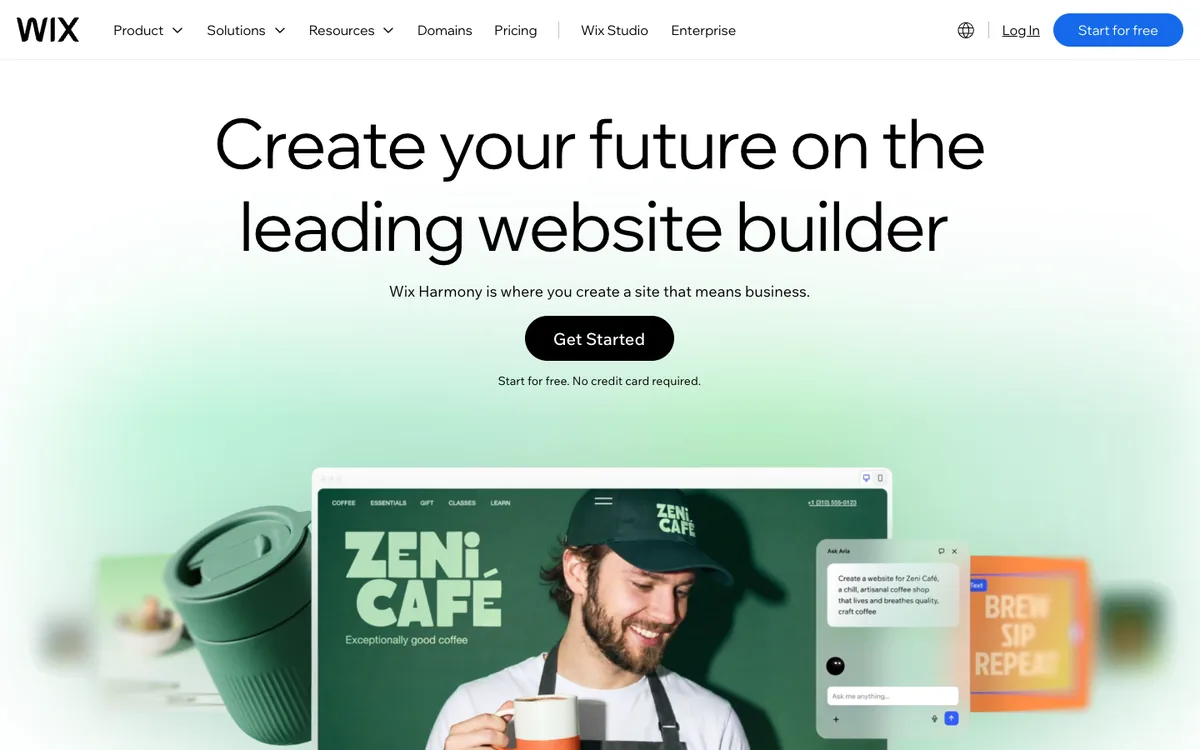
Pricing: the free plan shows a Wix banner ad and uses a wixsite.com address. Light is $17/mo, Core $29 and Business $39, billed yearly. Wix labels those prices an offer for the first yearly term and doesn't show what they renew at. There's a 14-day money-back guarantee on your first upgrade.
- Good: more layout freedom, a free plan, a big app market.
- Watch out: Wix can't import a Squarespace site, and it has the same lock-in problems: no template switching and no site export. Our Wix alternatives guide covers those.
Choose it if Squarespace feels too rigid. Our Wix vs Squarespace comparison covers editors, SEO and speed side by side.
2. Siter.io: Best for Design-Led Sites on a Budget
Siter.io drops the section grid: you place elements anywhere on a free-form canvas, or describe a page and let Siter AI lay it out for you to edit. It suits the same kind of site many people build on Squarespace, a portfolio or a small business site that should look designed, for less money.
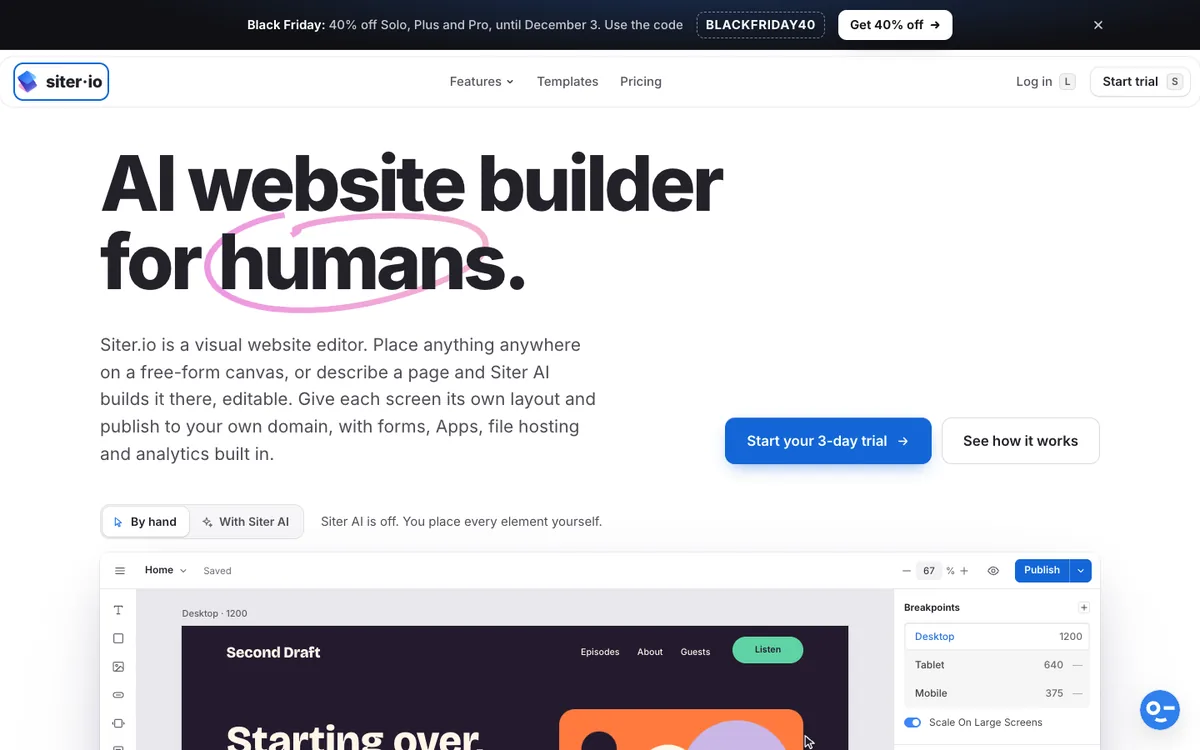
Pricing: Solo is $7/mo billed yearly ($8 monthly) for one site with 3 forms. Plus is $12 ($14) for 3 sites, and Pro is $24 ($28) for 5 sites with unlimited forms. A custom domain, a blog and CMS are included on every plan, and form submissions have no monthly cap. There's no free plan: every plan starts with a 3-day trial, and you add a card.
- Good: more design freedom than Squarespace's grid at a lower price, blog and CMS on every plan, CSV export for forms and CMS content.
- Watch out: no Squarespace import, so you rebuild your pages, and we saw no store features on its pages. No free plan either.
Choose it if you want a site that looks custom for less than Squarespace, and you don't sell online.
3. WordPress.com: Best for Blogs and Content Sites
WordPress.com is hosted WordPress, so you get the world's most common publishing software without managing a server. It's also where Squarespace itself suggests you take your export, because WordPress.com copies the images across, which a self-hosted WordPress install might not.
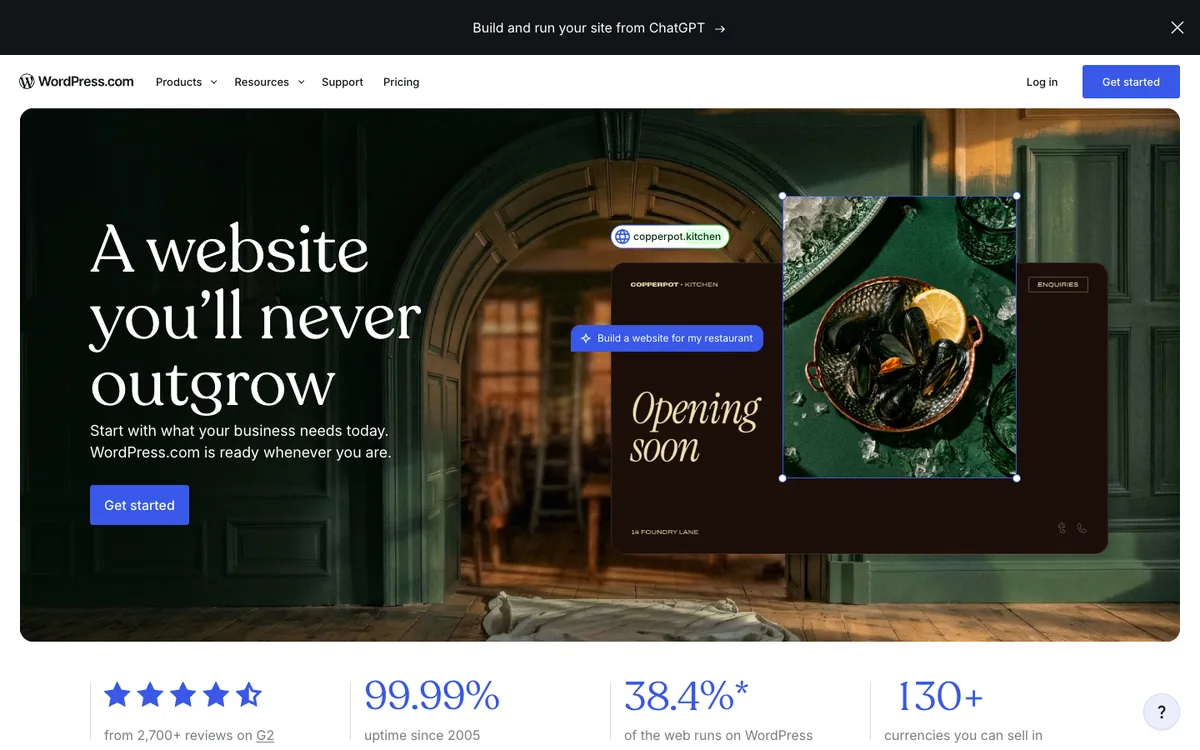
Pricing: Personal is $4/mo billed yearly ($9 monthly), Premium $8 ($18), Business $25 ($40) and Commerce $45 ($70). Plugins can be installed on every paid plan. The free plan shows ads and has no custom domain.
Moving from Squarespace: upload your Squarespace export and the importer brings over pages, blog posts, comments, tags and images. A paid option also copies the layout, fonts, colors, header, logo and menu. Products go into WooCommerce from a CSV file.
- Good: the most complete Squarespace import here, plugins on every paid plan, and WordPress content can move to any other WordPress host later.
- Watch out: anything the Squarespace export leaves out, such as store and portfolio pages, still needs rebuilding. The block editor takes longer to learn.
Choose it if your site is mostly writing. Our WordPress alternatives guide covers the other direction.
4. Ghost: Best for Blogs With a Paid Newsletter
Ghost is an open-source publishing platform built around posts, email newsletters and paid memberships. If your Squarespace site is a blog you'd like to turn into a newsletter or a subscription, Ghost does that better than any general builder.

Pricing: Ghost(Pro) Starter is $15/mo billed yearly ($18 monthly) for 1,000 members, described as "for solo blogs & newsletters". It includes a custom domain but only the default theme and one staff user. Higher plans start with Publisher at $29/mo billed yearly. Ghost has a built-in Squarespace migrator that imports posts and pages.
- Good: newsletters and paid memberships built in, a Squarespace migrator, open source.
- Watch out: it's a publishing tool, not a general site builder, and the Starter plan is limited to one theme.
Choose it if your site's main job is publishing, and you'd like readers to subscribe.
5. Shopify: Best for Online Stores
If you sell more than a few products, Shopify is the specialist. It covers products, payments, shipping, taxes and in-person sales, and its app store fills most gaps.

Pricing: the pricing page only showed us euros: Basic was €24/mo billed yearly or €32 monthly. The trial is 3 days free with no card, then €1 a month for 3 months.
Moving from Squarespace: Shopify's guide has you export products and customers from Squarespace as CSV files and import them. The customer file needs editing first. Orders need a third-party migration app, and pages and blog posts are copied by hand.
- Good: the most complete store features here.
- Watch out: the move takes manual work, and paid apps and themes add up.
Choose it if your Squarespace store has outgrown Squarespace.
6. Framer: Best for Designers and Startups
Framer gives designers what Squarespace doesn't: a free canvas, breakpoints, animations and interactions without code, plus a built-in CMS. It's popular for startup and portfolio sites that need to stand out.
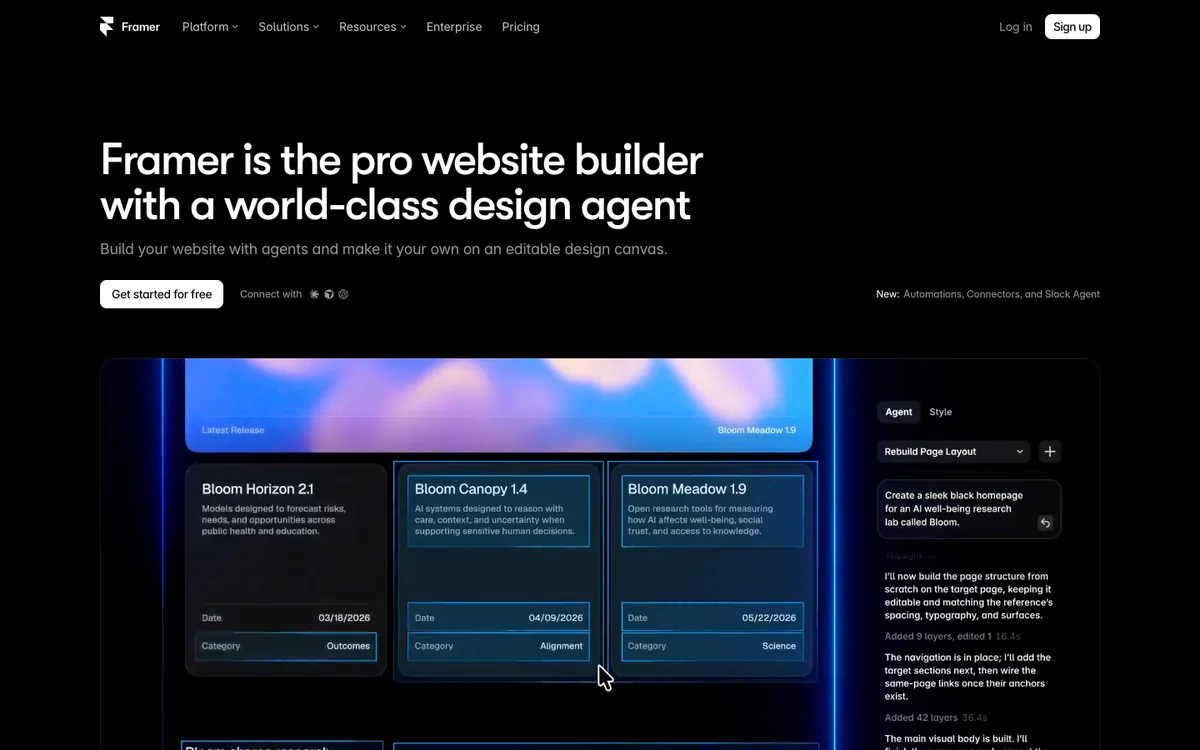
Pricing: Basic is $10/mo billed yearly, with a custom domain, 30 pages and 2 CMS collections. Pro is $30/mo billed yearly. Framer showed us euros on the page itself; the dollar prices come from the page's code, and the monthly dollar prices weren't shown. The free plan is meant for non-commercial use. We found no Squarespace import on Framer's site.
- Good: much more design control than Squarespace, strong animation tools, fast to work in.
- Watch out: no built-in store, low CMS limits on Basic, and no code export.
Choose it if you're a designer who has outgrown Squarespace's templates.
7. Webflow: Best for Full Design Control
Webflow is the most powerful visual builder here, with real CSS layout, classes and a strong CMS. It's also the hardest to learn, so it suits designers and teams more than someone who chose Squarespace for its simplicity.
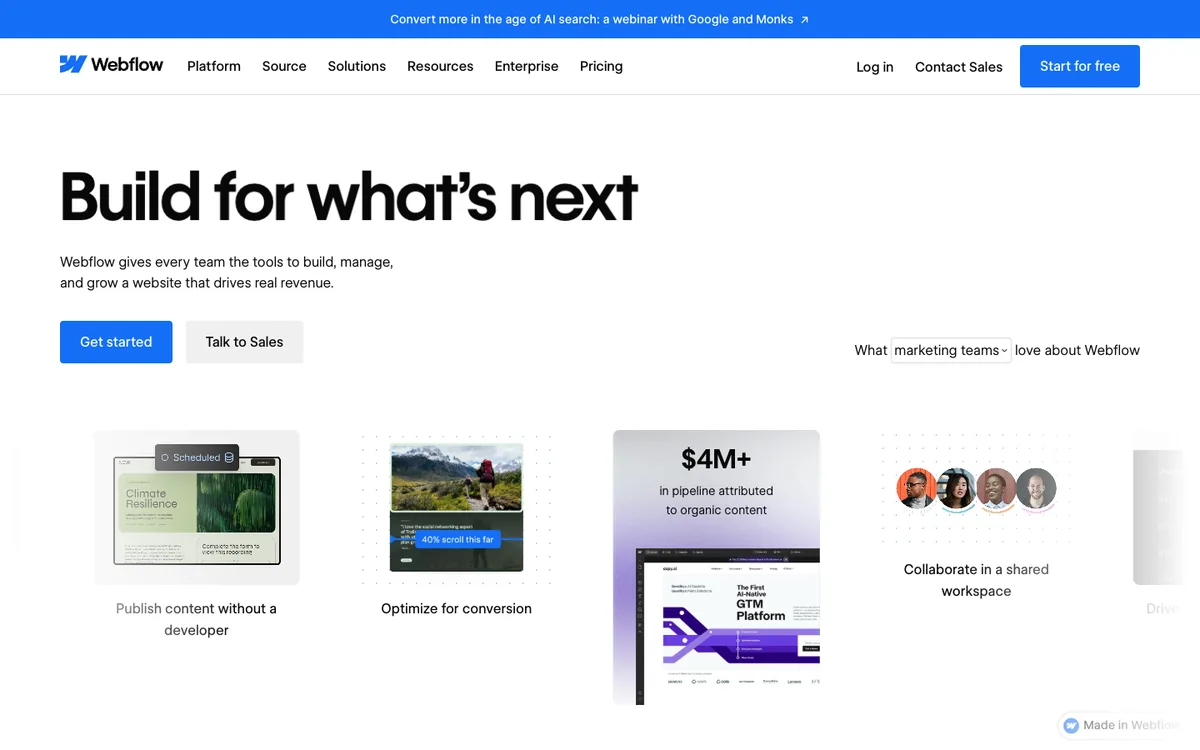
Pricing: the Starter plan is free, with a webflow.io address and 2 static pages. Basic is $15/mo billed yearly ($25 monthly) and has no CMS. Premium, at $25/mo billed yearly ($39 monthly), is the cheapest plan with the CMS. Webflow's guide says moving from Squarespace is a rebuild.
- Good: the most design control, a strong CMS.
- Watch out: a steep learning curve, and a blog needs Premium.
Choose it if you want a professional tool and are ready to learn it. Our Webflow alternatives guide covers its own downsides.
8. Hostinger Website Builder: Lowest Price Over Several Years
If the Squarespace renewal is what made you look, Hostinger's builder is the cheapest way to run a simple site for several years. It's a drag-and-drop editor with AI tools, hosting and email included.
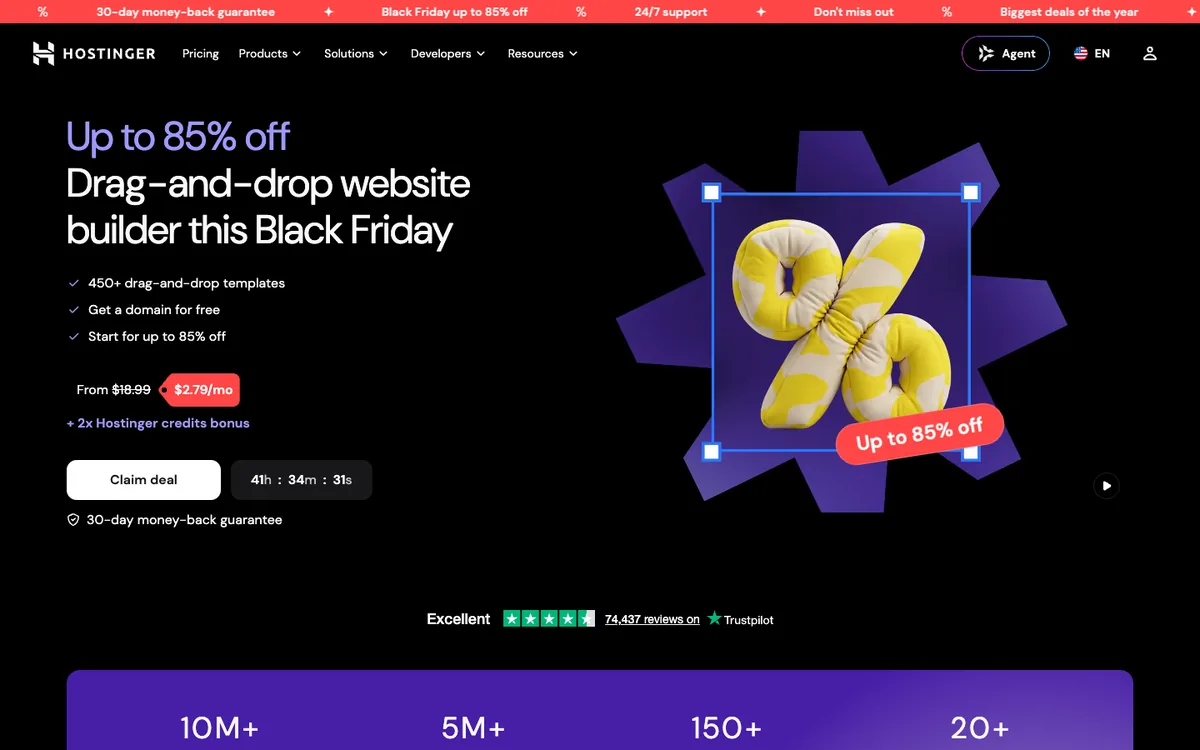
Pricing: on its Black Friday sale, Premium was $1.99/mo, or $95.52 paid up front for 48 months, and it renews at $10.99/mo. The page shows no end date for the sale. There's a 30-day money-back guarantee. Hostinger can't import a Squarespace site; its AI tool can recreate a public site from its address as a starting point.
- Good: very low total cost on a long term.
- Watch out: you prepay 48 months, and the renewal price is more than five times the sale price.
Choose it if price matters most. Our cheapest website builder guide works out what each builder costs once the first term ends.
9. Carrd: Best for One-Page Sites
Plenty of Squarespace sites are really one page: a portfolio landing page, an event, a link-in-bio. Carrd does one-page sites for a fraction of the price.
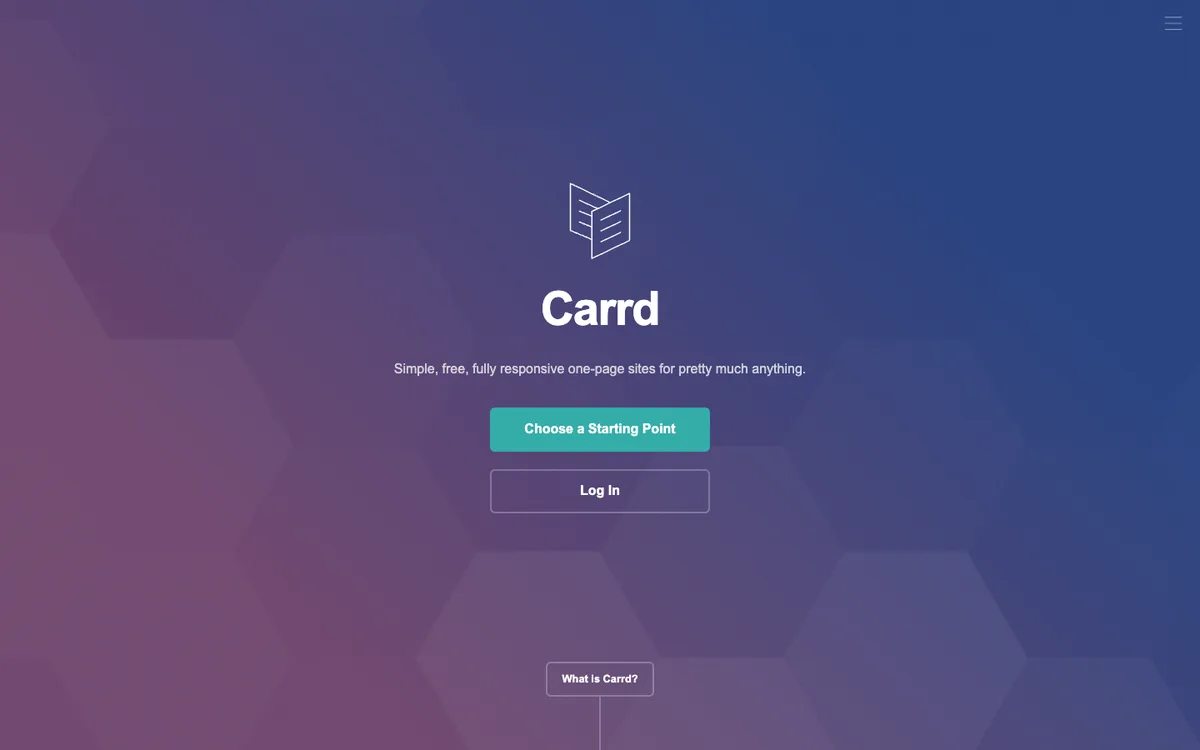
Pricing: Pro Standard is $19 a year for up to 10 sites with a custom domain and forms. Pro Lite, at $9 a year, removes the Carrd branding but has no custom domain or forms.
- Good: the cheapest way to put one page on your own domain.
- Watch out: one page per site, so a Squarespace blog or store has nowhere to go.
Choose it if one page is all you need.
How to Switch From Squarespace Without Losing Traffic
- Export before your plan ends. Download the XML export and the product, contact, form and order CSV files. You can't export from a lapsed trial site, and images can't be downloaded in bulk, so save the ones you need.
- Write down every URL on your Squarespace site. Your sitemap is at
yoursite.com/sitemap.xml. - Rebuild and test on the new platform's own address first, while your Squarespace site stays live on your domain.
- Set up redirects from each old URL to its new page, so links and search rankings carry over.
- Move the domain. Point it at the new host, or transfer it away if it's more than 60 days old. Remember a free Squarespace domain stops being free once it leaves. Then cancel your plan.
How We Chose
We picked builders that cover the main reasons people give for leaving Squarespace, and grouped them by use rather than ranking one winner. On November 25, 2026 we read each one's pricing page and its help pages on moving from Squarespace, along with Squarespace's own help articles on exporting, templates, billing and domains. Squarespace and Shopify showed us only euros, so we print those as shown rather than converting them. Wix and Hostinger were showing sale or offer pricing, and we say so next to those prices.
FAQ
Is Squarespace still good in 2026?
Yes, for polished small business and portfolio sites where you don't need much flexibility. It's less good if you want a free plan, a cheap renewal, a new template later, or an easy way to move your whole site somewhere else.
Why is Squarespace so expensive now?
If you signed up with a discount code, the renewal is charged at full price, and any price increase applies at renewal. Older legacy plans also get periodic increases. There's also no free plan, and Basic adds a 2% fee on store sales.
What is cheaper than Squarespace?
Carrd ($19 a year) for one page, WordPress.com Personal ($4/mo billed yearly), Siter.io ($7/mo billed yearly) and Hostinger's builder on a 48-month prepay. Wix has a free plan if you can live with its ads.
Which is better, Ghost or Squarespace?
Ghost is better for blogs and newsletters, especially paid ones, and it can import your Squarespace posts. Squarespace is better for a general business site with pages, a store and bookings.
Can I move my Squarespace site to WordPress?
Partly. Squarespace exports layout pages and one blog in WordPress format, plus gallery pages. WordPress.com imports them with images, comments and tags. Store pages, portfolio pages, styles and custom CSS don't export and need rebuilding.
Can I change my Squarespace template instead of leaving?
Not on a version 7.1 site. You can restyle it with fonts, colors and sections, but not switch to another template. Older 7.0 sites can switch.