Wix is easy to start with and hard to leave. You can't switch a published site to a new template, you can't move the site to another host, and there's no way to export your blog posts. So before you pick a Wix alternative, it helps to know what will come with you and what you'll have to rebuild.
This guide compares nine Wix alternatives by the reason you're leaving: design, price, blogging, selling, or needing less than Wix offers. For each one we read the current pricing page and the help pages on moving from Wix, and we note which tools can actually import a Wix site. Every price was checked on November 25, 2026, during Black Friday week, so we say where a price is a sale, and where a vendor only showed us euros.
The Short Answer
- Best overall for a small business or portfolio site: Squarespace. Polished templates and a simpler editor, from €12/mo billed yearly (euros, as shown to us).
- Design-led sites for less: Siter.io, from $7/mo billed yearly, with forms and a custom domain on every plan.
- Blogs and content sites: WordPress.com. It is the only one here that imports your Wix pages, and plugins come with every paid plan, from $4/mo billed yearly.
- Online stores: Shopify. Its Store Migration app copies your Wix products and customers.
- Designers who want more control: Framer or Webflow.
- Lowest price over several years: Hostinger Website Builder, $95.52 for 48 months on its Black Friday deal.
- One page is enough: Carrd, $19 a year with a custom domain and forms.
Why People Leave Wix

Wix is a capable builder, and in our Wix vs Squarespace speed test its templates scored higher than Squarespace's in two of three pairs. The reasons people leave are mostly about lock-in and cost, and Wix's own help center confirms each one:
- You can't change template. Wix says it is "not possible to switch to a different template for a site you already created". A redesign means building a new site and moving your plan and domain to it.
- You can't take the site with you. A Wix site "needs to be hosted and operated on Wix's servers". There is no HTML export.
- Blog posts don't export. Wix's help page says: "Currently, it is not possible to export blog posts to other platforms." The feature request is open for votes.
- The free plan carries ads. Free sites show a Wix banner ad and live on a
username.wixsite.com/sitenameaddress. Removing them needs a Premium plan, and Wix's paid plans start at $17/mo billed yearly.
On price: Wix showed Light at $17, Core at $29 and Business at $39 a month, billed yearly. The page labels these prices an offer for the first yearly term only, the same label it showed a week earlier, and it doesn't show what they renew at. Wix offers a 14-day money-back guarantee on your first upgrade.
What You Can Take With You When You Leave Wix
Before you sign up anywhere else, export what you can. This is what Wix's help center says you can and can't take:
| Content | Can you export it? | How |
|---|---|---|
| Site design and pages | No | Rebuild it on the new platform |
| Blog posts | No | Copy them by hand, or use an importer that reads your blog's RSS feed (WordPress.com) |
| CMS collections | Yes | Export each collection as a CSV file |
| Store products | Yes, physical products | CSV, up to 5,000 rows per file. Digital products can't be exported |
| Contacts | Yes | CSV, up to 50,000 at once, by the site owner |
| Form submissions | Yes | CSV from the submissions table |
| Domain bought through Wix | Yes | Unlock it and request a transfer code. Not within 60 days of purchase |
And this is what each alternative's own help pages say about moving from Wix:
| Alternative | Official Wix import |
|---|---|
| WordPress.com | Yes. Pages, images, menus and site title, plus your 20 most recent blog posts from the RSS feed |
| Shopify | Yes. Products and customers, with the Store Migration app or CSV files |
| Squarespace | Products only, from a CSV file. "It's not possible to import your last site's layout, design, fonts, or other content" |
| Webflow | No. "Migrating from Wix to Webflow is a rebuild, not a transfer" |
| Hostinger | No import. Its AI builder can generate a new site from your Wix site's address |
For everyone else, moving is a rebuild. On a small site that is often an afternoon's work, and it is a chance to fix the things you didn't like.
Wix Alternatives Compared
| Builder | Best for | Free plan | Cheapest plan with a custom domain |
|---|---|---|---|
| Squarespace | Small business and portfolio sites | No, 14-day trial | €12/mo yearly (EUR, as shown) |
| Siter.io | Design-led sites for less | No, 3-day trial | $7/mo yearly |
| WordPress.com | Blogs and content sites | Yes, with ads | $4/mo yearly |
| Shopify | Online stores | No, 3-day trial | €24/mo yearly (EUR, as shown) |
| Framer | Designers and startups | Yes, non-commercial | $10/mo yearly |
| Webflow | Full design control and a CMS | Yes, 2 pages | $15/mo yearly ($25 with a CMS) |
| Hostinger Website Builder | Lowest multi-year price | No, 14-day trial | $95.52 for 48 months (sale), renews $10.99/mo |
| Carrd | One-page sites | No custom domain on free | $19/year |
| Static.app | Hosting your own HTML files | No, 7-day trial | $5/mo yearly |
The Alternatives
1. Squarespace: Best Overall Wix Alternative
Squarespace is what most people move to when they leave Wix for a small business, portfolio or restaurant site. Its templates are more polished out of the box and the editor is simpler. A blog and an online store are built in.
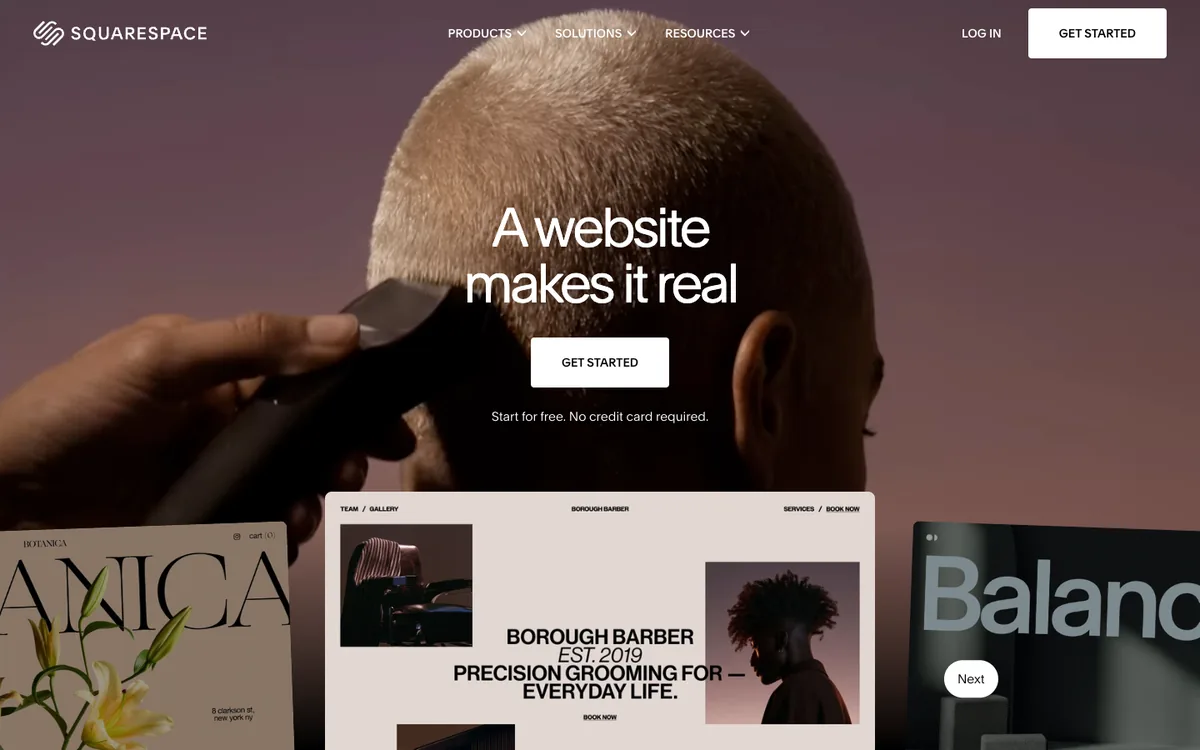
Pricing: the pricing page only showed us euros. Basic was €12/mo billed yearly (€17 monthly), Core €18 (€24), Plus €32 (€42) and Advanced €69 (€79). Every site starts with a 14-day free trial and no card. Basic charges a 2% fee on store sales; Core and up don't.
- Good: strong templates, simpler editor than Wix, all the business basics included.
- Watch out: no free plan, and the only thing it imports from Wix is a product CSV. Fewer apps than Wix.
Choose it if you want a better-looking site without more work. Our Wix vs Squarespace comparison goes through both in detail. Squarespace's export also leaves a lot behind, which our Squarespace alternatives guide covers.
2. Siter.io: Best for Design-Led Sites on a Budget
Siter.io is a visual editor where you place elements anywhere on a free-form canvas, or describe a page and let Siter AI build it for you to edit. It suits business and portfolio sites that need to look designed rather than templated, and it includes forms, a blog and CMS, and built-in analytics.
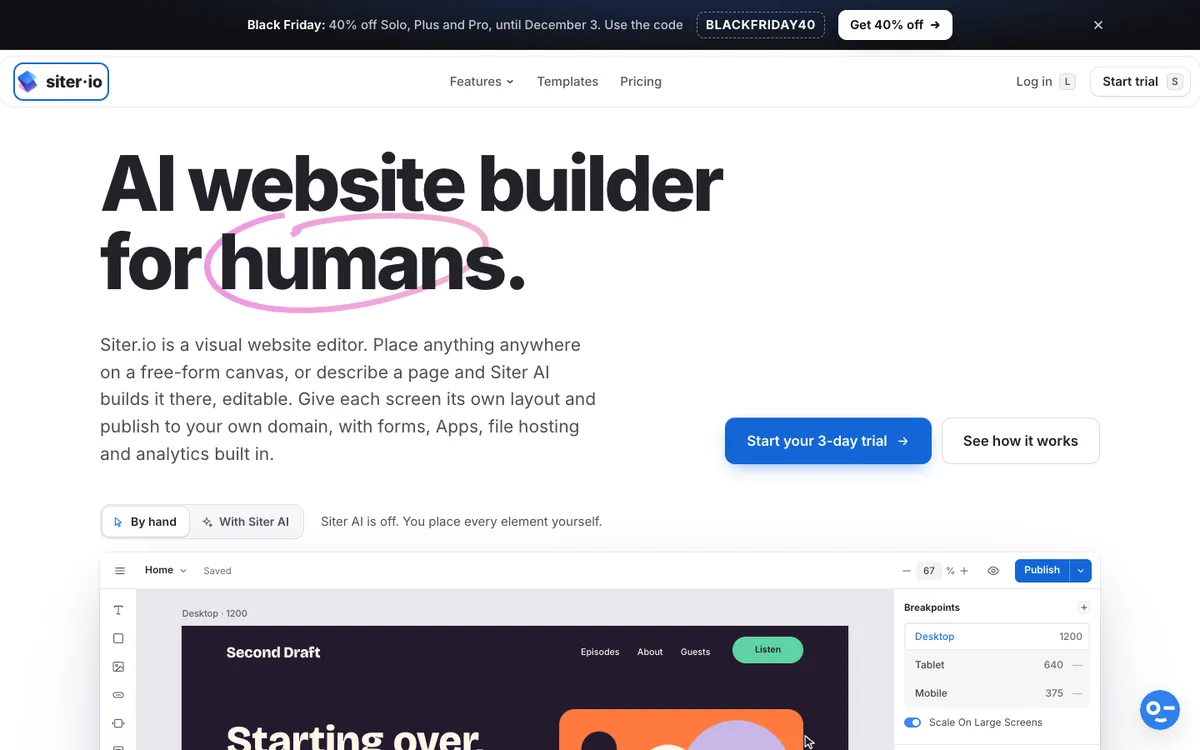
Pricing: Solo is $7/mo billed yearly ($8 monthly) for one site with 3 forms. Plus is $12 ($14) for 3 sites, and Pro is $24 ($28) for 5 sites with unlimited forms. A custom domain is included on every plan, and form submissions have no monthly cap. There's no free plan: every plan starts with a 3-day trial, and you add a card.
- Good: more design freedom than Wix for less money, blog and CMS on every plan, CSV export for forms and CMS content.
- Watch out: no free plan, no store features on the pages we read, and HTML download is on Pro only.
Choose it if you want a site that looks custom without paying Wix Core prices, and you don't sell products online.
3. WordPress.com: Best for Blogs and Content Sites
WordPress.com is hosted WordPress: the same open-source software that runs a large part of the web, without having to manage a server. It is the strongest choice if your site is mostly writing, and it is the only alternative here that can import your Wix pages.
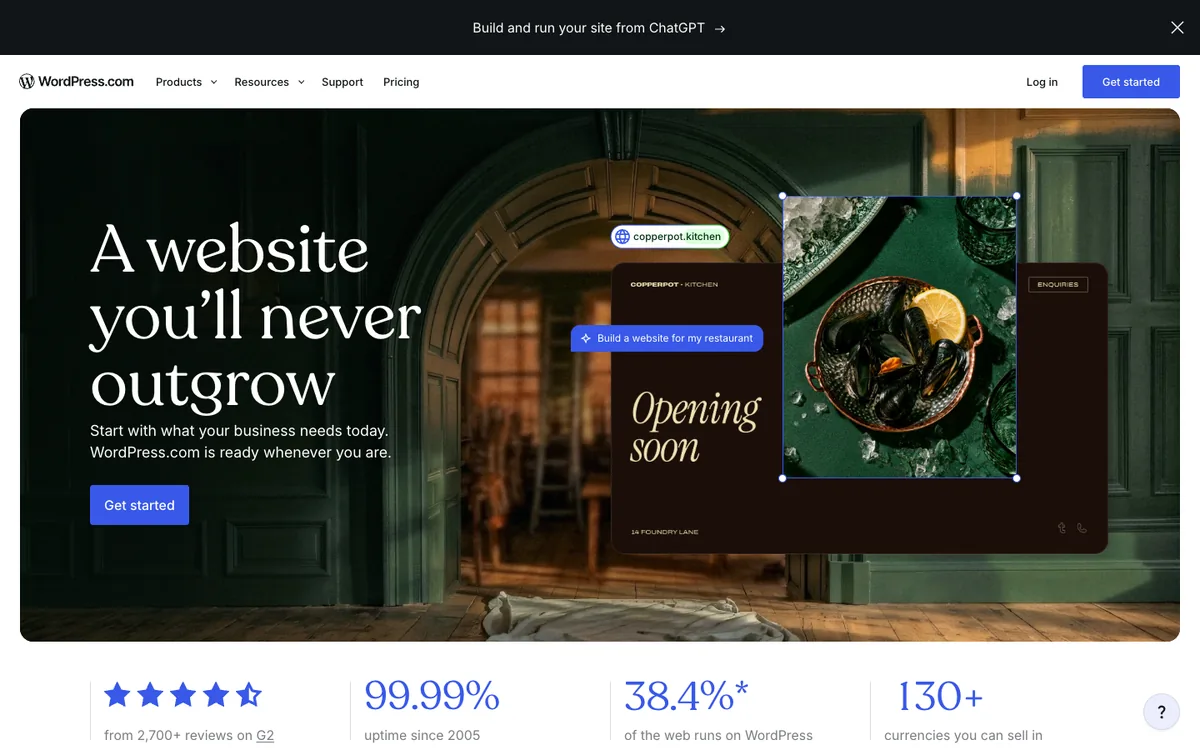
Pricing: Personal is $4/mo billed yearly ($9 monthly), Premium $8 ($18), Business $25 ($40) and Commerce $45 ($70). Plugins can be installed on every paid plan. The free plan shows WordPress.com ads and has no custom domain.
Moving from Wix: paste your Wix address into the importer and it brings over your pages, images, menus and site title. Blog posts don't come across that way. WordPress.com's guide says to use your Wix blog's RSS feed instead, which brings your 20 most recent posts. A second method that also keeps the design needs a paid plan.
- Good: the only importer here that brings over your Wix pages, plugins on every paid plan, and WordPress content can move to any other WordPress host later.
- Watch out: older blog posts (beyond the newest 20) still need moving by hand, and the block editor takes longer to learn than Wix.
Choose it if you publish regularly or want a site you can take anywhere. Our WordPress alternatives guide covers the reverse move.
4. Shopify: Best for Online Stores
If your Wix site is mainly a shop, move it to a platform built for selling. Shopify handles products, payments, shipping, taxes and point of sale, and it has a large app store for everything else.

Pricing: the pricing page only showed us euros: Basic was €24/mo billed yearly or €32 monthly. The trial is 3 days free with no card, then €1 a month for 3 months.
Moving from Wix: Shopify's Store Migration app copies your Wix products and customers, and you can also import them from CSV files. Your pages and design are a rebuild.
- Good: the most complete store features here, an official path for Wix products and customers.
- Watch out: the cost of paid apps and themes adds up, and it's more than you need for a site that only sells a few things.
Choose it if selling is the main job of your site.
5. Framer: Best for Designers and Startups
Framer feels like a design tool that publishes. You design on a free canvas with breakpoints and animations, add content through a built-in CMS, and publish to Framer's hosting. It is a step up from Wix for marketing sites and portfolios where the look matters most.
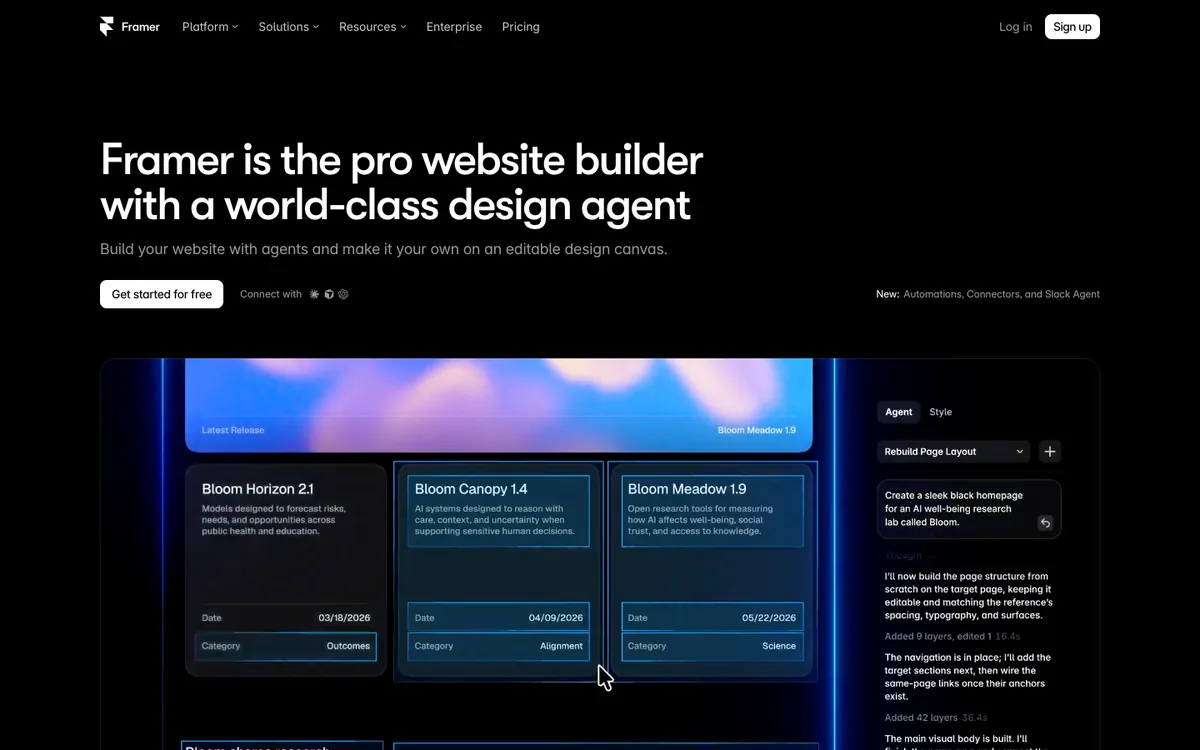
Pricing: Basic is $10/mo billed yearly, with a custom domain, 30 pages and 2 CMS collections. Pro is $30/mo billed yearly. Framer showed us euros on the page itself; the dollar prices come from the page's code, and the monthly dollar prices weren't shown. The free plan is meant for non-commercial use and has no custom domain.
- Good: great design and animation tools, a real CMS, fast to work in if you know Figma.
- Watch out: no built-in store, low CMS limits on Basic, and no code export, so it's another kind of lock-in.
Choose it if you're a designer, or you're building a startup site and want it to stand out. See our Wix Studio vs Framer comparison if you're also weighing Wix's pro editor.
6. Webflow: Best for Full Design Control
Webflow gives you the most control of any visual builder: real CSS layout, classes, breakpoints and a powerful CMS. That control comes with a learning curve, so it suits designers and teams rather than someone building their first site.
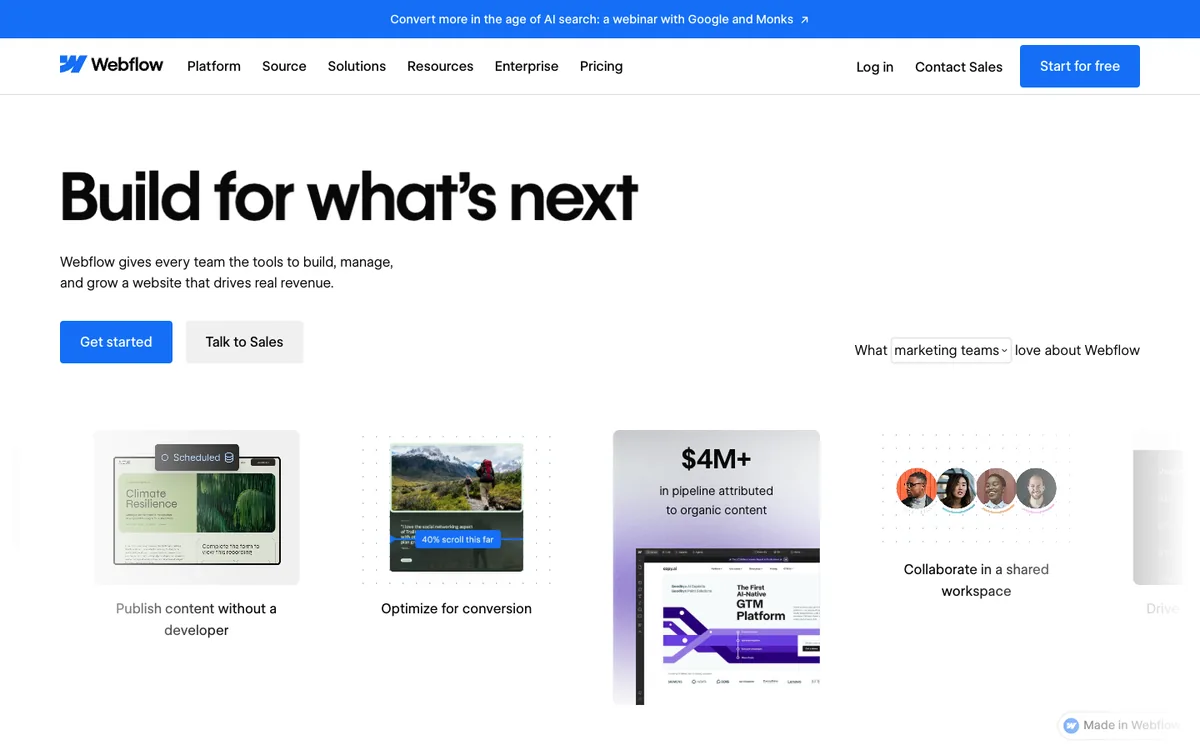
Pricing: the Starter plan is free, with a webflow.io address, 2 static pages and 50 form submissions. Basic costs $15/mo billed yearly ($25 monthly) and has no CMS. Premium, at $25/mo billed yearly ($39 monthly), is the cheapest plan with the CMS. Webflow's guide is clear that moving from Wix is a rebuild.
- Good: the most design control, a strong CMS, clean output.
- Watch out: the hardest to learn here, and a blog needs Premium.
Choose it if you'd rather learn a professional tool than work around Wix's limits. Our Webflow alternatives guide covers its own downsides.
7. Hostinger Website Builder: Lowest Price Over Several Years
Hostinger's builder is a drag-and-drop editor with AI tools, hosting and email included. It is the cheapest way to run a simple business site for several years, as long as you pay for the whole term up front.
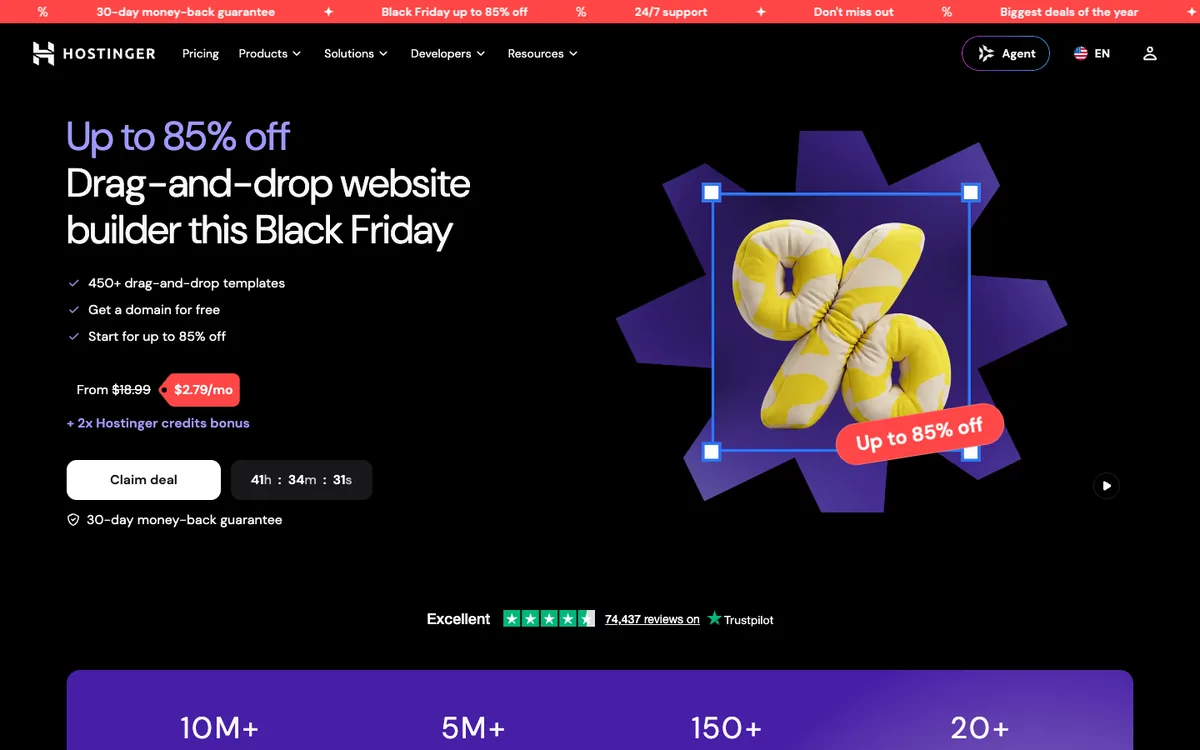
Pricing: on its Black Friday sale, Premium was $1.99/mo, or $95.52 paid up front for 48 months, and it renews at $10.99/mo. The page shows no end date for the sale. There's a 30-day money-back guarantee. Hostinger can't migrate a Wix site, but its AI builder can generate a new site from your Wix site's address for you to edit.
- Good: very low total cost on a long term, hosting and email included.
- Watch out: the low price needs a 48-month prepay, and the renewal price is more than five times the sale price.
Choose it if price matters most and you're happy to commit for years. Our cheapest website builder guide compares the real cost after renewal.
8. Carrd: Best for One-Page Sites
Many Wix sites are really one page: a link-in-bio, a landing page, an event or a personal profile. Carrd builds exactly that, and nothing more.
Pricing: Pro Standard is $19 a year for up to 10 sites with a custom domain and forms. Pro Lite, at $9 a year, removes the Carrd branding but has no custom domain or forms. Pro Plus is $49 a year for 25 sites with advanced forms.
- Good: by far the cheapest way to put one page on your own domain.
- Watch out: one page per site, no blog and no real store.
Choose it if you only need one page.
9. Static.app: Best if You Have the HTML Files
More people now build a site with an AI tool or by hand and only need somewhere to put it. Static.app hosts plain HTML, CSS and image files: drag in a ZIP and the site is live, with forms and a custom domain.
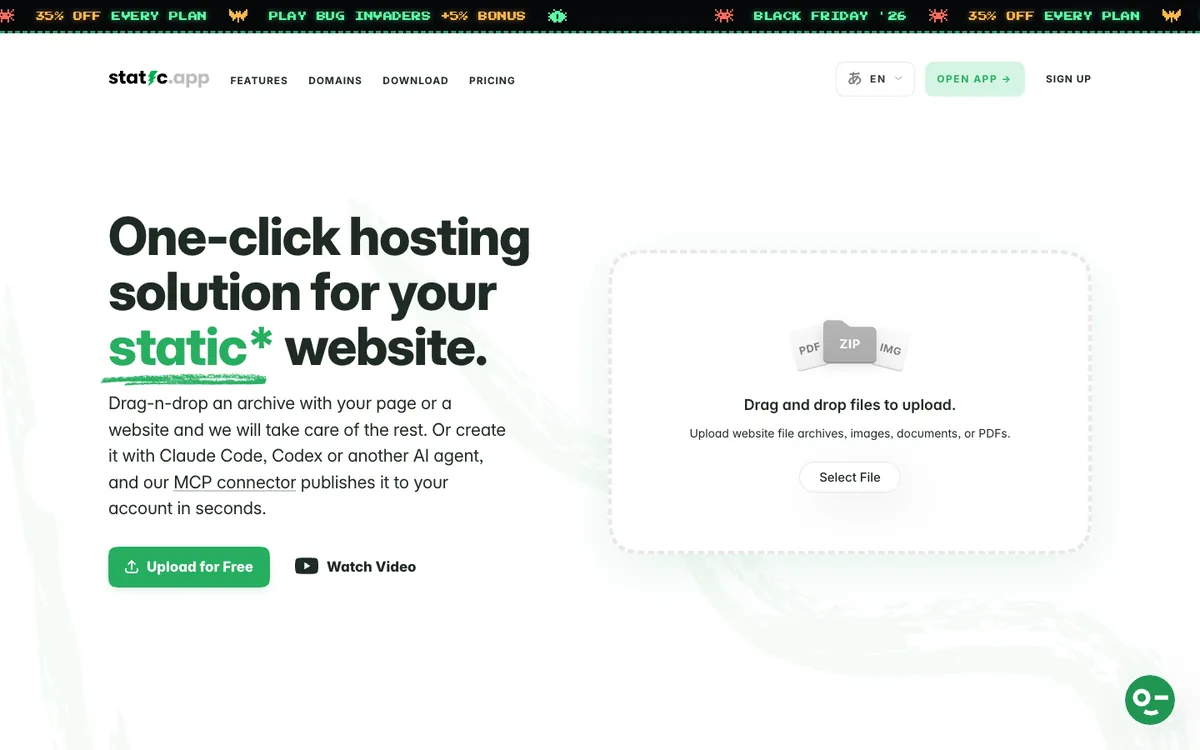
Pricing: Starter is $5/mo billed yearly ($60 a year) or $6 monthly, for 2 websites with custom domains and forms. There's a 7-day trial with no card, but no free plan.
- Good: you own the files and can move them to any host, cheap, nothing to learn if you have the site already.
- Watch out: it's hosting, not a visual builder. Wix can't export your site, so you'd be building it from scratch.
Choose it if you'd rather own plain files than rent a builder. Our static hosting guide compares other hosts.
How to Switch From Wix Without Losing Traffic
- Export what Wix lets you: contacts, form submissions, CMS collections and store products, all as CSV files. Save your images and copy your blog posts.
- Write down every URL on your Wix site. Your sitemap is at
yoursite.com/sitemap.xml. - Build the new site on the alternative's free address before you touch the domain.
- Set up redirects from each old URL to its new page. Wix blog posts live under
/post/, which the new platform will probably change. - Move the domain. Point it at the new host, or transfer it away from Wix if it's more than 60 days old. Then cancel your Wix plan.
How We Chose
We picked builders that cover the main reasons people give for leaving Wix, and grouped them by use rather than ranking one winner. On November 25, 2026 we read each one's pricing page and its help pages on moving from Wix, along with the Wix help articles on templates, hosting and exports. We fetched them from Europe, so Squarespace and Shopify showed only euros; we print those as shown rather than converting them. Wix and Hostinger were running sales, so we say so next to those prices. We left out Square Online. It suits sellers who already use Square, and Square's plans page also offers to connect a Wix-built store to the Square catalog, so those sellers don't have to leave Wix to keep using Square.
FAQ
What is better than Wix?
It depends on the site. Squarespace is better for polished small business sites, WordPress.com for blogs, Shopify for stores, and Framer or Webflow for designers. Wix is still a good all-rounder if you don't mind staying on it.
What is the best free alternative to Wix?
WordPress.com has a free plan, but it shows ads and has no custom domain, like Wix's. Webflow's free plan allows 2 pages, and Framer's is meant for non-commercial sites. For a real site on your own domain, every option costs something.
Can I export my Wix site to another platform?
No. Wix sites must run on Wix's servers, and blog posts can't be exported. You can export contacts, form submissions, CMS collections and physical store products as CSV files.
Can I move my Wix site to WordPress?
Yes. WordPress.com's Wix importer brings over your pages, images and menus, and its RSS method brings your 20 most recent blog posts.
What is the cheapest alternative to Wix?
For one page, Carrd at $19 a year. For a full site, WordPress.com Personal at $4/mo billed yearly, Siter.io at $7, or Hostinger's builder on a 48-month prepay.
Is Squarespace better than Wix?
Squarespace has more polished templates and a simpler editor. Wix has a free plan, more apps and more layout freedom. Our Wix vs Squarespace comparison builds the same site on both.