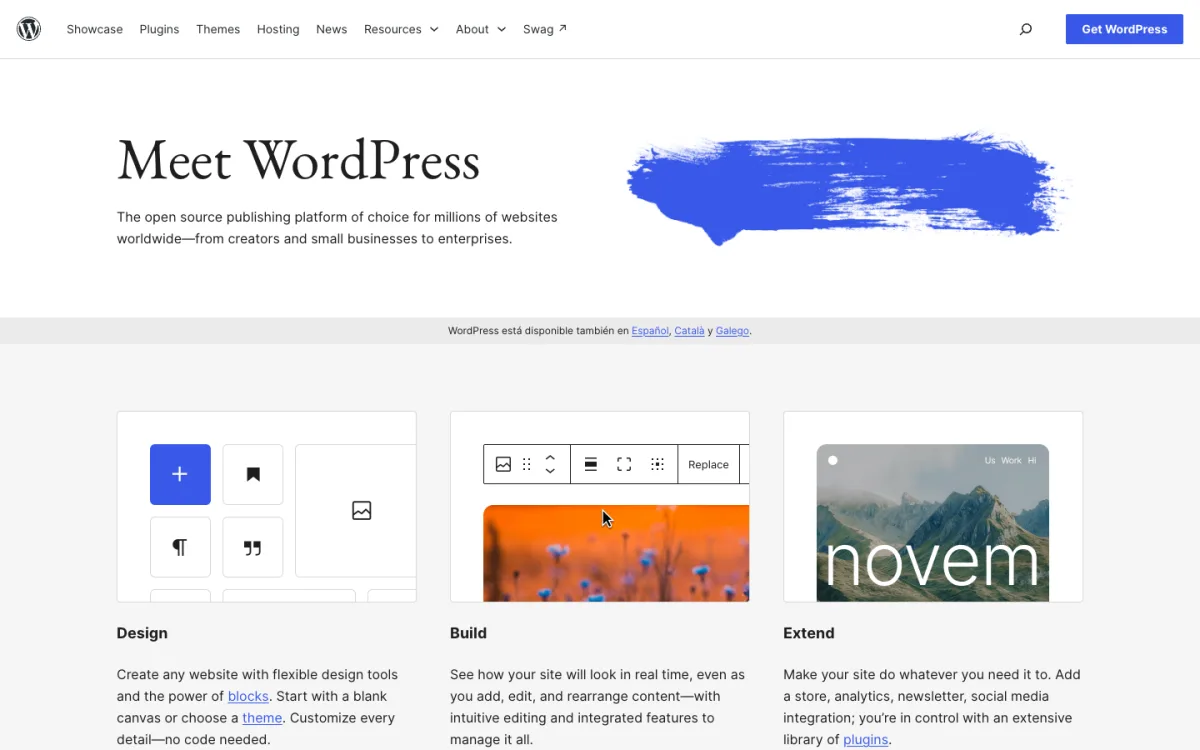
WordPress still runs a large part of the web. W3Techs puts it at 39.2% of all websites in November 2026, well ahead of anything else. It can do almost anything, but every site needs a database, PHP, a theme, a stack of plugins and someone to keep all of them updated.
This site ran on WordPress for twelve years. In November 2026 we moved it to plain HTML files deployed from Git, and kept the old WordPress install on the server as a rollback. This guide is partly the story of that move, with before-and-after measurements, and partly a comparison of the alternatives, grouped by which part of WordPress you actually want to replace: the page builder, the blog engine, or the whole stack.
The Short Answer by Use Case
- Small business site, no code: Wix or Squarespace. Hosting, security and updates are handled for you.
- Designer-built marketing site: Webflow or Framer, for full visual control without plugins.
- Blog or newsletter with paid members: Ghost. Open source, with memberships and email built in, and no fee on subscriptions on paid plans.
- Writing with zero setup: Substack. Free to publish, but it takes 10% of paid subscriptions and gives you little design control.
- Developer or technical writer: a static site generator such as Astro, Hugo or Eleventy, with an optional Git-based CMS.
- A mostly finished site that rarely changes: export it to static HTML, as we did. Nothing to update, nothing to patch.
- You like WordPress but not the maintenance: WordPress.com, the hosted version, which now allows plugins from its Personal plan.
Why People Leave WordPress
- Security work. Patchstack’s 2026 report counted 11,334 new WordPress vulnerabilities in 2025, up 42% on the year before. 91% were in plugins, 9% in themes, and only 6 in WordPress core. Every plugin you add is something to keep updated.
- Maintenance. Core, theme and plugin updates, PHP version upgrades, database backups. Skip them and the site eventually breaks or gets hacked.
- Speed. Themes and page builders load CSS and JavaScript for features each page never uses.
- Cost creep. Premium plugins, managed hosting and security services add up for a site that might only be a few pages.
- The site stopped changing. A finished site does not need a database to serve the same pages every day.
That last point was ours. Webdesignerhut.com had years of tutorials and roundups, a handful of new posts a month, and a WordPress install that had been compromised once by spam injection. The content was the asset; the CMS had become the risk.
Comparison Table
| Alternative | Replaces | Free option | Paid from | Imports WordPress |
|---|---|---|---|---|
| Wix | Whole stack | Yes, with Wix branding | $17/mo (yearly) | Published posts |
| Squarespace | Whole stack | 14-day trial | $19/mo (yearly) | Posts, pages, comments |
| Webflow | Page builder + hosting | Starter, webflow.io domain | Paid site plan | Via CSV only |
| Framer | Page builder + hosting | Yes, subdomain | $10/mo | Not documented |
| Ghost | Blog engine | Free to self-host | $15/mo Ghost(Pro) | Yes, up to 2,500 posts |
| Substack | Blog engine | Free; 10% of paid subs | $50 one-time for a domain | Not checked |
| Medium | Blog engine | Free to publish | Membership for a custom domain | No |
| Static site generator | Whole stack | Free, open source | Hosting only | Via migration scripts |
| Static HTML export | Whole stack | Free | Hosting only | Yes (it is your site) |
Prices and import details were checked on each vendor’s site on November 12, 2026.
Hosted Builders: Replace Everything, Write No Code
These handle hosting, security and updates, so there is nothing to maintain. The trade-off is lock-in: your site lives on their platform.
- Wix: the most features in one account, including bookings, stores and a free plan. Its importer brings over published WordPress posts with text, images and categories, but not tags, authors or comments. Wix cannot export your site if you leave later.
- Squarespace: polished templates and a simpler editor. It imports a WordPress XML file with posts, pages, comments, tags and authors; plugin content and styling stay behind. Our Wix vs Squarespace comparison covers both in depth.
- Webflow: the closest to hand-coding without code, with a strong CMS. There is no direct WordPress importer; Webflow’s own guide converts the XML export to CSV first. See our list of Webflow alternatives for similar tools.
- Framer: fast for designers building marketing sites, with hosting included. We found no documented WordPress importer, and it has no HTML export.


If SEO control matters to you, check our guide to the best website builders for SEO before choosing, because redirects and canonical tags are what protect your rankings during a move.
Blogging Platforms: Replace the Blog Engine
Ghost

Ghost is what WordPress would be if it were built only for publishing. It is open source under the MIT licence, and includes newsletters, free and paid memberships and a clean editor without plugins. Ghost(Pro), the hosted version, starts at $15 a month billed yearly (Starter, without paid subscriptions); Publisher, at $29, adds paid memberships with no Ghost fee on top of Stripe’s. Every plan now includes a custom domain.
Ghost Admin has a built-in WordPress importer that takes your XML export, turns categories into tags and handles common shortcodes. It accepts files up to 100 MB and 2,500 posts, and does not bring over custom post types.
Substack

Substack is free to publish on and takes 10% of paid subscriptions, plus Stripe’s fees. A custom domain is a one-time $50. You can export your posts and subscriber list, which matters if you ever leave. The catch is design: every Substack looks like Substack, so it suits writers better than businesses.
Medium
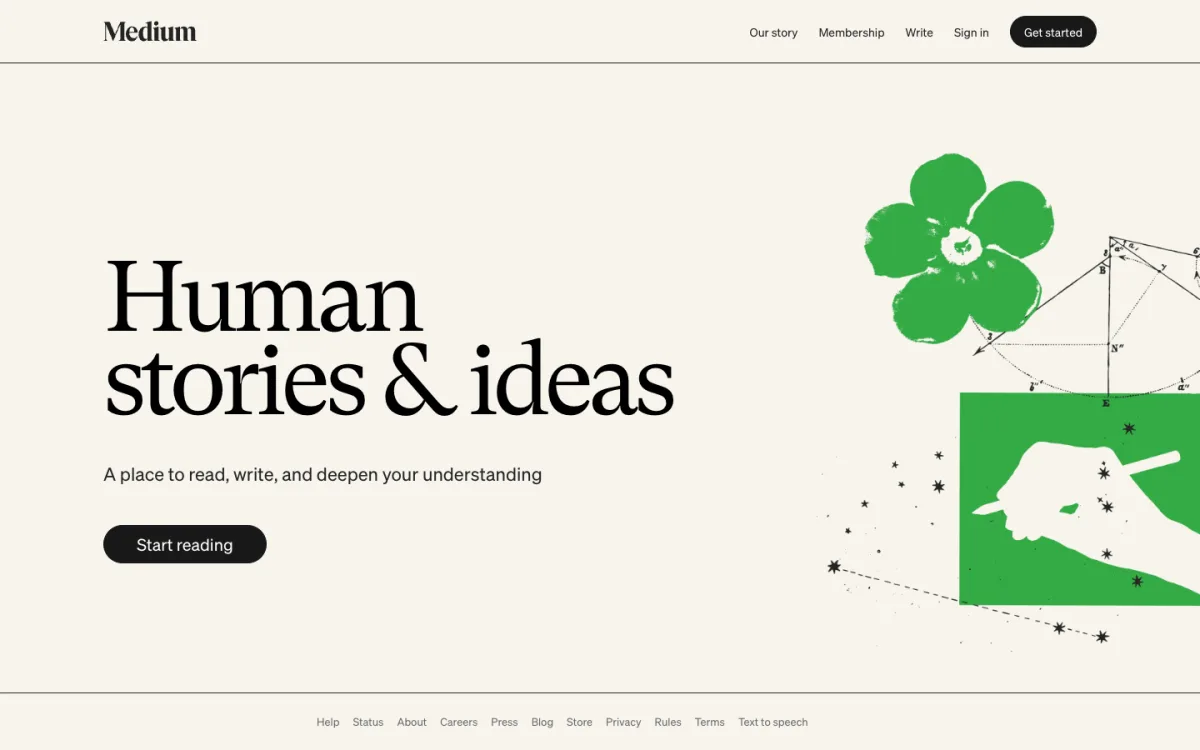
Medium gives you readers, not a website. Publishing is free, but a custom domain requires a paid membership and allows no analytics or custom code. Audience ownership is weak: according to Medium’s help center, the email list you can export only includes addresses you imported and people who subscribed before April 2025. Use it to reach readers, not as the home of your work.
Static Options: Replace the Whole Stack
A static site is a folder of HTML, CSS and images. There is no database to attack, no PHP to update, and any cheap host or CDN can serve it. Our guide to how to host a website explains the hosting side.
Static site generators
A static site generator builds those HTML files from templates and Markdown, so you get layouts and reusable parts without a server at runtime:
- Astro (JavaScript, MIT): built for content sites, with content collections and interactive “islands” only where you need them.
- Hugo (Go, Apache 2.0): a single binary and very fast builds, good for large sites.
- Eleventy (JavaScript, MIT): minimal and flexible, works with plain HTML and many template languages.
- Jekyll (Ruby, MIT): the original, still built into GitHub Pages.
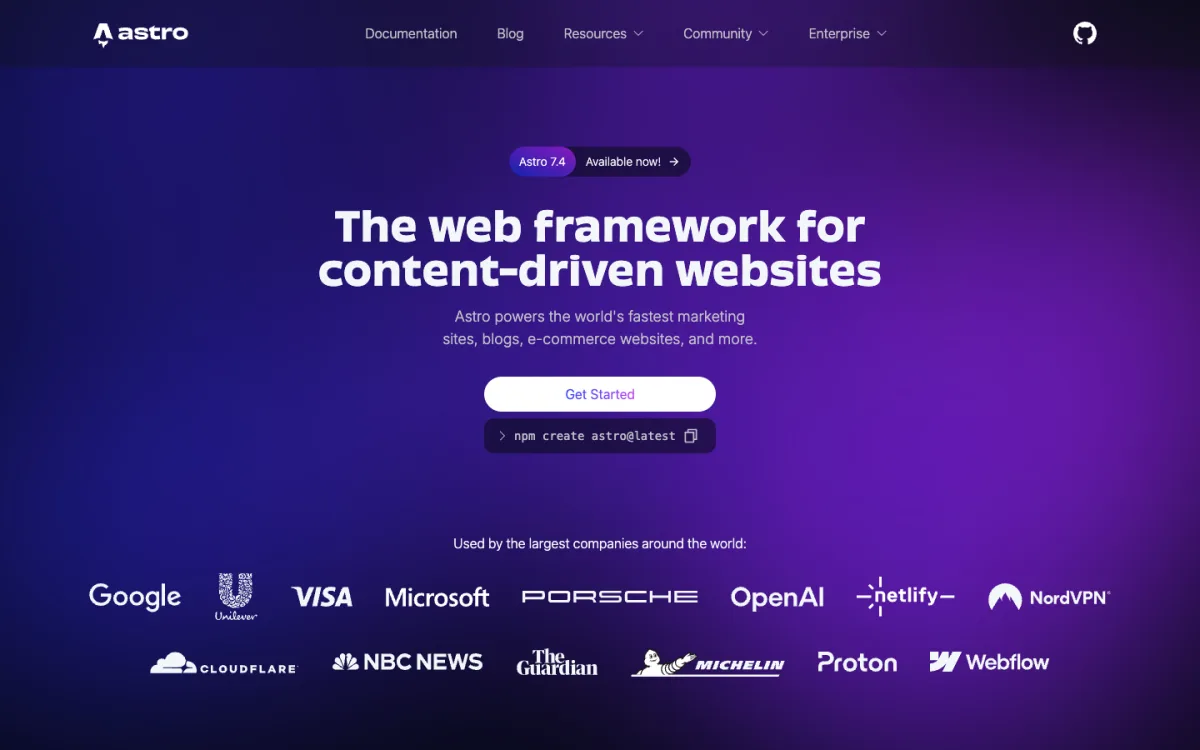
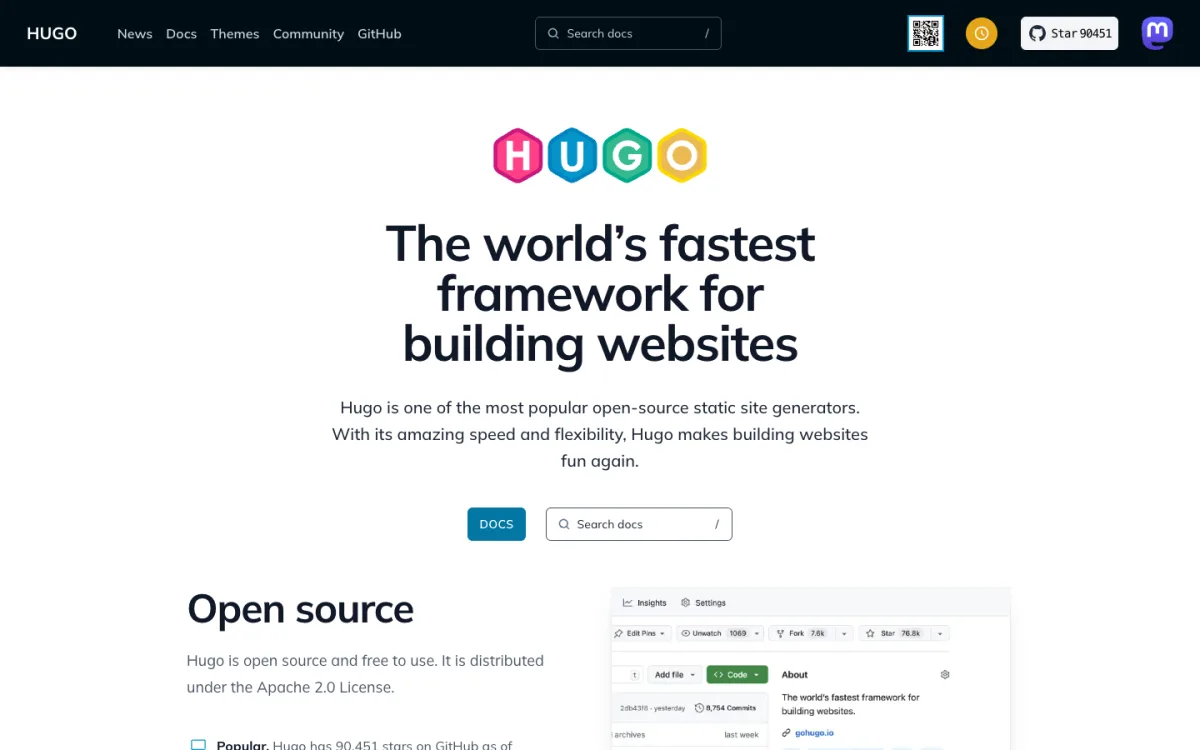
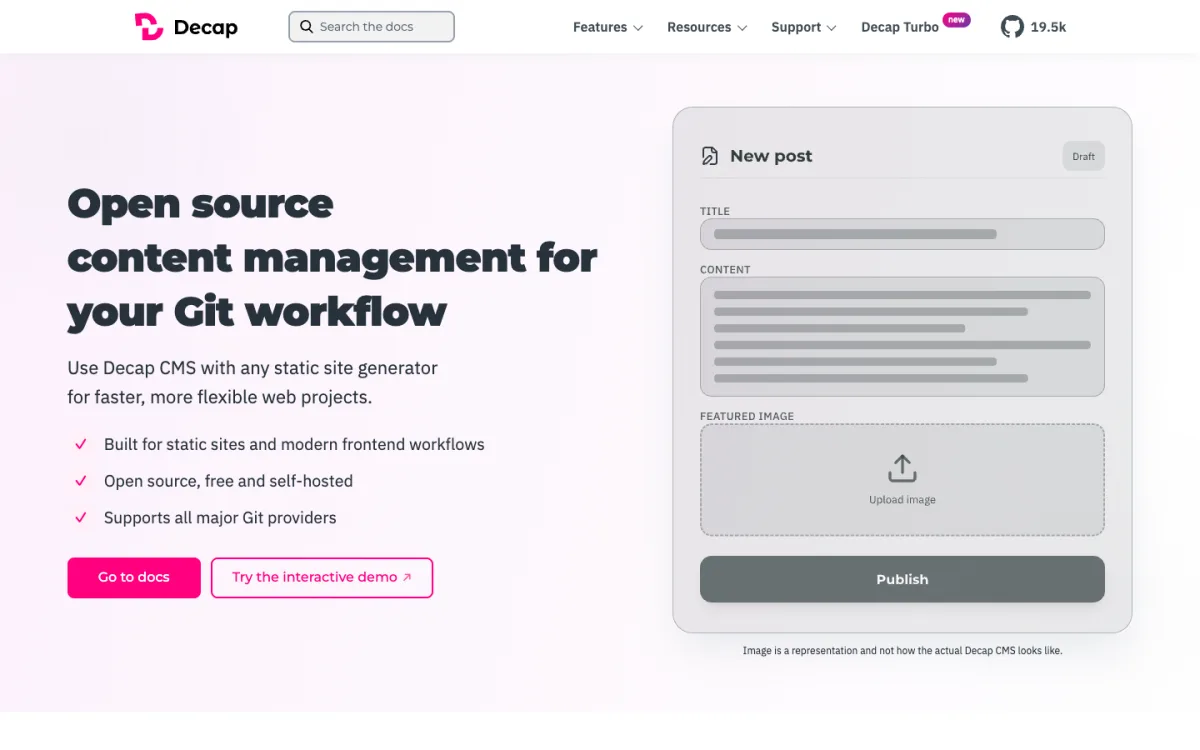
If non-developers need to edit content, add a Git-based CMS such as Decap CMS (MIT, formerly Netlify CMS). It gives editors a form-based admin and saves their changes as commits to your repository.
Hand-written HTML plus a host: our route
We did not use a generator. We exported every page WordPress had already rendered, cleaned the HTML, and now edit those files directly, with small Python scripts for repetitive work like listing pages, thumbnails and the sitemap. Publishing works like this:
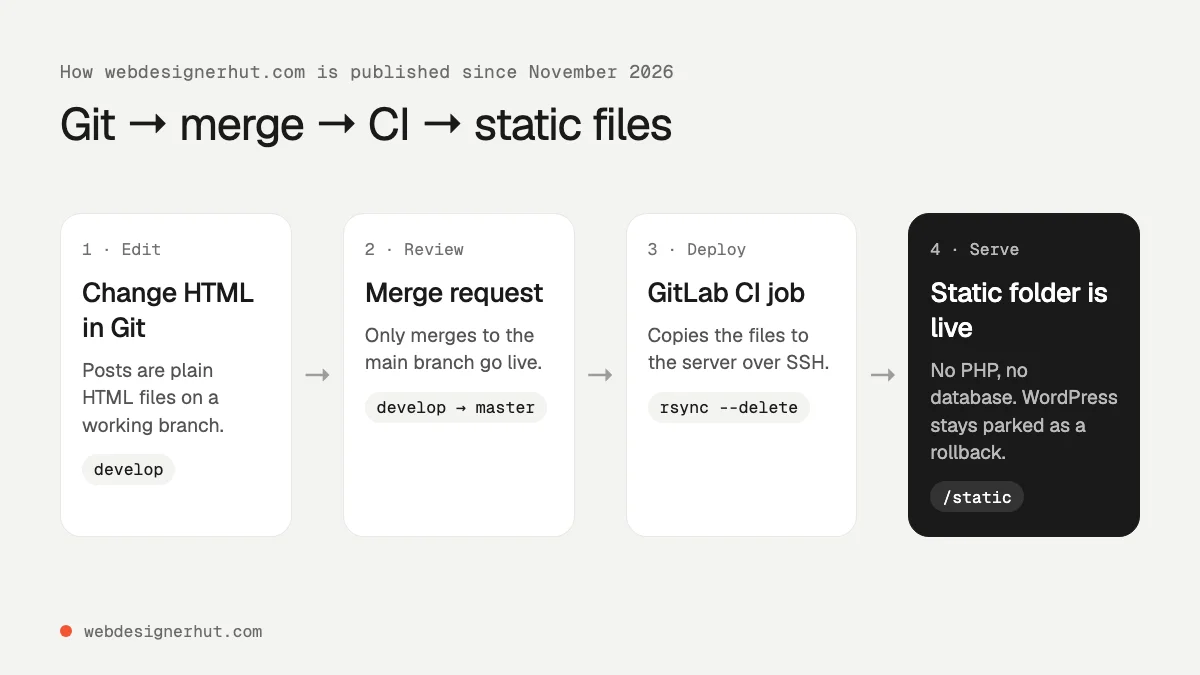
- We back up the WordPress files before touching anything.
- The static files live in a Git repository; work happens on a branch.
- A merge to the main branch triggers a GitLab CI job that copies the files to the server with
rsyncover SSH, using a deploy key stored as a protected CI variable. - The web server’s document root points at the new static folder. WordPress stays untouched in its old folder, so rolling back is a one-line change of the document root.
- Every deploy writes a small
deploy.txtfile with the commit and time, so we can confirm what is live.
The CI job itself is short:
deploy:
  stage: deploy
  image: alpine:3.20
  rules:
    - if: $CI_COMMIT_BRANCH == "master"
  script:
    - echo "$CI_COMMIT_SHORT_SHA $(date -u '+%F %T UTC')" > src/deploy.txt
    - rsync -rlz --delete src/ "$DEPLOY_USER@$DEPLOY_HOST:$DEPLOY_PATH"
This route makes sense when the content matters more than the editing experience and someone on the team is comfortable with HTML and Git. For a static host instead of your own server, see our guide to the best static hosting.
Before and After: What We Measured
To compare like with like, we served two versions of the site from the same local machine: the first static export, exactly as WordPress and its theme rendered it, and the site as it is today. We ran Lighthouse 10.4 in mobile mode, three runs per page, and report the median.
| Page | Score before | Score after | LCP before | LCP after | Weight before | Weight after |
|---|---|---|---|---|---|---|
| Home page | 74 | 97 | 6.3 s | 2.4 s | 1,849 KB | 293 KB |
| Category page | 80 | 97 | 4.8 s | 2.4 s | 727 KB | 282 KB |
| Long guide | 81 | 96 | 4.5 s | 2.4 s | 585 KB | 276 KB |
| Short tutorial | 93 | 96 | 2.9 s | 2.4 s | 312 KB | 254 KB |
Two things changed the most. The theme’s CSS, about 100 KB per page across four stylesheets, became a small block of inlined CSS, and about 30 KB of theme JavaScript became 3 KB. The home page also dropped from 1.8 MB to under 300 KB, mostly by replacing full-size featured images with resized WebP thumbnails.
Be careful with these numbers. The “before” pages were served as static files, so they do not include the time WordPress spends running PHP and database queries on every uncached request; the real WordPress site was slower than this table shows. And the “after” site also had a redesign, so not all of the gain comes from leaving WordPress. A well-optimised WordPress theme with caching can get close to these scores.
The hosting side changed too. The WordPress folder was 1.3 GB before the move; the whole static site, including every image, is now 141 MB, and the server no longer needs PHP or MySQL to serve it.
What We Gave Up
- The editor. Writing a post now means editing HTML, not using the block editor. For a team of non-developers, that alone rules this route out; use Ghost or a builder instead.
- Comments. WordPress comments are gone. A static site needs a third-party comment service if you want them.
- Plugins. Anything a plugin did, such as forms, related posts, search and SEO tags, now has to be built or replaced. We wrote a client-side search with a JSON index and generate related posts and metadata with scripts.
- Scheduling. Posts go live when they are merged, not at a set time, unless you add a scheduled CI job.
- Instant edits. Fixing a typo takes a commit and a deploy, about two minutes, instead of a click.
If you are thinking about keeping WordPress but slimming it down instead, start with a lightweight block theme; our review of the free Blocksy block theme is a good starting point. For other builders not covered here, see our older list of website builders.
FAQ
What is the best alternative to WordPress?
It depends on what you use WordPress for. For a business site, Wix or Squarespace. For a blog or newsletter, Ghost. For developers, a static site generator such as Astro or Hugo. For a finished site that rarely changes, a static HTML export.
Is a website builder better than WordPress?
For most small businesses, it is simpler: hosting, security and updates are included. WordPress is more flexible and portable, but you, or someone you pay, must maintain it.
What is the best WordPress alternative for blogging?
Ghost. It is open source, has a WordPress importer, and includes newsletters and paid memberships. Substack is simpler but takes 10% of paid subscriptions and limits design.
Can I convert my WordPress site to static HTML?
Yes. Export the rendered pages with a crawler or static export plugin, fix internal links and asset paths, and upload the folder to a static host. Forms, comments and search will need replacements.
Will I lose SEO if I leave WordPress?
Not if you keep the same URLs or set up 301 redirects from every old URL, and carry over titles and descriptions. We removed dates from our post URLs during the move and set up 301 redirects from the old dated addresses.
Is WordPress.com different from WordPress.org?
Yes. WordPress.org is the free software you host yourself. WordPress.com is a hosted service built on it, with plans from $4 a month billed yearly; plugins and custom themes are available from the Personal plan up.