Vercel is the easiest place to deploy a Next.js app, which is why so many projects start there. People leave for four reasons: the bill grew faster than the traffic, the free Hobby plan does not allow commercial use, they want to stop depending on Vercel-specific features, or they realise their site never needed a server in the first place.
The right alternative depends on which of those is yours. This guide groups eight platforms by the reason you are leaving, compares their free tiers, pricing and Next.js support, and ends with a migration checklist. Plans and limits were checked on each vendor’s own pricing and documentation pages on November 12, 2026. We did not deploy a test app to each platform, so we make no speed or reliability claims.
The Short Answer, by Reason
- Your bill is too high: Cloudflare Workers, where static asset requests are free and unlimited and the paid plan starts at $5 a month per account, or Railway if your app is a long-running Node server.
- You need commercial use on a free tier: Netlify or Cloudflare. Both have free plans without the non-commercial rule that applies to Vercel Hobby, though we found no explicit statement either way.
- You want the closest like-for-like Next.js platform: Netlify. Its Next.js adapter supports SSR, ISR, middleware, image optimisation and deploy previews with no configuration.
- You want to run Next.js as a normal Node server: Render or Railway, which build from Git or a Dockerfile and keep the app running.
- You want to self-host: Coolify or Dokploy on your own VPS. Both are open source and give you previews and Git deploys without per-seat pricing.
- Your site is actually static: export it and use a static host such as Static.app or Cloudflare.
Why People Leave Vercel
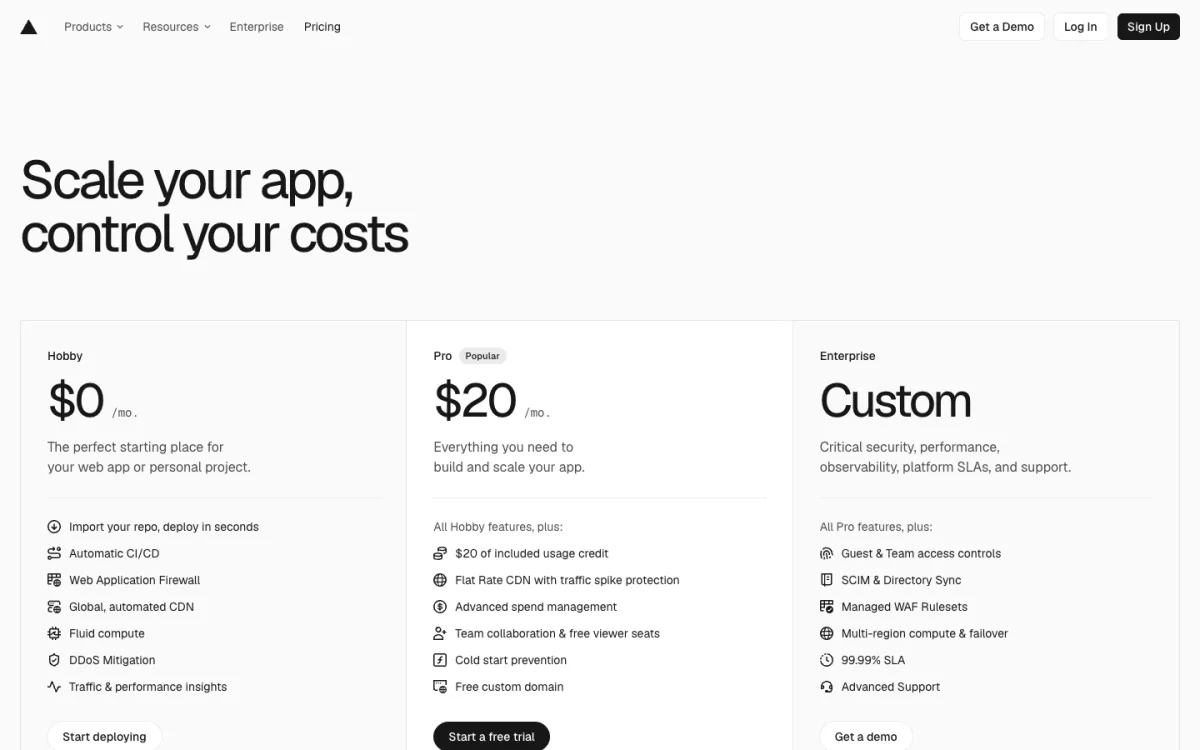
Three details of Vercel’s current plans explain most departures:
- Hobby is non-commercial. Vercel’s fair use guidelines restrict the free plan to personal, non-commercial use. A site that sells something, shows ads, exists mainly for affiliate links, or was built by someone paid to build it counts as commercial. Donations are allowed. When a Hobby project exceeds a limit, the feature is usually blocked until 30 days have passed, and Hobby cannot buy extra usage.
- Pro is per deploying seat. Pro costs $20 a month, which includes one deploying seat and $20 of usage credit. Each extra developer who deploys is another $20 a month; viewers are free.
- Usage after the credit is uncapped unless you set a limit. Vercel sends a notice at 75% of the credit and a spend alert at $200 by default. You can configure a hard limit that pauses your projects, but it is not on by default.
None of this makes Vercel a bad choice. For a team that uses its Next.js features heavily, it is still the most complete platform. But each point above has a cheaper or simpler answer elsewhere.
What Vercel Does That Others Must Match
Before you move, list the Vercel features your app actually uses. These are the ones that are hard to replace:
- Preview deployments: a unique URL for every pull request.
- ISR (Incremental Static Regeneration): pages cached on the CDN and rebuilt in the background. On Vercel, the cache is global and durable. When you run Next.js yourself, it is single-region and not durable by default.
- Image optimisation:
next/imageresizes and converts images on demand with no setup. - Middleware: code that runs before a request is served, for redirects, auth checks or geolocation.
- Serverless functions and API routes: on Vercel these run on Fluid compute, billed by active CPU time.
The Next.js documentation is honest about this. It lists only two “verified adapters”, Vercel and Bun, and says Netlify and Cloudflare are working on theirs. Running Next.js as a Node.js server or in Docker supports every feature; a static export supports a limited set.
Comparison Table
| Platform | Free tier | Cheapest paid | Next.js | PR previews |
|---|---|---|---|---|
| Vercel | Hobby, non-commercial | $20/mo per deploying seat | Full (native) | Yes |
| Netlify | 300 credits/mo; sites pause when used up | $9/mo (Personal) | Full via adapter | Yes, unmetered |
| Cloudflare Workers | 100,000 requests/day, static assets free | $5/mo per account | Via vinext or OpenNext | Yes |
| Render | Free instances sleep after 15 min | $7/mo instance | Node server or Docker | Single-service; full stack on Pro |
| Railway | $1/mo usage after trial | $5/mo (Hobby) | Node server or Docker | Yes |
| Fly.io | None for new accounts | Pay as you go, from about $2.19/mo | Docker | Via GitHub Action |
| Coolify | Free to self-host | $5/mo Cloud + your servers | Node, Docker or static | Yes |
| Dokploy | Free to self-host | $4.50/mo per server (Cloud) | Docker | Yes (GitHub) |
| Static.app | 7-day trial | $5/mo | Static export only | No |
The Alternatives
1. Netlify: the closest replacement
Netlify is the platform most like Vercel: Git-based deploys, previews for every pull request and first-class Next.js support. Its OpenNext-based adapter runs Next.js 13.5 and later with no configuration, including the App Router, Server Actions, SSR, ISR, middleware (as Edge Functions) and image optimisation through Netlify Image CDN.
Pricing is credit-based rather than per seat. Free gives 300 credits a month, Personal is $9 for 1,000 and Pro is $20 for 3,000 with unlimited team members. A production deploy costs 15 credits and bandwidth 20 credits per GB, while deploy previews are not metered. The catch on the free plan: when credits run out, every site on the team is paused until the next cycle or an upgrade.
- Best for: leaving Vercel without rewriting anything, and small teams paying per seat.
- Watch out for: custom headers in
_headersdo not apply to SSR or function responses.
2. Cloudflare Workers: the cheapest at scale
Cloudflare has quietly changed direction. Its Pages documentation now says to start new projects with Workers, which serve static assets as well as code. The free plan covers 100,000 requests a day with 10 ms of CPU per request, and static asset requests are free and unlimited. The paid plan is $5 a month per account and includes 10 million requests.
Next.js works, with caveats. Cloudflare now recommends vinext, its own Vite-based implementation of the Next.js API, where image optimisation is only partly supported. The alternative, the OpenNext Cloudflare adapter, supports SSR, ISR and middleware but needs Cloudflare Images for next/image and does not support Node.js middleware. Every pull request can get its own preview URL.
- Best for: high-traffic sites where bandwidth bills are the problem, and static or mostly static sites.
- Watch out for: Next.js on Workers is not identical to Next.js on Vercel. Test every route before you switch DNS.
3. Render: Next.js as a normal server
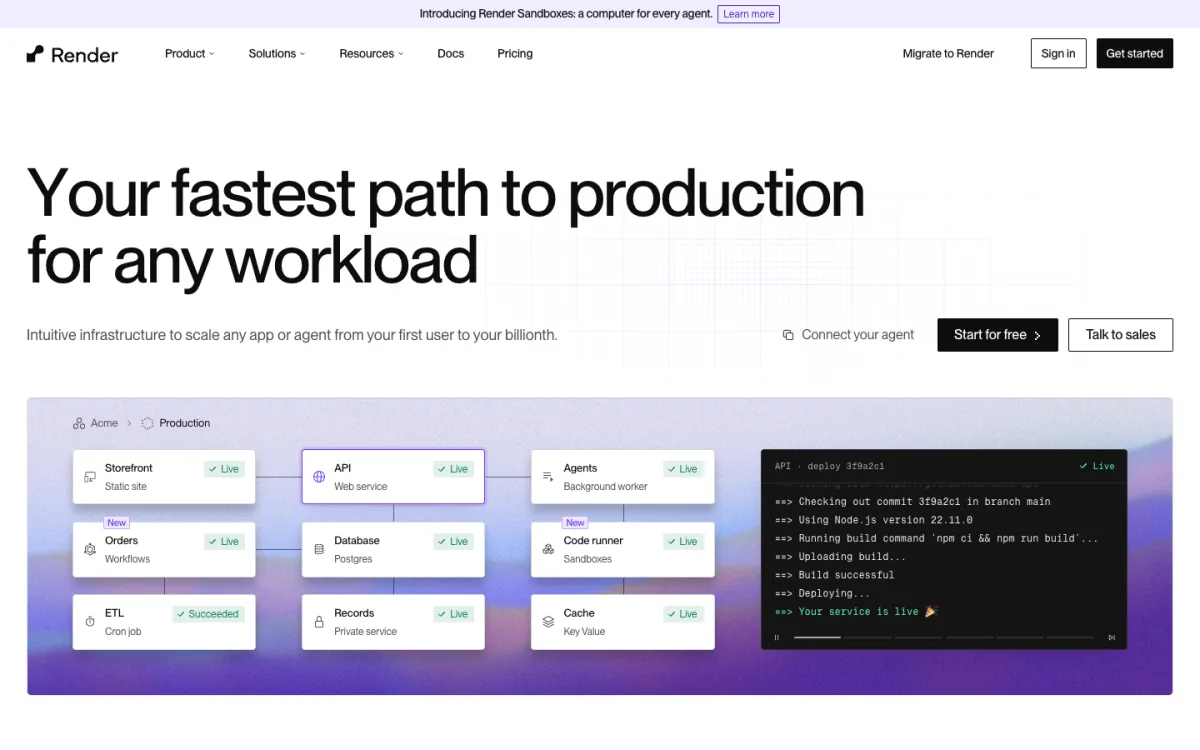
Render runs your app as a long-lived service, built from Git or a Dockerfile. Running next start this way supports every Next.js feature, because it is the standard Node.js deployment. Render also hosts Postgres, background workers and cron jobs, so a full-stack app can live in one place.
Pricing has two parts: a workspace plan (Hobby free, Pro a flat $25 a month with unlimited seats) plus compute. The cheapest paid web service is $7 a month; static sites are always free. Free web services sleep after 15 minutes without traffic and take about a minute to wake, and Render says not to use them for production. Full-stack preview environments need Pro.
- Best for: apps that need a database, workers or WebSockets next to the front end.
- Watch out for: ISR runs on a single instance unless you configure a shared cache.
4. Railway: usage pricing without seats
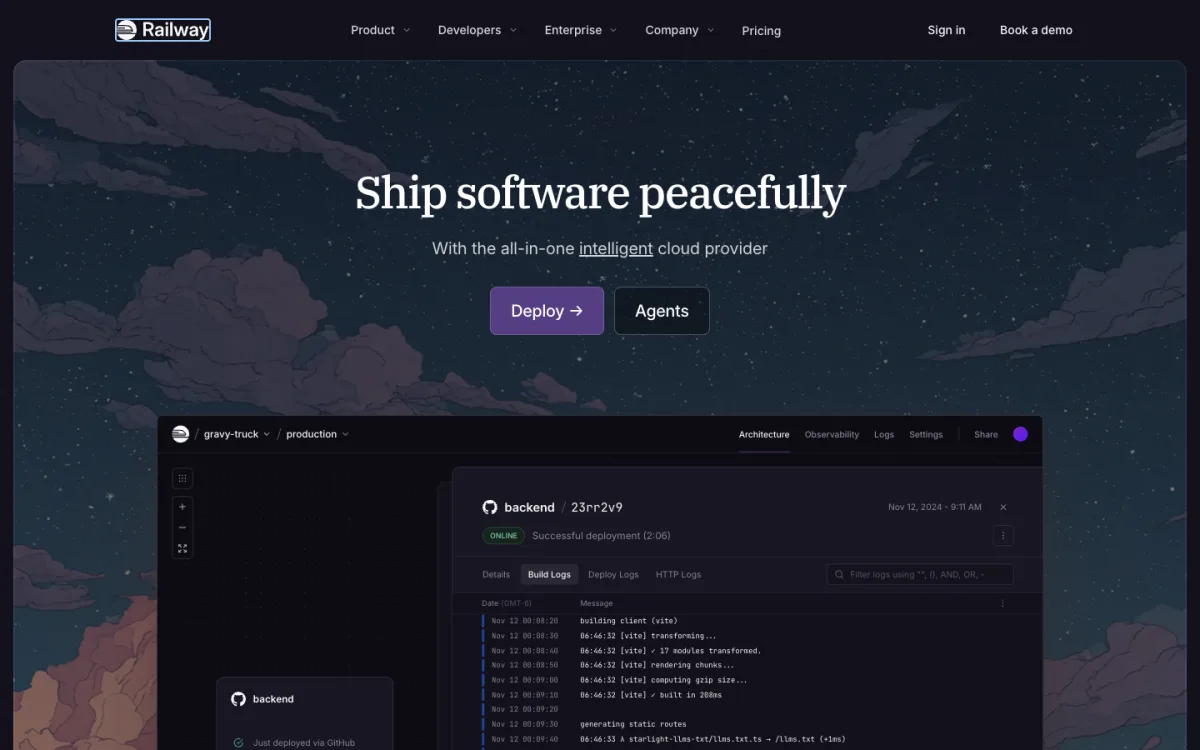
Railway also runs your app as a server, deploying automatically from GitHub and using your Dockerfile if there is one. Every pull request can get a temporary environment of its own. You pay a small plan fee that includes the same amount of usage: Hobby is $5 a month with $5 of usage, Pro $20 per workspace with $20 of usage and unlimited seats. After a one-time $5 trial, a Free plan gives $1 of usage a month.
- Best for: small full-stack apps and side projects where a few dollars a month covers everything.
- Watch out for: optional app sleeping can make the first request after an idle period slow or fail.
5. Fly.io: containers close to users

Fly.io runs Docker images as lightweight virtual machines in regions around the world. It is pay-as-you-go with no plan fee: the smallest machine costs about $2.19 a month, and machines can stop when idle. New accounts get no free tier, only a $1 trial credit, though personal bills under $5 are waived. Pull-request previews are set up through a GitHub Action rather than built in.
- Best for: developers comfortable with Docker who want servers in several regions.
- Watch out for: more setup than the other platforms here, with deploys driven by the
flyctlcommand line.
6. Coolify: self-host your own Vercel
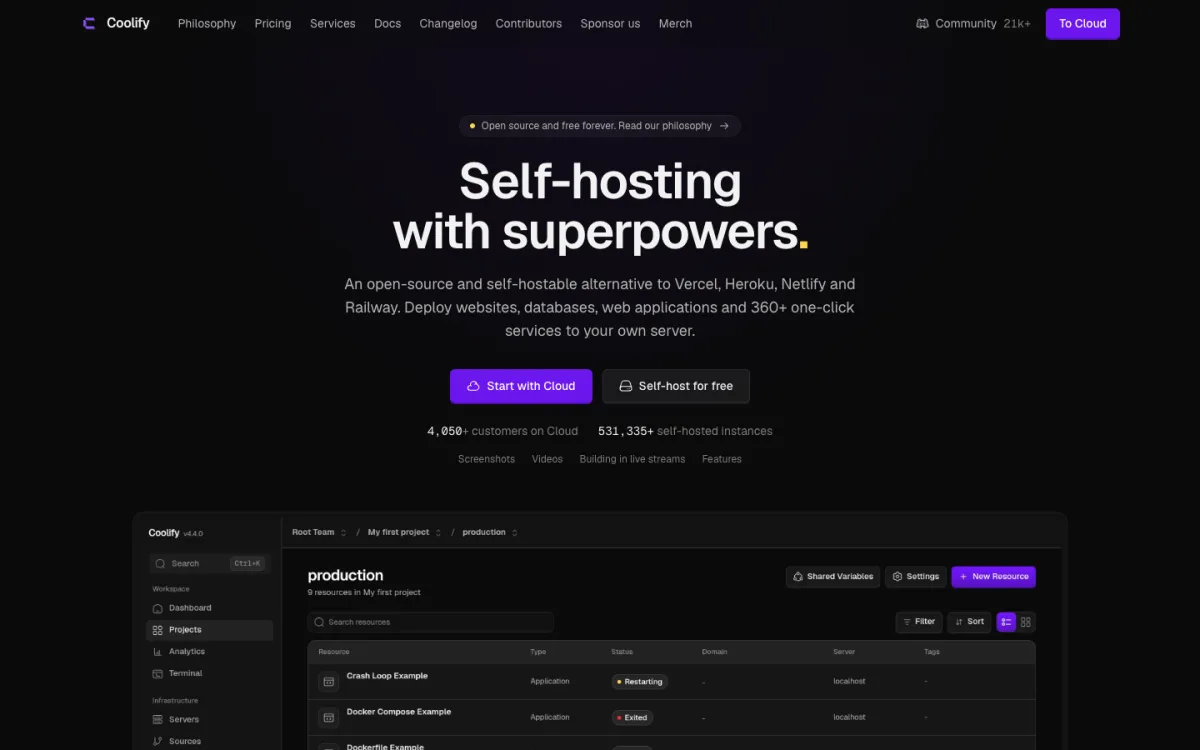
Coolify is an open-source (Apache 2.0) platform you install on your own server. It builds from GitHub, GitLab, Bitbucket or Gitea, creates preview deployments for pull requests, and runs apps with Nixpacks, a Dockerfile or Docker Compose. Next.js can run as a Node server or as a static export. Self-hosting is free; Coolify Cloud, where Coolify runs the control panel and you bring your servers, is $5 a month for two servers.
- Best for: agencies and teams with many projects, where per-seat or per-project pricing adds up.
- Watch out for: you are now responsible for the server: updates, backups and uptime.
7. Dokploy: a lighter self-hosted option
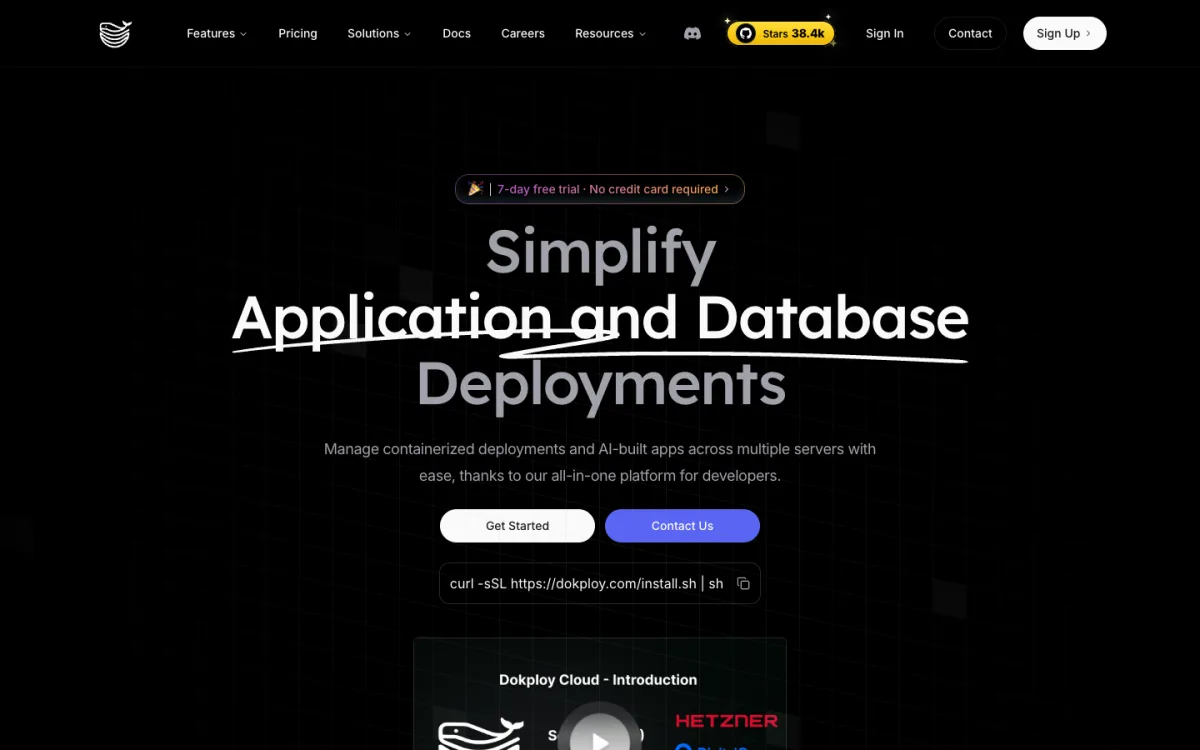
Dokploy does a similar job on top of Docker and Traefik: apps, databases and Docker Compose stacks across one or more servers, with preview deployments for GitHub pull requests. Most of the code is Apache 2.0, with a separately licensed proprietary folder. Self-hosting is free, and Dokploy Cloud starts at $4.50 a month per server.
- Best for: developers who want a simple control panel for Docker on a cheap VPS.
- Watch out for: preview deployments are GitHub-only.
8. Static.app: when the site is just files
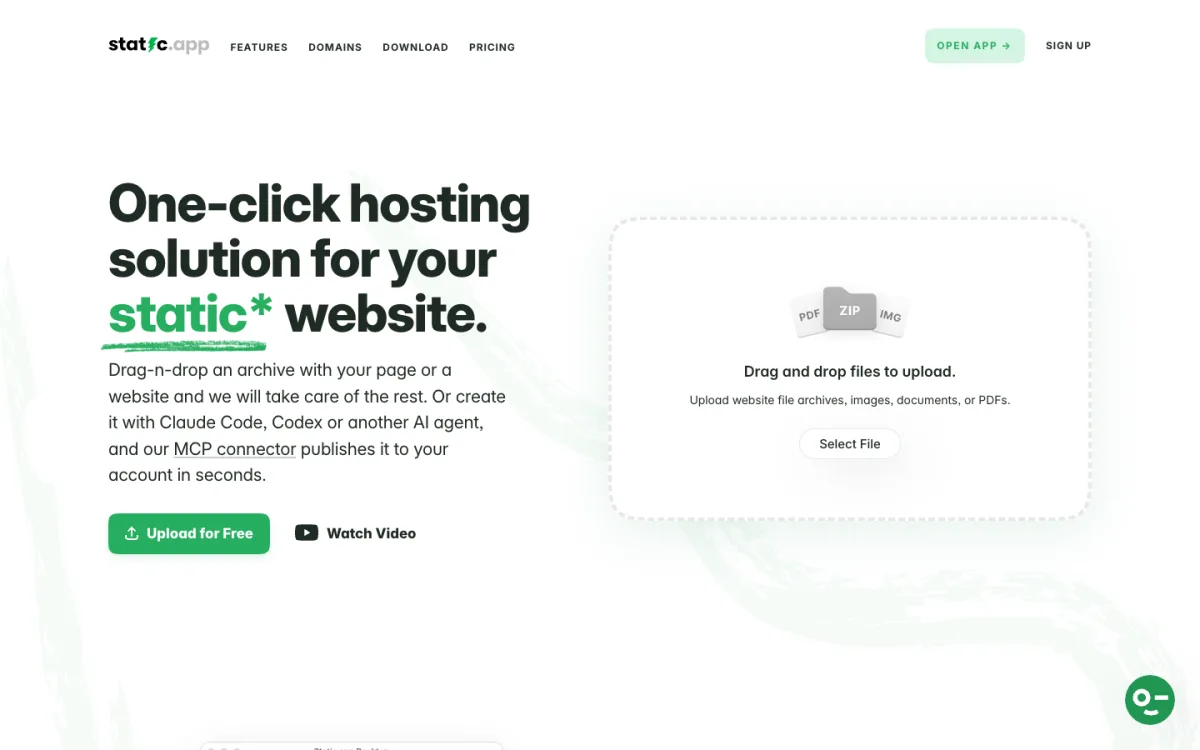
Static.app hosts static websites only: HTML, CSS, JavaScript and assets, with no server code. You upload a ZIP, sync a folder from the desktop app, deploy through GitHub Actions or the API, or let an AI agent publish through its MCP connector. Paid plans start at $5 a month with unlimited traffic, custom domains and form handling; there is a 7-day trial instead of a free plan. For a Next.js app, that means a static export.
- Best for: marketing sites, portfolios and docs that never needed a server.
- Watch out for: no pull-request previews and no server-side features at all.
For more options in this group, see our guide to the best static hosting and our list of Tiiny Host alternatives.
If Your App Is Actually Static: Export It
Many sites on Vercel are marketing pages, blogs or documentation that use no server features at all. If that is your case, a static export removes the server and most of the bill. Add one line to next.config.js:
const nextConfig = {
  output: 'export',
}
module.exports = nextConfig
Running next build then writes the whole site to an out folder you can upload to any static host. Server Components still work, because they run at build time. According to the Next.js documentation, these do not work in a static export:
- ISR, Server Actions and Draft Mode
- Rewrites, redirects and headers in
next.config.js(set them on the host instead) - Proxy, formerly called middleware
- Cookies and Route Handlers that read the request (GET handlers marked
force-staticare fine) - Dynamic routes without
generateStaticParams() - Image optimisation with the default loader (use a custom loader or unoptimised images)
If the build fails on one of these, it tells you which file uses it. Apps generated with an AI assistant are often static already; our guide to hosting apps built with Claude explains how to check.
Migration Checklist
- Copy environment variables. Export them from the Vercel dashboard and add them on the new platform, for each environment (production and preview). On Cloudflare, secrets go in the dashboard or Wrangler, not in your config file.
- Move redirects and headers. If they live in
next.config.js, they keep working on Netlify, Cloudflare and Node servers. If they live invercel.json, convert them: Netlify and Cloudflare both read_redirectsand_headersfiles. Check status codes, because defaults differ: Vercel’s permanent redirect is 308, Netlify’s default is 301 and Cloudflare’s is 302. - Check image domains. Remote images need
images.remotePatternsinnext.config.js; the olderimages.domainshas been deprecated since Next.js 14. - Replace Vercel-only services. Vercel Blob, Edge Config, Web Analytics and storage added through the Vercel Marketplace need equivalents on the new host.
- Test a preview deploy first. Click through every route, form and API call on the new URL before you touch DNS.
- Lower your DNS TTL, switch the domain, then keep the Vercel project for a few days in case you need to roll back.
- Watch the new site. Set up a monitor before the switch; our uptime calculator shows what each “nines” promise allows in downtime.
New to hosting decisions in general? Our guide on how to host a website explains when you need a server at all.
FAQ
What is the best free alternative to Vercel?
For static and mostly static sites, Cloudflare Workers, with free and unlimited static asset requests. For Next.js apps that need server features, Netlify’s free plan, keeping in mind that sites pause when its 300 monthly credits run out.
Can I use Vercel’s free plan for a business site?
No. Vercel Hobby is limited to non-commercial personal use. Selling products, showing ads or being paid to build the site all count as commercial and need the Pro plan.
Netlify vs Vercel: which is better for Next.js?
Vercel builds Next.js and supports every feature first. Netlify’s adapter covers the same core features (SSR, ISR, middleware, image optimisation, previews) with credit-based pricing instead of per-seat pricing, which is often cheaper for teams.
Can I host Next.js without Vercel?
Yes. Run it as a Node.js server with next start or in Docker on Render, Railway, Fly.io, Coolify or Dokploy, which supports every feature. Use an adapter on Netlify or Cloudflare, or export it as a static site for any static host.
What is a good self-hosted Vercel alternative?
Coolify or Dokploy. Both are open source, install on your own server, deploy from Git and create preview deployments for pull requests. You pay only for the server, but you also maintain it.
Is Heroku or Render a Vercel alternative?
For apps that run as a server, yes. Render and Railway work like Heroku: they keep your app running and add databases and workers. They do not cache pages on a global CDN by default the way Vercel does.