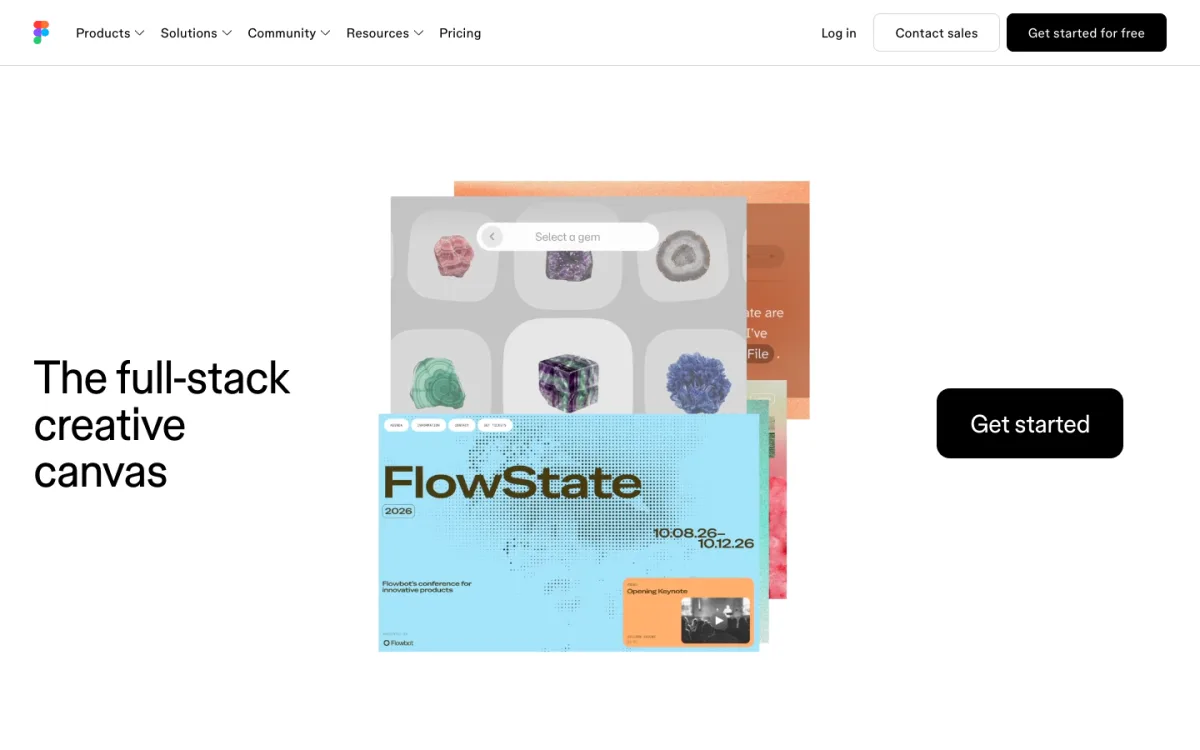
Figma is the default tool for interface design, and for good reason: real-time collaboration in the browser, components with variants, auto layout and a large plugin ecosystem. But it is not free for serious work. The Starter plan stops at three files, Dev Mode needs a paid seat, and every editor on a team is billed separately.
This guide is for web designers looking for something else, whether to save money, to own their files, or to get cleaner handoff to HTML and CSS. We compare seven alternatives on collaboration, components, developer handoff, code export and price, and give Penpot, the closest open-source match, its own comparison with Figma. Prices and features were checked on each vendor’s site on November 12, 2026.
The Short Answer
- Best free and open-source alternative: Penpot. Browser-based, real-time collaboration, layouts built on CSS Flexbox and Grid, and a free inspect panel that outputs CSS, SVG and HTML.
- Best for Mac designers: Sketch. A native app that now opens Figma files, with a one-time licence option.
- Best free desktop app: Lunacy. Runs on Windows, Mac and Linux, and now in the browser, with a generous free plan.
- Most Figma-like: Pixso. Similar interface, Figma file import and design-to-code output.
- If you design websites, not handoff files: Framer. You design and publish in one tool, but you cannot export the code.
- For non-designers making graphics: Canva, or the now-free Affinity for illustration and photo work.
- Avoid for new work: Adobe XD, which has been in maintenance mode with no new features.
What Figma Costs Today
Figma prices by seat type. On the Professional plan, billed annually, a Full seat (for designers) is $16 a month, a Dev seat (for developers, with Dev Mode) is $12 and a Collab seat (FigJam and comments) is $3. Organization raises those to $55, $25 and $5, and Enterprise to $90, $35 and $5.
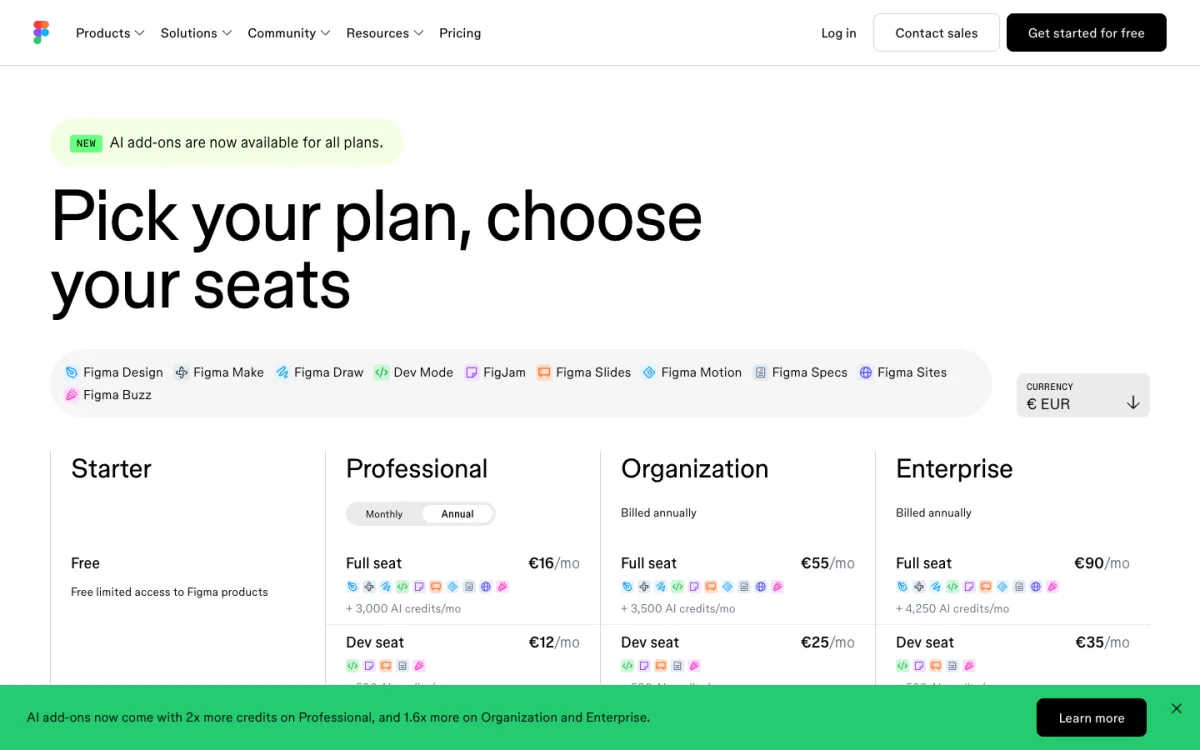
The free Starter plan is meant for trying Figma: one team, three design files and three pages per file. Dev Mode, the panel developers use to inspect spacing and copy CSS, is not available on it.
What to Look For in an Alternative
- Real-time collaboration: several people editing the same file at once, with comments.
- Components and variants: reusable buttons, cards and inputs with states, so a change updates everywhere.
- Layout that behaves like CSS: Figma’s auto layout is close to Flexbox. The nearer a tool’s layout is to real CSS, the easier the build.
- Design tokens: colors, type and spacing stored as named values a developer can export.
- Developer handoff: an inspect mode that shows measurements and generates CSS, ideally free for developers.
- Figma import: if you have existing files, can the tool open them?
- Platform and price: browser or desktop, Windows support, free tier, per-seat costs.
Comparison Table
| Tool | Platform | Free plan | Paid from | Code inspect | Opens Figma files |
|---|---|---|---|---|---|
| Figma | Browser, desktop | 3 files, no Dev Mode | $16/mo Full seat | Dev Mode (paid seat) | — |
| Penpot | Browser, self-host | Yes, up to 8 members | $7/editor/mo | CSS, SVG, HTML, free | Via export plugin |
| Sketch | Mac (browser for viewing) | Trial | $12/editor/mo or $120 once | CSS, free for developers | Yes (.fig) |
| Lunacy | Windows, Mac, Linux, browser | Yes, 10 cloud docs | $11.99/user/mo | CSS, SVG, JSON | Via share link |
| Pixso | Browser, desktop | 3 files | $12/editor/mo | Dev view, code output | Yes |
| Framer | Browser, desktop | Yes, subdomain | $10/mo | No export | Via plugin (paste) |
| Canva | Browser, desktop | Yes | $144/yr | No | Via third-party app |
| Affinity | Mac, Windows, iPad | Free for individuals | — | No | No |
The Alternatives
1. Penpot: the open-source Figma alternative
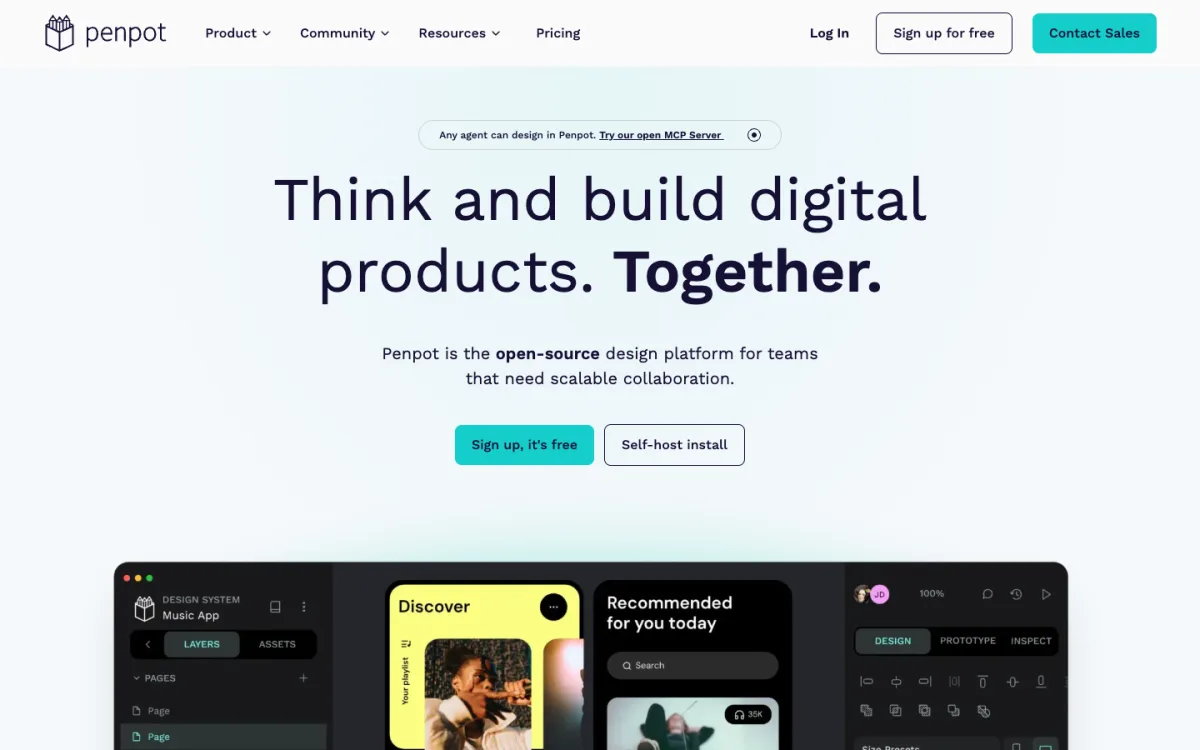
Penpot is a browser-based design tool released under the open-source MPL-2.0 licence. It covers the core of what designers use Figma for: real-time collaboration, components with variants, prototyping and design tokens. Its distinguishing feature for web designers is that its layouts are real CSS: Flex layout works like Flexbox and Grid layout uses the CSS Grid standard, so what you design maps directly to code.
The cloud plan is free for teams of up to eight, with 10 GB of storage. Unlimited costs $7 per editor a month, capped at $175 a month. You can also run Penpot on your own server with Docker or Kubernetes at no cost.
- Best for: web designers who hand off to developers, and teams that want to own their files.
- Watch out for: a smaller plugin library than Figma, and no direct opening of .fig files.
2. Sketch: the native Mac app
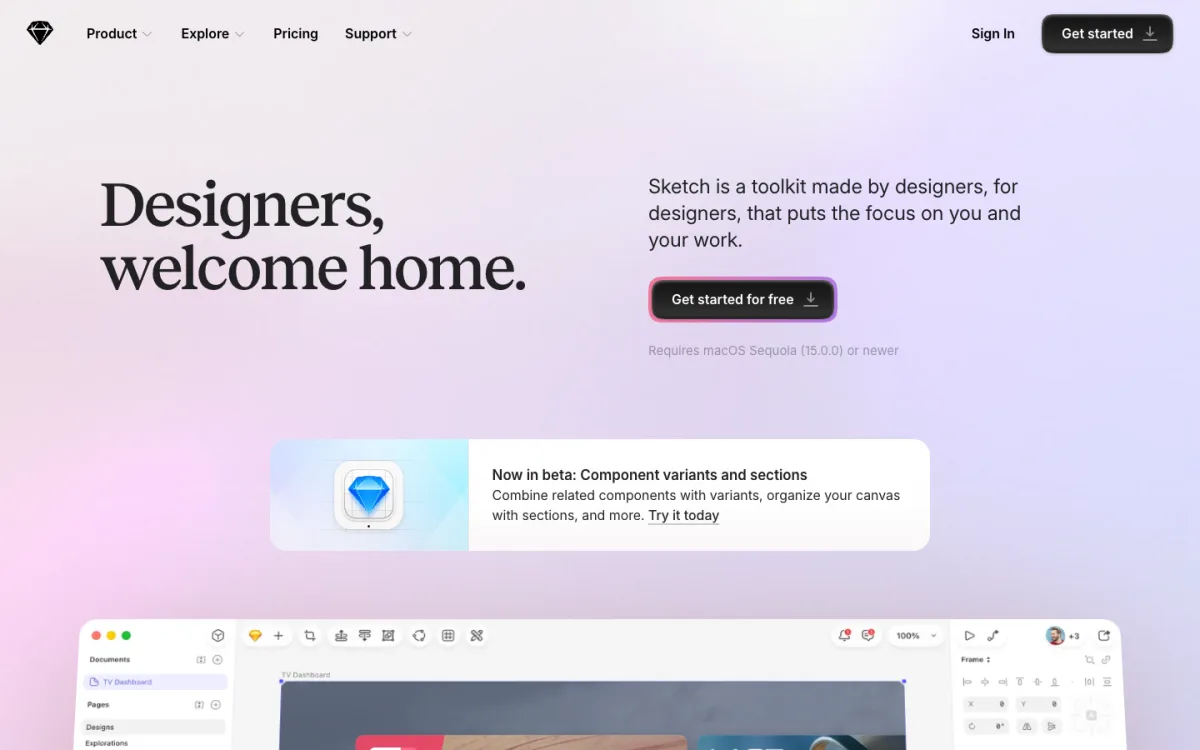
Sketch was the tool Figma replaced, and it is still a fast, polished Mac app. It now opens Figma files directly, using an open-source converter, which makes switching much easier than it used to be. Subscriptions start at $12 per editor a month billed yearly and include real-time collaboration; developers inspect designs in the browser for free and can copy CSS or export tokens as CSS or JSON. Sketch also still sells a $120 one-time Mac licence, without real-time collaboration.
- Best for: Mac-based designers and small studios that prefer a native app.
- Watch out for: editing is Mac-only; Windows users can only view and inspect in the browser.
3. Lunacy: free on every desktop
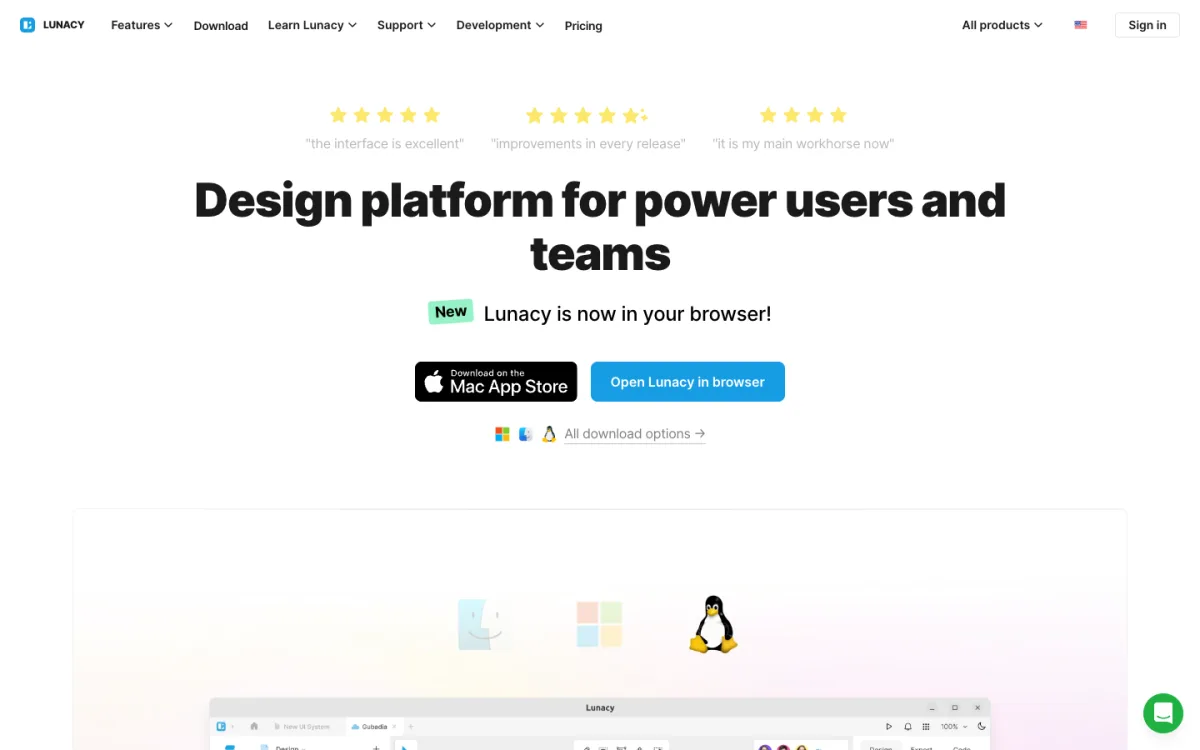
Lunacy from Icons8 is a native design app for Windows, Mac and Linux, and now also runs in the browser. It opens Sketch files natively and imports Figma files from a share link. The free plan includes 10 cloud documents; Pro is $11.99 per user a month billed yearly and adds AI tools. Its Code tab copies CSS, SVG, JSON or XAML for any layer, though it does not export whole pages as HTML. Teams can even self-host the cloud.
- Best for: Windows and Linux designers, and anyone who wants a capable free desktop tool.
- Watch out for: the free plan’s cloud limit if you work on many files.
4. Pixso: the closest copy of Figma
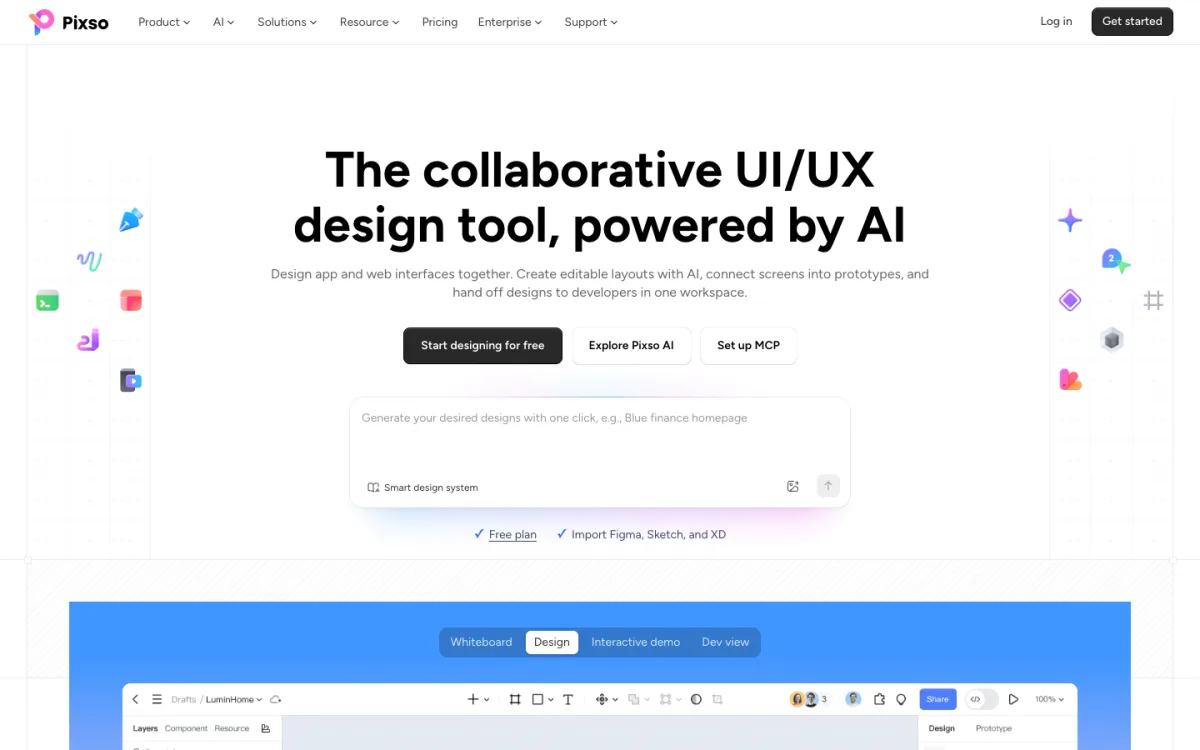
Pixso looks and works much like Figma: browser-based, collaborative, with components, prototyping, a developer view and design-to-code output. It imports Figma, Sketch and XD files, and offers an MCP server for AI agents. Its free plan mirrors Figma Starter’s limits of three files and three pages; team seats are listed at $12 for editors.
- Best for: teams that want Figma’s workflow with an easy import path.
- Watch out for: the free plan is as limited as Figma’s, so the saving is mainly on paid seats.
5. Framer: design and publish in one place
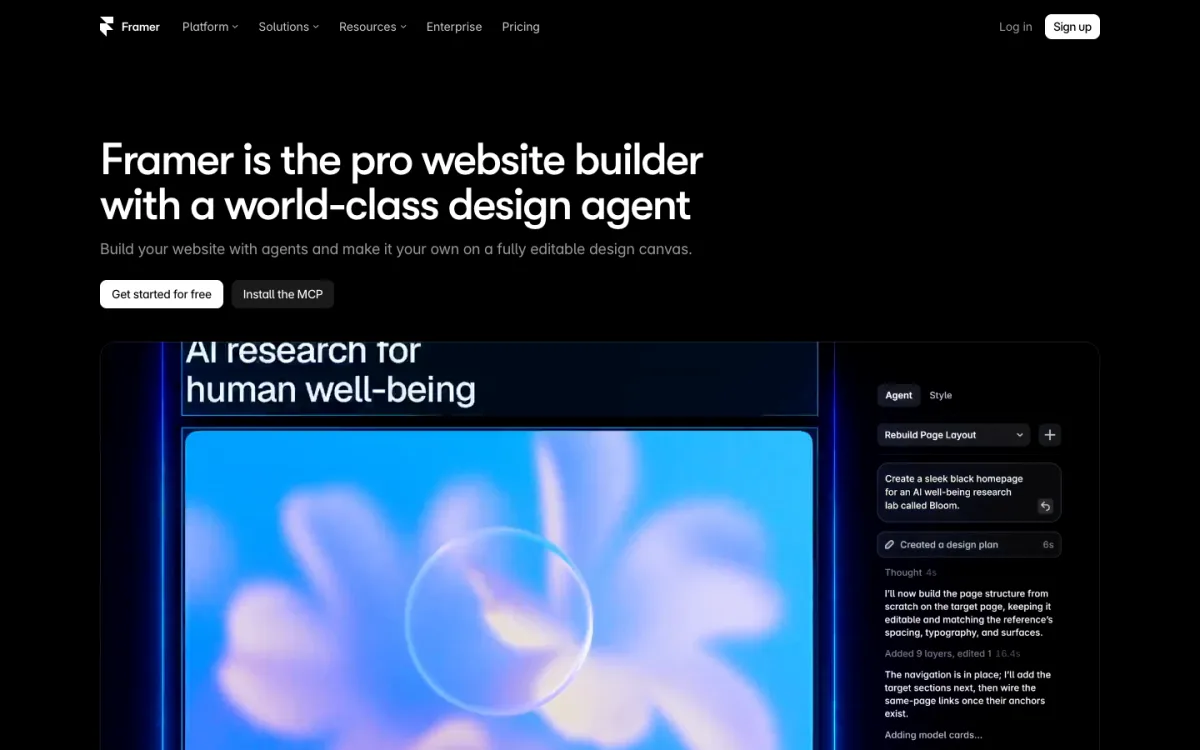
Framer is not a handoff tool. It is a website builder with a design canvas, so what you design is the published site, with CMS, animations and hosting included. An official plugin copies Figma layers into Framer as editable elements. The free plan publishes to a Framer subdomain; Basic, with a custom domain, starts at $10 a month.
Despite marketing “Figma to HTML”, Framer’s own help center says it does not offer HTML export for self-hosting. If you need the code, use a design tool plus a build step; our guide to turning Figma designs into HTML covers the options. For more builders in this group, see our list of Webflow alternatives.
- Best for: designers who build marketing sites themselves.
- Watch out for: your site stays on Framer’s hosting.
6. Canva: for non-designers
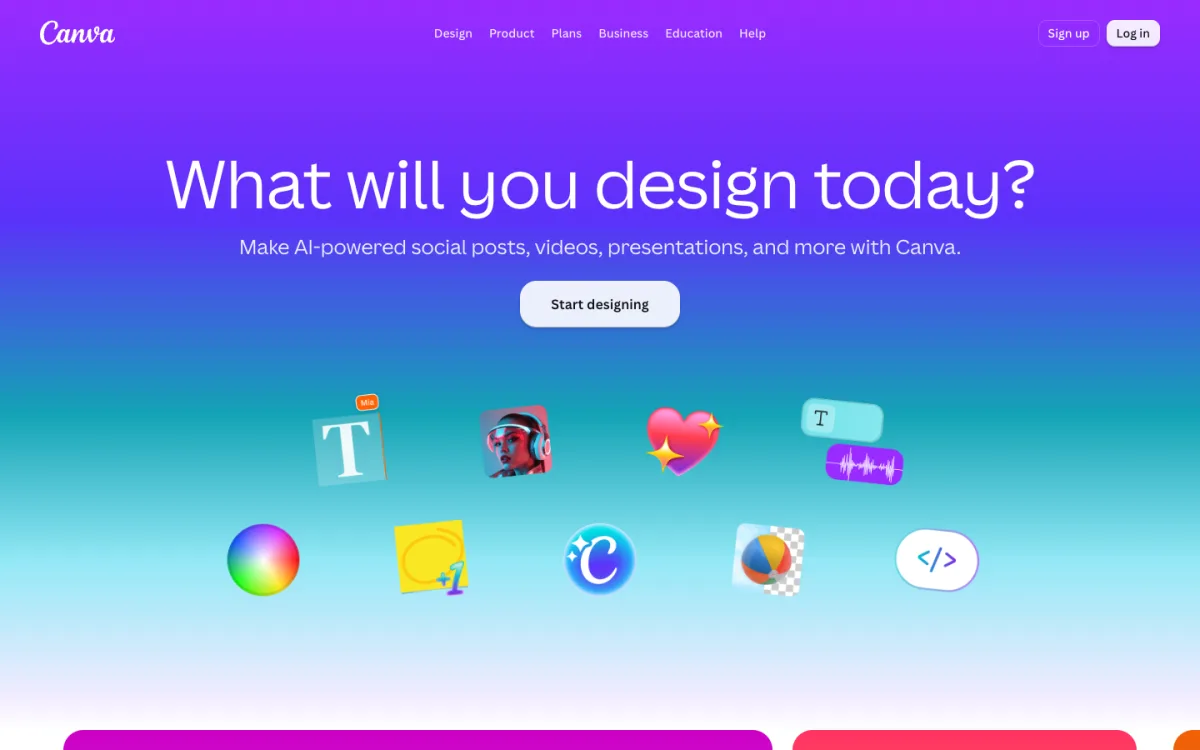
Canva is the right tool when the job is social posts, presentations or simple graphics rather than interfaces. It is free to start, and Pro costs $144 a year in the US. It has no inspect mode or CSS output, so it is not a replacement for interface handoff. A third-party app can bring Figma files in, but complex elements may arrive as images.
7. Affinity: free, but not for interfaces
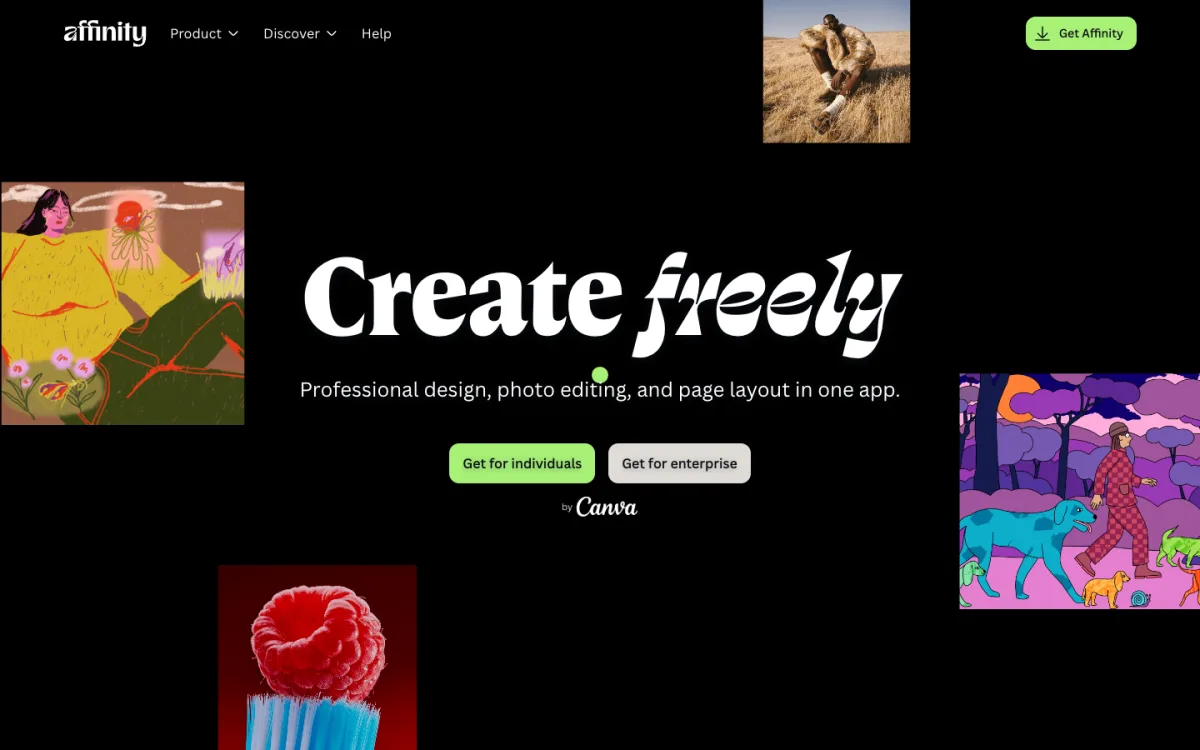
Affinity is now one app that combines vector design, photo editing and page layout, and it is free for individuals on Mac, Windows and iPad. It is excellent for illustrations, icons and image work that end up in your interface. It is not a UI tool: no real-time collaboration, auto layout or developer handoff.
What happened to Adobe XD?
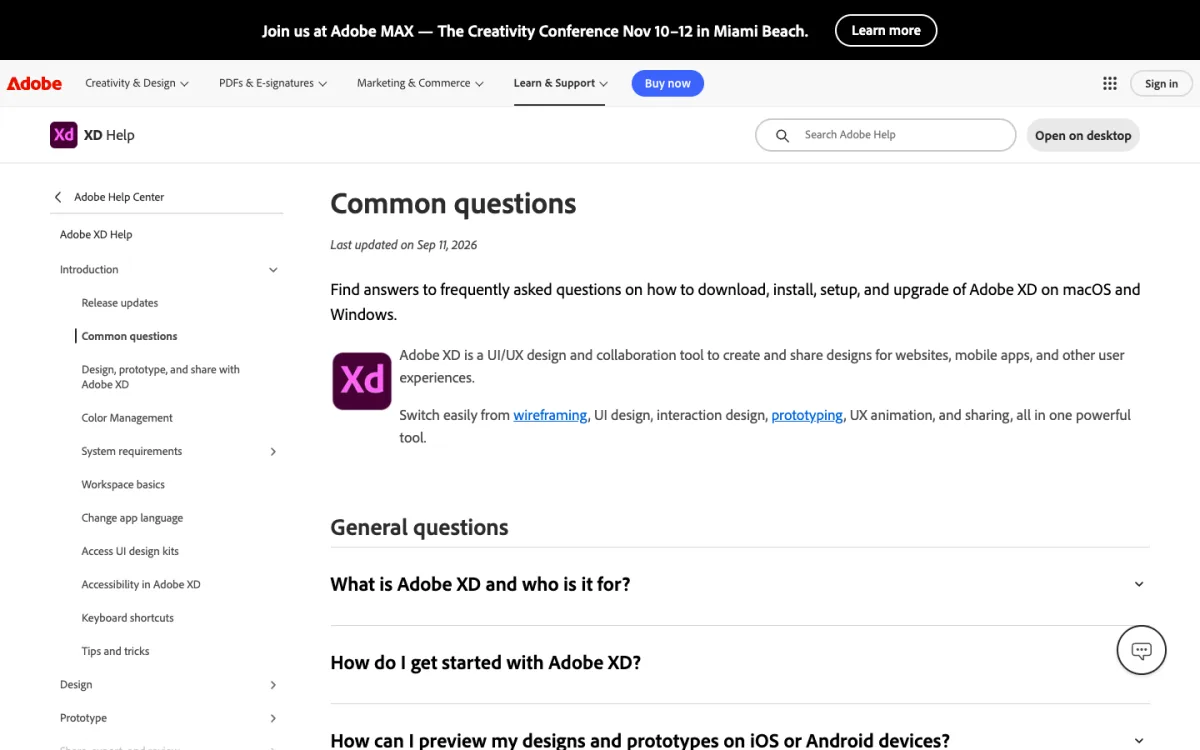
Adobe XD is still available, but Adobe’s FAQ, updated September 11, 2026, says it remains in maintenance mode: no new features, only bug and security fixes for existing customers. Adobe has not announced an end-of-support date and says it will give significant notice. Do not start new projects in XD; Pixso can import its files if you need to move.
Penpot vs Figma
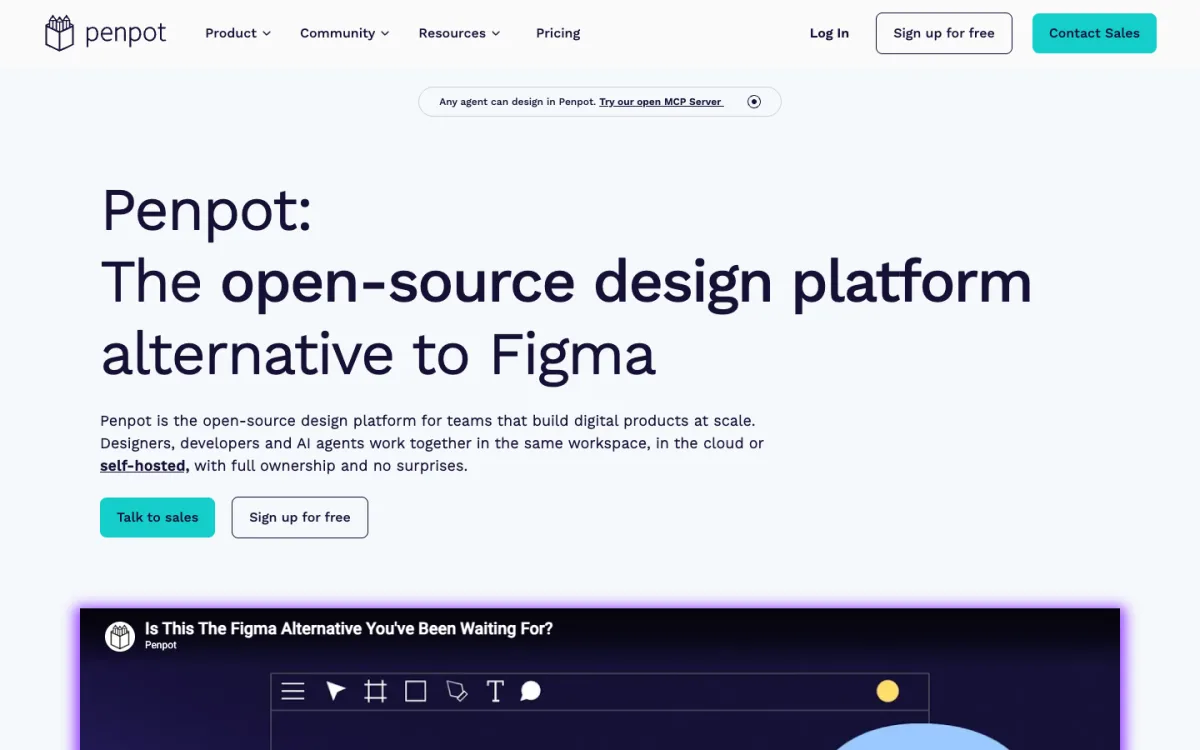
For web designers, Penpot is the alternative most worth testing. Here is how it compares on the points that matter for handoff:
| Figma | Penpot | |
|---|---|---|
| Price for a small team | $16 per Full seat, $12 per Dev seat a month | Free up to 8 members; $7 per editor for more |
| Licence | Proprietary | Open source (MPL-2.0) |
| Hosting | Figma’s cloud | Penpot’s cloud or your own server |
| Layout | Auto layout (Flexbox-like) and grid | Flex layout and CSS Grid layout, built on the CSS standards |
| Design tokens | Variables | Native tokens in the W3C DTCG format |
| Developer handoff | Dev Mode, needs a paid seat | Inspect tab with CSS, SVG and HTML, free for every role |
| Components | Components, variants, properties | Components and variants |
| Plugins | Large ecosystem | Smaller, growing |
| Moving files | — | Penpot Exporter plugin for Figma, then import the .zip |
The practical difference is the layout model. Figma’s auto layout is inspired by Flexbox but has its own rules, and grids are its own system. Penpot uses the CSS specifications directly, so a card laid out with Penpot’s Flex layout uses the same properties a developer writes: direction, gap, alignment, padding. The code in the Inspect tab matches what the developer would write by hand, with fewer translations in between.
Where Figma still leads is the ecosystem: plugins, community files, UI kits and the fact that most clients and developers already use it. If you work alone or in a small team and hand off to developers, Penpot is a serious replacement. If you work inside a company that runs on Figma, switching alone will cost you more than the seat price.
Handoff to Code: What Each Tool Gives Developers
No design tool produces a production website on its own. What they give developers is a starting point, and the quality of that starting point varies:
- Penpot: CSS, SVG and HTML for any selection, free for everyone. Layout code uses real Flexbox and Grid properties because the design does.
- Figma: Dev Mode shows CSS and measurements, but only for paid Dev or Full seats.
- Sketch: free browser inspection with copyable CSS and token export as CSS or JSON.
- Lunacy: CSS, SVG, JSON or XAML per layer, no page export.
- Pixso: a developer view and design-to-code output.
- Framer, Canva, Affinity: no CSS handoff. Framer publishes the site itself; Canva and Affinity export images and, on some plans, SVG.
Whichever tool you choose, three habits make handoff smoother: use layout features instead of placing elements by hand, keep colors and type sizes as named tokens, and build repeating elements as components. A design built that way turns into clean CSS components; our roundup of card UI design resources shows the idea for one common pattern. For a ready-made starting point, try one of these free flat UI kits, and for the rest of your toolkit, see our list of tools for web designers.
FAQ
What is the best free alternative to Figma?
Penpot. It is free for teams of up to eight in the cloud, free to self-host, and includes real-time collaboration, components and a code inspect panel. Lunacy is the best free desktop app.
Is Penpot as good as Figma?
For interface design and developer handoff, it covers the essentials and does some things better, such as layouts built on real CSS and free inspection for everyone. Figma still has more plugins, community resources and polish.
Can I import Figma files into other tools?
Yes. Sketch opens .fig files directly. Penpot imports files exported with its Figma plugin, Lunacy imports from a Figma share link, and Pixso imports Figma files. Complex prototypes and plugins may not carry over.
Is there an open-source Figma alternative?
Penpot is the main one, under the MPL-2.0 licence, and you can host it yourself. Other open-source projects exist but are not ready for production work.
Is Adobe XD discontinued?
Not discontinued, but in maintenance mode: Adobe fixes bugs and security issues but adds no new features, and has not set an end date. It is not a good choice for new projects.
Which Figma alternative works on Windows?
Penpot and Pixso run in any browser, and Lunacy has native Windows and Linux apps. Sketch editing is Mac-only.