Google Sites is the quickest way to put a few pages online if you already use Google. It's built for class projects, team pages and simple event sites, and it shows: few design options, little control over search settings, and no clear way to take the site with you. When a site needs more than that, it's time for a Google Sites alternative.
This guide compares nine Google Sites alternatives by why you're leaving: a better-looking site, a blog, a team wiki, something free, or a move away from Google. For each one we read the current pricing page and help docs, and for Google Sites we read Google's own help center on domains, embeds, export and limits. Every price was checked on November 25, 2026. We fetched the pages from Europe, so where a vendor only showed us euros, we print euros.
The Short Answer
- More design and features, with a free plan: Wix. Paid plans from $17/mo billed yearly.
- A polished small business site: Squarespace, from $14/mo billed yearly.
- A designed site for less: Siter.io, from $7/mo billed yearly, with a blog, forms and a custom domain on every plan.
- A blog: WordPress.com, from $4/mo billed yearly.
- Docs and wikis published to the web: Notion, free on a notion.site address.
- Internal team sites at work: SharePoint, if your company uses Microsoft 365.
- One page, very cheap: Carrd, $19 a year with a custom domain.
- Free, with no ads and no Google: Neocities, if you can write a little HTML.
- Hosting HTML you already have: Static.app, from $5/mo billed yearly.
Why People Leave Google Sites
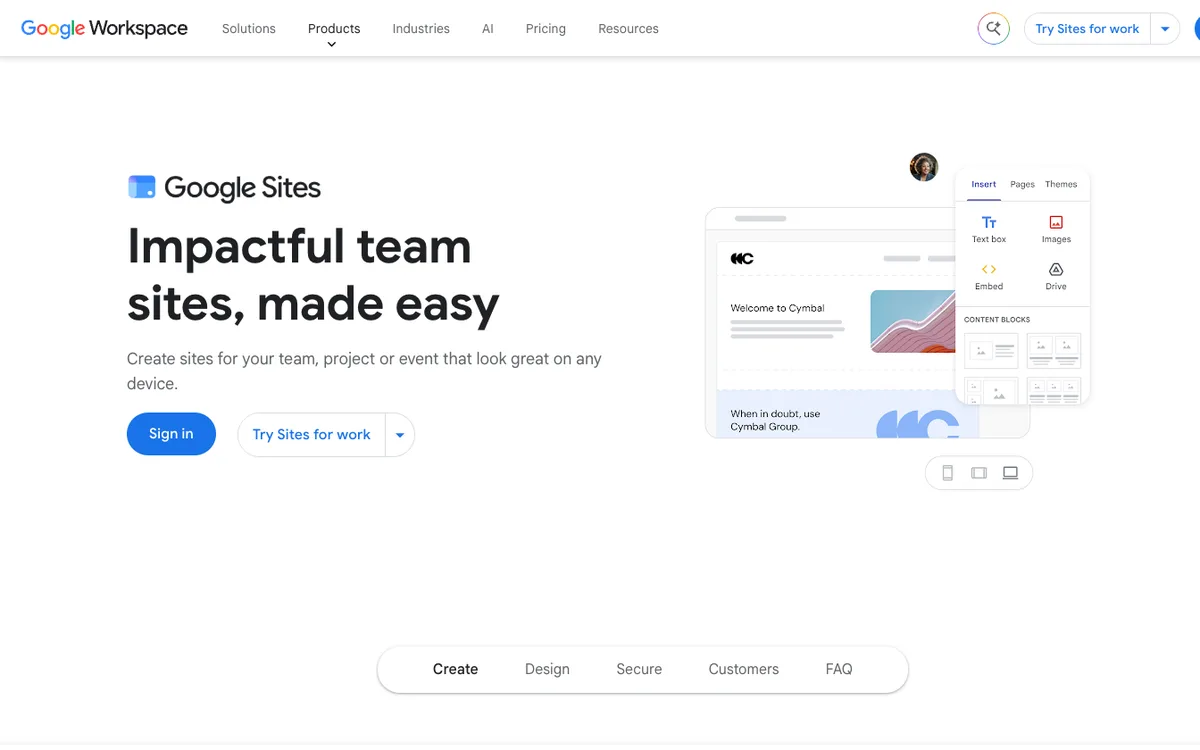
Google Sites does its job well: anyone with a Google account can make a site, and it pulls in files from Google Drive in a few clicks. The limits show up when the site matters more. Google's help center explains most of them:
- Design is basic. You style a site with Google's themes. Custom code only goes in through an embed box, where "JavaScript code must be within <script> tags", and image uploads are limited to .jpg, .png and .gif.
- Few search settings. Google's help pages describe a custom path for each page and a request to keep the site out of search engines. We found nothing official about editing meta descriptions.
- Custom domains have rules. Your address "must include a subdomain, like 'www'", the domain comes from another registrar, and the site has to be public.
- No blog or store. We found no blog or shop features in Google's help pages for Sites, so you embed other tools or move.
- It ties you to Google. Storage comes out of your Drive quota, and several Reddit threads in r/degoogle ask for alternatives from people leaving Google altogether.
- Google has retired a version before. In 2022 Google announced it would stop editing of classic Sites in Workspace accounts on January 30, 2023, then convert the remaining sites and delete the classic versions.
Is Google Sites Free?
This is one of the most searched questions about Google Sites, and Google doesn't answer it directly. No official page we found lists a price for Google Sites or calls it free. What Google does say:
- "You can create a website for personal or business use with Google Sites," and you do it with a Google account.
- Sites is included in every Google Workspace plan. The cheapest, Business Starter, showed us €6.80 per user/month on the annual plan (EUR, as shown).
- "Sites and the content you embed in sites count toward your Drive storage quota."
- Connecting a custom domain is covered in the help center with no fee mentioned. You buy the domain from a registrar.
In 2019 Google said it removed the "Made with new Google Sites" footer from published sites and moved the "Report abuse" link into a site info icon in the lower left.
What You Can Take With You
Google's help says you can export Sites data with Google Takeout, including draft and published sites, embedded HTML, themes and page paths. It doesn't say what format the export comes in, so treat it as a backup and plan on rebuilding. Files you embedded from Drive stay in Drive, so you can link or embed them from the new site.
Google Sites Alternatives Compared
| Builder | Best for | Free plan | Cheapest plan with a custom domain |
|---|---|---|---|
| Wix | More design and features | Yes, with ads | $17/mo yearly |
| Squarespace | Polished business sites | No, 14-day trial | $14/mo yearly |
| Siter.io | Designed sites for less | No, 3-day trial | $7/mo yearly |
| WordPress.com | Blogs | Yes, with ads | $4/mo yearly |
| Notion | Docs and wikis on the web | Yes, notion.site address | Paid plan plus $8/mo per domain, yearly |
| SharePoint | Internal team sites | No | No public sites; $7/user/mo yearly for team sites |
| Carrd | One-page sites | Yes, 3 sites | $19/year |
| Neocities | Hand-coded sites, no ads | Yes, 1 GB | $5/mo (Supporter) |
| Static.app | Hosting your own HTML | No, 7-day trial | $5/mo yearly |
The Alternatives
1. Wix: Best for More Design and Features
Wix is the obvious upgrade from Google Sites for most people. You still drag and drop, but you can place things anywhere and add a blog, store, bookings or events from its app market. It also has a free plan.
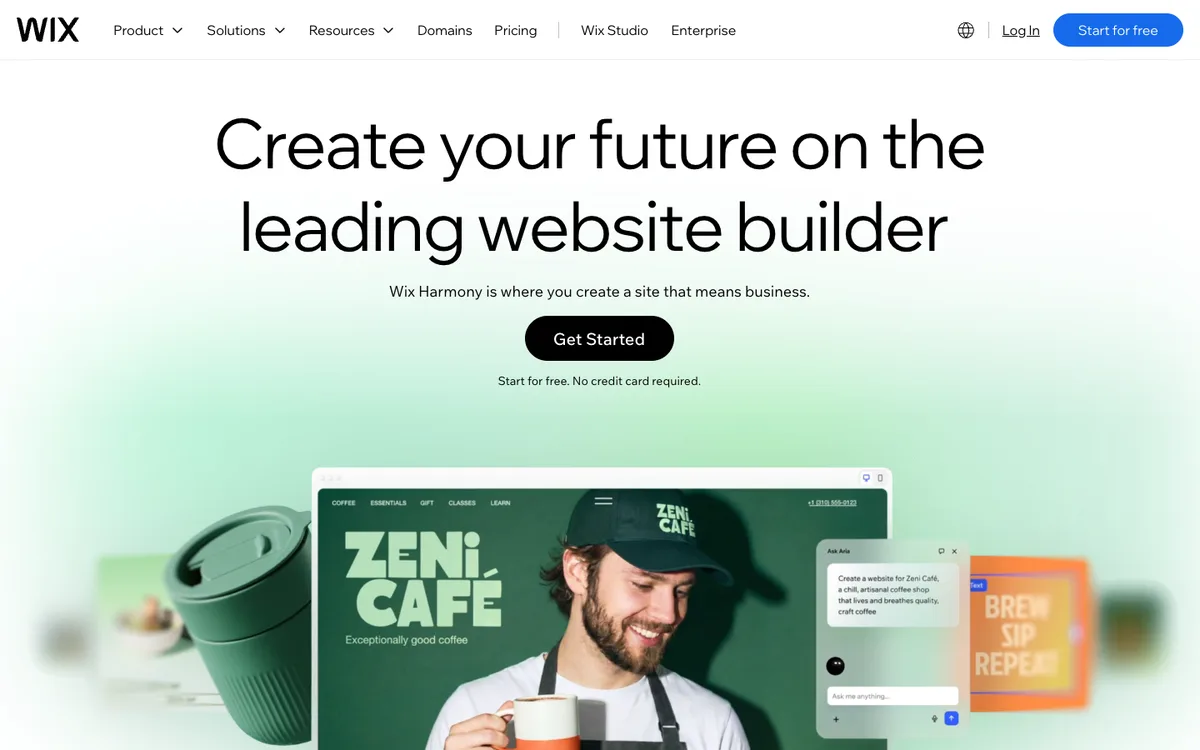
Pricing: the free plan shows a Wix banner ad on a wixsite.com address. Light is $17/mo, Core $29 and Business $39, billed yearly. Wix labels those as an offer for the first yearly term and doesn't show what they renew at.
- Good: far more design freedom than Google Sites, and features to grow into a business site.
- Watch out: the free plan has ads, and Wix has no full site export either. Our Wix alternatives guide covers that.
Choose it if your Google Site has become a business site and needs to look like one.
2. Squarespace: Best for a Polished Business Site
Squarespace trades some of Wix's freedom for templates that are hard to make look bad. If you want a portfolio, restaurant or small business site that looks professionally designed with little effort, it's a big step up from Google Sites' themes.
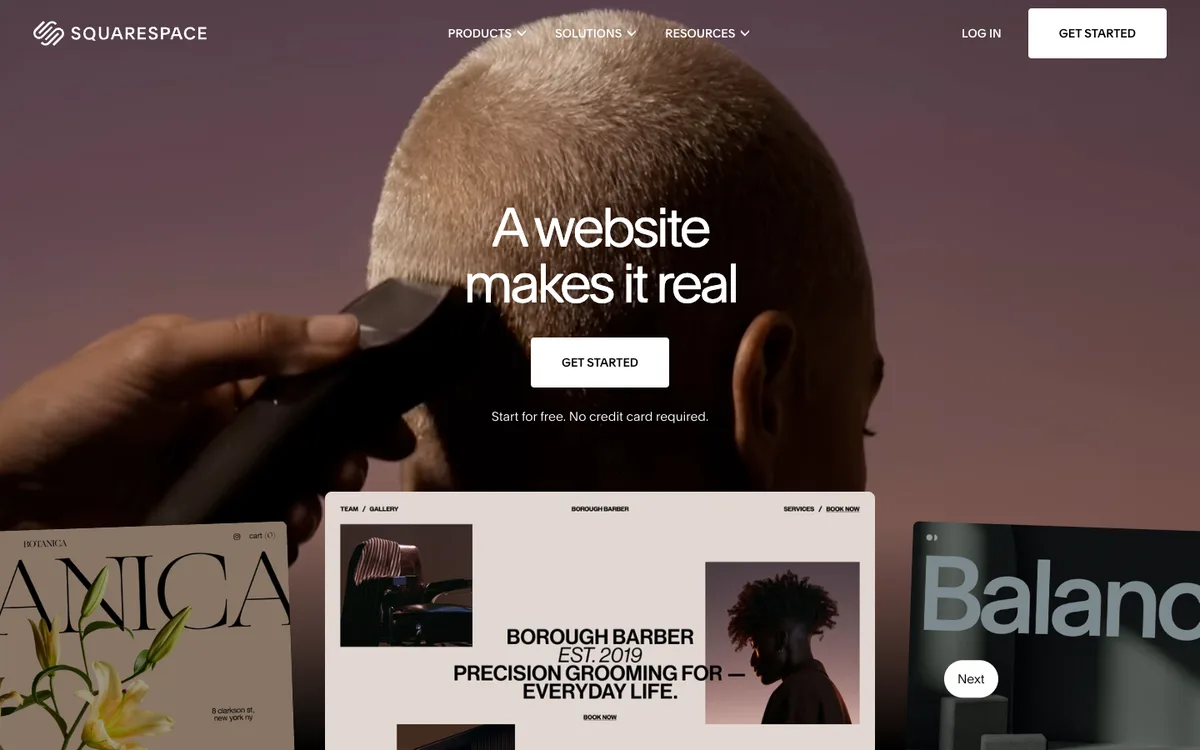
Pricing: with the page set to US dollars, Basic was $14/mo billed yearly or $20 monthly. There's a 14-day free trial and no free plan.
- Good: excellent templates, plus a blog and store built in.
- Watch out: no free plan, and you can't switch templates on a current site. Our Squarespace alternatives guide covers its other limits.
Choose it if looks matter most and you'd rather not design anything yourself. Our Wix vs Squarespace comparison helps you pick between the two.
3. Siter.io: Best for a Designed Site on a Budget
Siter.io gives you a free-form canvas instead of Google Sites' fixed sections, so you can make a site that looks custom. You can also describe the site and let Siter AI build a first version for you to edit.
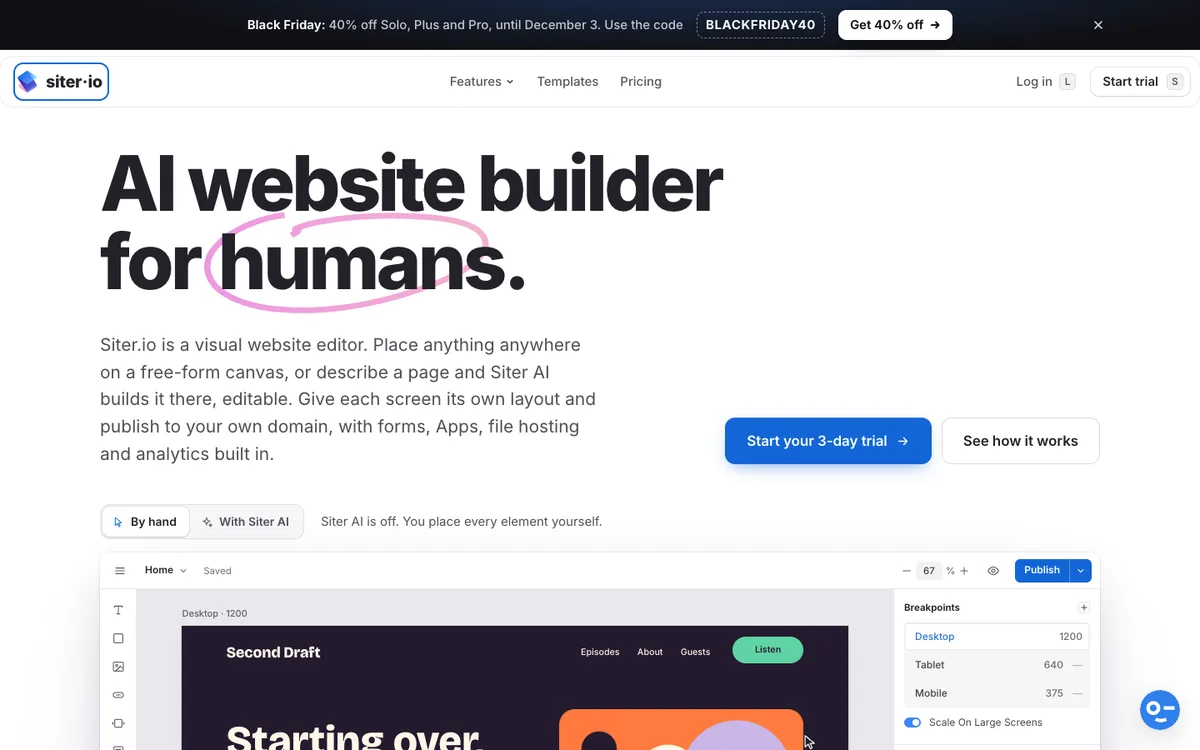
Pricing: Solo is $7/mo billed yearly ($8 monthly) for one site with 3 forms. Plus is $12 ($14) for 3 sites, and Pro is $24 ($28) for 5 sites with unlimited forms. A custom domain, blog and CMS come with every plan. There's no free plan; every plan starts with a 3-day trial, and you add a card.
- Good: real design freedom, a blog and working forms for half the price of Squarespace.
- Watch out: no free plan, and no store features.
Choose it if you want a portfolio or small business site that looks designed, without paying Squarespace prices.
4. WordPress.com: Best for Blogs
If your Google Site is mostly updates, news or articles, you need a blog, and Google Sites doesn't have one. WordPress.com is hosted WordPress: posts, categories and comments without running a server.
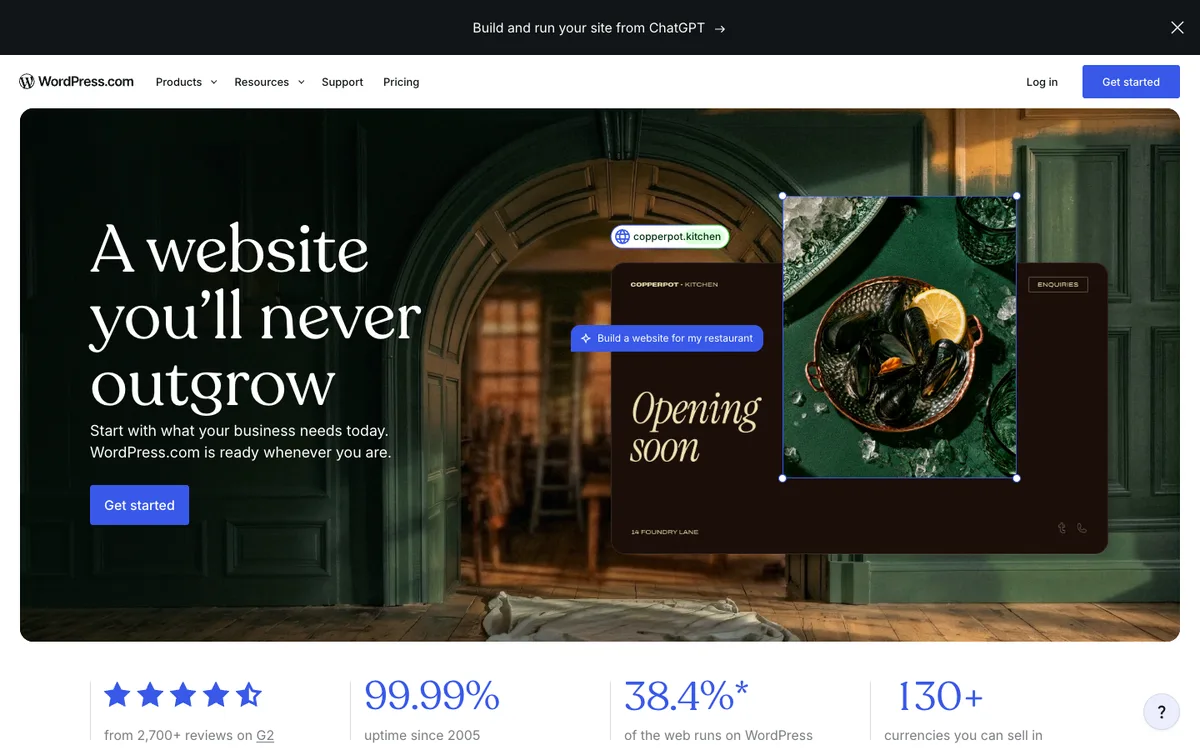
Pricing: Personal is $4/mo billed yearly ($9 monthly), with a custom domain. The free plan has no custom domain, and "Free sites display WordPress.com ads to visitors."
- Good: the best blogging tools here, cheap, and your content can move to any WordPress host later.
- Watch out: the block editor takes longer to learn than Google Sites.
Choose it if your site is mostly writing. Our WordPress alternatives guide covers the other direction.
5. Notion: Best for Docs and Wikis on the Web
A lot of Google Sites are really documentation: a team handbook, a class page, a project wiki. Notion does that better. You write pages in Notion as usual, then publish them to the web as a site with a theme and its own address.
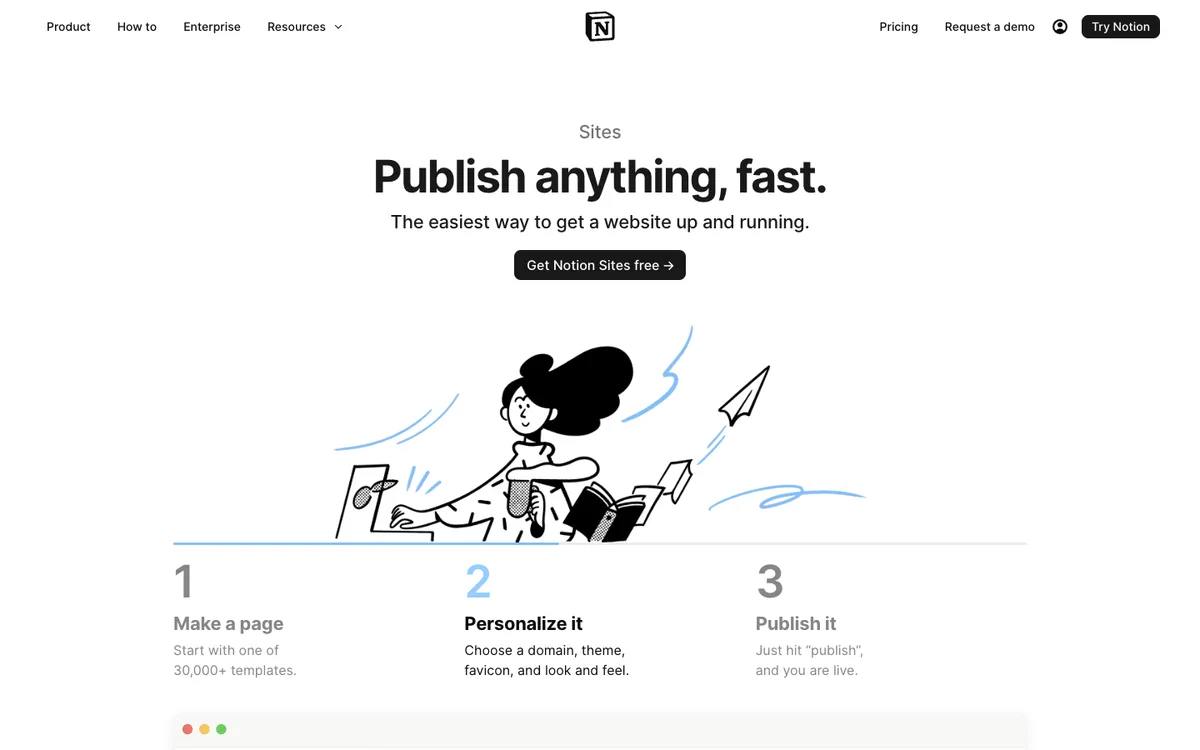
Pricing: the free plan can publish pages to the web on one notion.site address, with search engine indexing. A custom domain is an add-on: "$8/month/domain paid annually, or $10/month per domain paid monthly", which also removes Notion branding. Paid plans can edit page titles and descriptions for search. Notion showed us its plan prices in euros (Plus €9.50 per seat/month, billed yearly).
- Good: great for long, linked documents, free to publish, and easy for a whole team to edit.
- Watch out: it looks like Notion, not like a designed website, and a custom domain needs a paid plan plus the add-on.
Choose it if your site is a knowledge base or handbook rather than a marketing site.
6. SharePoint: Best for Internal Team Sites
Many Google Sites are intranets: pages only colleagues can see. If your company runs on Microsoft 365 instead of Google Workspace, SharePoint is the equivalent. Business Basic includes SharePoint team sites, which hold pages and files for people signed in with your company's accounts.
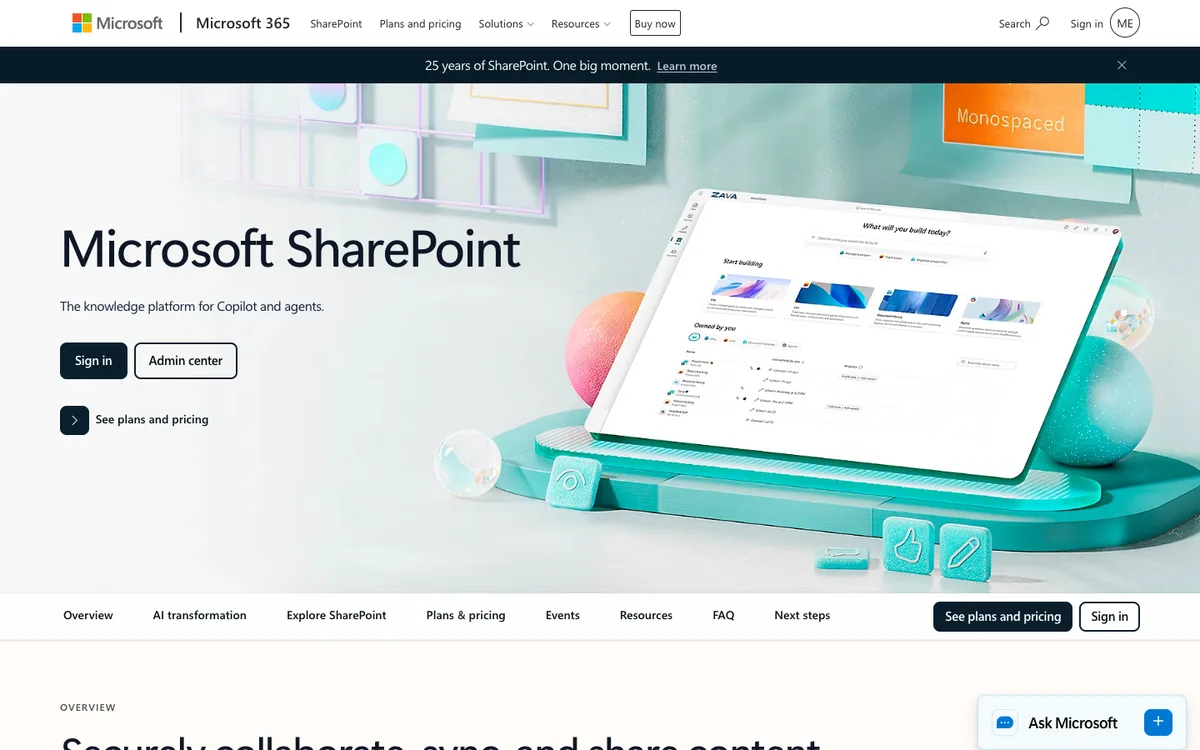
Pricing: SharePoint comes with Microsoft 365 Business Basic, at $7.00 per user/month paid yearly, or $8.40 on a monthly subscription.
No public websites: Microsoft retired SharePoint Online public websites. New ones couldn't be created from March 9, 2015, and anonymous access ended on May 1, 2017. SharePoint is for sites people sign in to.
- Good: part of Microsoft 365, so it fits a company that already uses it.
- Watch out: internal only, and much more complex than Google Sites.
Choose it if your Google Site is an intranet and your organization is moving to Microsoft 365.
7. Carrd: Best for One Page
If your Google Site is really a single page, like an event, a profile or a link-in-bio, Carrd builds better-looking one-page sites for very little.
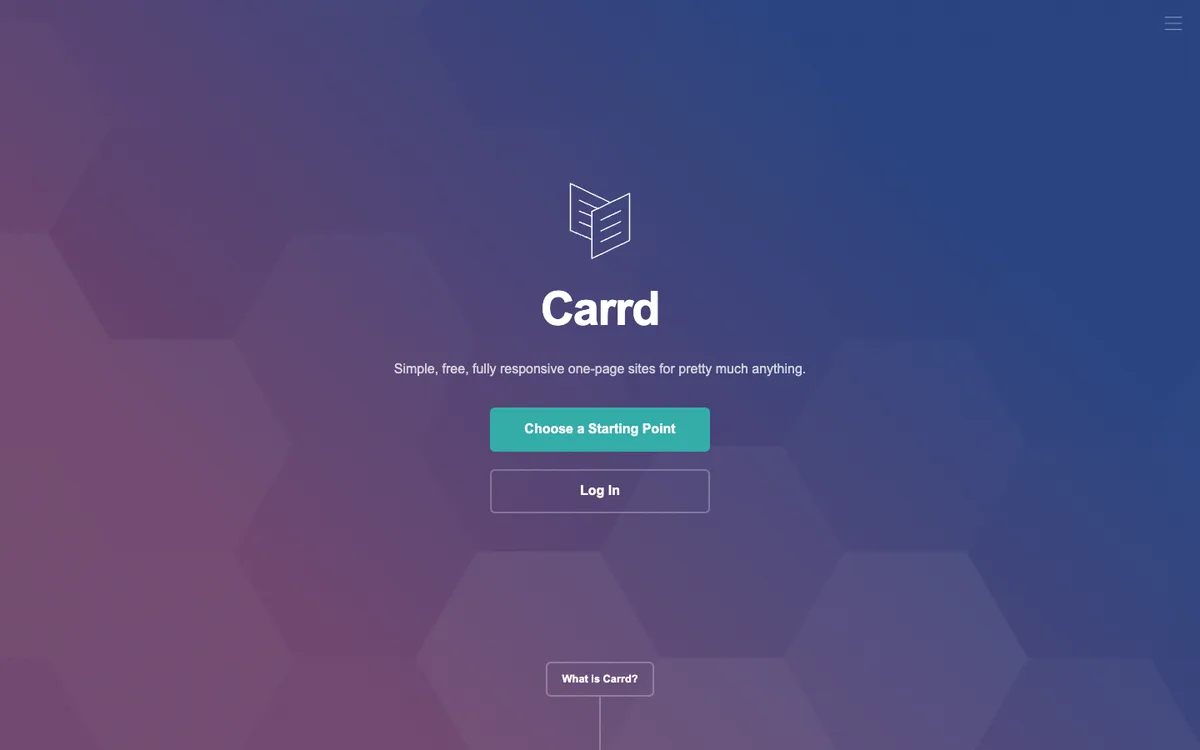
Pricing: the free plan allows three sites on a .carrd.co address, with Carrd branding and no forms. Pro Standard is $19 a year for up to 10 sites with a custom domain and forms.
- Good: the cheapest way to put a good-looking page on your own domain.
- Watch out: one page per site, and no refunds. Our Carrd alternatives guide covers what to use when one page isn't enough.
Choose it if one page is all you need.
8. Neocities: Best Free Option Outside Google
Neocities is free static hosting for personal sites, and it doesn't need a Google account. You write HTML and CSS in its browser editor or upload files, and there are no ads: "Neocities has no advertising".
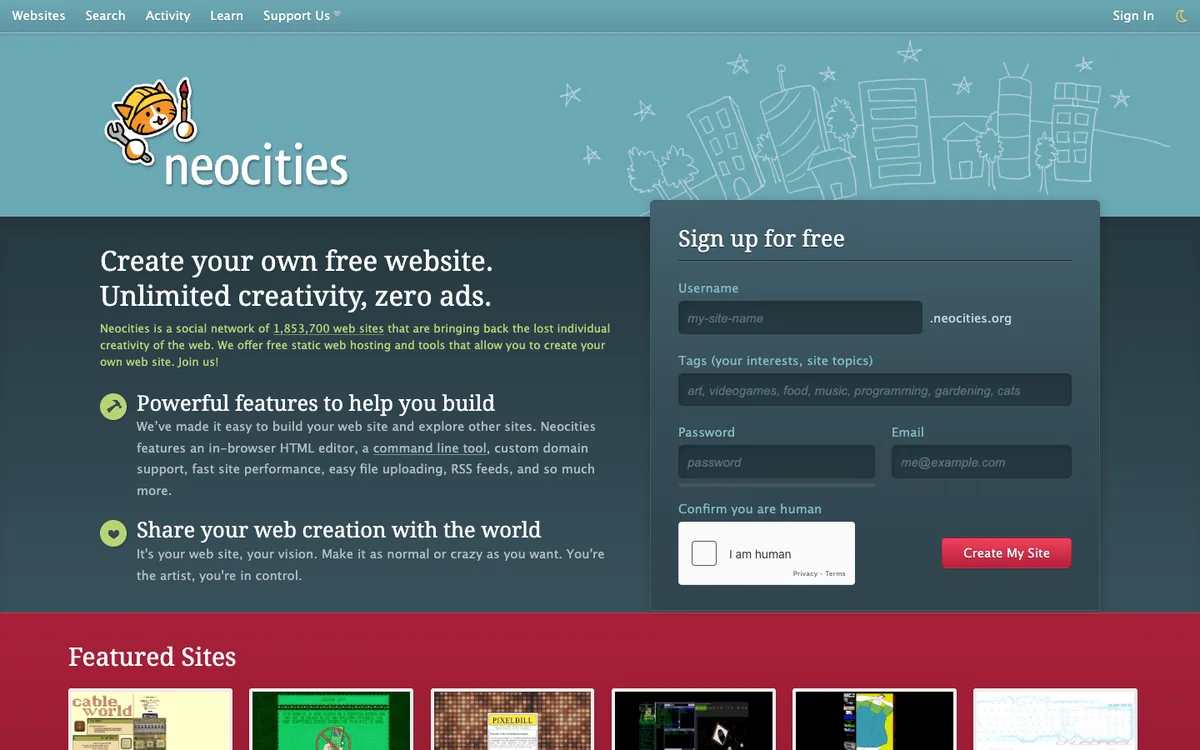
Pricing: free sites get 1 GB of storage and 200 GB of bandwidth a month on a yoursite.neocities.org address. Supporter, at $5/mo, adds custom domains, up to 30 sites and 50 GB of storage.
- Good: free, no ads, no Google account, and full control of the code.
- Watch out: there's no visual editor, so you need to write or bring HTML.
Choose it if you want a free personal site and don't mind learning some HTML.
9. Static.app: Best for Hosting Your Own HTML
If you've built a site with an AI tool, a template or by hand, Static.app hosts it with no setup. Upload a ZIP of HTML, CSS and images and it's live, with forms and a custom domain.
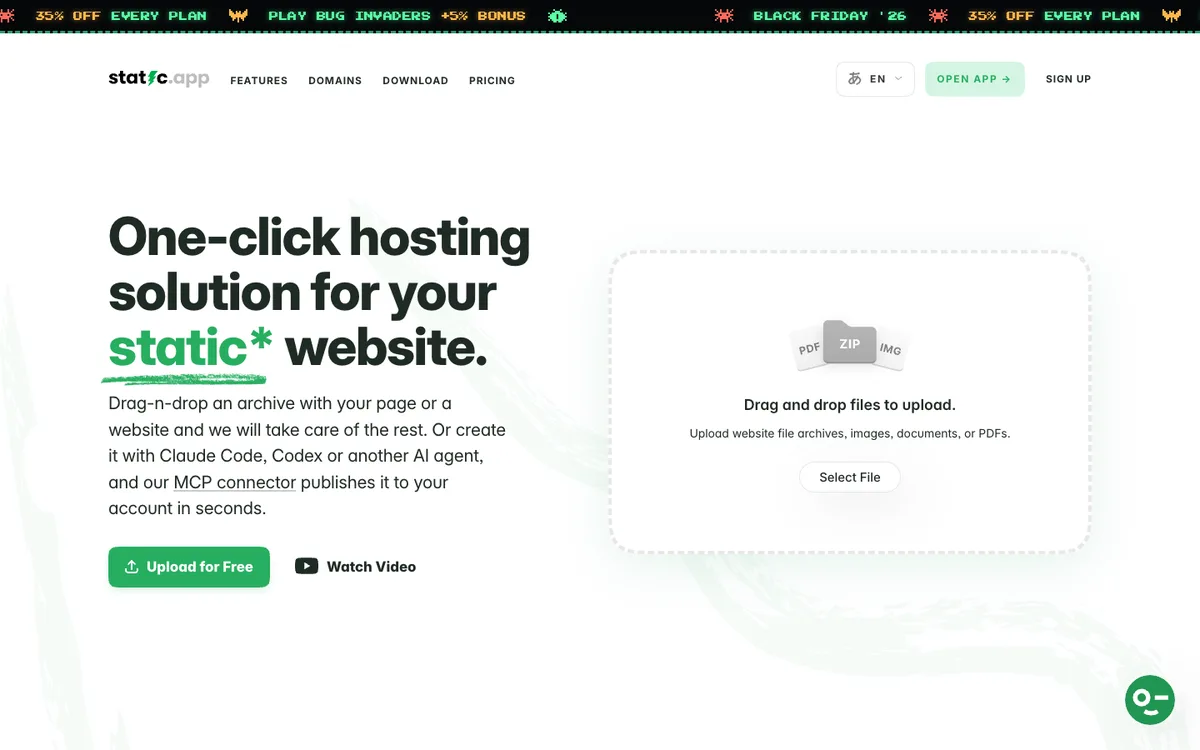
Pricing: Starter is $5/mo billed yearly ($60 a year) or $6 monthly, for 2 sites with 500 MB of storage, custom domains and forms. The 7-day free trial needs no card.
- Good: any design you like, forms included, and nothing to learn beyond uploading.
- Watch out: it's hosting, not a builder, so you edit the files yourself.
Choose it if you already have the files. Our guide to hosting a website covers other options.
How to Move Off Google Sites
- List your pages. Note every page and its path, since Google Sites lets you set custom paths.
- Export a copy with Google Takeout, so you have a backup of the site and its embedded HTML.
- Keep the Docs, Sheets and Drive files where they are, and link or embed them from the new site.
- Rebuild and test on the new platform's own address while the Google Site stays live.
- Move the domain. If you used a custom domain, remove it from Google Sites and point the DNS records at the new host. Then unpublish the old site.
How We Chose
We picked tools that cover the reasons people give for leaving Google Sites: design, blogging, documentation, intranets, cost and leaving Google. On November 25, 2026 we read each one's pricing page and help docs, and Google's help center pages on Sites domains, embeds, export, storage and the classic Sites retirement. Google Workspace and Notion showed us euros, so we print those as shown. For Squarespace we switched the page to US dollars. Wix was showing offer pricing, and we say so.
FAQ
Are Google Sites still free?
Google doesn't list a price for Google Sites. You can build one with a personal Google account, and it's included in every Google Workspace plan. Its files count toward your Drive storage, and you pay a registrar for any custom domain.
Is Wix or Google Sites better?
Wix is better for a public site that needs to look good or sell something. Google Sites is better for quick internal or class sites built around Google Docs and Drive files.
Is Google Sites or Squarespace better?
Squarespace, for a business or portfolio site: better templates, a blog and a store. Google Sites is simpler and works with the Google account you already have, so it suits team and school pages.
What is the best free alternative to Google Sites?
Wix for a visual editor, with ads on the free plan. Notion for documents and wikis. Neocities for an ad-free site you code yourself, with no Google account involved.
Can I export my Google Site?
Google's help says Sites data, including published sites and embedded HTML, can be exported with Google Takeout. It doesn't say what format the export comes in, so expect to rebuild the site on the new platform.
Can I use my own domain with Google Sites?
Yes. You can connect up to five custom domains to one site, bought from another registrar. The address must include a subdomain like www, and the site has to be public.