Framer is one of the best tools for designers who want to publish a site without code. It's also changed its pricing twice in under a year, charges for extra editors and bandwidth, and won't hand you your site's code. Those are the usual reasons people start looking for a Framer alternative.
This guide starts with what Framer costs now and what changed, then compares nine Framer alternatives by what you need instead: a CMS with room to grow, a tool for agencies, open source you can self-host, or simply something cheaper. For each one we read the current pricing page and help docs. Every price was checked on November 25, 2026. We fetched the pages from Europe, so where a vendor only showed us euros, we print euros.
The Short Answer
- The closest match, with a bigger CMS and code export: Webflow. The CMS starts at $25/mo billed yearly, and code export needs a paid Workspace plan.
- Agencies building client sites: Wix Studio, free to start.
- You already design in Figma: Figma Sites, with a Full seat from $16/mo billed yearly.
- Open source you can self-host: Webstudio or Ycode.
- Editorial and art-directed layouts: Readymag.
- A designed site for less: Siter.io, from $7/mo billed yearly.
- Templates that need no design work: Squarespace.
- A single landing page: Carrd, $19 a year.
Framer Pricing in 2026
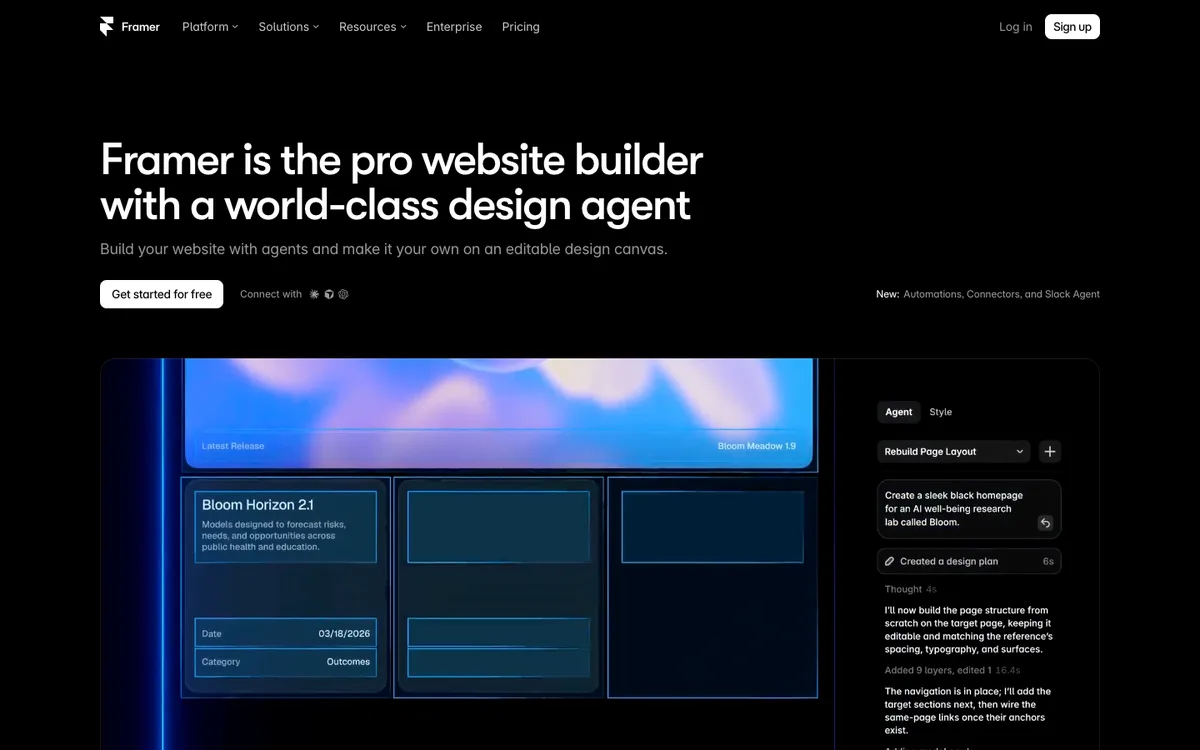
Framer now has a free plan and two paid site plans, plus Enterprise. Yearly prices are in US dollars from the page's code; Framer showed us monthly-billing prices only in euros.
| Plan | Billed yearly | Billed monthly | Pages | CMS | Bandwidth |
|---|---|---|---|---|---|
| Free | $0 | $0 | 1,000 | 10 collections | 5 GB |
| Basic | $10/mo | €15/mo (EUR, as shown) | 30 | 2 collections, 1,000 items | 50 GB |
| Pro | $30/mo | €45/mo (EUR, as shown) | 150 | 10 collections, 2,500 items | 100 GB |
The free plan's page and CMS limits are higher than Basic's, so what it really lacks is a custom domain: the site lives on a Framer subdomain such as framer.website with a "Made in Framer" banner, and Framer calls it "ideal for non-commercial use." Paid plans include a custom domain. Pro adds staging, redirects and 90 days of analytics.
What changed: on October 9, 2025, Framer cut its five plans to three, with Basic at "$10 (instead of $15)". On June 16, 2026, with Framer 3.0, it retired the Scale plan, cut the price of an editor seat "from $40 to $20", raised Basic's limits to 2 CMS collections and 50 GB of bandwidth, and added AI credits to every plan.
What costs extra: each extra editor is $20/mo and a content editor $10/mo. Each extra language (locale) is $20. Bandwidth past your plan's limit is "$50 per 100 GB", up to 2 TB, though Framer lets you go over "for one month" and emails you first.
Why People Leave Framer
- Plans keep changing. Two pricing overhauls in eight months removed the Mini plan and then the Scale plan, and Reddit threads in r/framer ask for alternatives after the changes. The announced changes cut prices or raised limits, but a moving plan lineup is hard to plan around.
- Basic is tight. 30 pages and 2 CMS collections is fine for a portfolio, not for a blog with categories, authors and case studies. Pro triples the price.
- Teams pay per editor. Extra editors are $20/mo each, so a client site with a few people editing costs more than the plan price suggests.
- You can't take the code. Framer's help center says "Framer does not offer HTML export for self-hosting." You can export CMS content with plugins, but Framer's own tools can't export the site itself.
- The free plan can't go on your domain. No custom domain, a Framer banner, and a non-commercial recommendation.
Framer Alternatives Compared
| Builder | Best for | Free plan | Cheapest plan with a custom domain | Code export |
|---|---|---|---|---|
| Webflow | CMS sites, design control | Yes, 2 pages | $15/mo yearly | Yes, on paid Workspace plans (no CMS content) |
| Wix Studio | Agencies | Yes | €12/mo yearly (EUR, as shown) | No (Wix has no site export) |
| Figma Sites | Figma users | No publishing on Starter | $16/mo yearly Full seat; 2026 domain terms not confirmed | Not confirmed |
| Webstudio | Open source, self-hosting | Yes, for testing | $15/mo yearly | Yes, on every plan |
| Ycode | Open source, self-hosting | Yes, no custom domain | $10/mo yearly | Open source (MIT) |
| Readymag | Editorial layouts | Yes, 10 pages | €13/mo yearly (EUR, as shown) | Advanced plan and up |
| Siter.io | Designed sites for less | No, 3-day trial | $7/mo yearly | No (CSV of form and CMS data) |
| Squarespace | Templates | No, 14-day trial | $14/mo yearly | No (content XML only) |
| Carrd | One-page sites | Yes, 3 sites | $19/year | Pro Plus ($49/year) |
For comparison, Framer Basic is $10/mo billed yearly.
The Alternatives
1. Webflow: Best for a Bigger CMS and Code Export
Webflow is Framer's most direct rival. Both are visual tools for designers, but Webflow works closer to real HTML and CSS, with classes and a stronger CMS. It takes longer to learn, and it gives you more control and more room for content-heavy sites in return.
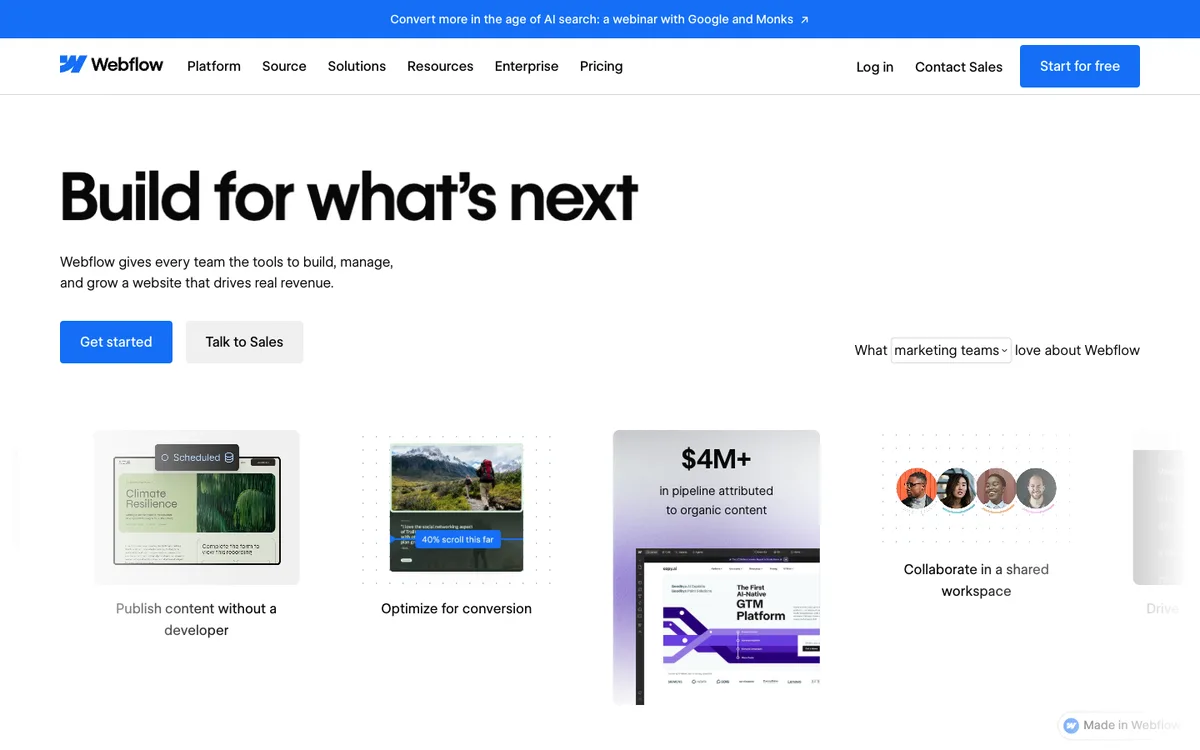
Pricing: Starter is free on a webflow.io address with 2 pages. Basic is $15/mo billed yearly ($25 monthly) with no CMS. Premium, the cheapest plan with the CMS, is $25/mo billed yearly ($39 monthly).
Code export: paid Workspace plans, from $16/mo billed yearly (Freelancer) or $19 (Core), can "Export clean, semantic HTML and CSS files". CMS items and pages can't be exported that way.
- Good: the most design control here, a mature CMS, and the option to take your code with you.
- Watch out: a steeper learning curve, and site plans and Workspace plans are billed separately.
Choose it if you've outgrown Framer's CMS limits. Our Framer vs Webflow comparison goes through the two side by side.
2. Wix Studio: Best for Agencies
Wix Studio is Wix's platform for agencies and professional designers, separate from the regular Wix editor. It has its own editor and a CMS, backed by Wix's hosting, apps and business tools such as stores and bookings.
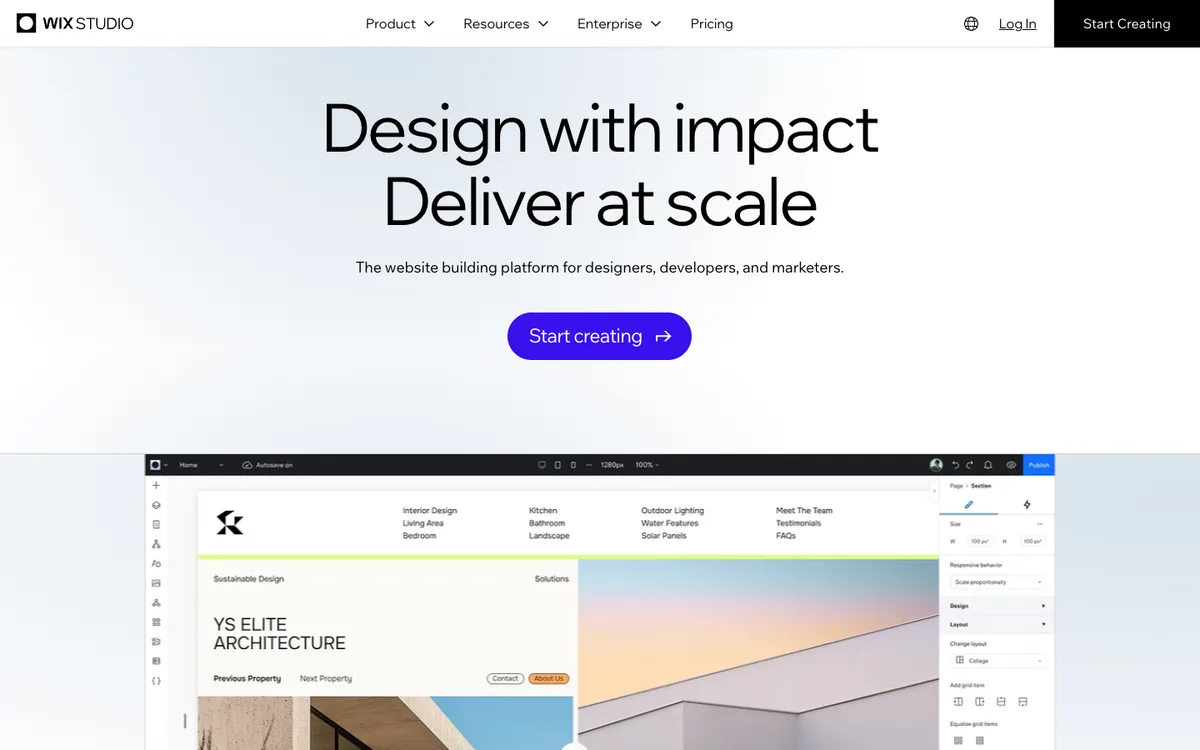
Pricing: "Creating a website on Wix Studio is free," and free Studio sites get 10,000 CMS items. The pricing page only showed us euros: Basic €12/mo, Standard €20, Plus €32 and Elite €149, billed yearly. There's a 14-day money-back guarantee.
- Good: built for client work, with business features Framer doesn't have.
- Watch out: no code export, so you're tied to Wix.
Choose it if you build sites for clients who need stores, bookings or other business tools. Our Wix Studio vs Framer comparison covers the editors in detail.
3. Figma Sites: Best if You Already Design in Figma
Figma Sites lets you design, prototype and publish a site without leaving Figma. For designers who now design in Figma and rebuild in Framer, it removes the second step. It's still in beta.
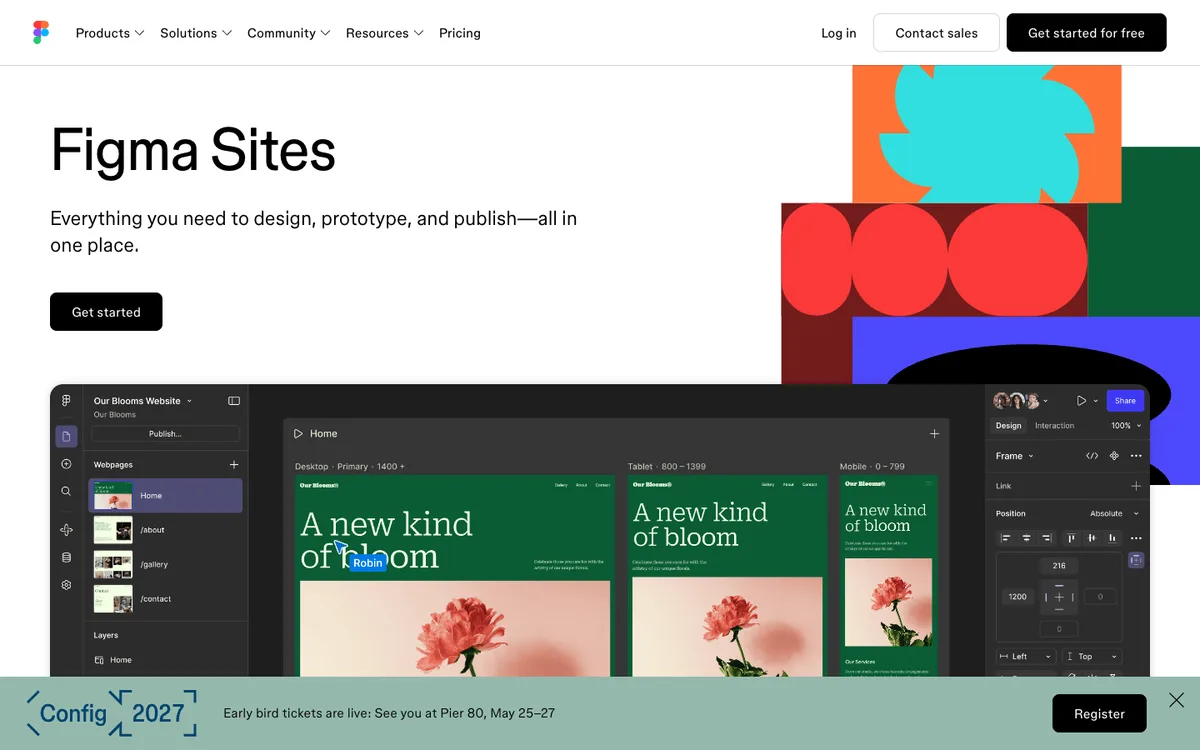
Pricing: publishing needs a Full seat on a paid plan; the free Starter plan has "No publishing in Figma Sites". A Professional Full seat is $16/mo billed yearly. Sites publish to a figma.site address, custom domains are supported, and there's a built-in CMS. Figma's help still describes custom domains as "free of charge through 2025", and we couldn't confirm the terms for 2026.
- Good: no handoff between design and build, and you may already pay for the seat.
- Watch out: still a beta, and you need a paid seat to publish anything.
Choose it if your team lives in Figma. Our Figma alternatives guide covers the design tool itself.
4. Webstudio: Best Open Source Option With Export
Webstudio is an open-source visual builder with Webflow-like controls over real CSS. The difference from Framer is ownership: the code is open, you can export a project and host it yourself, and you can still pay for Webstudio's own hosting if you'd rather not.
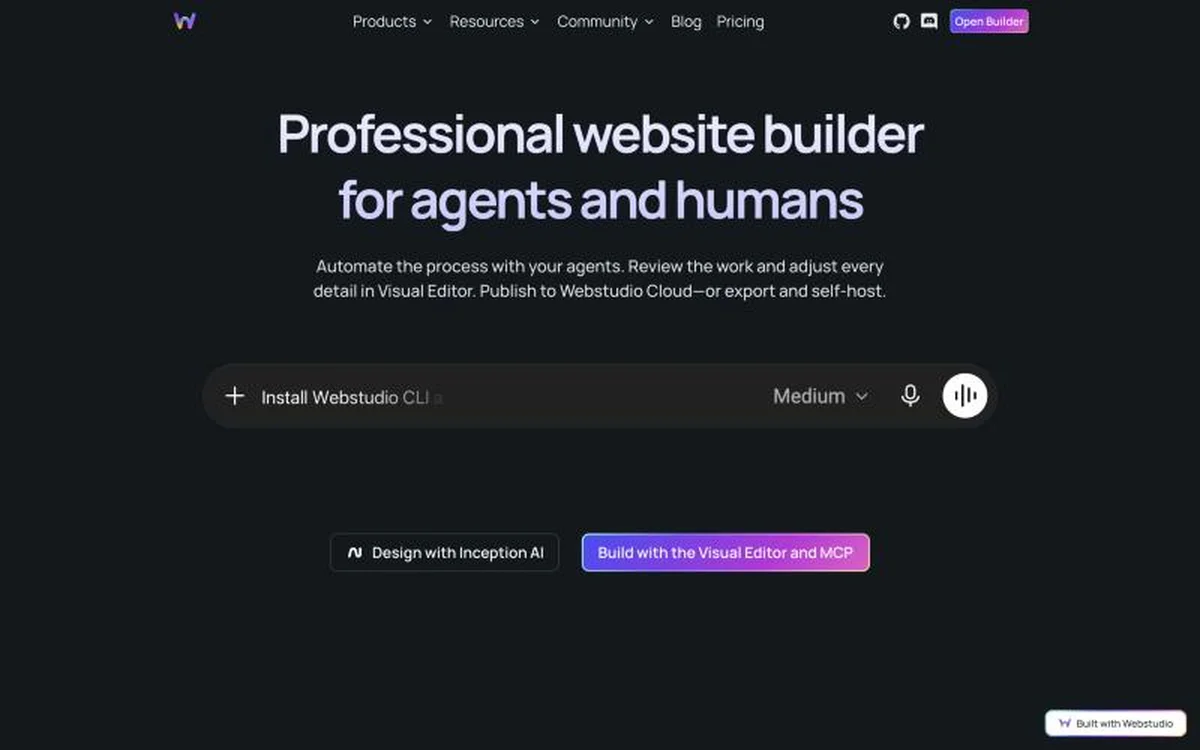
Pricing: the free plan publishes to wstd.io and "is only for testing purposes". Pro is $15/mo billed yearly ($20 monthly) with custom domains, and Team is $35 ($50). Pro includes 100,000 page views, then $20 per 100,000, with no bandwidth charges. "Webstudio is licensed under AGPL-3.0", and export works on every plan, including Free.
- Good: open source, export and self-hosting, and professional CSS controls.
- Watch out: closer to Webflow than Framer in feel, so expect to learn CSS concepts.
Choose it if owning your site's code matters more than Framer's ease.
5. Ycode: Best Free Self-Hosted Option
Ycode is a visual website builder and CMS that went open source under the MIT license. You can use Ycode Cloud, or fork the code and run it on your own accounts: its own instructions say "Fork the repo, deploy it to Vercel, connect Supabase".
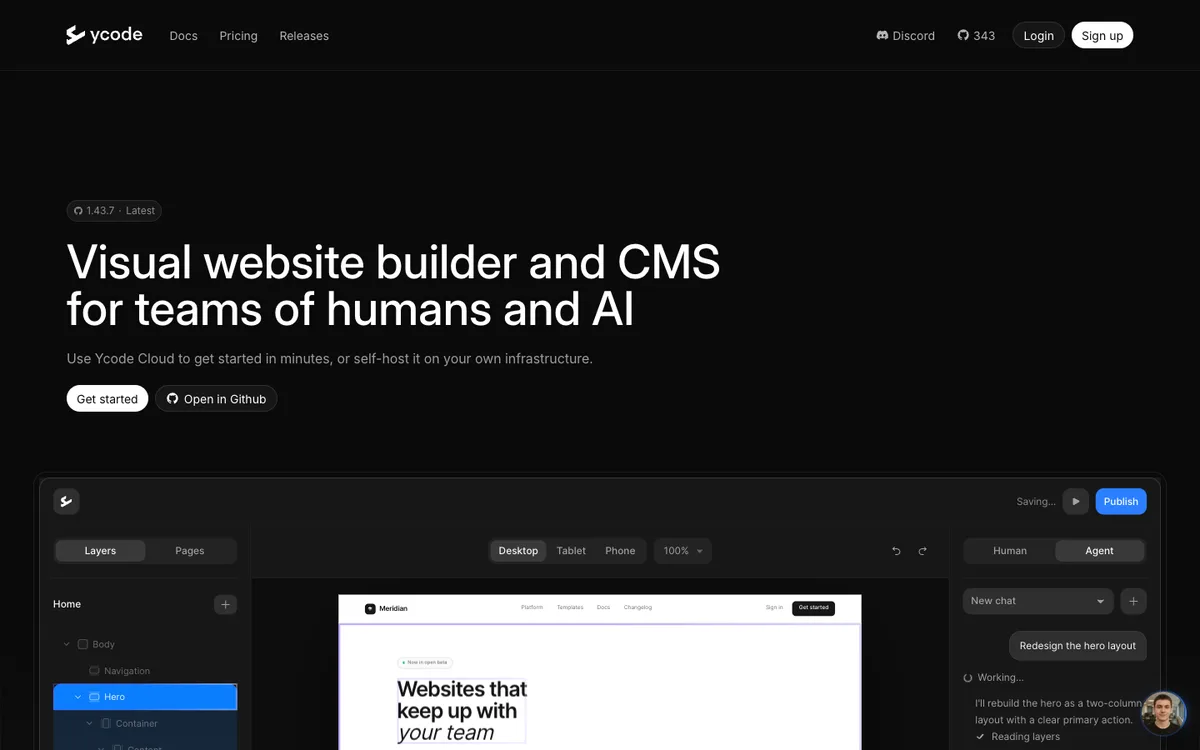
Pricing: Cloud Free has no custom domain and 1 GB of bandwidth, and an inactive project "is deleted after 10 days without activity". Cloud Basic is $10/mo billed yearly ($15 monthly) and Cloud Pro $25 ($30). Self-hosting is free, apart from what your hosting accounts charge.
- Good: MIT-licensed, a CMS included, and Basic costs the same as Framer Basic.
- Watch out: self-hosting means running Vercel and Supabase yourself, and the open-source project is young.
Choose it if you're comfortable with developer tools and want no lock-in at all.
6. Readymag: Best for Editorial and Art-Directed Sites
Readymag is a design tool for sites that look like magazines, portfolios and brand stories: free placement, strong typography and animation.
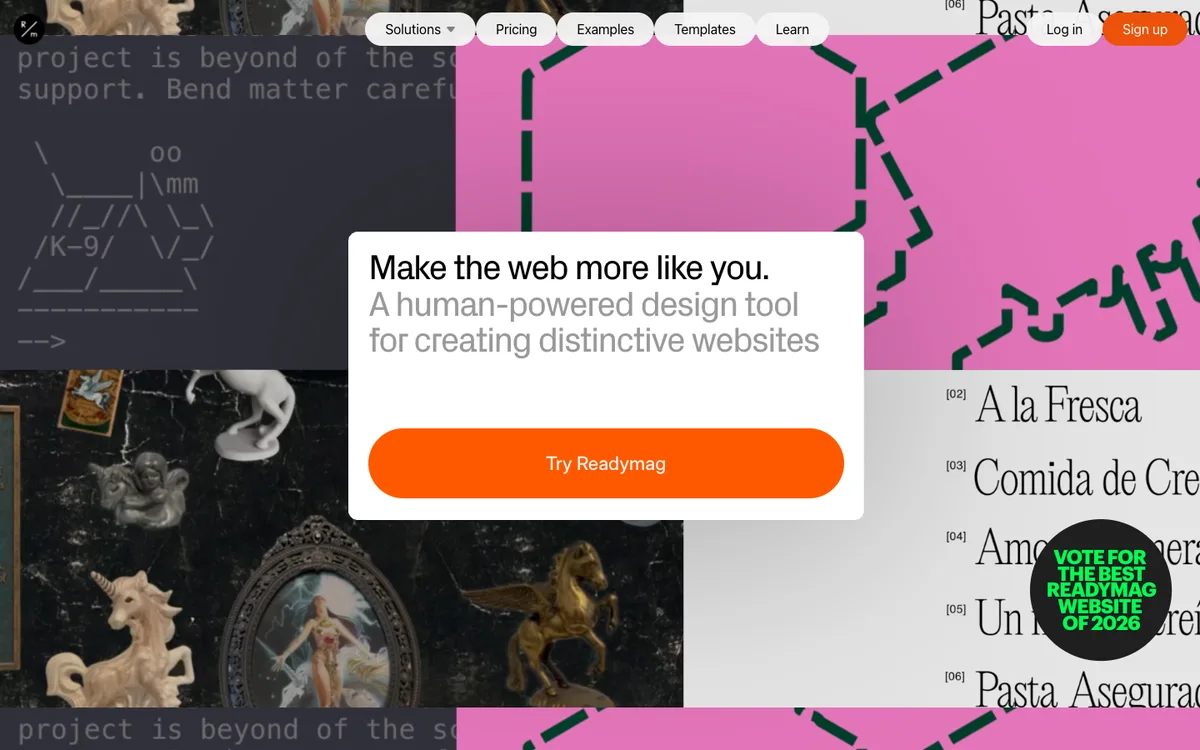
Pricing: the pricing page showed us euros: Personal €13/mo billed yearly (€18 monthly), Freelancer €27 (€36) and Advanced €51 (€57). The free plan allows one site of up to 10 pages on a Readymag address with Readymag branding. Code export comes with Advanced and up.
- Good: outstanding for editorial layouts, and code export on Advanced and up.
- Watch out: pricier than Framer Basic, and the free plan is capped at 10 pages.
Choose it if the site is a piece of design work. Our Readymag alternatives guide covers its own limits.
7. Siter.io: Best for a Designed Site for Less
Siter.io also works on a free-form canvas, and Siter AI can lay out a first draft of a page for you to edit. It's cheaper than Framer and includes forms with no monthly submission cap and a blog on every plan.
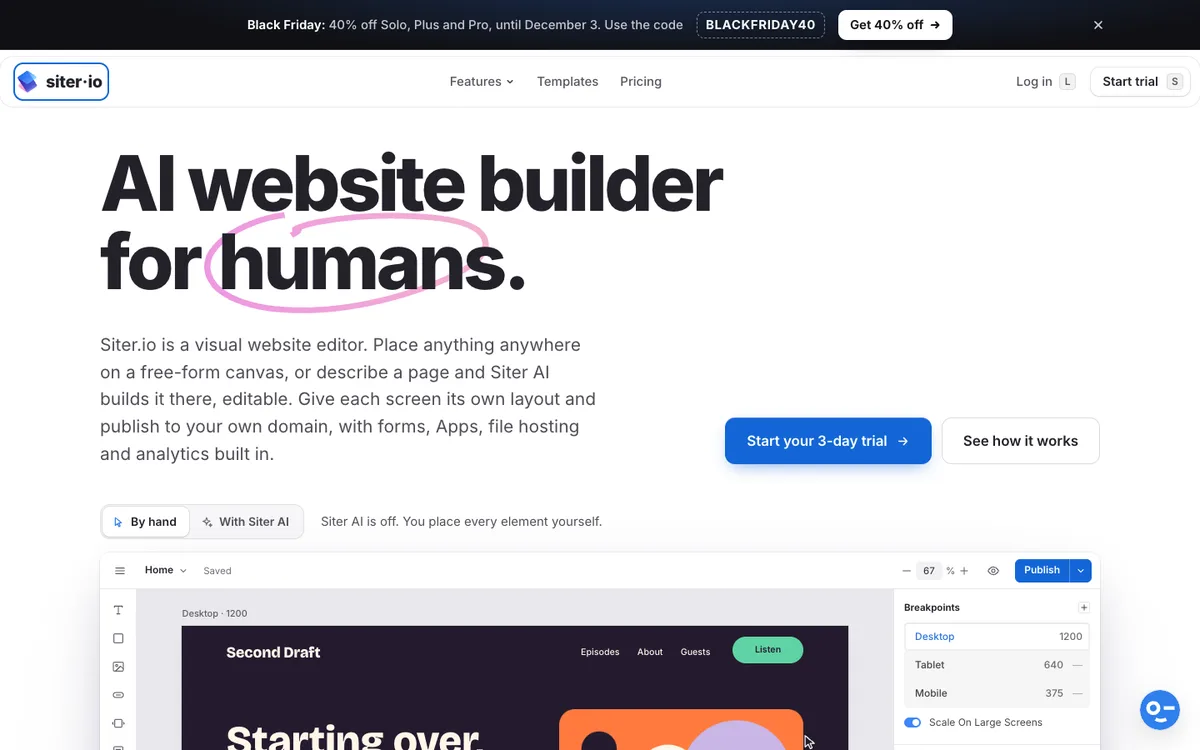
Pricing: Solo is $7/mo billed yearly ($8 monthly) for one site with 3 forms. Plus is $12 ($14) for 3 sites, and Pro is $24 ($28) for 5 sites with unlimited forms. A custom domain, blog and CMS come with every plan. There's no free plan: each plan starts with a 3-day trial, and you add a card.
- Good: cheaper than Framer Basic, with forms, blog and CMS included and CSV export for form and CMS data.
- Watch out: no free plan, and Solo covers a single site.
Choose it if you want a portfolio or small business site that looks designed, for less.
8. Squarespace: Best if You'd Rather Not Design
Some people pick Framer for good looks and then find they don't want to design every section. Squarespace's templates look polished out of the box, and it adds a blog and store.
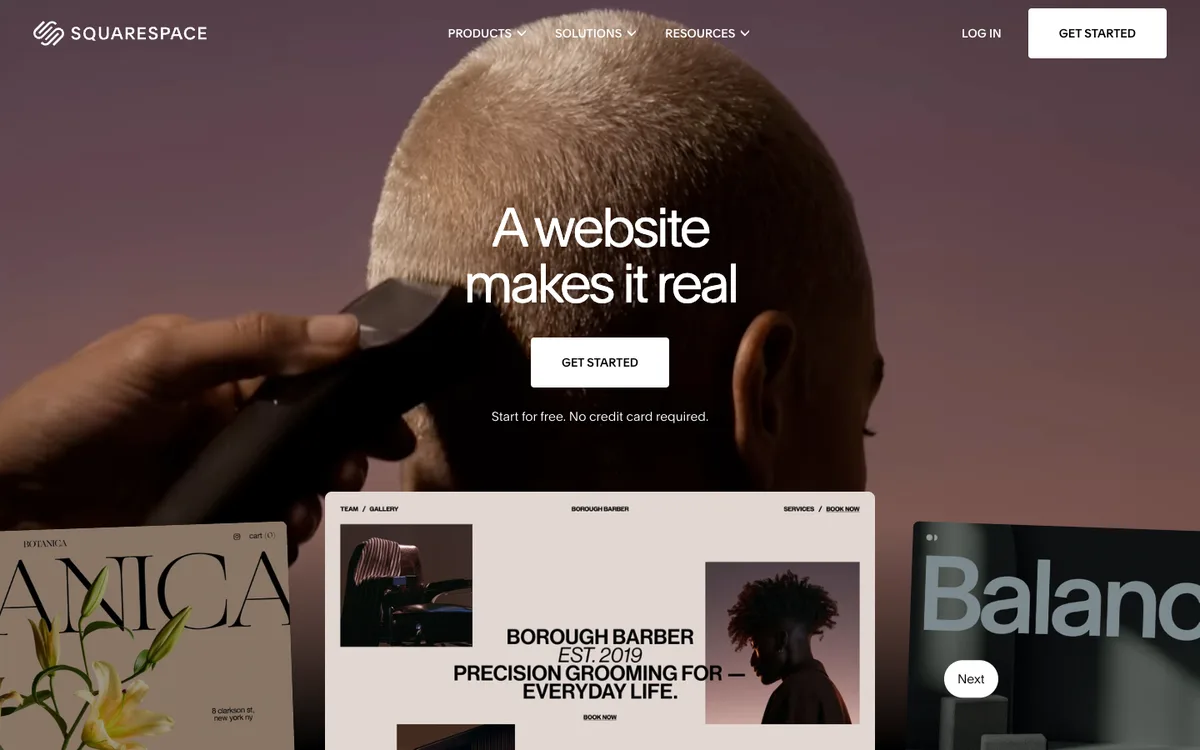
Pricing: with the page set to US dollars, Basic was $14/mo billed yearly or $20 monthly. There's a 14-day free trial and no free plan.
- Good: great templates with almost no design work, plus a store.
- Watch out: far less layout freedom than Framer, and you can't switch templates on a current site.
Choose it if you want a good-looking site with the least effort. Our Squarespace alternatives guide covers its downsides.
9. Carrd: Best for a Single Landing Page
Plenty of Framer sites are one landing page for a product or waitlist. Carrd does one-page sites for a fraction of the price, with forms and payment widgets on paid plans.
Pricing: Pro Standard is $19 a year for up to 10 sites with a custom domain and forms. Pro Plus, at $49 a year, adds password protection and an HTML download of your sites.
- Good: the cheapest way to put a landing page on your own domain.
- Watch out: one page per site and far simpler design tools. Our Carrd alternatives guide covers what to use when one page isn't enough.
Choose it if you only need one page and Framer feels like too much.
How to Move Off Framer
- Export your CMS content. Framer has no HTML export, but plugins can export CMS collections to CSV or JSON. Download your images and other assets too.
- Write down every URL and any redirects you set up in Framer.
- Rebuild and test on the new platform's own address while the Framer site stays live.
- Set up redirects from any changed URLs to their new pages.
- Move the domain by pointing its DNS records at the new host, then cancel your Framer plan and remove any editor seats.
How We Chose
We grouped alternatives by the reason people give for leaving Framer: price, CMS limits, team costs, code ownership and design style. On November 25, 2026 we read each one's pricing page, its help docs on export and domains, and Framer's own pricing page, help center and its October 2025 and June 2026 pricing announcements. Framer, Wix Studio and Readymag showed us euros for some or all prices; we print those as shown. For Framer's yearly prices we used the dollar figures in the page's code, and for Squarespace we switched the page to US dollars.
FAQ
Is there anything better than Framer?
For some jobs, yes. Webflow is better for large CMS sites and gives you code export. Webstudio and Ycode are better if you want open source and self-hosting. Framer is still a strong choice for design-led, animated marketing sites.
Is Framer free?
There's a free plan with a Framer subdomain, a "Made in Framer" banner and 5 GB of bandwidth. Framer calls it ideal for non-commercial use. A custom domain needs Basic at $10/mo billed yearly.
Is Framer or Figma better?
Figma is the better design tool, and Figma Sites can now publish from it, but it's still in beta and needs a paid Full seat. Framer is the more mature website builder, with a CMS, staging, analytics and localization.
Is Wix better than Framer?
Wix, and Wix Studio for agencies, is better if the site needs business features like a store or bookings. Framer is better for design-led marketing sites and animation.
Is Framer or Squarespace better?
Framer gives you far more design freedom. Squarespace is better if you want a polished template, a store and as little design work as possible.
Can I export my Framer site?
Not with Framer's own tools. Its help center says it "does not offer HTML export for self-hosting." You can export CMS content with plugins, and some third-party plugins offer code export, but plan on rebuilding the site elsewhere.